
MS Windows Server 2022
Managing user accounts and implementing group policies

Course Overview
Master Microsoft Windows Server 2022 training in the Philippines! Gain expertise in Active Directory administration, covering tasks from user management to implementing group policies.
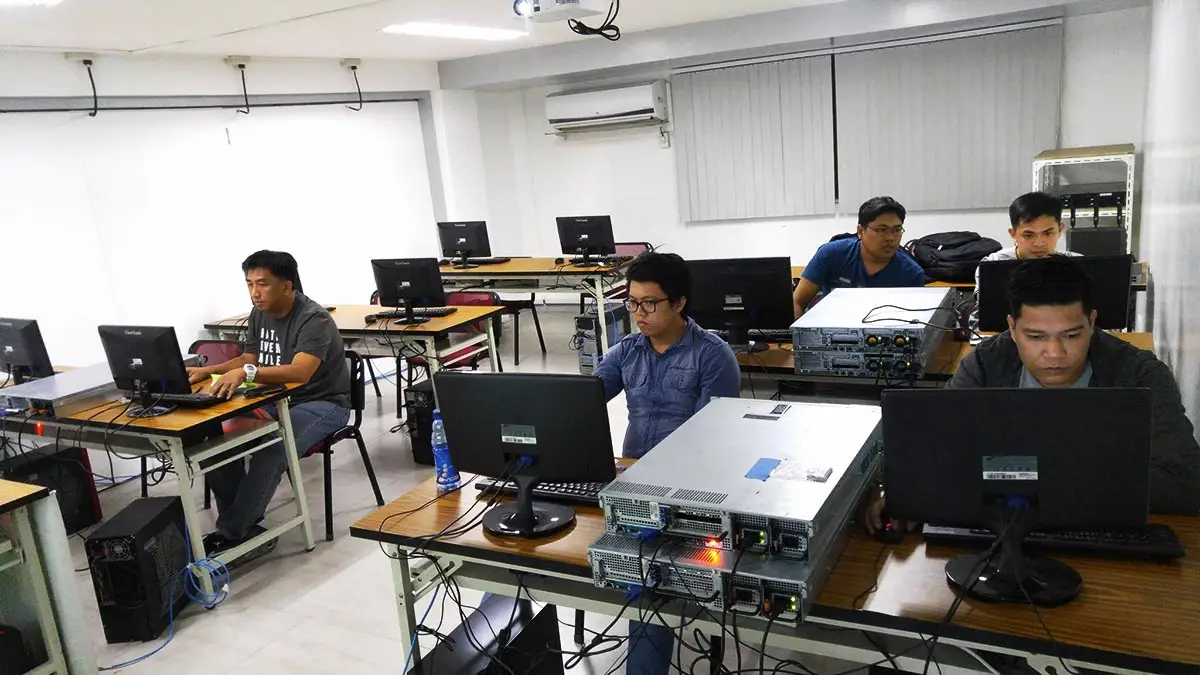
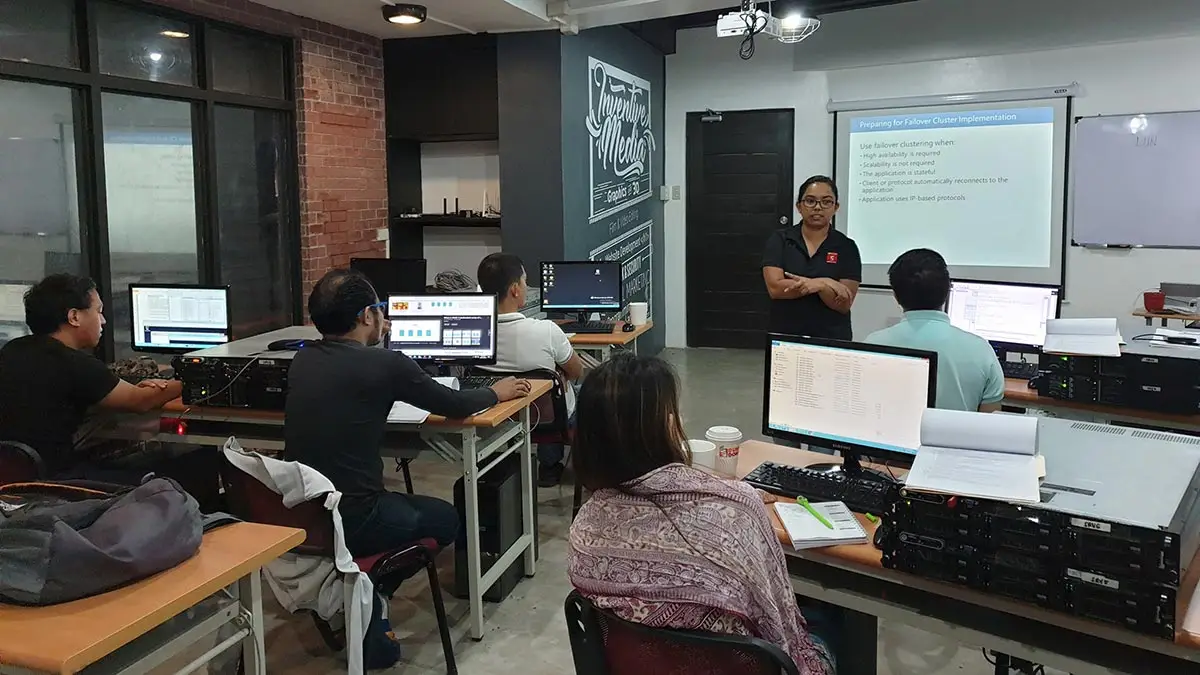

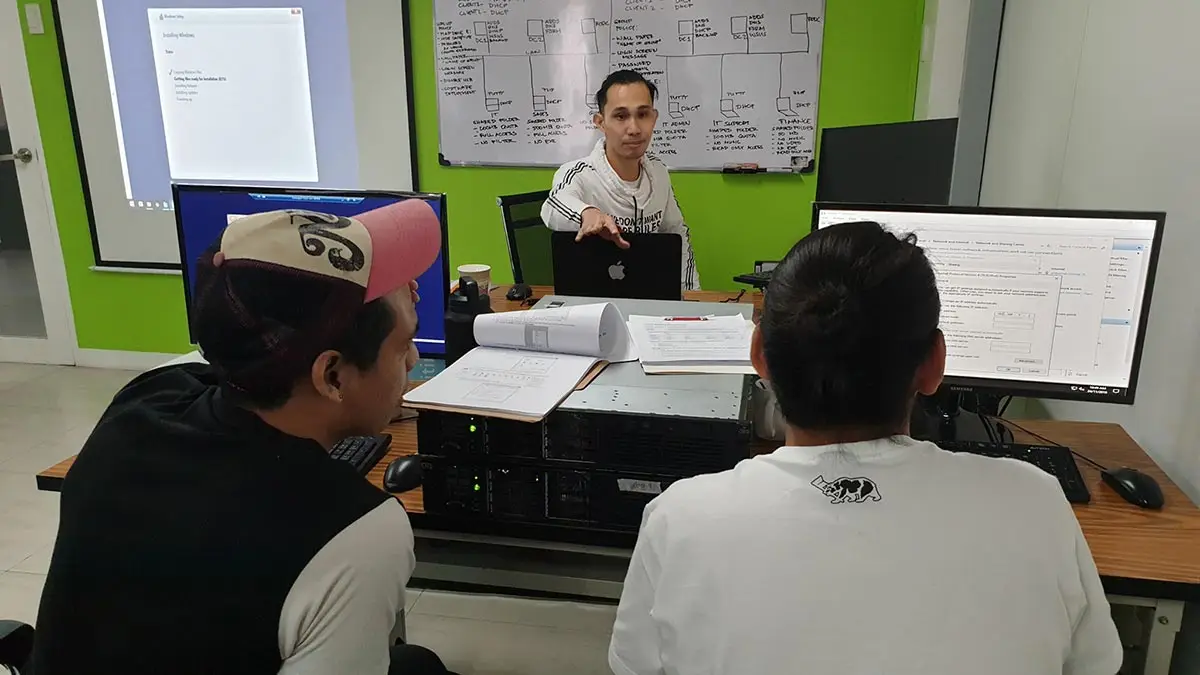
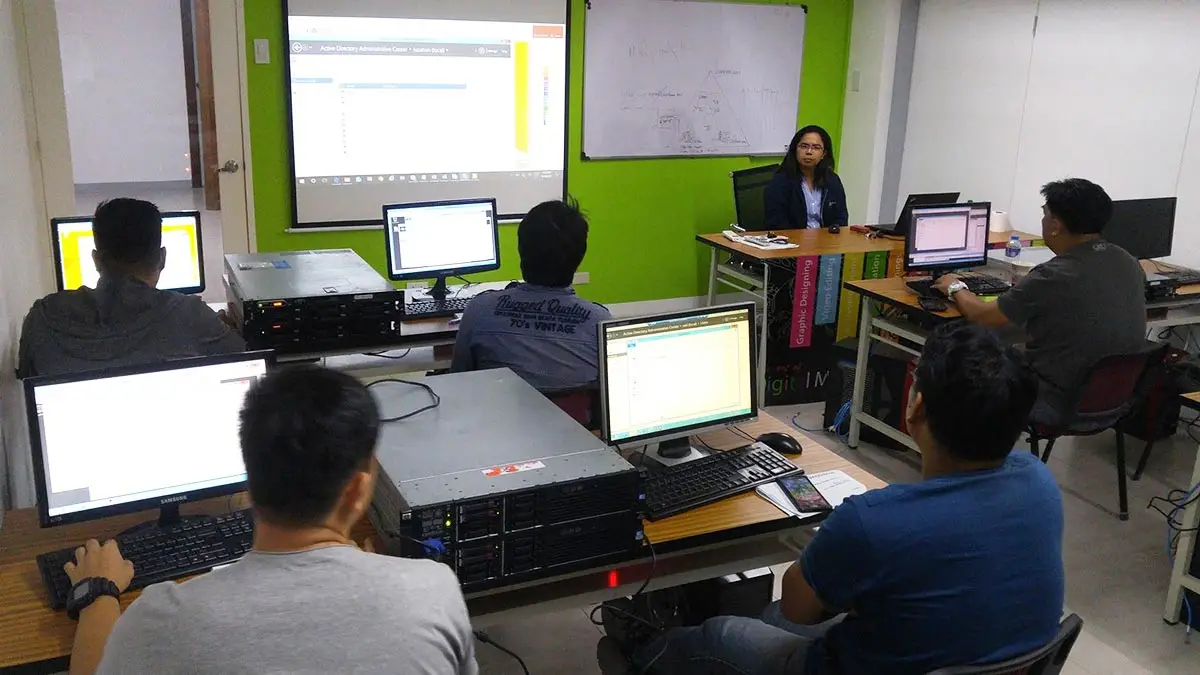
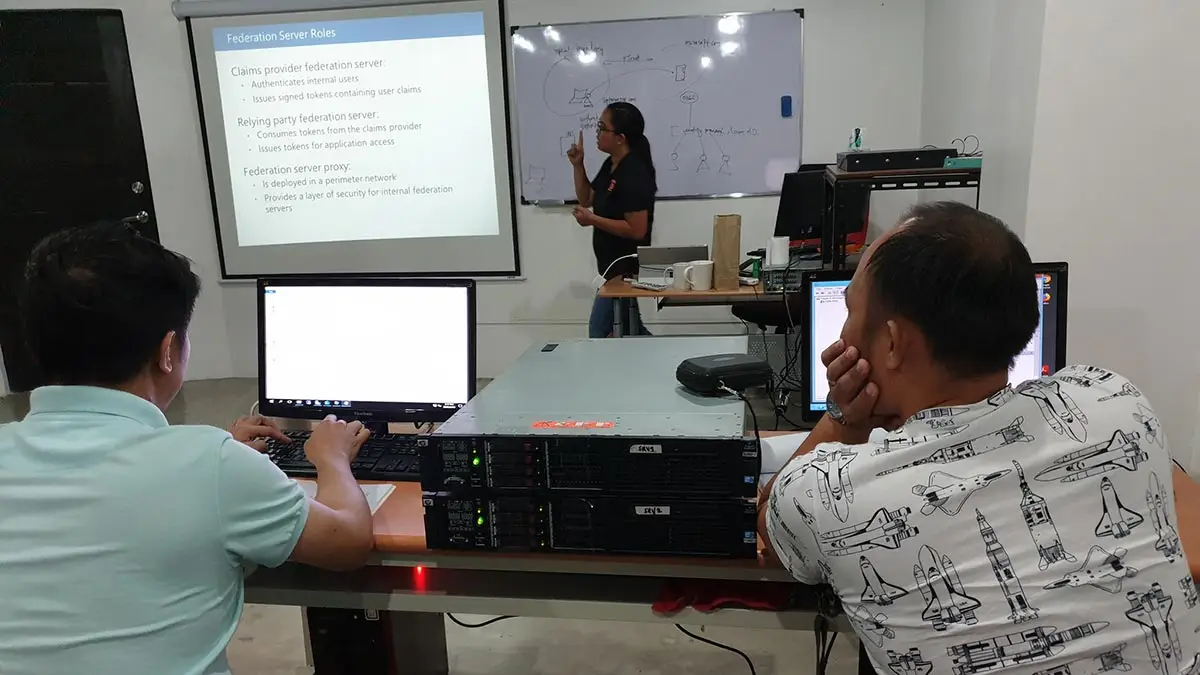
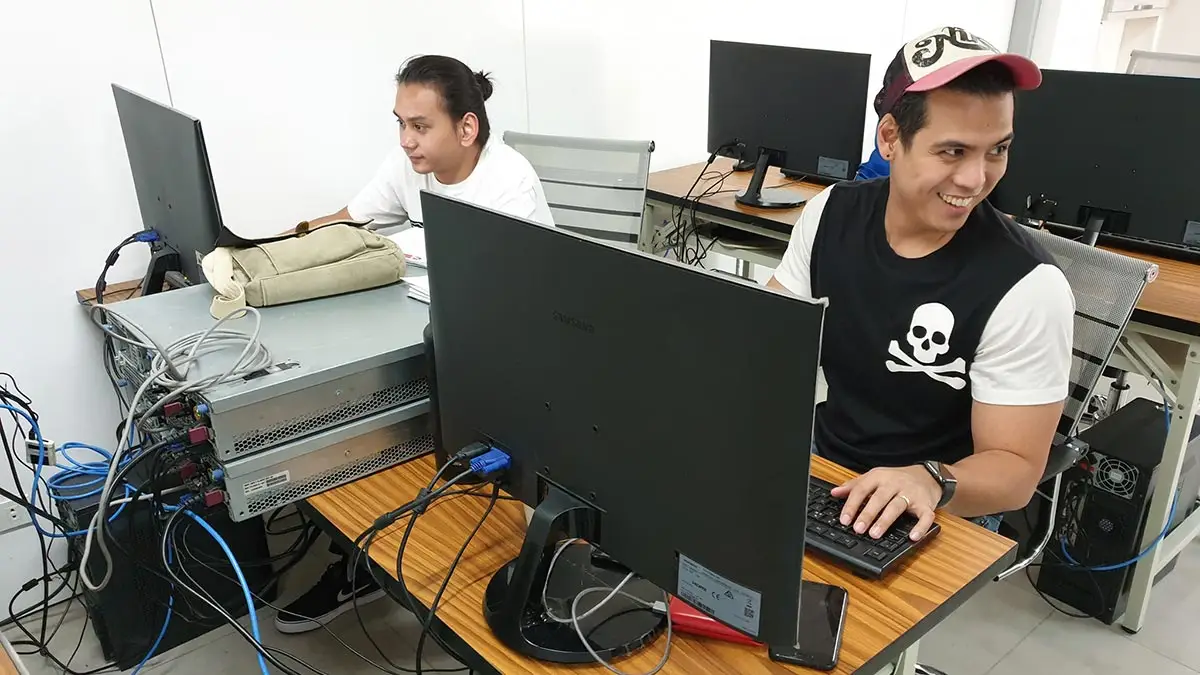
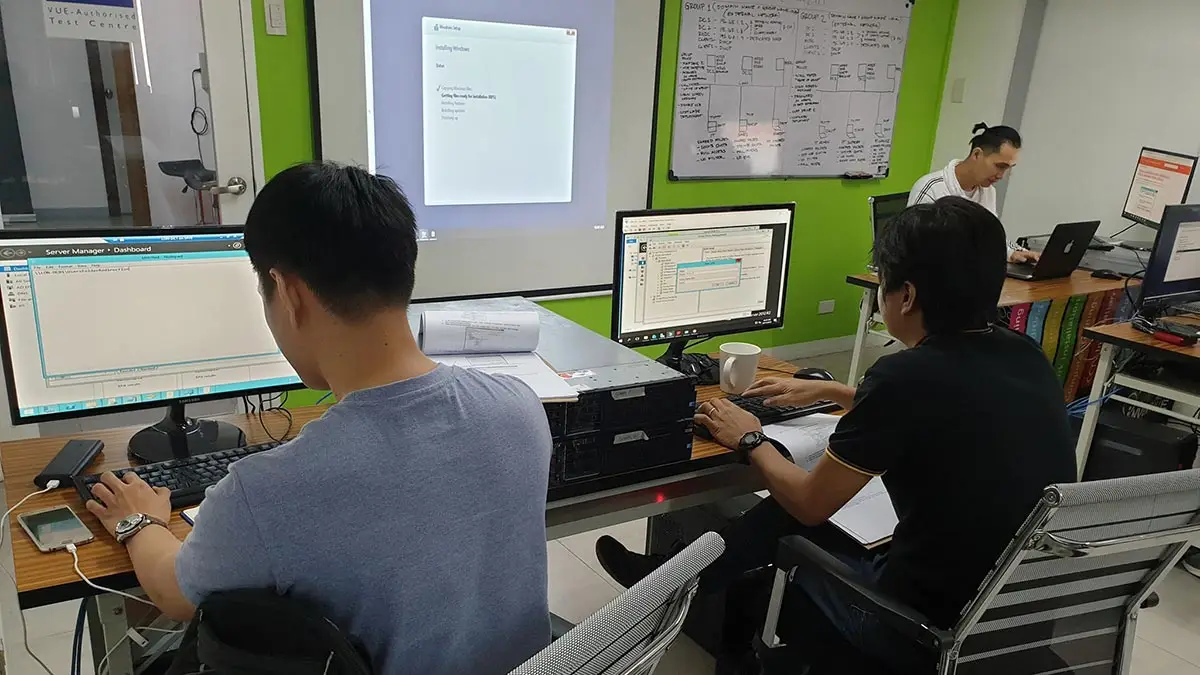
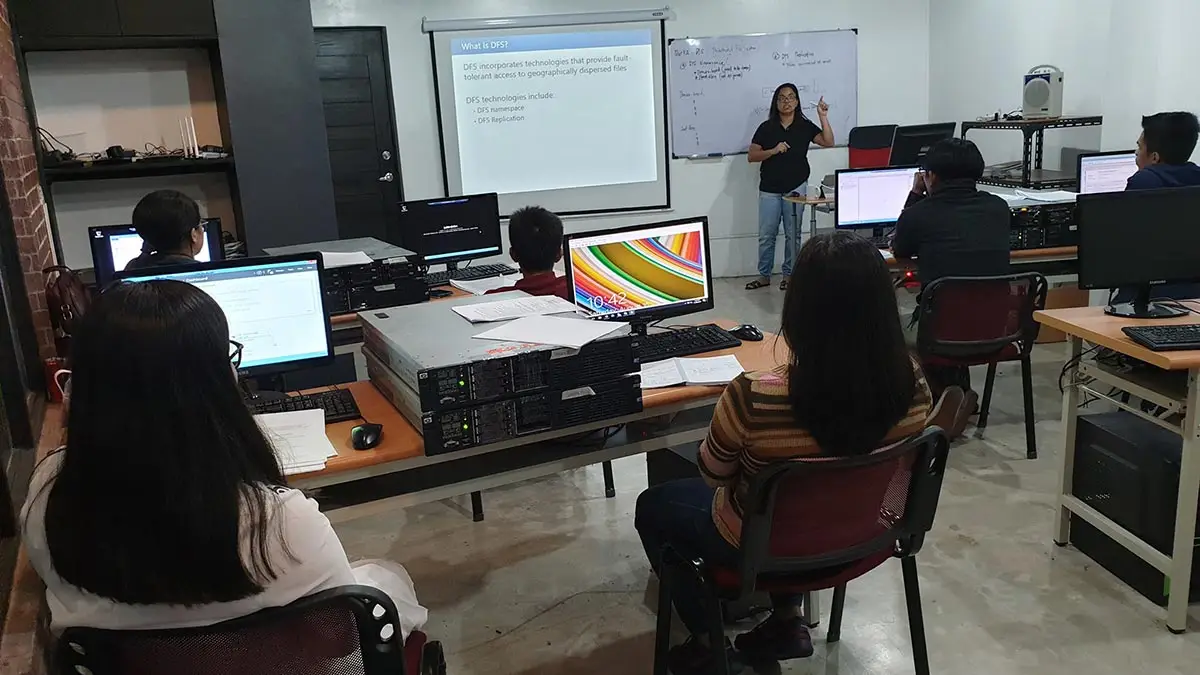
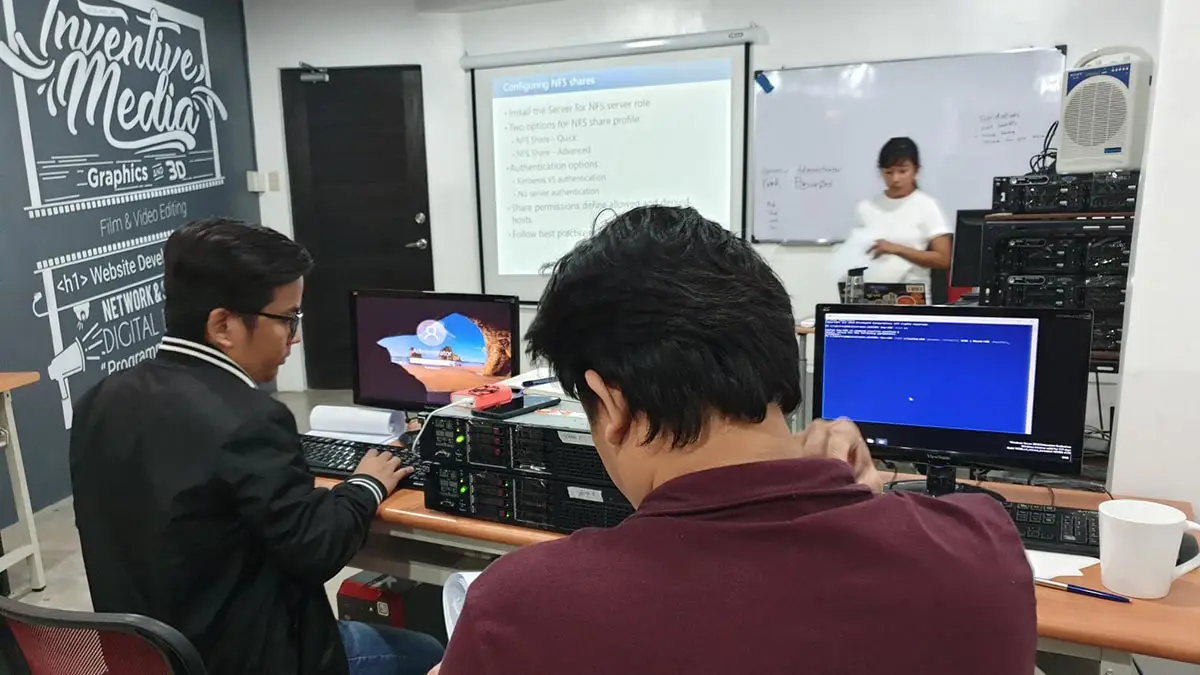

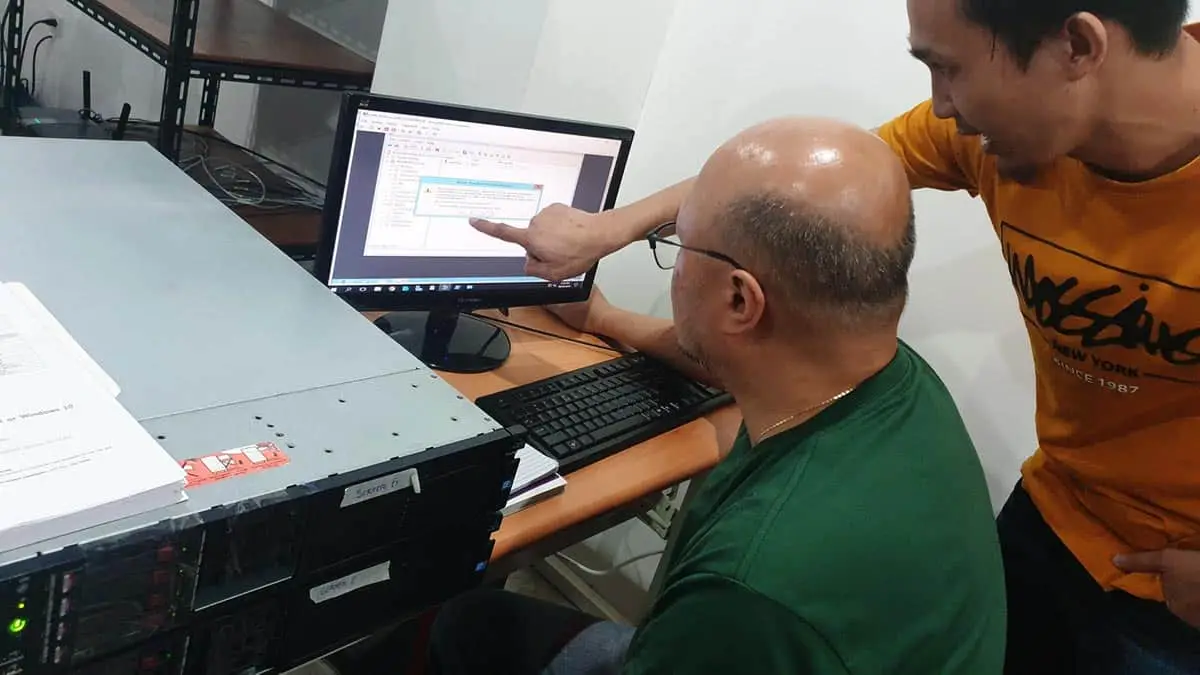
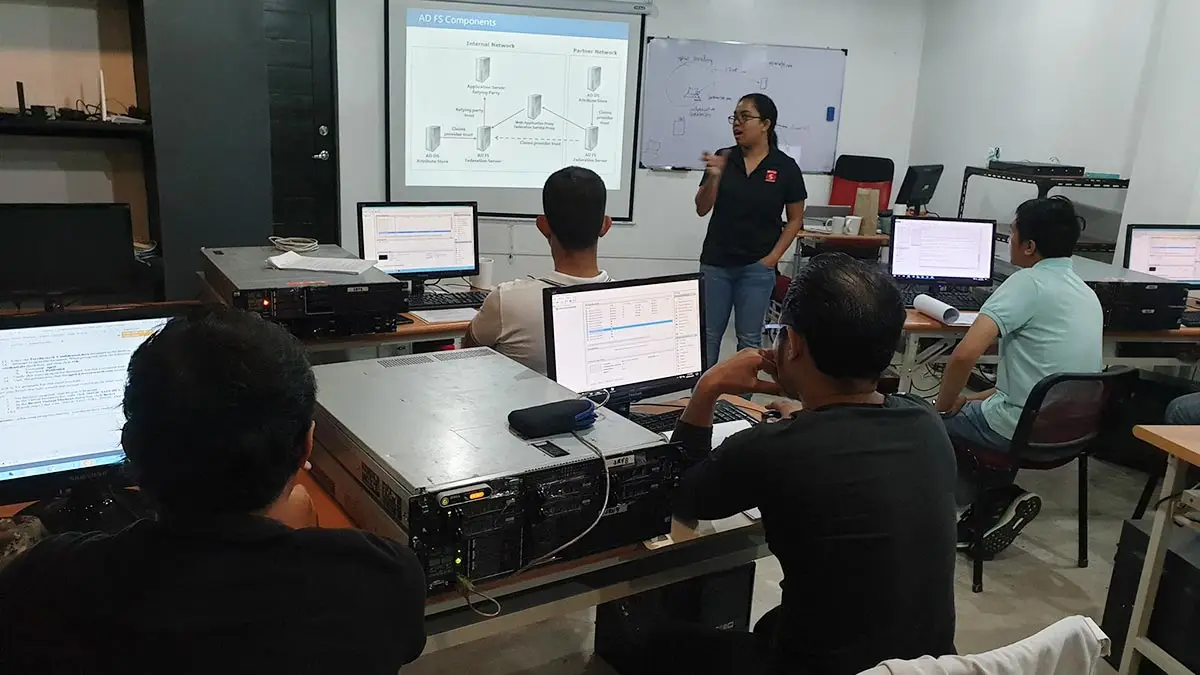
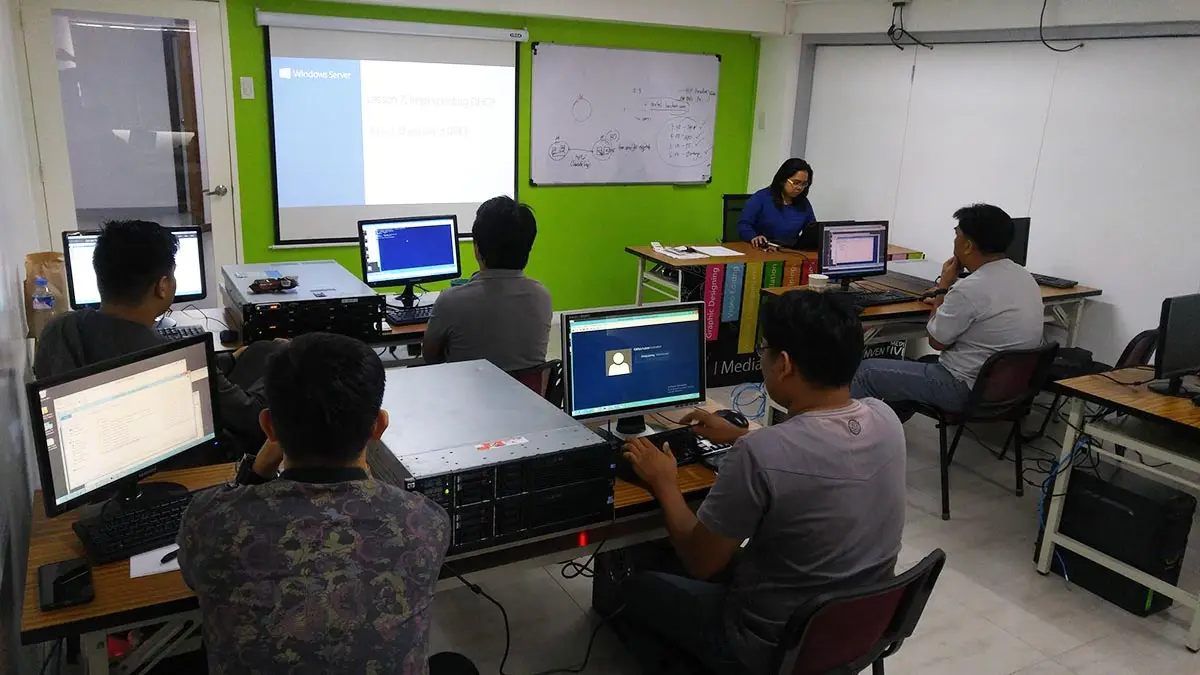
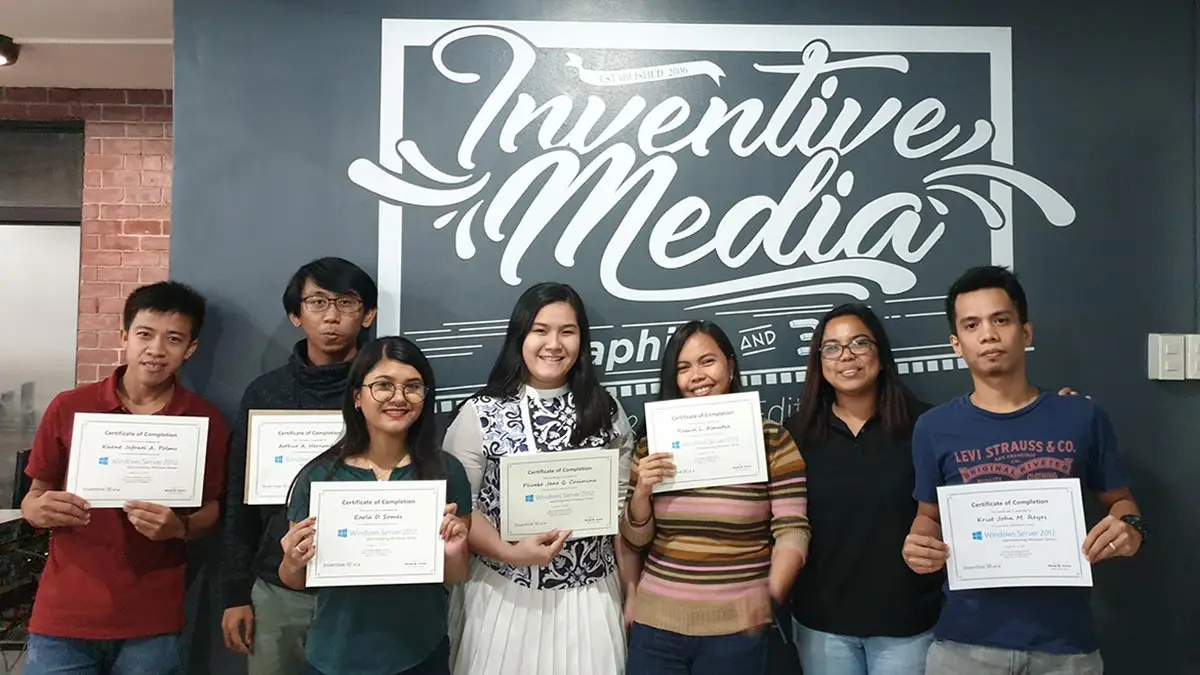
Only Center using Actual Rack Mount Server per student
- The only school offering each student a personal rack-mount server for a true hands-on experience.
- The only school with International-Grade CCTV, Server, and FDAS facilities.
- The first school to offer CCTV Courses in the Philippines since 2006
- The Largest FDAS Training Center in the Philippines
- Globally Recognized Course Certificate for Local and Overseas Employment
- The trusted choice for government agencies, LGUs, NGOs, multinational corporations, and IT professionals.
Course Outline
Introduction to Active Directory
- Understanding Active Directory concepts
- Evolution of Active Directory: From previous versions to Windows Server 2022
- Benefits and features of Active Directory in Windows Server 2022
Installation and Configuration
- Planning and preparing for Active Directory installation
- Installing Active Directory Domain Services (AD DS)
- Configuring domain controllers
- Upgrading from older versions of Windows Server
Managing Active Directory Objects
- User and group management
- Organizational Unit (OU) structure and management
- Computer and device management
- Group Policy Objects (GPOs) and their application
Group Policy Management
- Understanding Group Policy fundamentals
- Creating and managing Group Policy Objects (GPOs)
- Implementing Group Policy settings for security and configuration management
- Troubleshooting Group Policy issues
Active Directory Security
- Understanding Active Directory security principles
- Implementing security policies and permissions
- Securing domain controllers and sensitive data
- Monitoring and auditing Active Directory security
Active Directory Integration
- Integrating Active Directory with other Windows Server services (DNS, DHCP, etc.)
- Implementing Active Directory trusts and authentication mechanisms
- Federated Services and Single Sign-On (SSO) integration
- Implementing Active Directory Lightweight Directory Services (AD LDS)
High Availability and Disaster Recovery
- Designing and implementing Active Directory for high availability
- Active Directory backup and restore strategies
- Implementing Active Directory replication and site topology
- Disaster recovery planning and execution for Active Directory
Advanced Active Directory Services
- Active Directory Federation Services (AD FS) for identity federation
- Active Directory Certificate Services (AD CS) for PKI implementation
- Active Directory Rights Management Services (AD RMS) for data protection
- Active Directory Domain Services (AD DS) in hybrid and cloud environments
Troubleshooting and Maintenance
- Identifying and resolving common Active Directory issues
- Monitoring Active Directory health and performance
- Active Directory database maintenance and optimization
- Best practices for ongoing Active Directory management and maintenance
Case Studies and Real-world Scenarios
- Practical application of Active Directory concepts in real-world scenarios
- Case studies illustrating Active Directory implementation and management
- Hands-on labs and exercises for reinforcing course concepts
- Q&A and discussion sessions for addressing participant queries and challenges
Frequently Asked Questions
What are the prerequisites for this course?
- Basic Computer knowledge and Skills in PC or Mac.
- Basic knowledge in computer hardware and software
- Should be proficient in Networking Essentials both Wired and Wireless
- Must have completed the Microsoft Windows Server Administration course
What's included after completing the training?
- Certificate of course completion
- Training references (PDF)
- Exercise materials
- Some add-ons
- Free trainer consultation
- Unlimited Free Retakes
How to avail the Unlimited Free Retakes?
Unlimited Retakes = Unlimited Hours of Learning!
We understand that individuals have different learning styles and paces, that’s why we offer the opportunity to learn at your own speed. If you need more time to grasp a concept, you are welcome to come back and retake the class at no additional cost. We believe in providing students with the support they need to succeed.
To Avail: Finish the course to qualify for the unlimited refresher classes
Validity: 1 Year
What is the difference between Windows Server Administration and Active Directory classes?
The choice depends on whether you are managing the server infrastructure or the user identities:
- Windows Server 2022 Administration: Focuses on the Infrastructure Layer. Key topics include physical server setup, Hyper-V Virtualization, DHCP/DNS services, WSUS patching, and Disaster Recovery.
- Windows Server 2022 Active Directory: Focuses on the Identity Layer. Key topics include Domain Controller management, Group Policy (GPO) implementation, User/Group security, and advanced network permissions.
Note: For a complete enterprise skillset, we recommend taking the Administration course first to build the server environment, followed by the Active Directory course to manage the users within it.
Who should enroll in this Windows Server Active Directory training?
- Systems Administrators: Master domain controller configuration, OU management, and Group Policy (GPO).
- IT Security Leads: Implement advanced security auditing, permissions, and Certificate Services (AD CS).
- Infrastructure Engineers: Design for High Availability, replication topology, and backup/restore strategies.
- IAM Specialists: Manage Single Sign-On (SSO) and Federated Services (AD FS) for secure enterprise access.
- Hybrid Cloud Admins: Integrate on-premise Active Directory with Cloud and Hybrid environments.
- Consultants: Execute complex Active Directory Upgrades and migrations to Windows Server 2022.
What career paths are available after this training?
- Active Directory Administrator: Managing global Group Policy (GPOs) and Domain Controllers.
- IAM Engineer: Implementing Single Sign-On (SSO) and Federated Services (AD FS).
- Enterprise Security Lead: Hardening identity through Certificate Services (AD CS).
- Systems Architect: Designing high-availability Replication and Site Topologies.
- Hybrid Identity Specialist: Syncing on-premise AD with Microsoft Azure / Entra ID.
- IT Compliance Auditor: Managing Security Auditing and access control reports.
Only school in the Philippines using REAL Rack Mount Server per student
Enroll 4 & get extra ₱500/pax off
Retake the course at no extra cost
- Basic to Advanced Coverage
- Rack Mount Server per Student
- Certificate of Completion
- Training Materials and References
- Free Wifi Access
- Free Unlimited Coffee
- Free Trainer Consultation
- Free Unlimited Class Retakes
OCTOBER 2026
NOVEMBER 2026
About the Registration
Feel free to register! Registering does not commit you to paying for the course immediately. Registration helps us track attendee numbers and enables us to stay in touch. Payment will only be requested once the course is confirmed to proceed.
Note: When choosing a schedule, you are limited to the available training dates posted on our website.