
Adobe InDesign
Bridging the Gap Between Digital and Print, Crafting Stories that Flourish in Any Medium
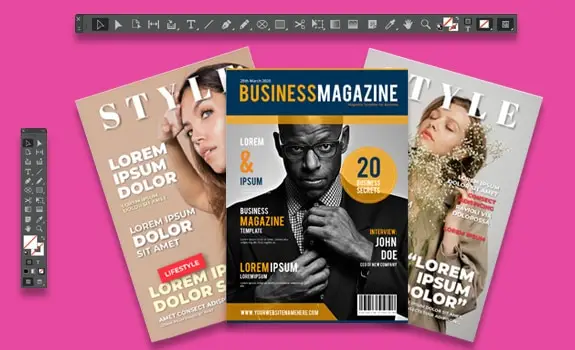
Course Overview
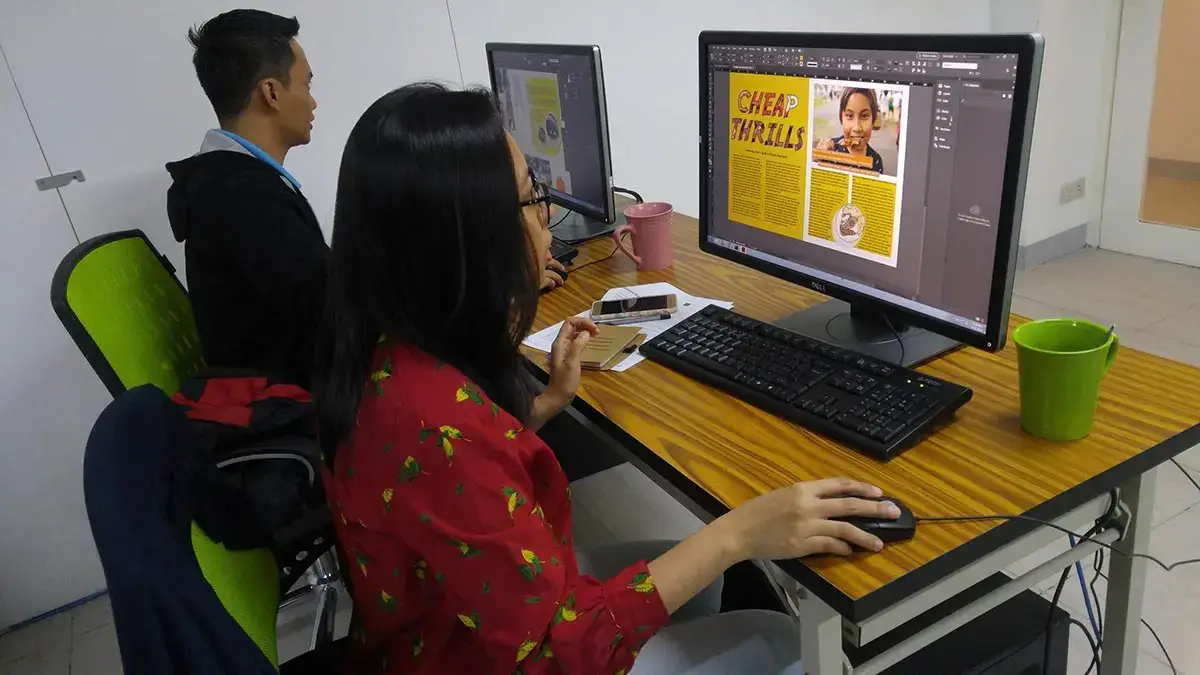
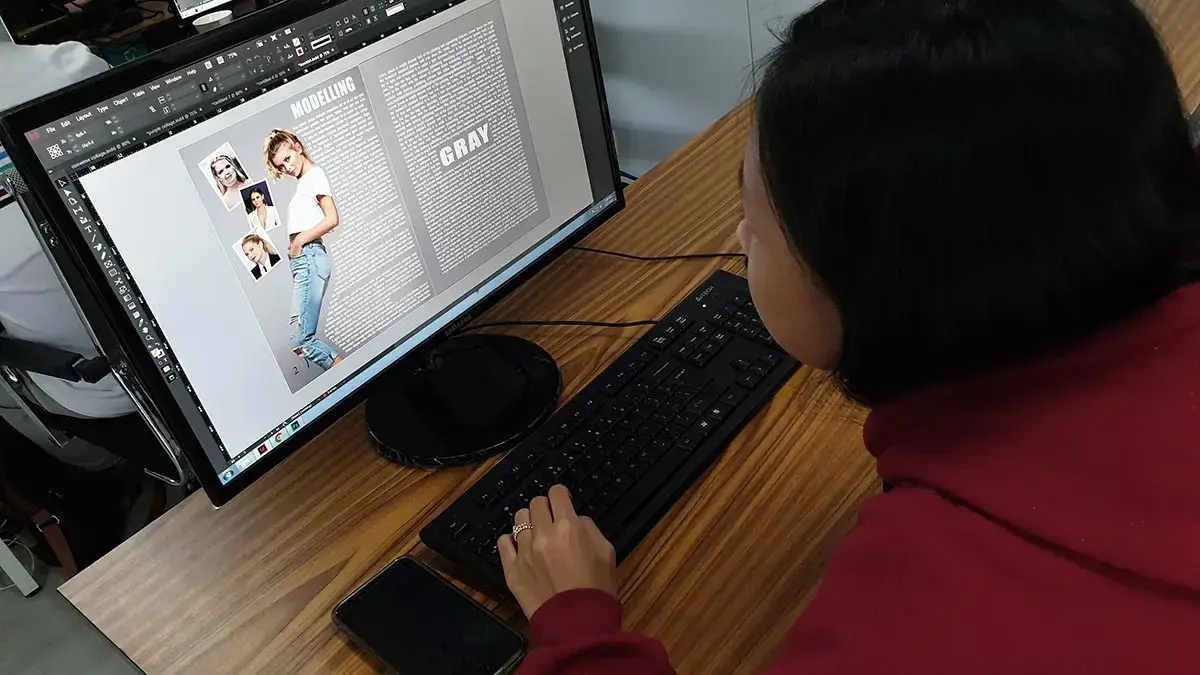
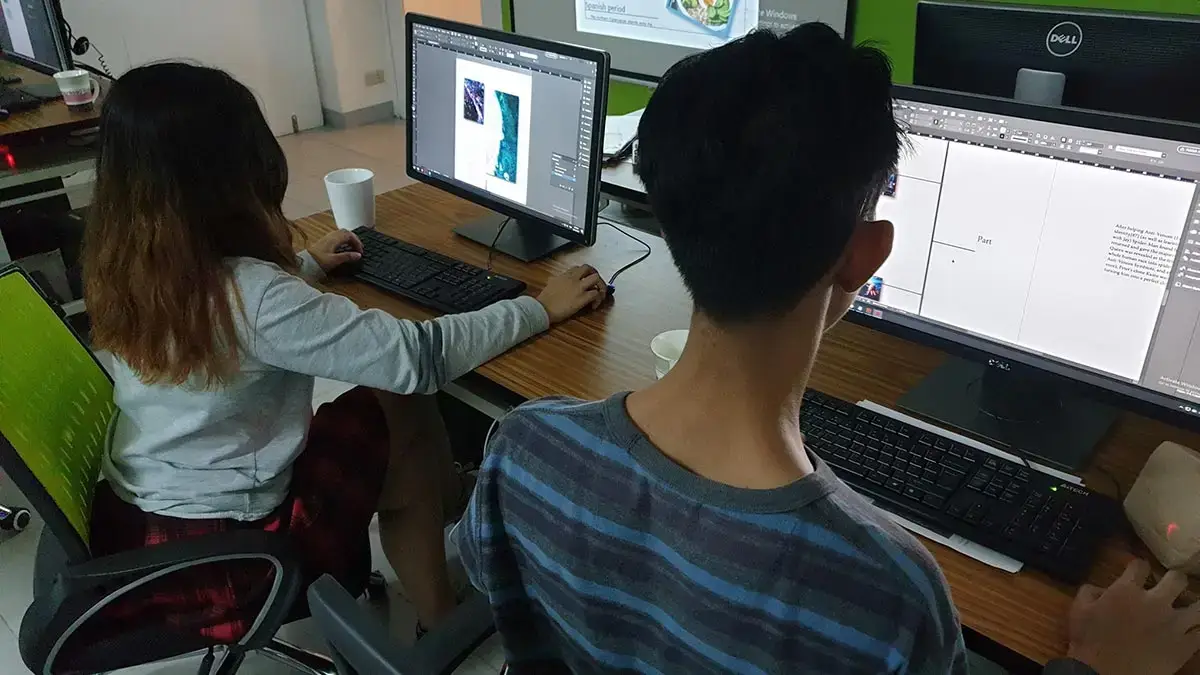
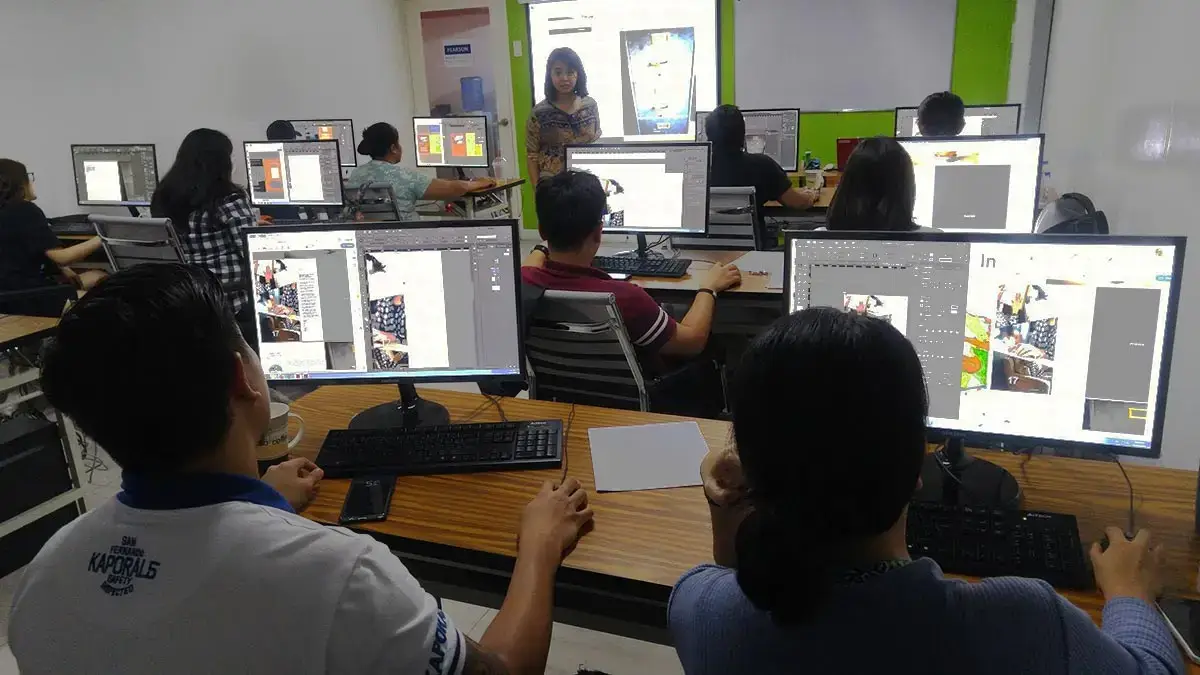
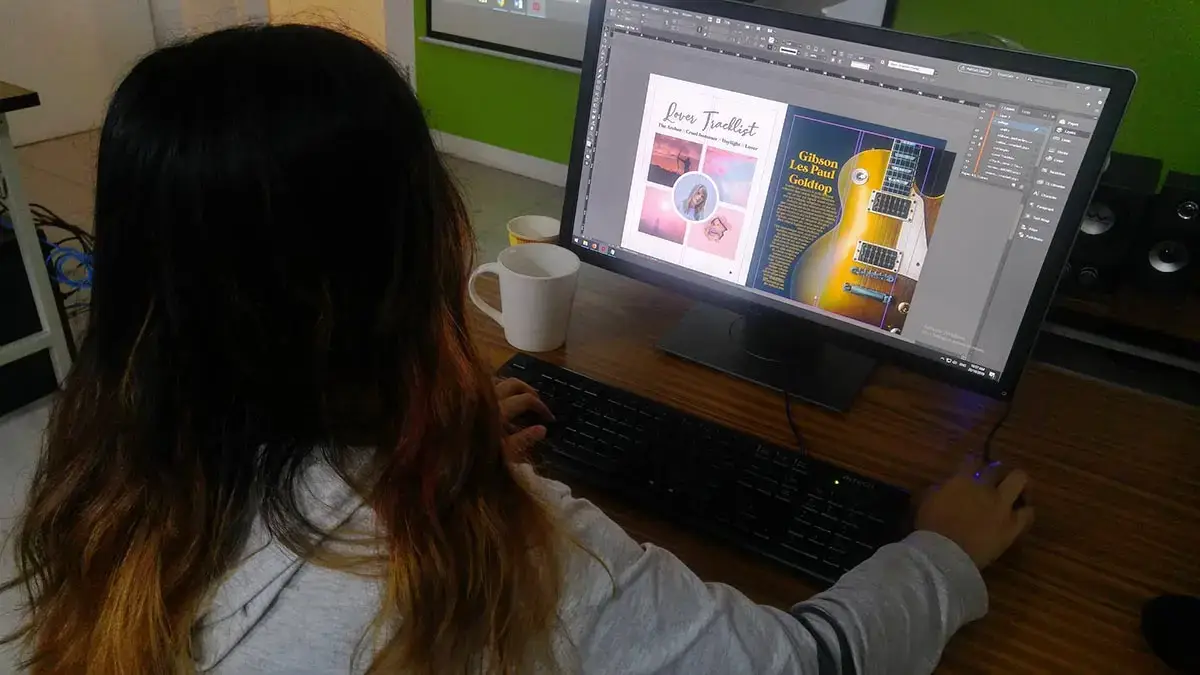
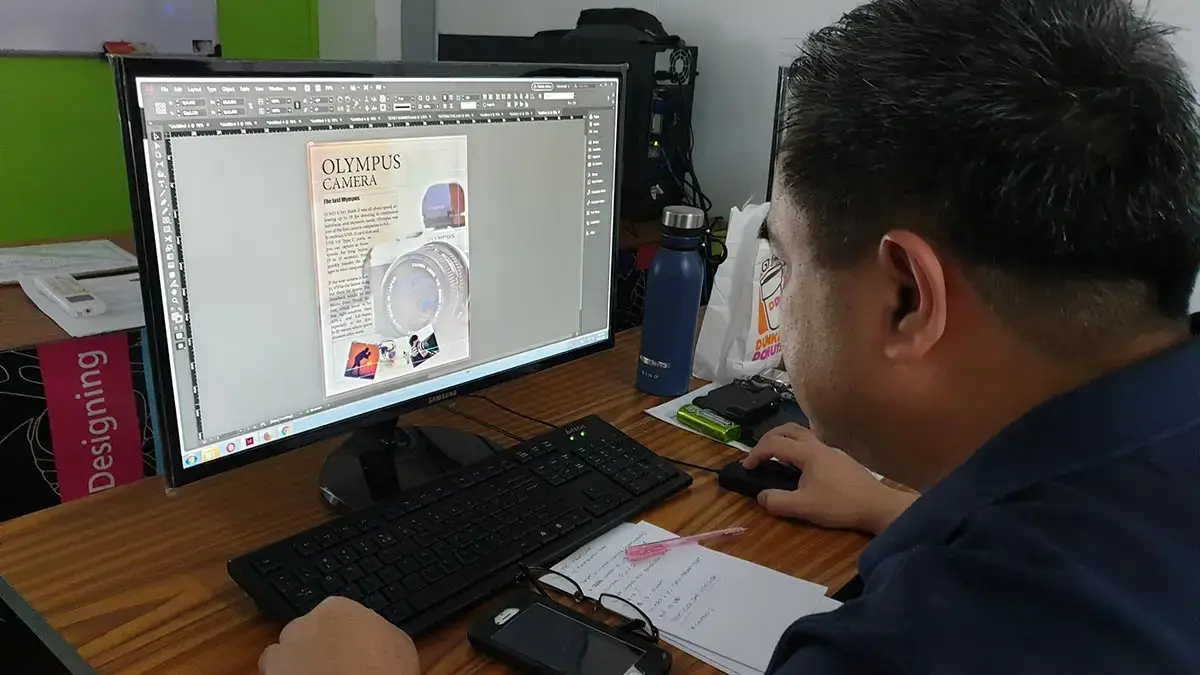
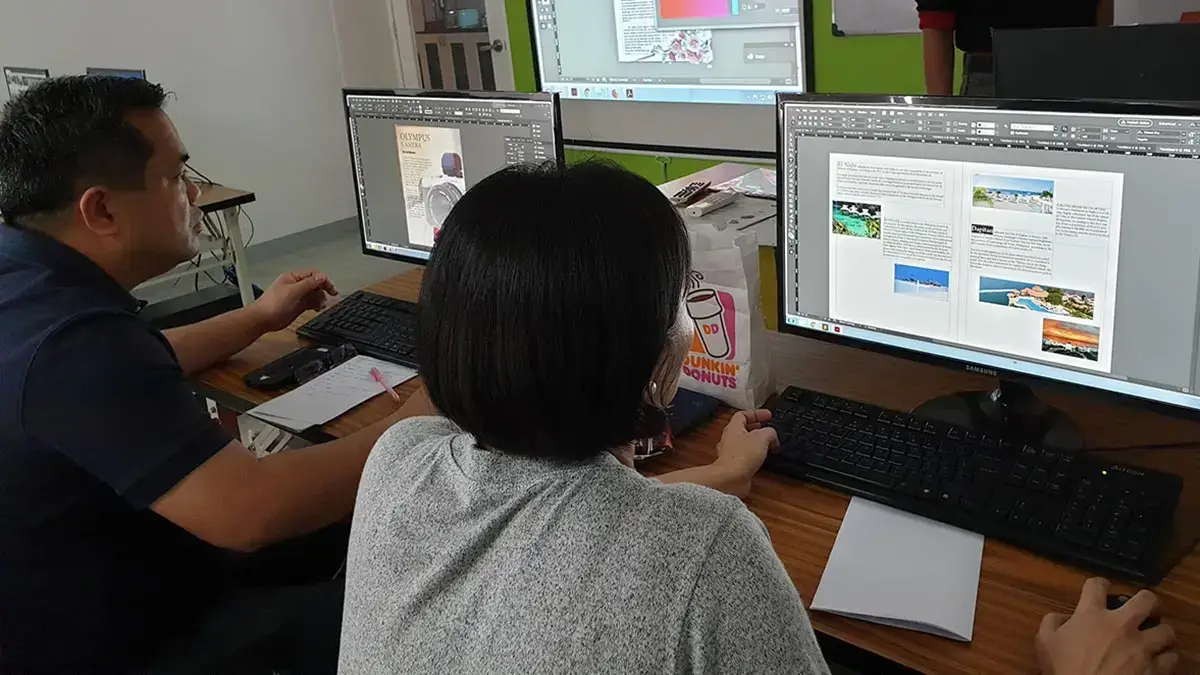
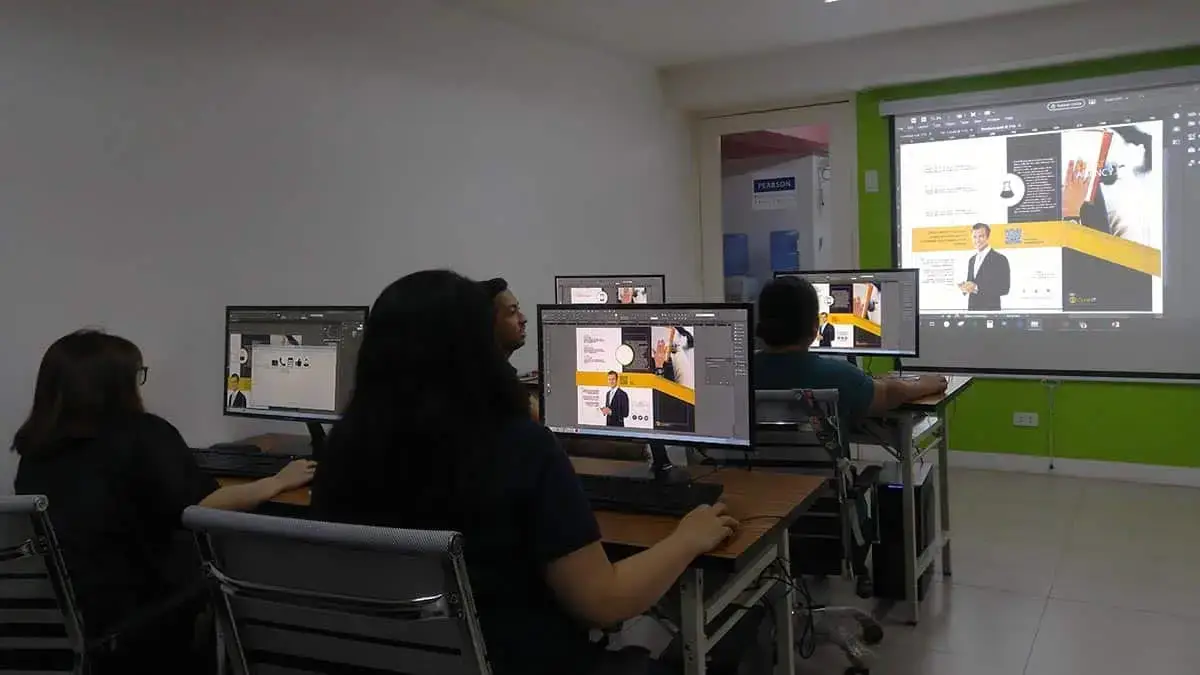
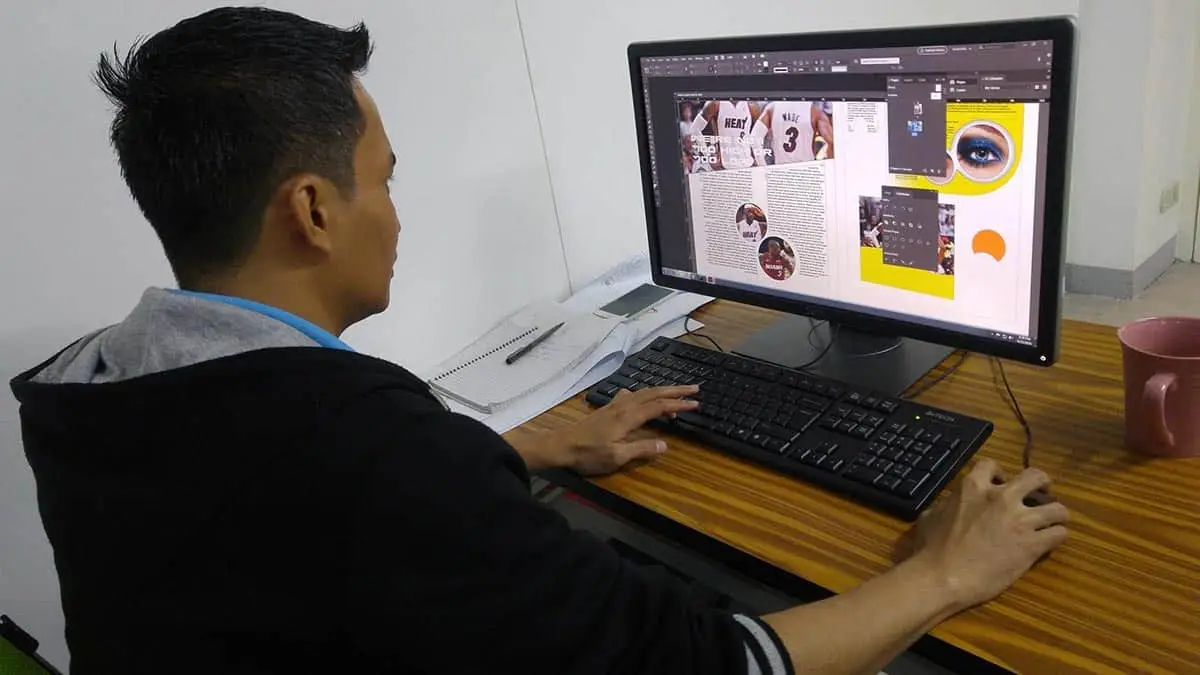
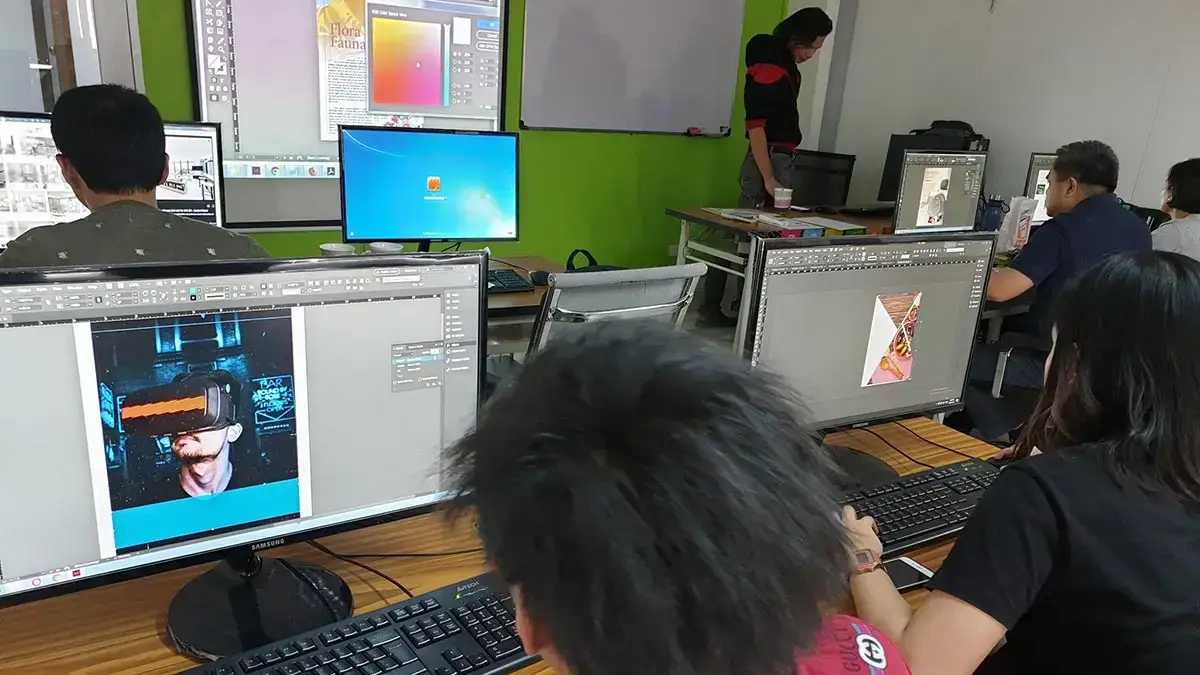
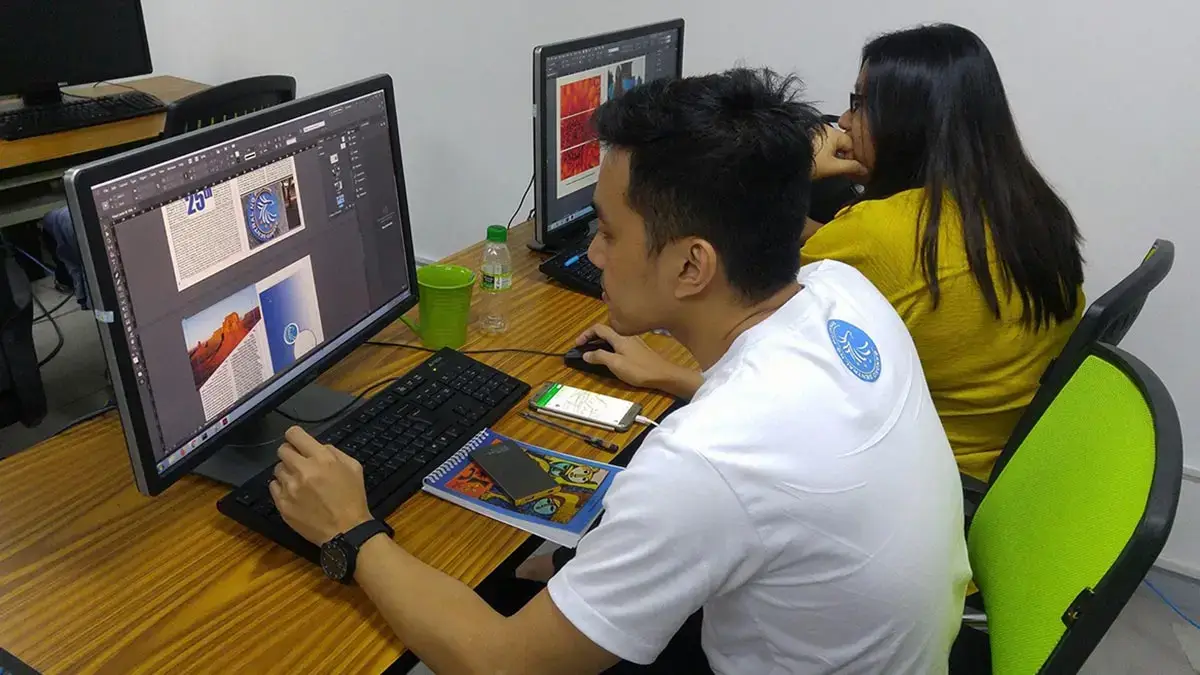
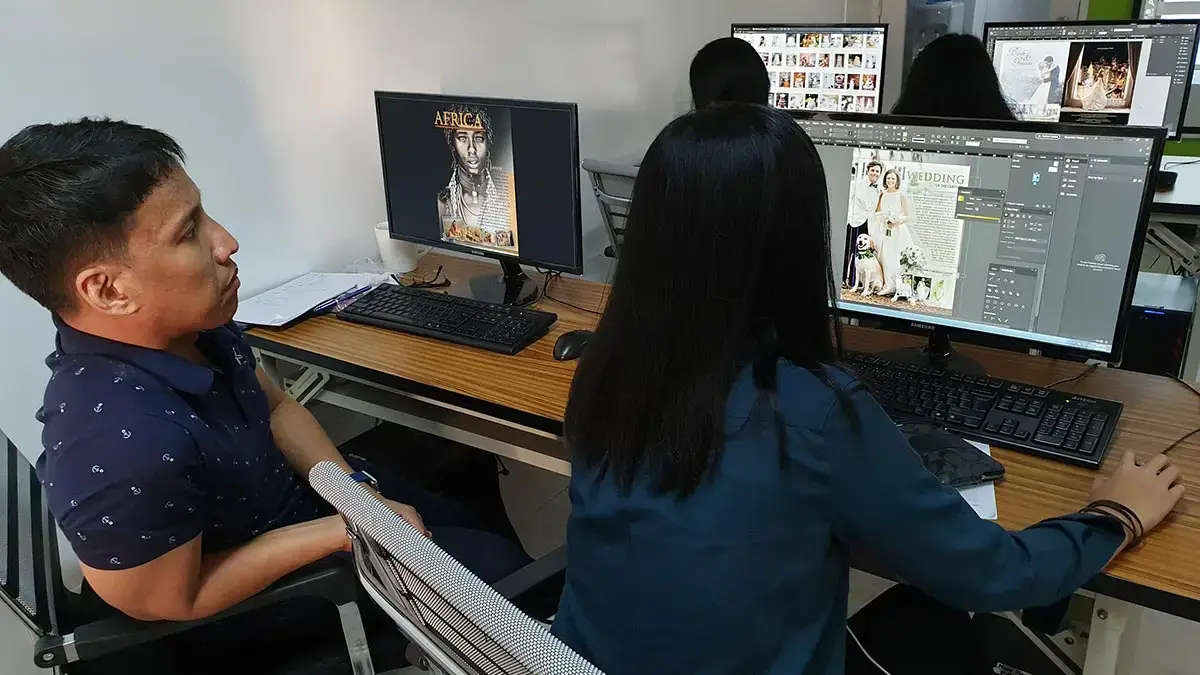
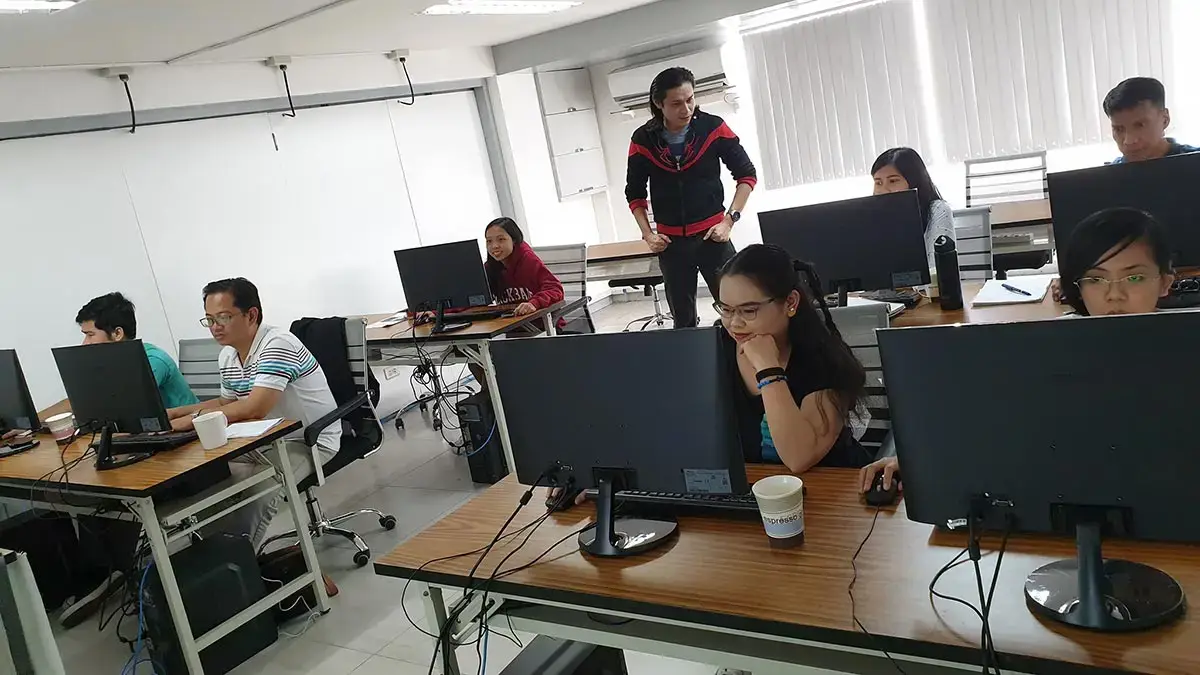
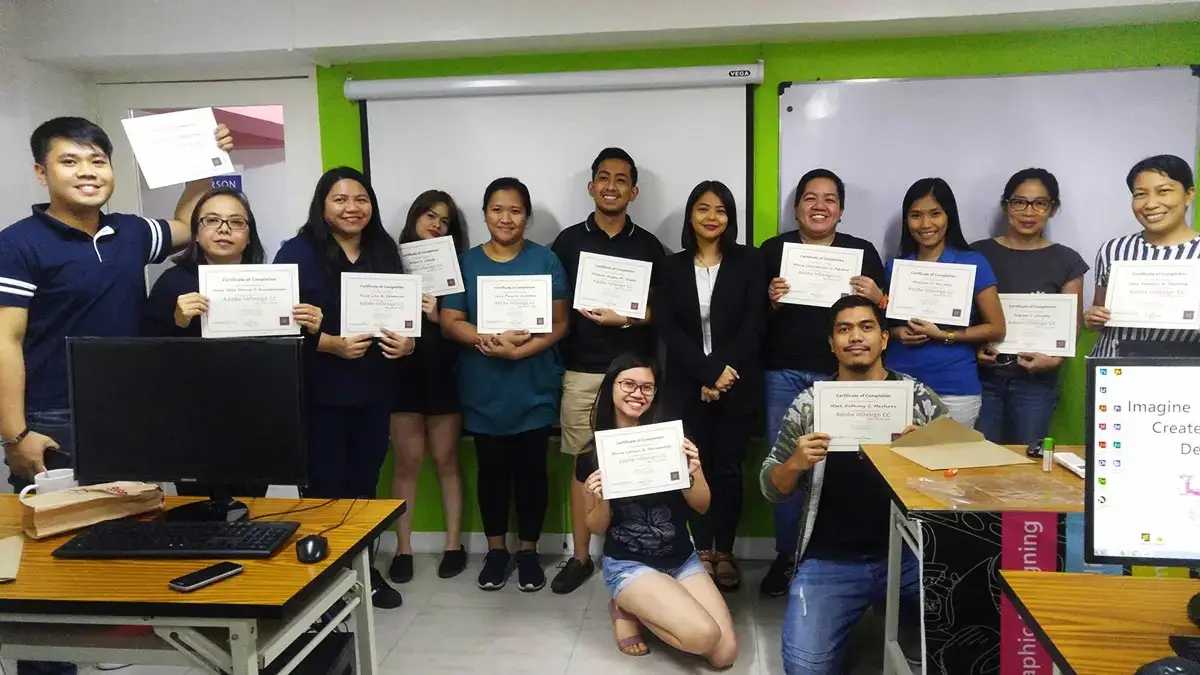
One of Philippines’ top digital marketing schools
- Uses Adobe Enterprise Licensed software
- Taught by Adobe industry professional
- Trained on Adobe InDesign CC 2026 (latest version)
- Hands-on with Adobe’s newest AI-powered features
- Pearson Vue Accredited Testing Center
- PhilGEPS Accredited Center
- Receive a globally recognized course certificate
Course Outline
- What is InDesign?
- Where and when to use InDesign
- Welcome Screen Walk-through
- Interface Navigation and Workspace Customization
- Creating new documents
- Opening existing documents
- Saving and reverting documents
- Using multiple Undo and Revert
- Setting margin and column guides
- Using ruler guides
- Working with Bleeds
- Bleeding colors or images off the side of the page
- Understanding the Application window
- Navigating pages
- Zooming and magnifying
- Setting rulers and measurements
- Saving time by making workspaces
- Setting the view quality of artwork
- Using the Tool panel
- Learning and editing keyboard shortcut
- Overview of Individual Tools
- Inserting, deleting, and moving pages
- Changing page size
- Adding page numbering
- Creating and applying master pages
- Overriding master page items
- Understanding text frames
- Typing and editing
- Filling with placeholder text
- Inserting special characters
- Importing text
- Putting text on a path
- Checking spelling
- Using Find/Change
- Importing graphics
- Using the Links panel
- Embedding links
- Turning image layers on and off
- Selecting objects
- Applying basic strokes and fills
- Using advanced strokes
- Adjusting transparency
- Adding drop shadows
- Applying feathering
- Copying formatting with the Eyedropper tool
- Making polygons and starbursts
- Creating color swatches
- The danger and power of unnamed colors
- Creating gradient swatches
- Applying gradients
- Managing objects in the Layers panel
- Adding rounded corners and other corner options
- Grouping objects
- Locking objects
- Understanding text wrap
- Duplicating objects
- Rotating objects
- Scaling objects
- Mirroring objects
- Applying basic character styling
- Applying advanced character formatting
- Changing case
- Using Find/Change for text formatting
- Using Find Font
- Applying formatting to a paragraph
- Spanning a paragraph across multiple columns
- Splitting a paragraph into multiple columns
- Using drop caps
- Adjusting text hyphenation
- Adding automatic bullets
- Creating and applying paragraph styles
- Using object styles
- Creating a table
- Adjusting rows and columns
- Formatting a table
- Adding headers and footers
- Applying table styles
- Checking your document with the Preflight panel
- Packaging for output
- Exporting a PDF
- Exporting an interactive PDF
Frequently Asked Questions
What are the prerequisites for Adobe InDesign training?
- Basic computer knowledge and skills in PC or Mac.
- Working knowledge in either Adobe Photoshop, or Adobe Illustrator is required.
- Experience in Print is an advantage though not required.
What's included after completing the training?
- Certificate of course completion
- Training references (PDF)
- Exercise materials
- Some add-ons
- Free trainer consultation
- Unlimited Free Retakes
How to avail the Unlimited Free Retakes?
Unlimited Retakes = Unlimited Hours of Learning!
We understand that individuals have different learning styles and paces, that’s why we offer the opportunity to learn at your own speed. If you need more time to grasp a concept, you are welcome to come back and retake the class at no additional cost. We believe in providing students with the support they need to succeed.
To Avail: Finish the course to qualify for the unlimited refresher classes
Validity: 1 Year
Who is this Adobe InDesign training designed for?
- Graphic Designer: Creating layouts for magazines, brochures, and other publications.
- Marketing Specialist: Designing promotional materials like flyers, posters, and advertisements.
- Publication Designer: Working on books, eBooks, newspapers, and periodicals.
- Freelance Designer: Offering design services to clients on a project basis.
- Desktop Publisher: Preparing documents for print and digital distribution.
- Art Director: Overseeing visual aspects of publications and advertising campaigns.
- Production Artist: Finalizing and preparing designs for printing and publishing.
- Content Creator: Designing visually appealing digital content for websites and social media.
What career paths are available for InDesign-trained professionals?
- Publication Designer: Mastering magazines, newspapers, and journals.
- Corporate Layout Artist: Creating professional annual reports and pitch decks.
- Digital Publisher: Developing interactive eBooks and mobile-ready documents.
- Production Artist: Ensuring technical accuracy for high-end print runs.
- Book Designer: Designing the interior layout and typography for print and digital books.
Enroll 4 & get extra ₱500/pax off
Retake the course at no extra cost
- Basic to Advanced Coverage
- Using Adobe Enterprise License
- Certificate of Completion
- Training Materials and References
- Free Wifi Access
- Free Unlimited Coffee
- Free Trainer Consultation
- Free Unlimited Class Retakes
OCTOBER 2026
About the Registration
Feel free to register! Registering does not commit you to paying for the course immediately. Registration helps us track attendee numbers and enables us to stay in touch. Payment will only be requested once the course is confirmed to proceed.
Note: When choosing a schedule, you are limited to the available training dates posted on our website.