
HTML, CSS & Bootstrap
HTML builds the structure. CSS adds the style. Bootstrap powers stunning, responsive web experiences.
Course Overview
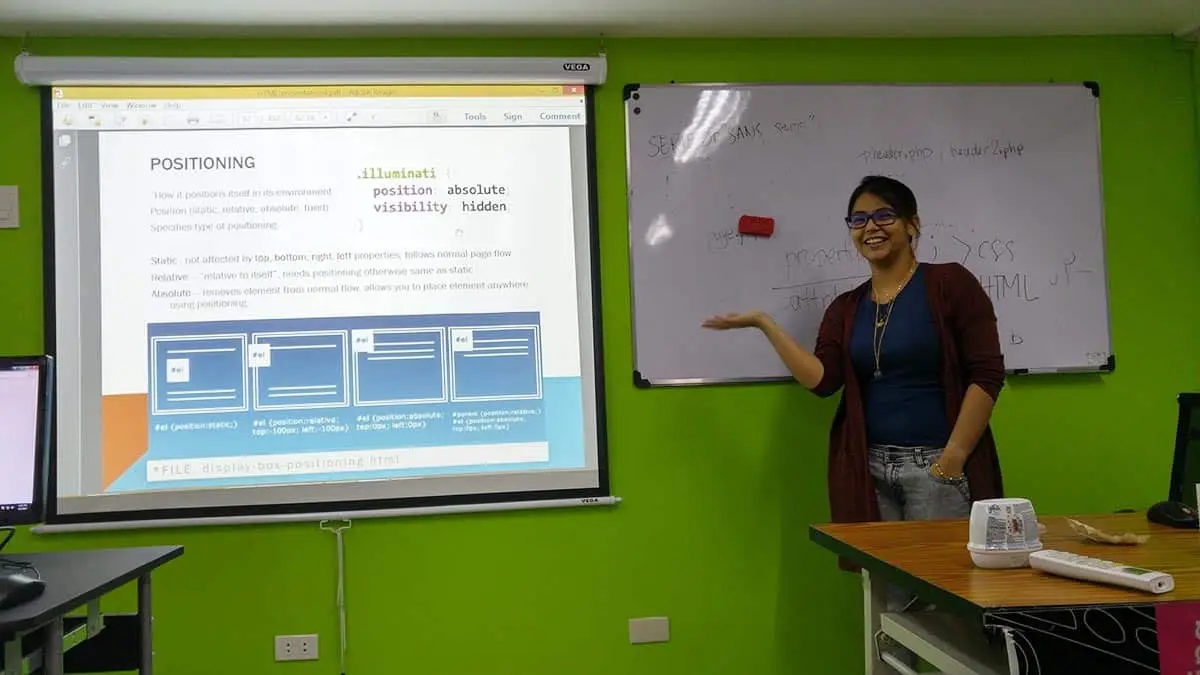
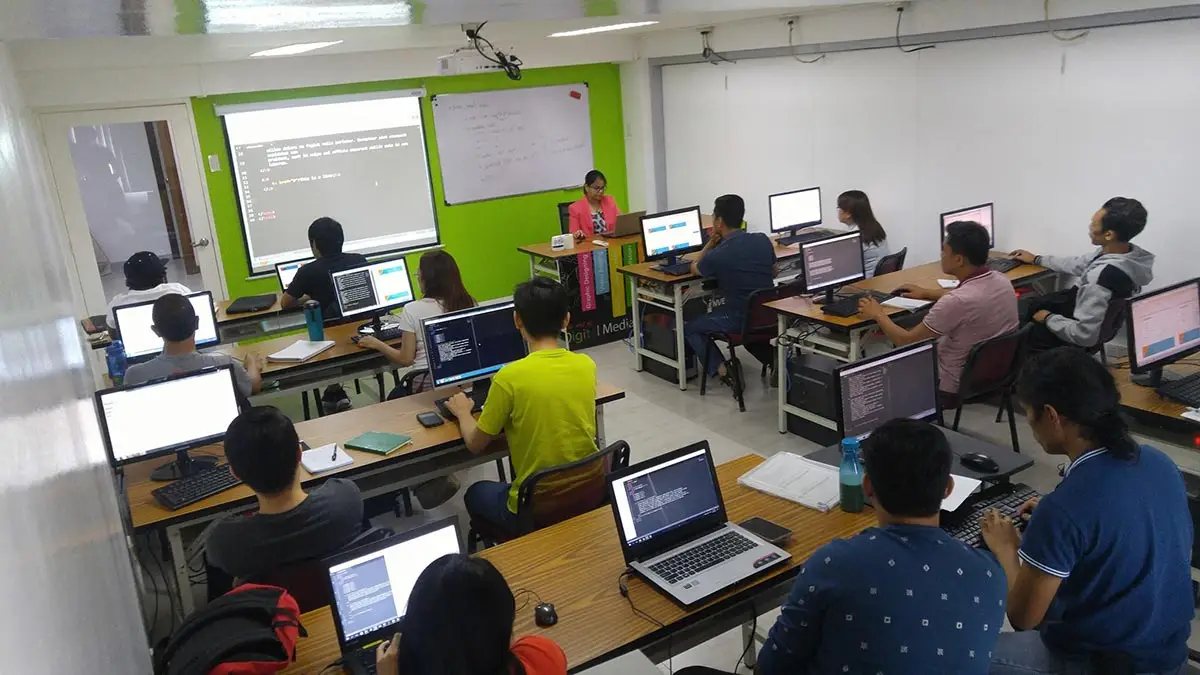
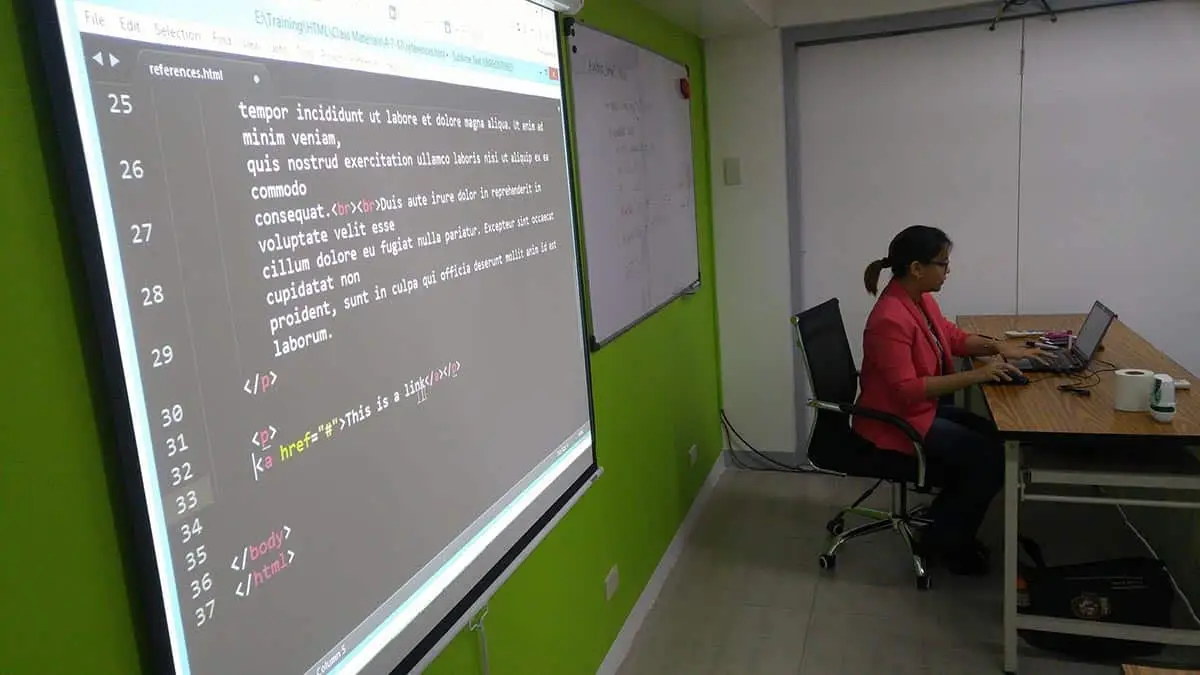
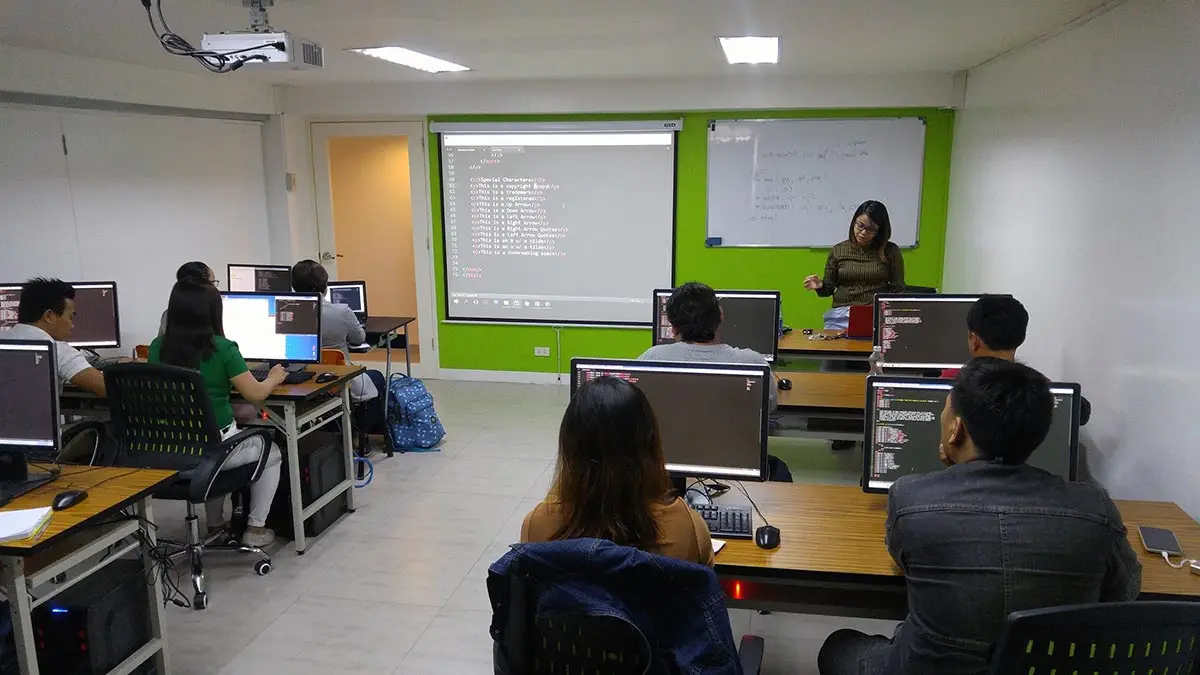
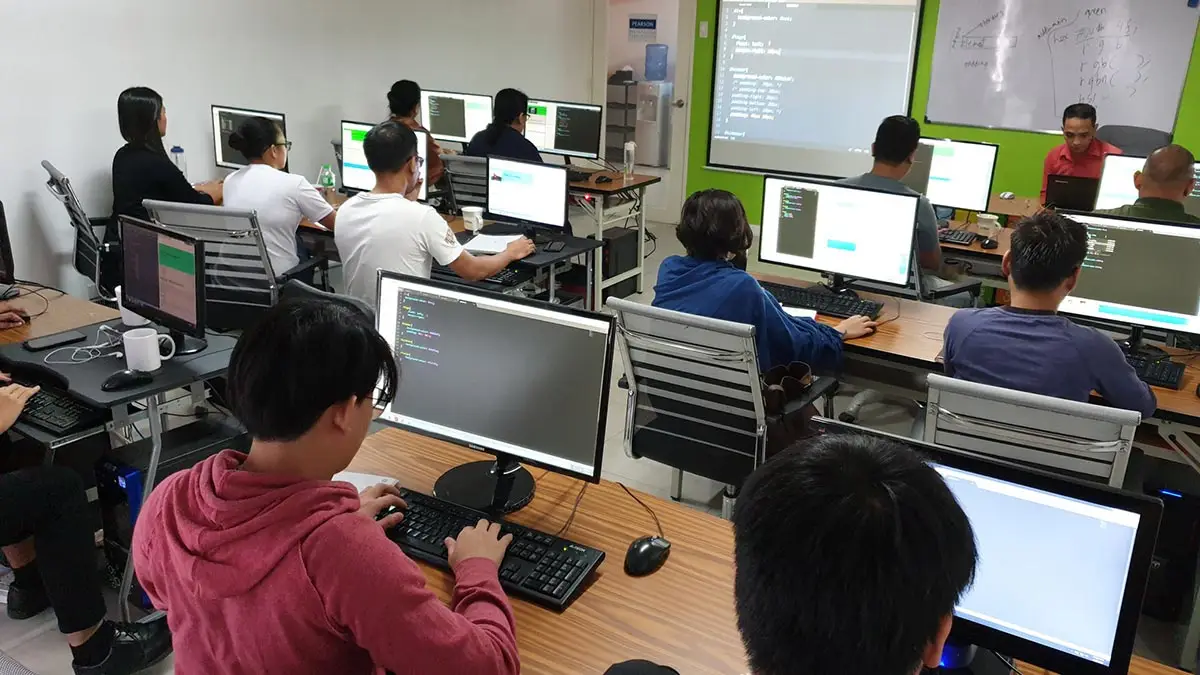
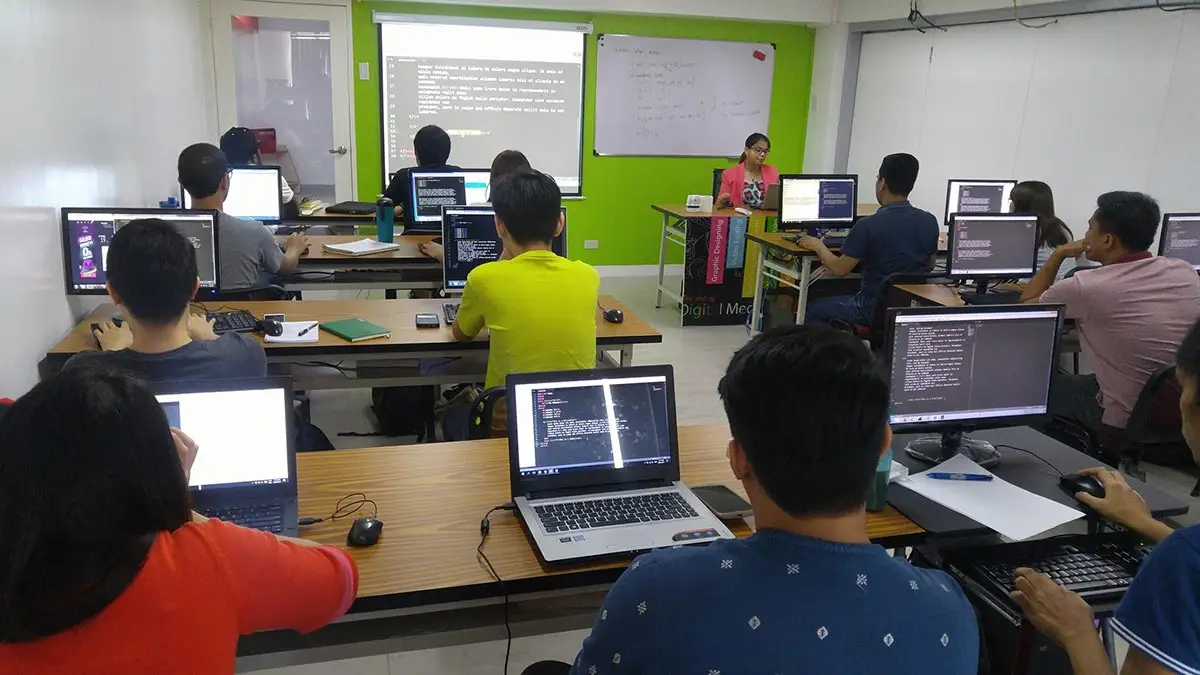
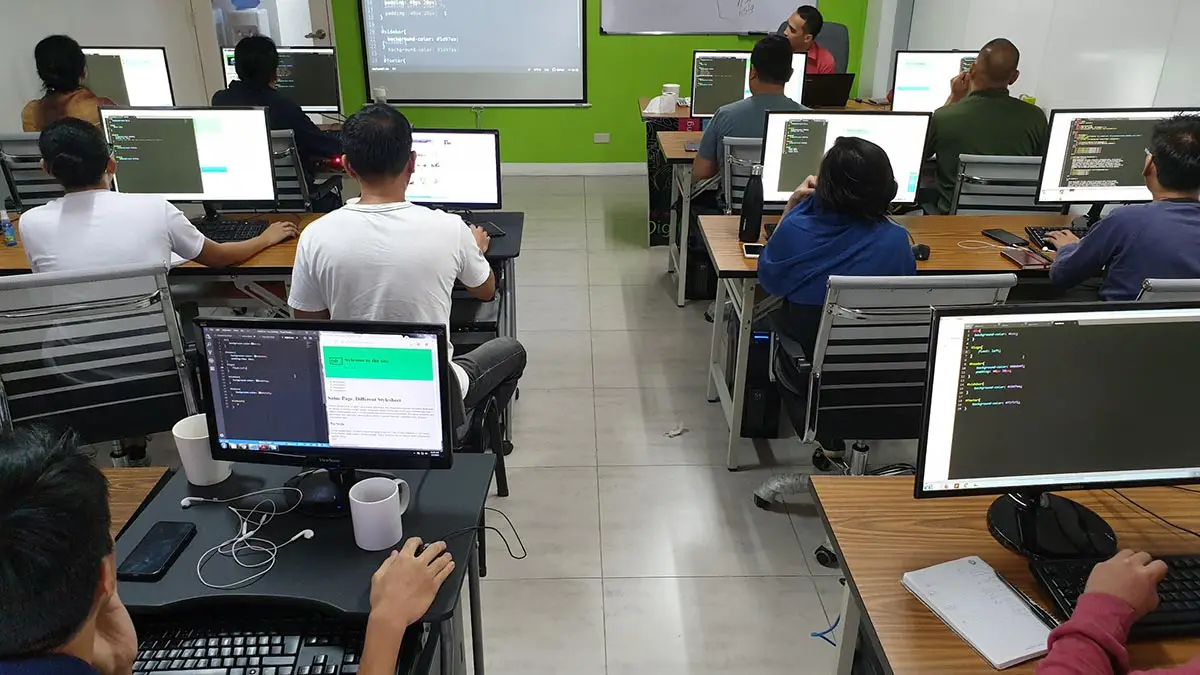
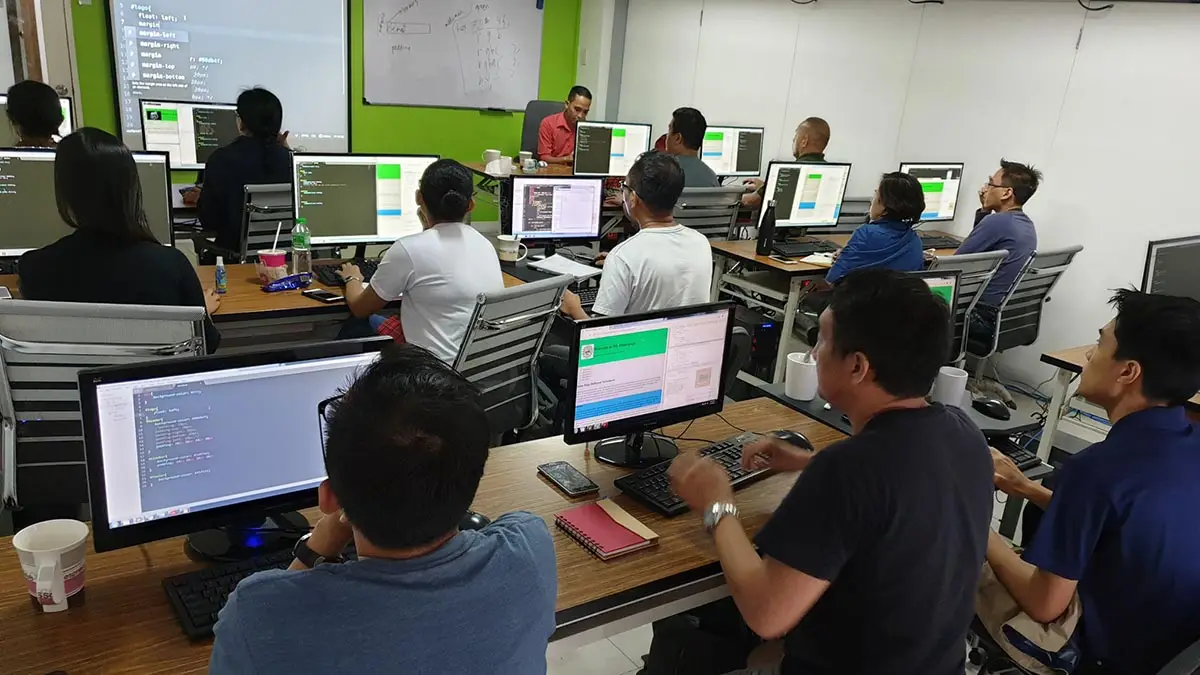
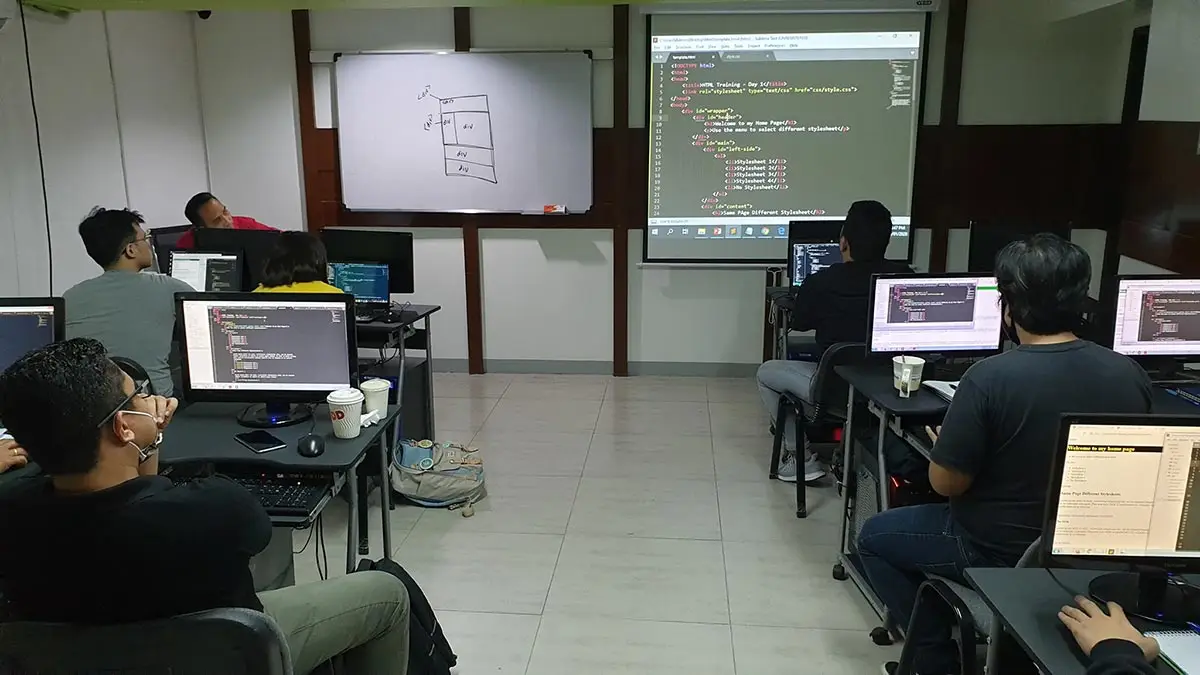
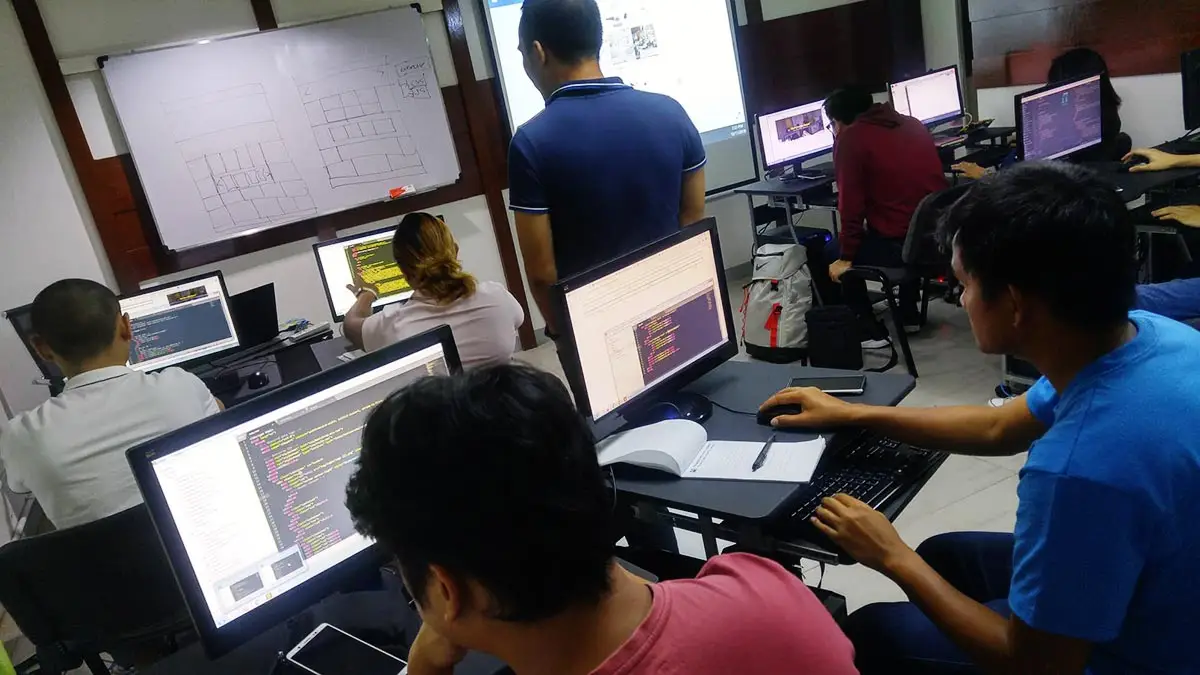
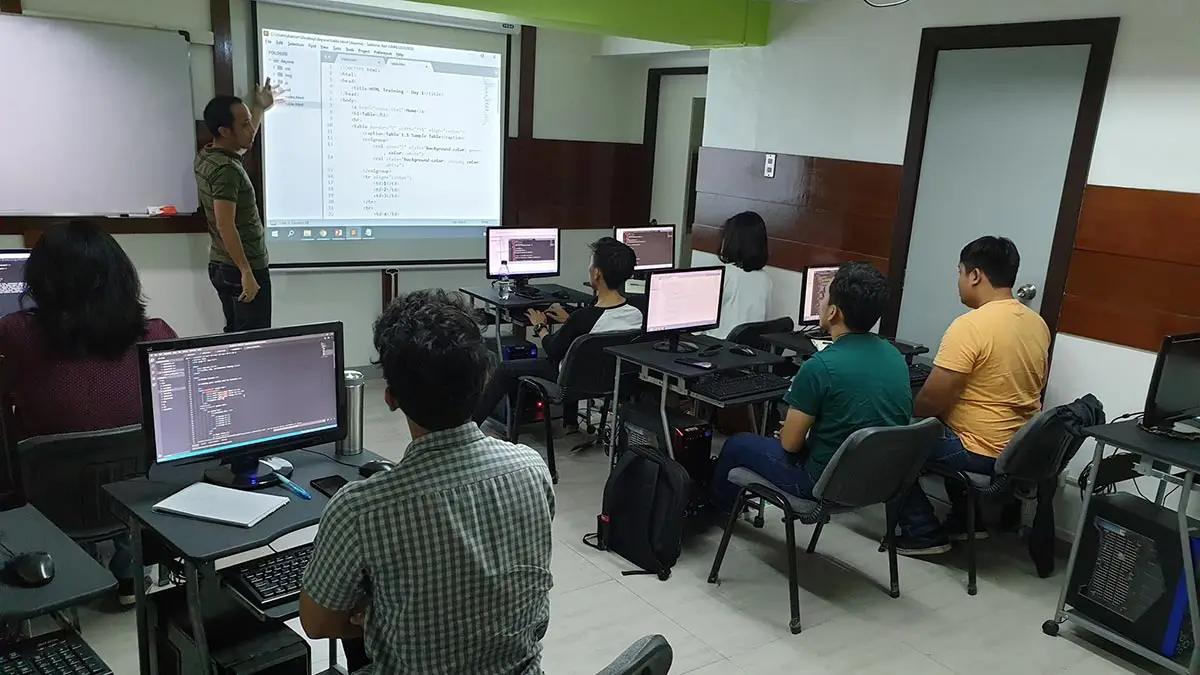
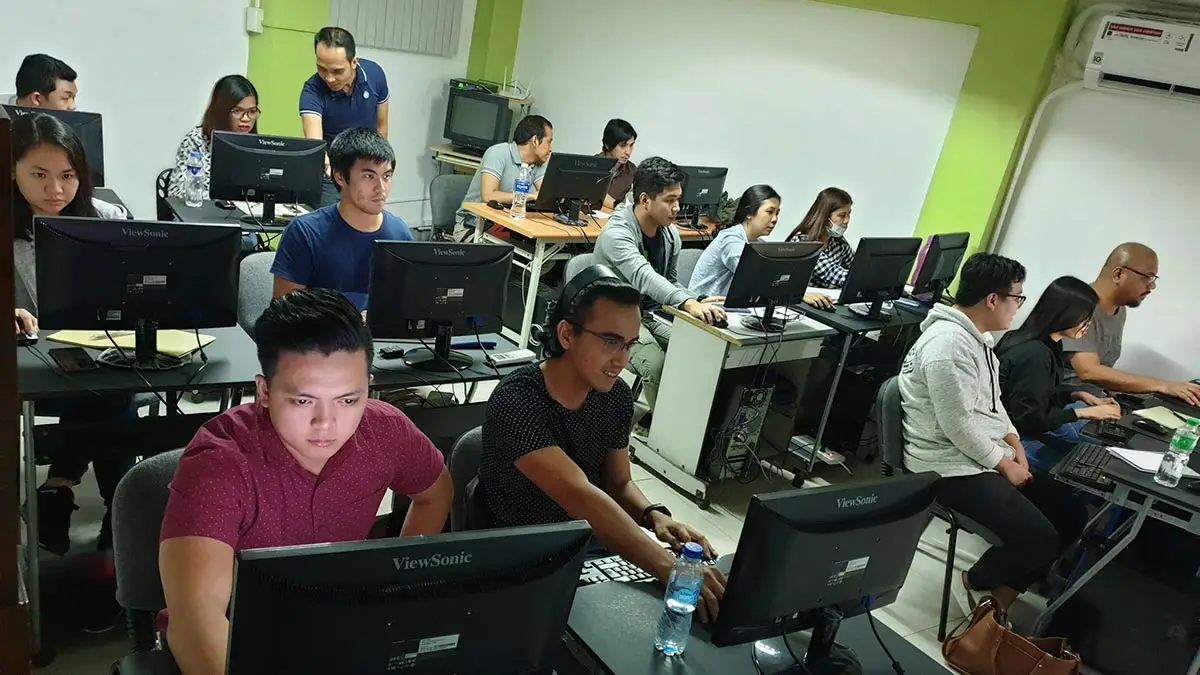
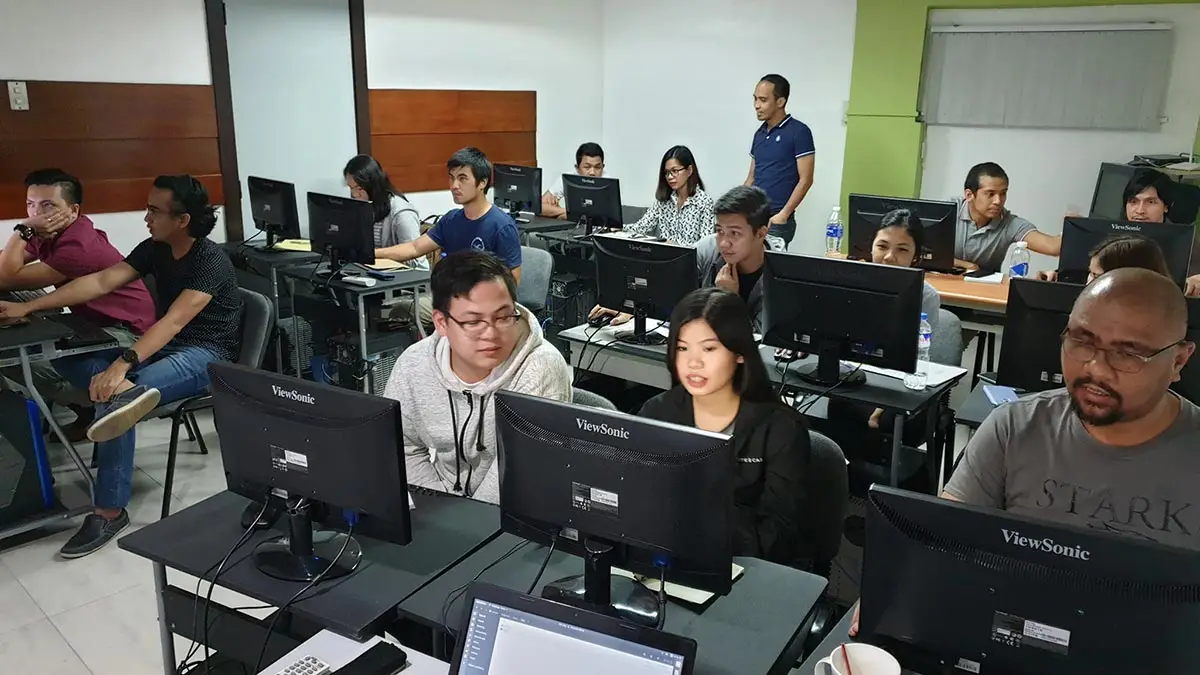
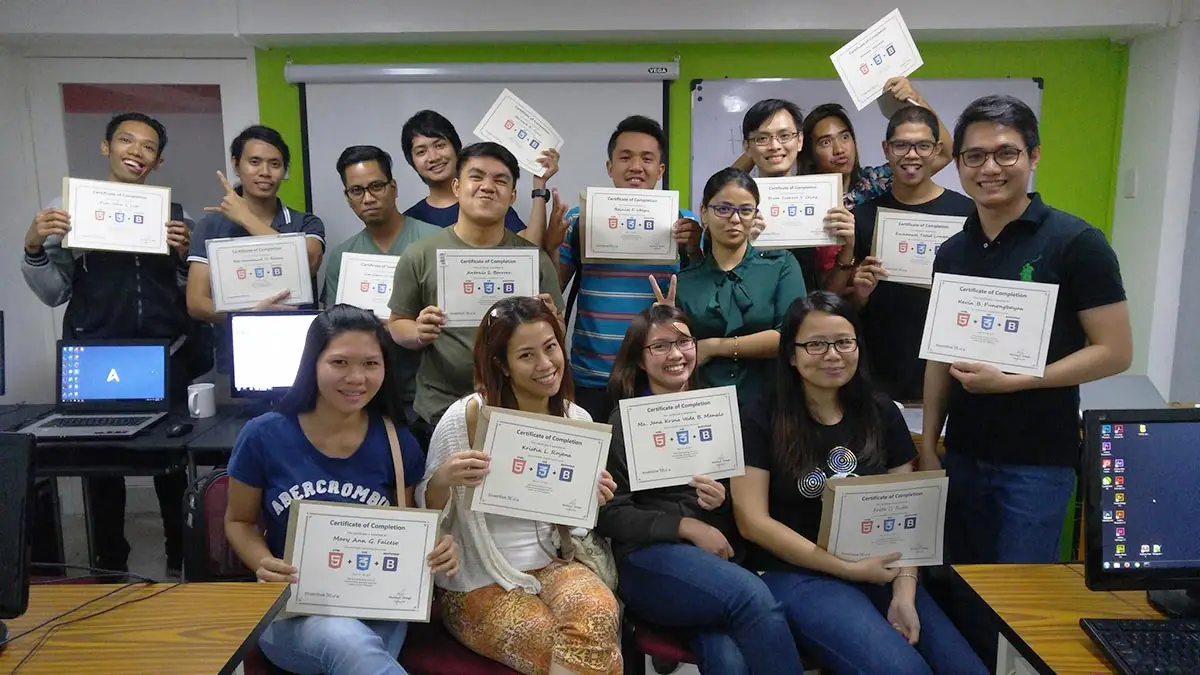
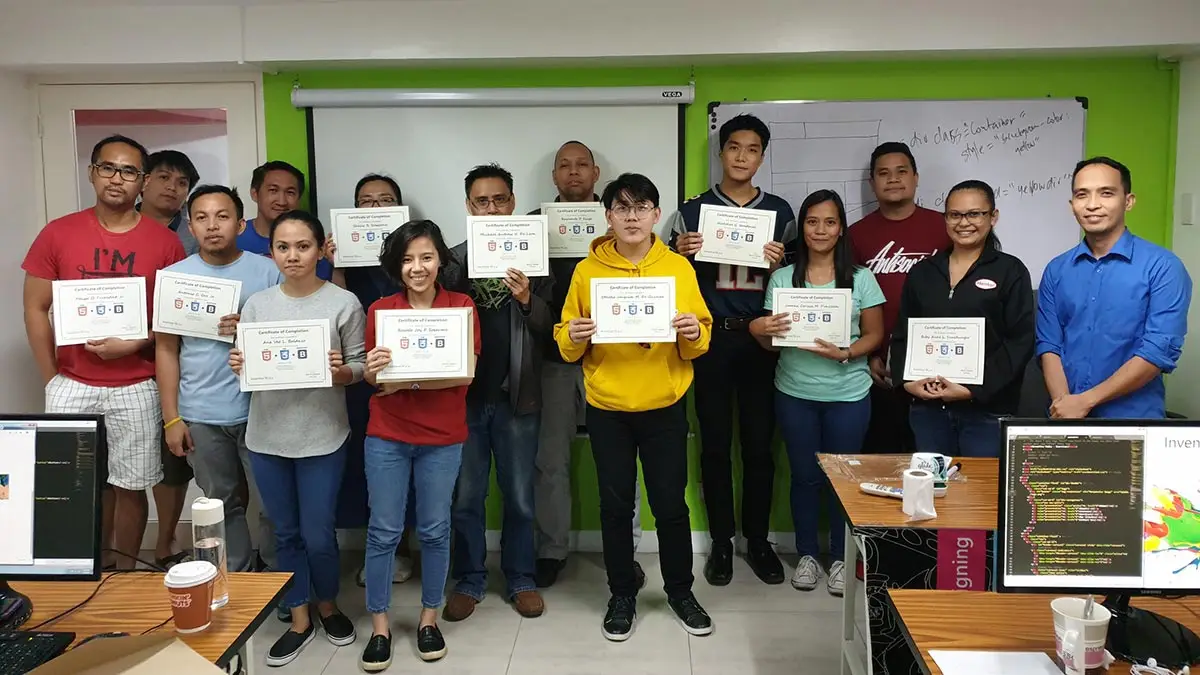
Ranked as one of the Best Schools for Web Development
- Our founder, Henry N. Ong II, is the recognized pioneer of CMS web development courses in the Philippines
- First school to offer WordPress, Joomla & Drupal Classes since 2006
- First school to offer Bootstrap since 2014
- First school to offer Laravel Class since 2014
- First school to offer Tailwind Class since 2021
- Pearson Vue Accredited Testing Partner
- PhilGEPS Accredited Center
- Globally Recognized Course Certificate
- Around 85% of government agencies and LGUs take web Development classes from us
Course Outline
Introduction to Web
- What is The Internet?
- The World Wide Web
- Web Server and Domain Name Service
- Web Browser and its purpose
- What are Web Pages?
- Text Editors
- The HTML Code
HTML File Basics
- Creating An HTML Document
- Organizing Your Project Assets
Visual Studio Code (BONUS)
- Installation and Interface Tour
- Common Shortcuts
- Chrome Shortcuts
- VS Code Shortcuts
- Utilizing Emmet.io and Intellisense
- Windows Shortcuts
- Converting Screenshots Into Links For Troubleshooting
- Installing Extensions
- Configuration For Convenience
What is HTML?
- Elements
- The Head
- The Body
- Syntax and semantics
- Setting up the HTML document structure
- Creating Comments
Global Attributes
- Title
- Style
- Class
- Id
Block Elements
- Headings
- Paragraphs
- Line Breaks
- Ordered Lists
- Unordered Lists
- Special Characters
- Preformatted Text
- Details
- Summary
- Horizontal Rule
Inline Elements
- Span
- Bold
- Italic
- Underline
- Strong
- Emphasis
- Insert
- Small
- Big
- Superscript
- Subscript
- Del
- Mark
Images
- Using Royalty Free Images
- Alt Attribute
- Width
- Height
Links
- Relative Links
- Absolute Links
- Link Target
- Text
- Telephone
- Image Link
- Download Link
- Anchor Links
Embedding Media
- Internal Embedding
- External Embedding
- Audio
- Video
- Google Apps
- Social Media
- Manual Embedding
Other Elements
- Divs
- Tables
- Forms
What is CSS?
- CSS Syntax
- Cascading Styles with Inheritance
- Understanding Specificity
Linking CSS to HTML
- Inline Style Attribute
- Internal Style Tag
- External Style Sheet
CSS Selectors
- Element
- Class
- ID
- Multi Selector
- Descendant
- Wild Card
- Direct Child
- General Sibling
- Adjacent Sibling
- Attribute
- Pseudo Class
- Pseudo Element
The Box Model
- Margin
- Padding
- Border and Styling
Box Sizing
- Content Box
- Border Box
Sizing
- Width
- Min-Width & Max Width
- Height
- Min-Height and Max Height
- Pixels
- Percentage
- Viewport Height & Viewport Width
- Rems & Ems
- Ch
- Targeting the Root Element
Colors
- Using Color Generators
- Storing CSS Variables
- Hexadecimal
- Red Green Blue (RGB)
- Hue Saturation Lightness (HSL)
Text
- Text Alignment
- Text Transform
- Text Decoration
- Text Shadow
- Box Shadow
- Font Family
- Font Weight
- Font Style
- Font Size
- Line Height
- Letter Spacing
- Word Spacing
- List Style Type
- Custom List Style Type Using Marker
Background
- Background Color
- Background Image
- Background Size
- Background Repeat
- Background Position
- Position
- Object Fit
- Z-index
Easily Align Elements with Flexbox
Advanced Positioning with CSS Grid
Bonus: Introduction to Bootstrap CSS
- Introduction: What is Bootstrap CSS?
- Installation: Setting up via CDN or local library.
- Layouts: Using responsive grids, spacing, and typography.
- Styling: Customizing colors, backgrounds, buttons, cards, and images.
- Components: Building navigation bars, sliders, and accordions.
Final Project: Build a 4-Page Fully Responsive Website
Apply everything you’ve learned to design and develop a complete, mobile-friendly website from scratch.
- Structure pages with HTML
- Style layouts using CSS and Bootstrap utilities
- Implement responsive design principles for desktop, tablet, and mobile
- Create polished buttons, navigation, and sections
- Produce a ready-to-publish, fully functional website
Frequently Asked Questions
What are the prerequisites for this course?
You don’t need to be a math genius or a coder to start. You only need:
- Basic Computer Literacy: Comfort using a PC or Mac.
- Typing Skills: Decent speed for writing code.
- Ready to Learn: We provide the workstations and environment; you just need to bring your focus.
What's included after completing the training?
- Certificate of course completion
- Training references (PDF)
- Exercise materials
- Some add-ons
- Free trainer consultation
- Unlimited Free Retakes
How to avail the Unlimited Free Retakes?
Unlimited Retakes = Unlimited Hours of Learning!
We understand that individuals have different learning styles and paces, that’s why we offer the opportunity to learn at your own speed. If you need more time to grasp a concept, you are welcome to come back and retake the class at no additional cost. We believe in providing students with the support they need to succeed.
To Avail: Finish the course to qualify for the unlimited refresher classes
Validity: 1 Year
Who should enroll in this HTML, CSS & Bootstrap training?
- Aspiring Web Developers: Individuals wanting a career-ready foundation in front-end design.
- Entrepreneurs & Business Owners: Those who want to build and manage their own sites without template limits.
- CMS Power Users: WordPress or Shopify users who need the skills to perform custom styling overrides.
- Complete Beginners: Career shifters with “zero coding” experience who want to learn professional workflows.
Why is Bootstrap included in this course?
Bootstrap is the industry’s most popular CSS framework, and we include it because it is essential for modern web development. By mastering this library, you gain the ability to build responsive, professional-grade websites efficiently, allowing you to create mobile-first layouts, utilize ready-made components like NavBars and Sliders, and meet the high-speed demands of today’s clients and employers.
Learning Bootstrap bridges the gap between writing basic code and delivering high-performance, polished web experiences in record time.
What career paths are available after this training?
Mastering these three technologies opens doors to several high-paying roles:
- Front-End Developer: Building the visual and interactive parts of websites.
- UI/UX Engineer: Translating design mockups into living, functional code.
- Email Developer: Creating high-end, responsive email marketing templates.
- CMS Specialist: Building bespoke, high-performance themes for WordPress and Shopify.
- Freelance Web Designer: Taking on direct clients and building custom websites.
Enroll now & Get a FREE Visual Studio Code Training
Enroll 4 & get extra ₱500/pax off
Retake the course at no extra cost
Note: Courses included in a bundled promo must be taken within the same month.
Promo rates may change without prior notice.
JavaScript Essentials + ReactJS Essentials
PHP with MySQL + Laravel Framework
- Basic to Advanced Coverage
- Workstations are Provided
- Certificate of Completion
- Training Materials and References
- Free Wifi Access
- Free Unlimited Coffee
- Free Trainer Consultation
- Free Unlimited Class Retakes
OCTOBER 2026
NOVEMBER 2026
About the Registration
Feel free to register! Registering does not commit you to paying for the course immediately. Registration helps us track attendee numbers and enables us to stay in touch. Payment will only be requested once the course is confirmed to proceed.
Note: When choosing a schedule, you are limited to the available training dates posted on our website.