
Ai Video Editing
Elevate your story: Cinematic video editing with AI

Course Overview
AI Video Editing course teaches you how to create professional-quality videos using different AI platforms and tools. Learn AI video generation, avatar and character development, storyboarding, camera control, keyframing, and editing—then combine your AI-generated clips into a polished final video.
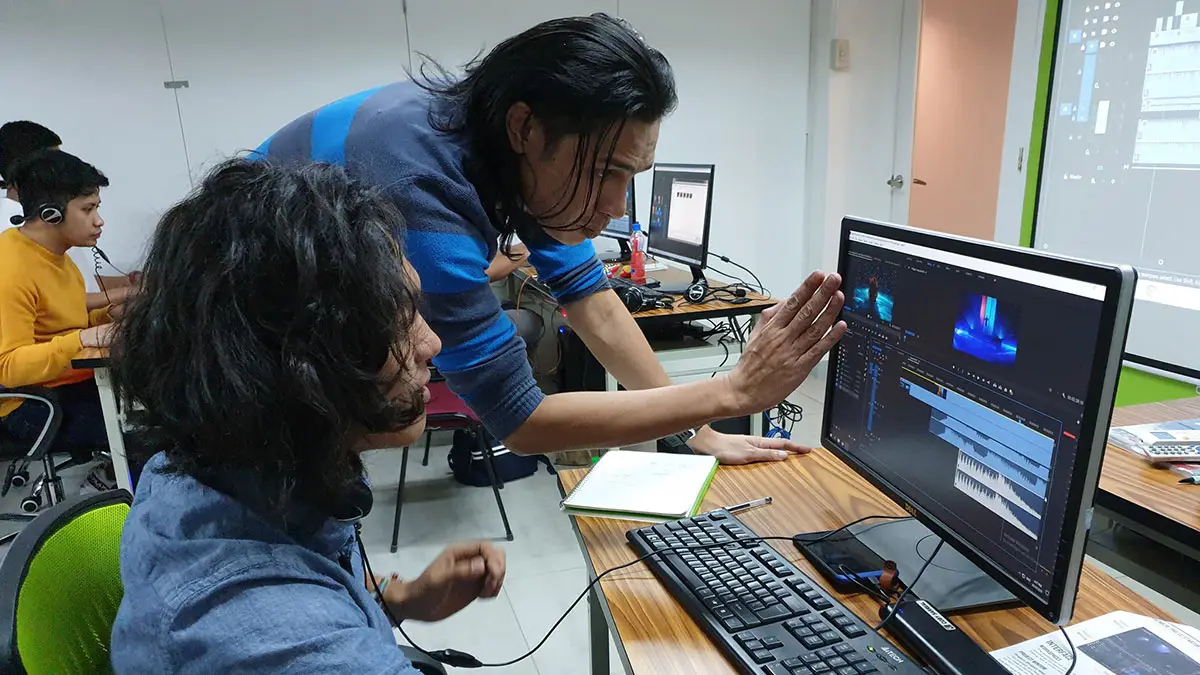
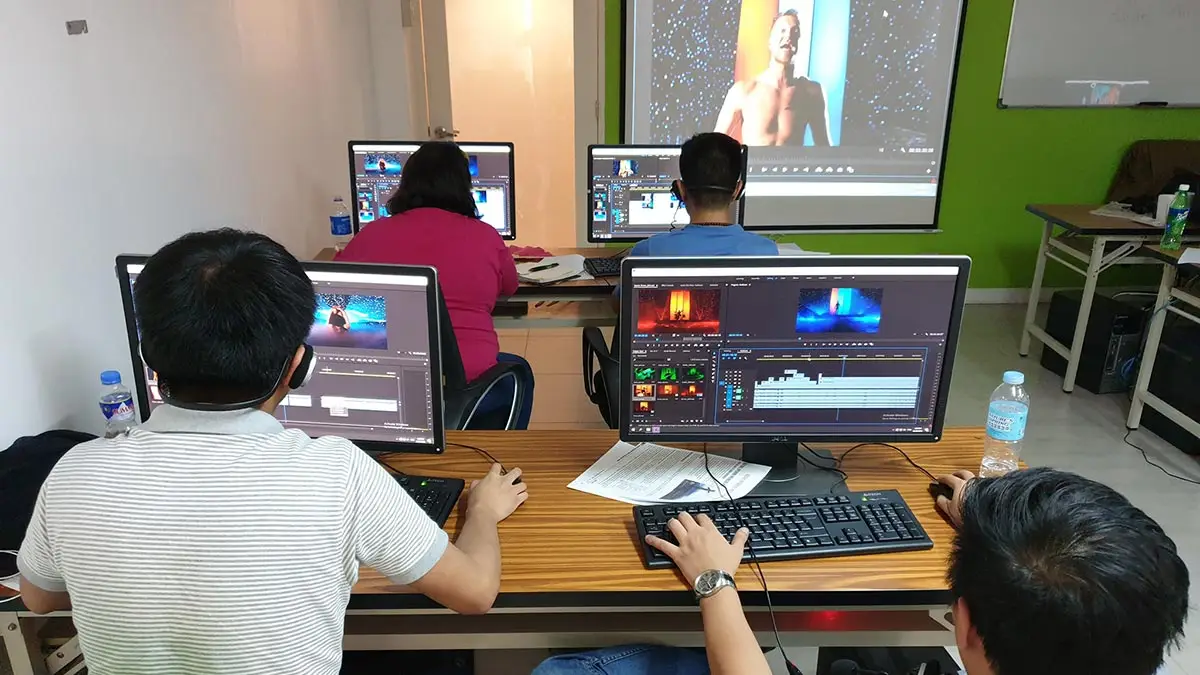
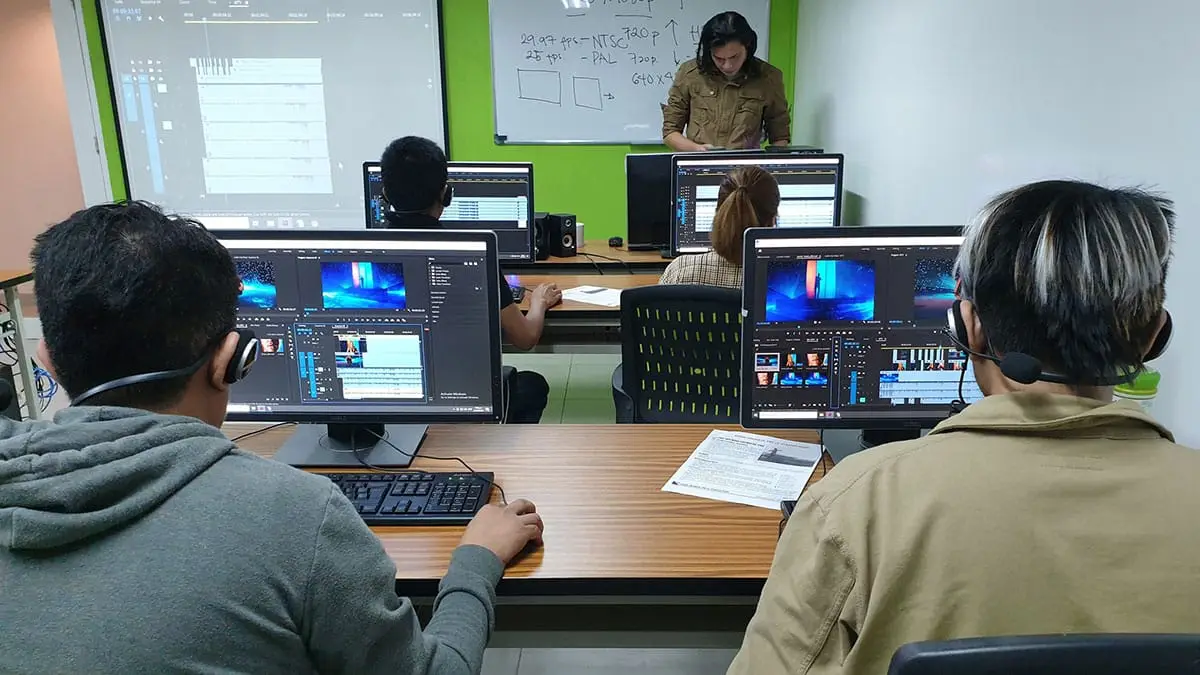
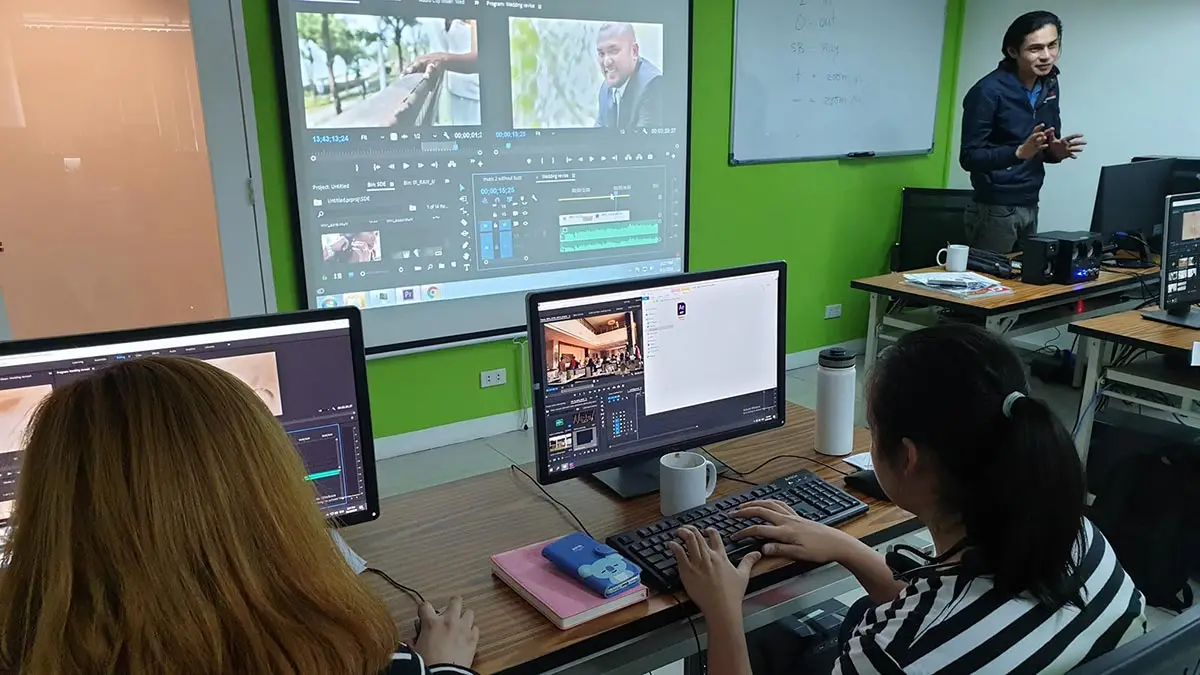
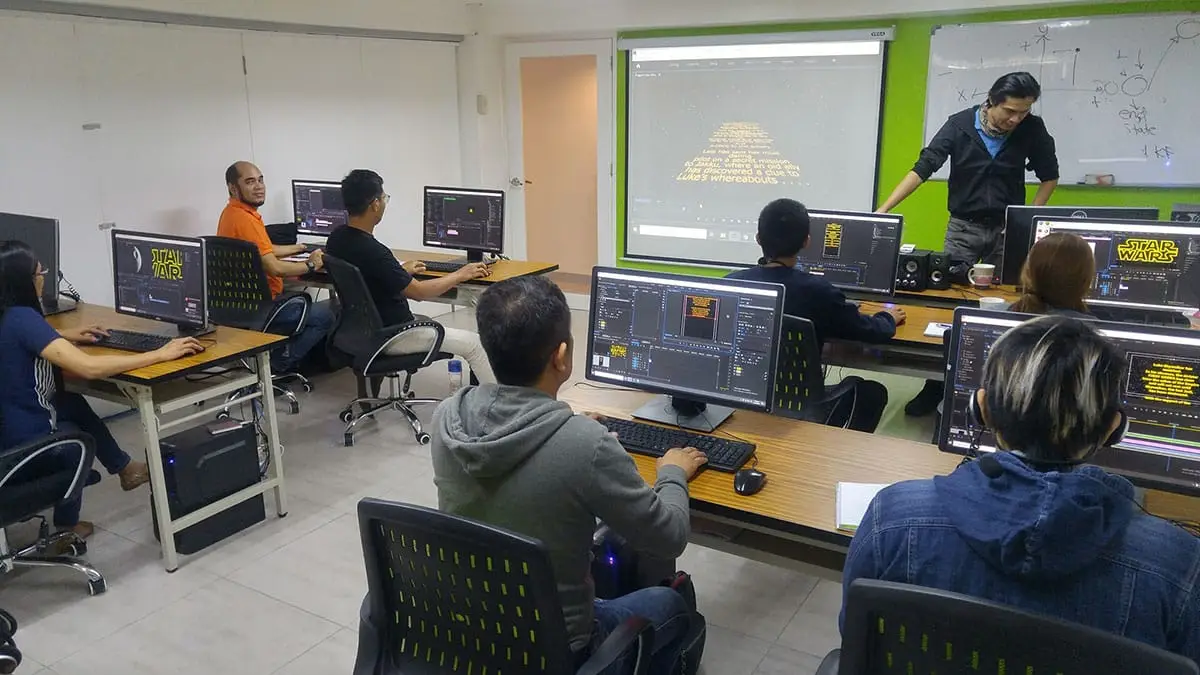
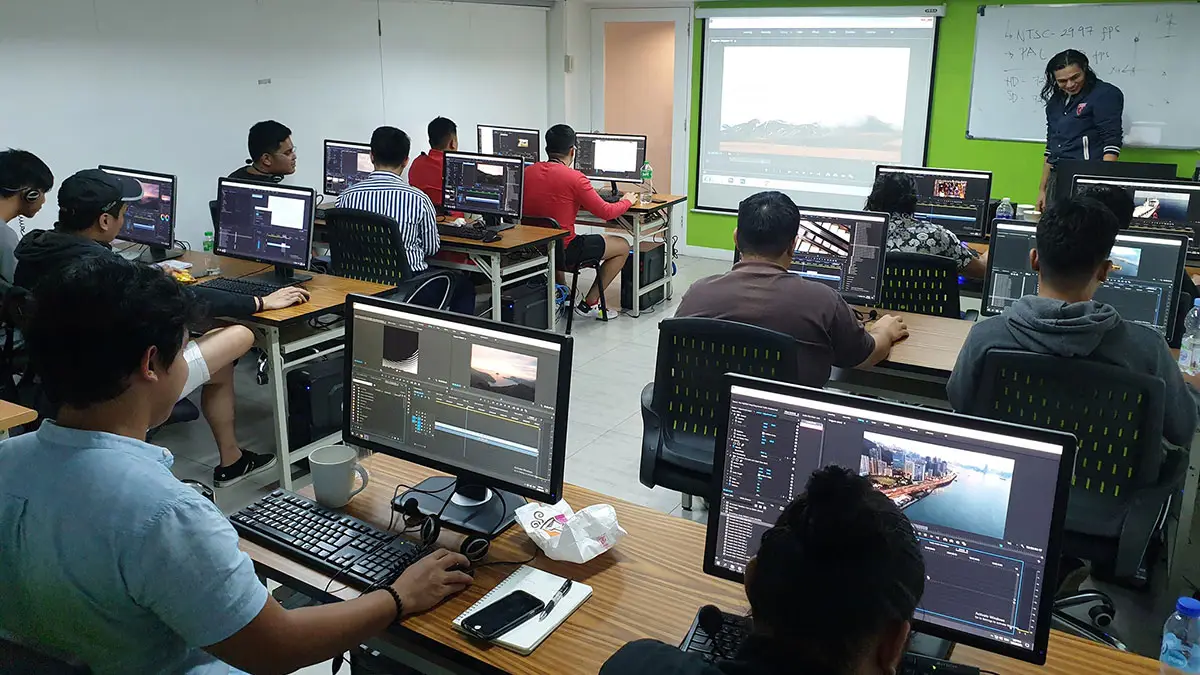
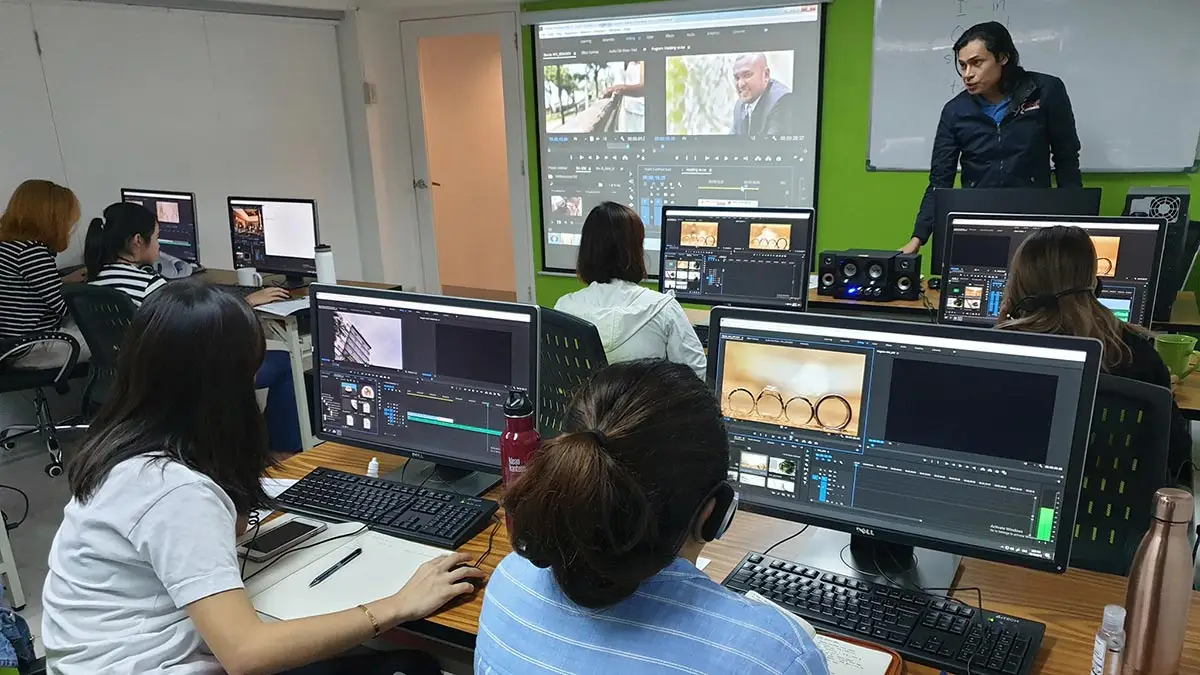
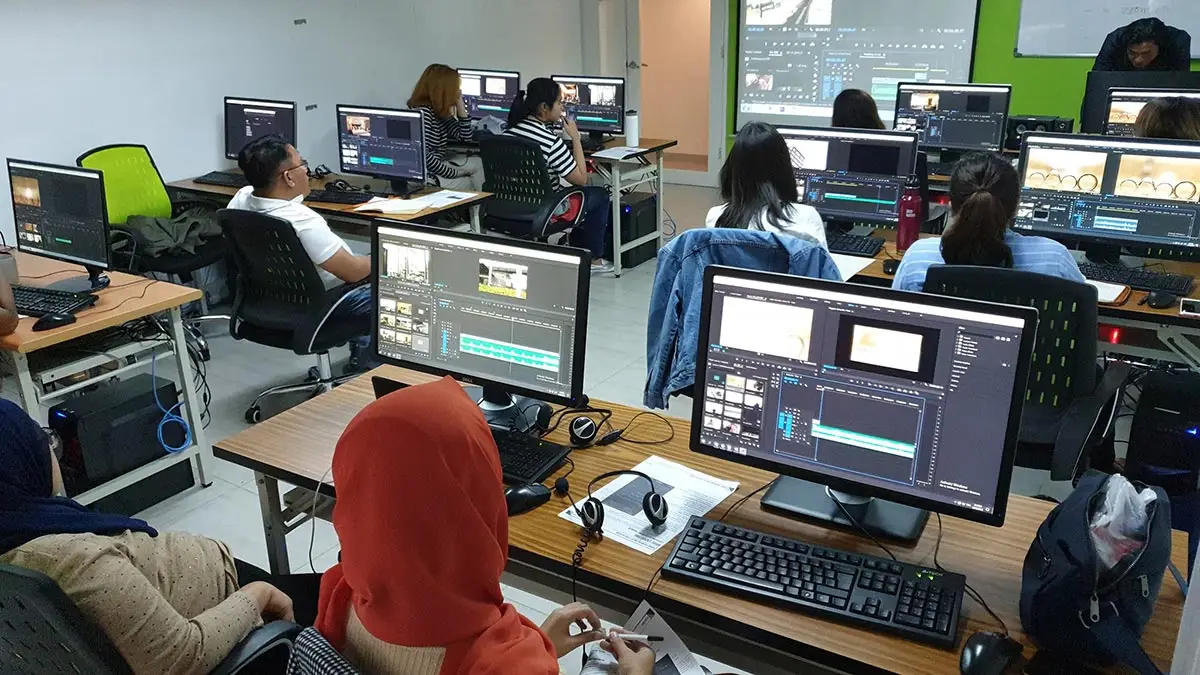
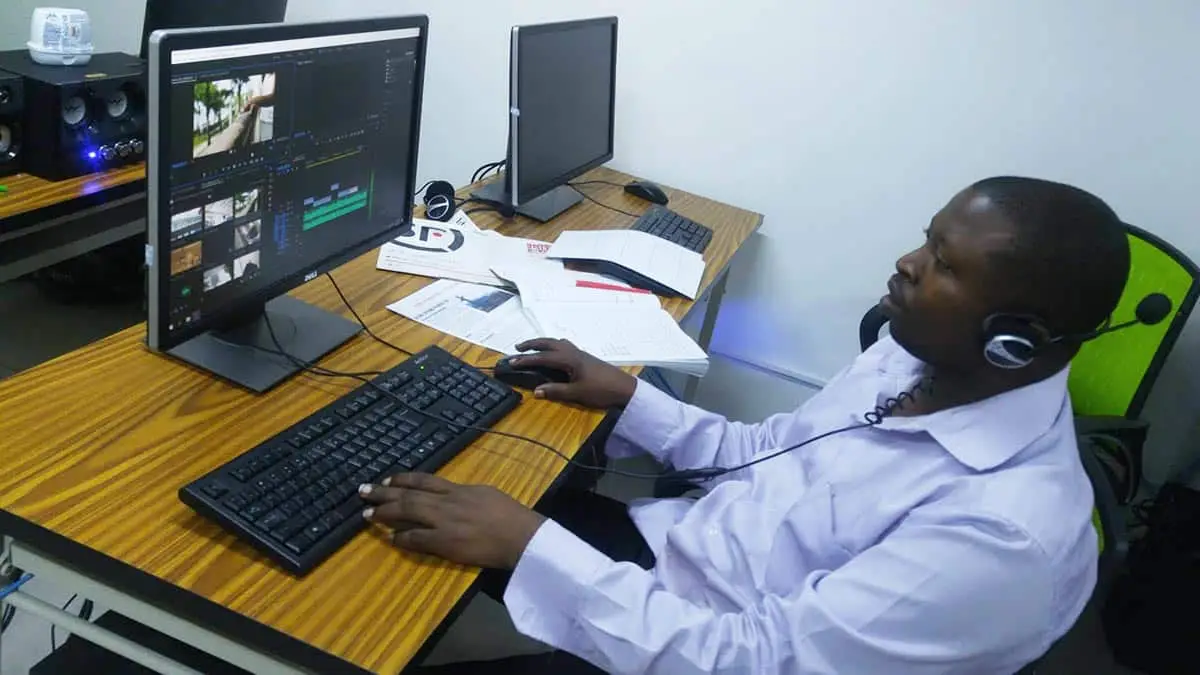
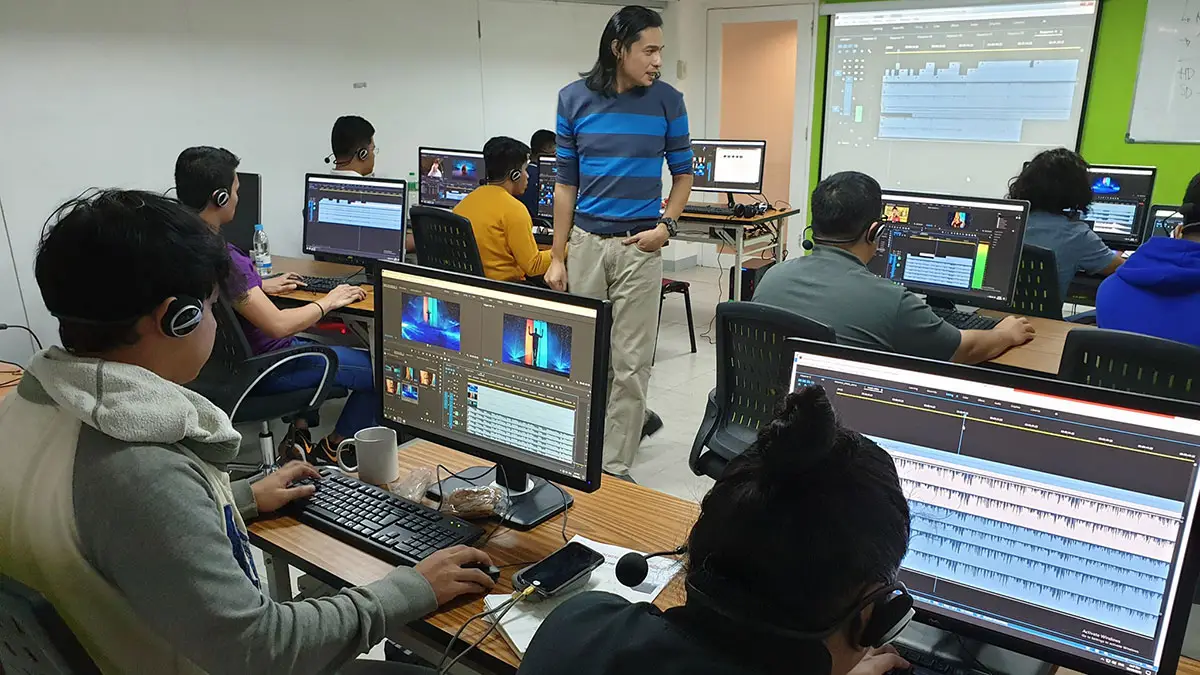
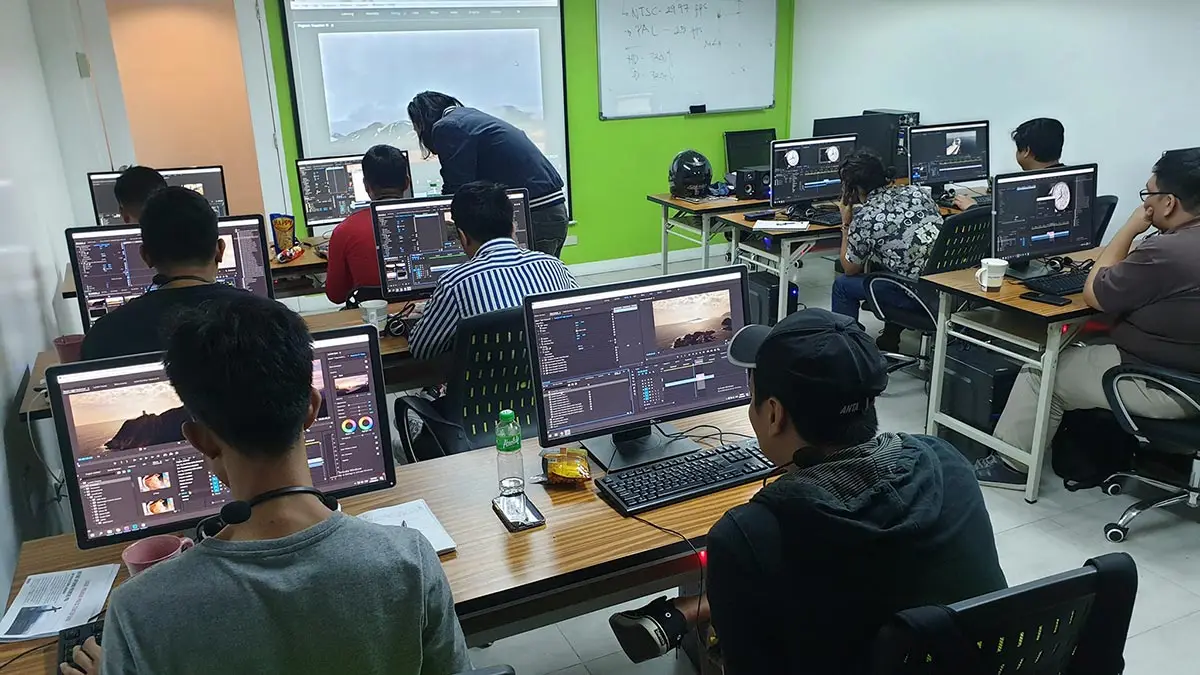
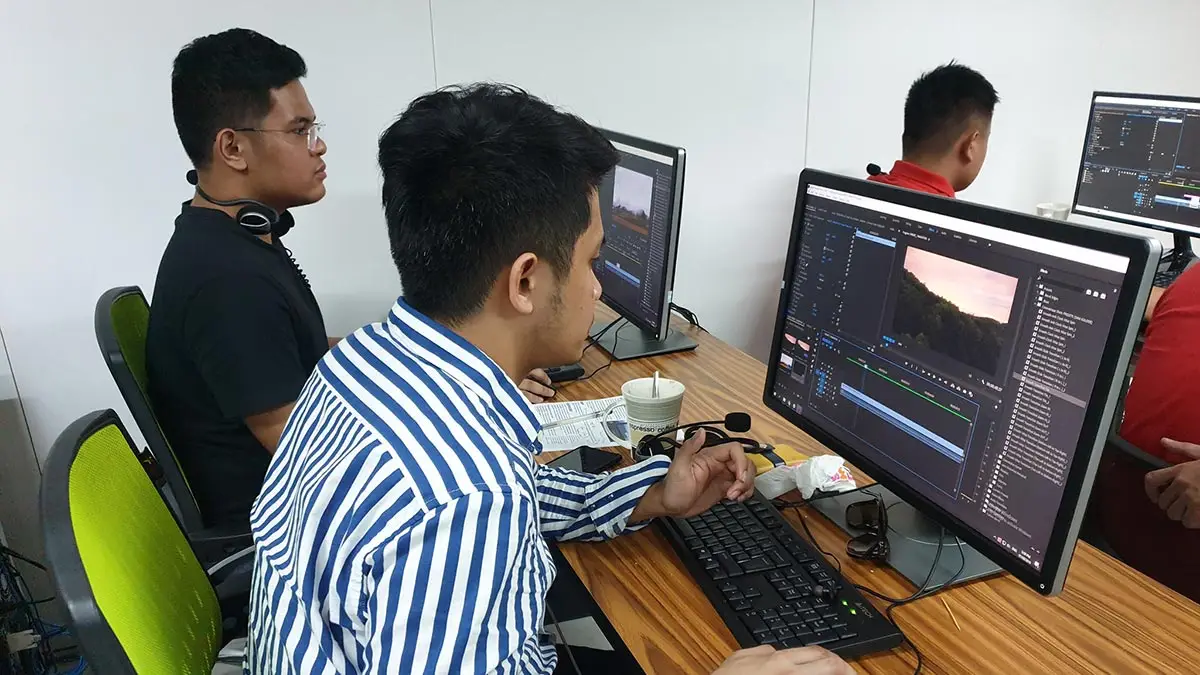
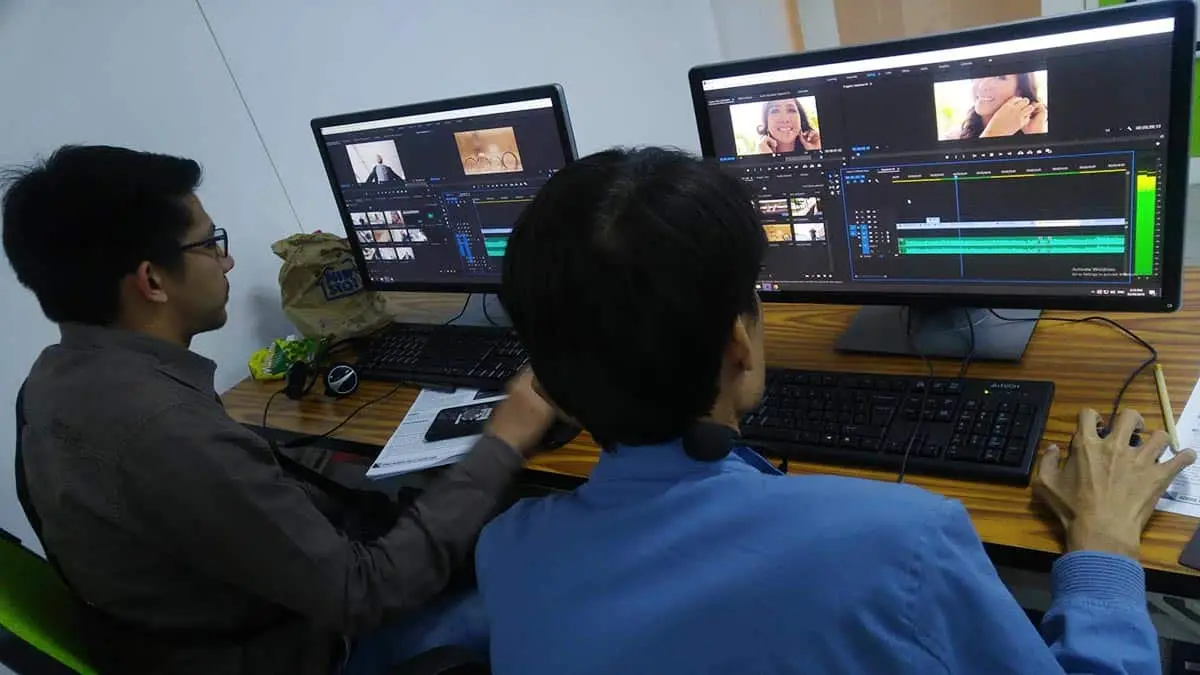
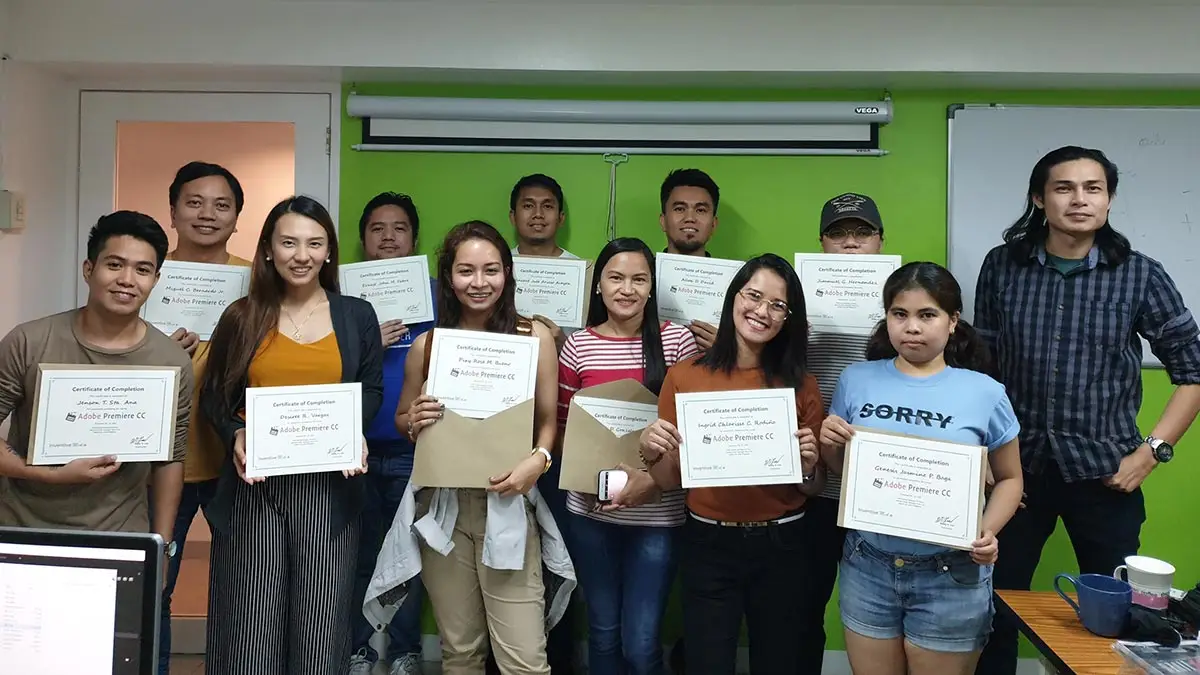
Hailed as one of the top multimedia schools in the Philippines!
- Taught by Professional Video Editors from GMA7 and TV5
- Hands-on with different Ai Video Generation Models
- Pearson Vue Accredited Testing Center
- PhilGEPS Accredited Center
- Receive a globally recognized course certificate
Frequently Asked Questions
What are the prerequisites for this course?
Participants should have the following:
- OpenArt Plus account is required
- Basic background in non-linear video editing (NLE) using software such as Adobe Premiere Pro or DaVinci Resolve
- Basic knowledge of motion graphics is an advantage but not required
- Knowledge in Photoshop and Illustrator is an advantage but not required
What's included after completing the training?
- Certificate of course completion
- Training references (PDF)
- Exercise materials
- Some add-ons
- Free trainer consultation
- Unlimited Free Retakes
How to avail the Unlimited Free Retakes?
Unlimited Retakes = Unlimited Hours of Learning!
We understand that individuals have different learning styles and paces, that’s why we offer the opportunity to learn at your own speed. If you need more time to grasp a concept, you are welcome to come back and retake the class at no additional cost. We believe in providing students with the support they need to succeed.
To Avail: Finish the course to qualify for the unlimited refresher classes
Validity: 1 Year
Do I need prior AI experience to join the course?
No. You don’t need prior AI experience. The training will teach you how to use different AI platforms to create video clips, characters, scenes, and visuals.
However, you should have basic knowledge of video editing using software such as Adobe Premiere Pro or DaVinci Resolve. The AI platforms will generate the individual video clips, while Premiere Pro or DaVinci Resolve will be used to put all the clips together, edit them, and create the final video
Why use OpenArt instead of just using Google Omni or Seedance?
OpenArt allows students to access multiple AI models in one platform. Instead of relying on just one AI video generator, students can choose the right model for each scene or creative task.
Some of the AI platforms and models available include:
- Seedance – cinematic video generation
- Gemini Omni – fast generation and reference-based workflows
- Kling – motion and camera control
- Veo – high-quality cinematic video generation
- Other AI models – depending on the project and creative requirements
OpenArt also provides tools for storyboarding, image-to-video, character consistency, camera control, lip sync, VFX, and video editing, making it a practical platform for AI video production.
Who should enroll in this AI Video Editing training?
- Video Editors
- Content Creators
- Filmmakers
- Graphic Designers
- Digital Marketers
- YouTubers
- Social Media Creators
- Professionals who want to incorporate AI into their video production workflow
What career opportunities are available after AI Video Editing training?
Graduates of our Adobe Premiere Pro training can pursue several high-demand roles, including:
- Video Editor: For film, TV, and documentary production.
- Social Media Content Specialist: Focused on TikTok, Reels, and YouTube Shorts.
- Commercial Editor: Creating high-impact ads for brands and agencies.
- Corporate Video Specialist: Producing internal and promotional content for businesses.
- YouTube Editor: Handling multi-camera edits and channel branding for creators.
Course Outline
1. Introduction to AI Video Production
- AI Video Generation vs. Traditional Video Editing
- AI Video Production Workflow
- OpenArt Interface, Tools & AI Video Models
2. Story Development & Storyboarding
- Video Concept & Script Development
- Story Structure & Shot Planning
- Storyboarding & Scene Breakdown
- Visual & Character Continuity
3. Avatar & Character Development
- AI Avatar & Character Creation
- Character Design & Personality
- Character Consistency Across Scenes
- Character Expressions, Poses & Performance
4. AI Visual Development
- Creating Characters, Locations & Environments
- Image-to-Image (I2I) Visual Development & Transformation
- Visual Style & Art Direction
- Reference Images & Consistent Visuals
- Creating Keyframes for Controlled Video Generation
5. Camera Control & Cinematic Composition
- Shot Types & Camera Angles
- Camera Movement & Direction
- Cinematic Composition
- Camera Continuity & Visual Storytelling
6. Lighting & Cinematic Look
- Natural & Artificial Lighting
- Key, Fill, Rim & Backlighting
- Dramatic & Cinematic Lighting
- Lighting Consistency Across Scenes
7. AI Video Generation & Keyframing
- Text-to-Video
- Image-to-Video
- Keyframe-Based Video Generation
- Start & End Frame Control
- AI Video Prompt Engineering
- Generating & Refining Individual Shots
- Quality Control & Troubleshooting
8. AI Video Editing & VFX
- AI-Assisted Video Editing
- Video-to-Video & Style Transformation
- Video Inpainting & Object Replacement
- Background Replacement & Relighting
- Video Extension & Enhancement
9. AI Voice, Dialogue & Motion
- AI Voiceover & Narration
- Character Dialogue & Lip Sync
- Sound Effects & Ambient Audio
- Motion Sync & Character Performance
10. Professional Video Editing with Adobe Premiere Pro
- Importing & Organizing AI-Generated Assets
- Timeline & Multi-Scene Editing
- Trimming, Cutting & Transitions
- Pacing, B-Roll & Visual Continuity
11. Audio, Color & Visual Finishing
- Voice, Music & Sound Effects
- Audio Balancing & Mixing
- Color Correction & Color Grading
- Titles, Captions & Branding
12. Final Output & Publishing
- Video Quality Control
- Resolution, Aspect Ratio & Formats
- YouTube, Facebook, Instagram & TikTok Outputs
- Premiere Pro Export Settings
- Master Video & Social Media Versions
Enroll 4 & get extra ₱500/pax off
Retake the course at no extra cost
Note: Courses included in a bundled promo must be taken within the same month.
Promo rates may change without prior notice.
Adobe Premiere Pro + Ai Video Editing
- Basic to Advanced Coverage
- Using Adobe Enterprise License
- Certificate of Completion
- Training Materials and References
- Free Wifi Access
- Free Unlimited Coffee
- Free Trainer Consultation
- Free Unlimited Class Retakes
OCTOBER 2026
About the Registration
Feel free to register! Registering does not commit you to paying for the course immediately. Registration helps us track attendee numbers and enables us to stay in touch. Payment will only be requested once the course is confirmed to proceed.
Note: When choosing a schedule, you are limited to the available training dates posted on our website.