
Adobe Dreamweaver
Your visual gateway to professional web development.

Course Overview
Master responsive web design with Adobe Dreamweaver. Create, code, and manage dynamic websites using CSS Designer, HTML5 integration, and Fluid Grid Layouts for seamless mobile and desktop performance.
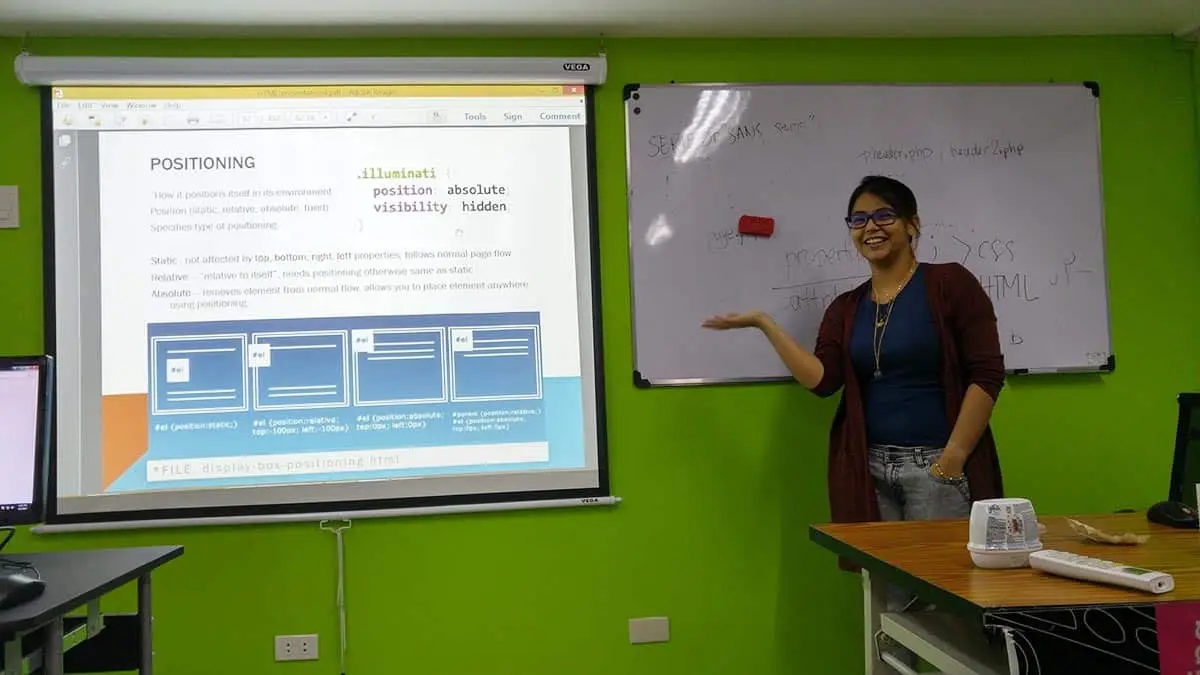
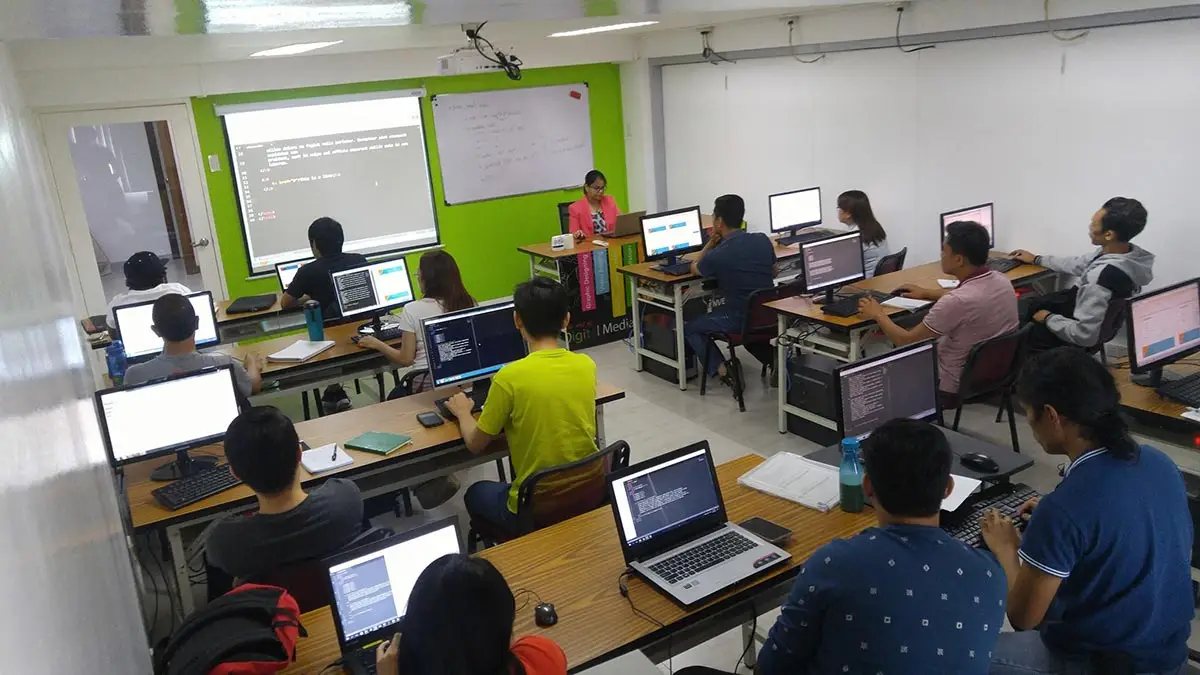
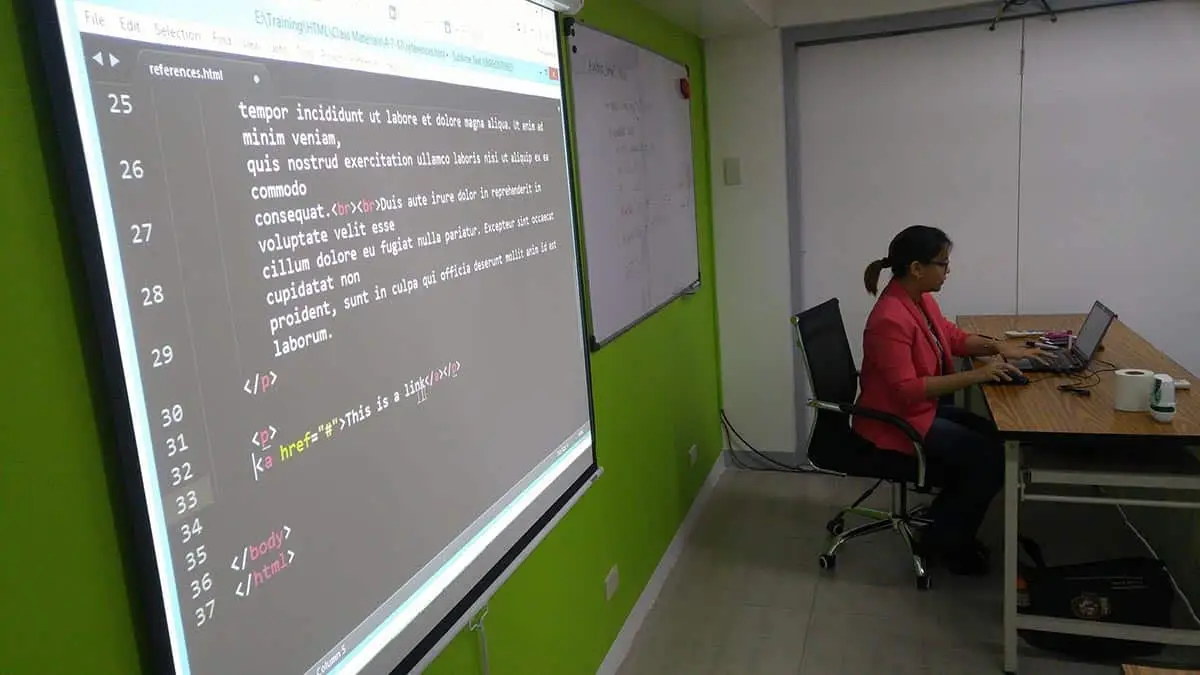
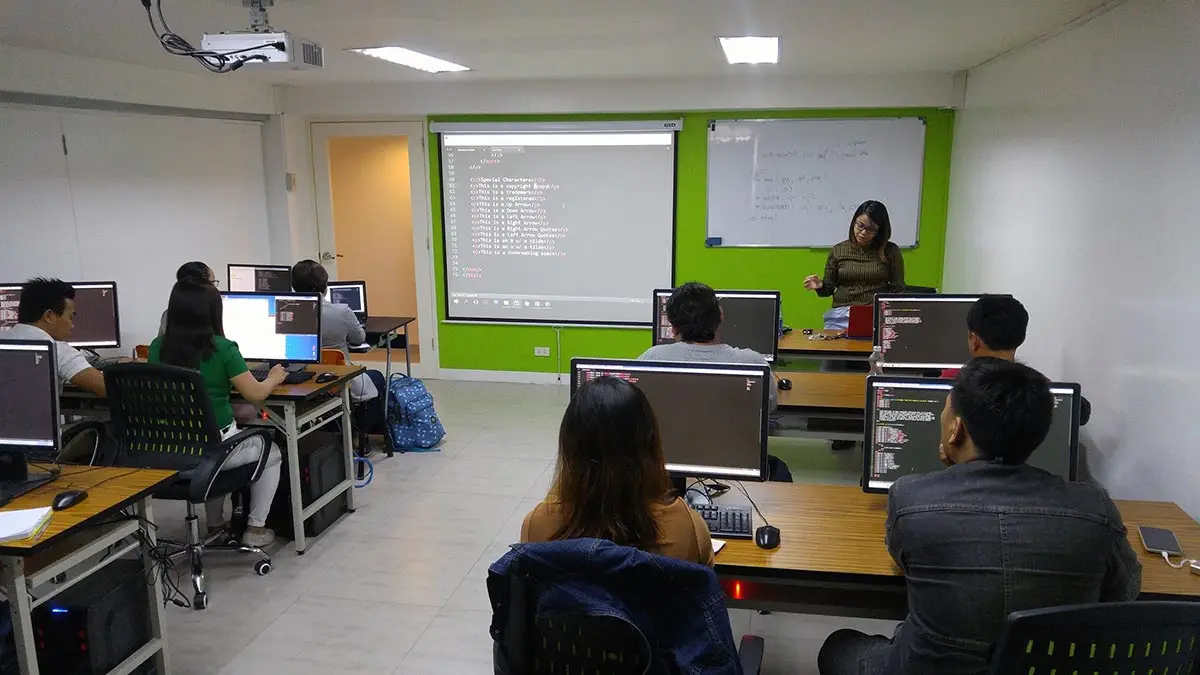
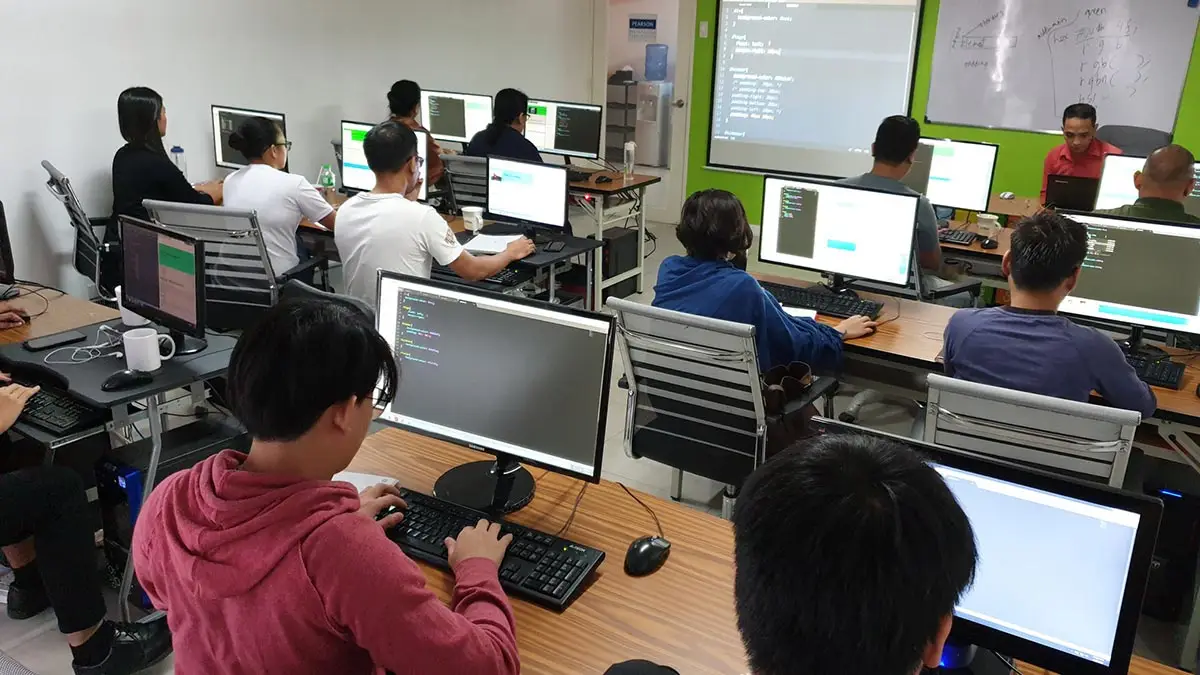
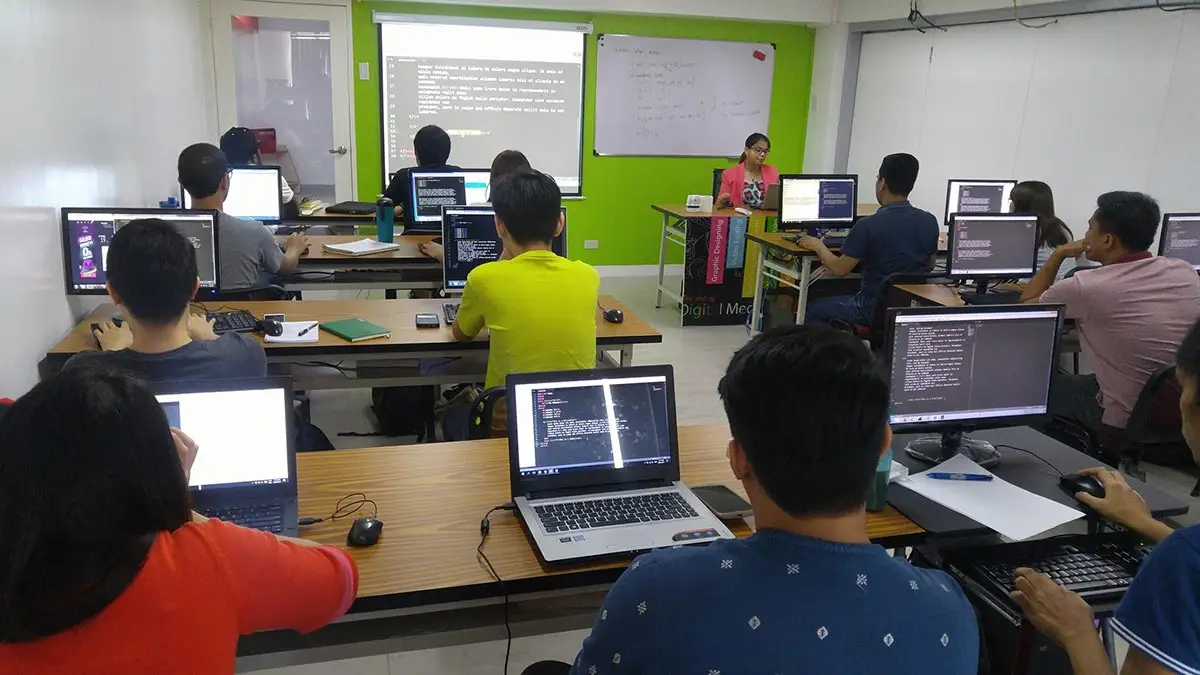
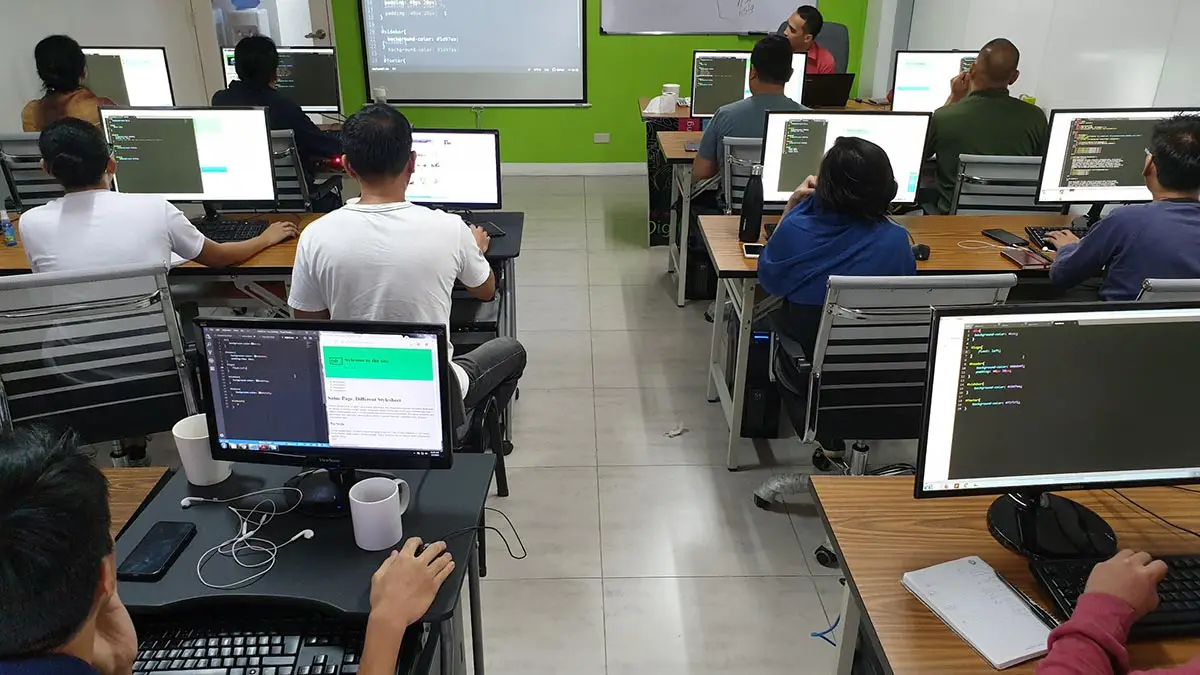
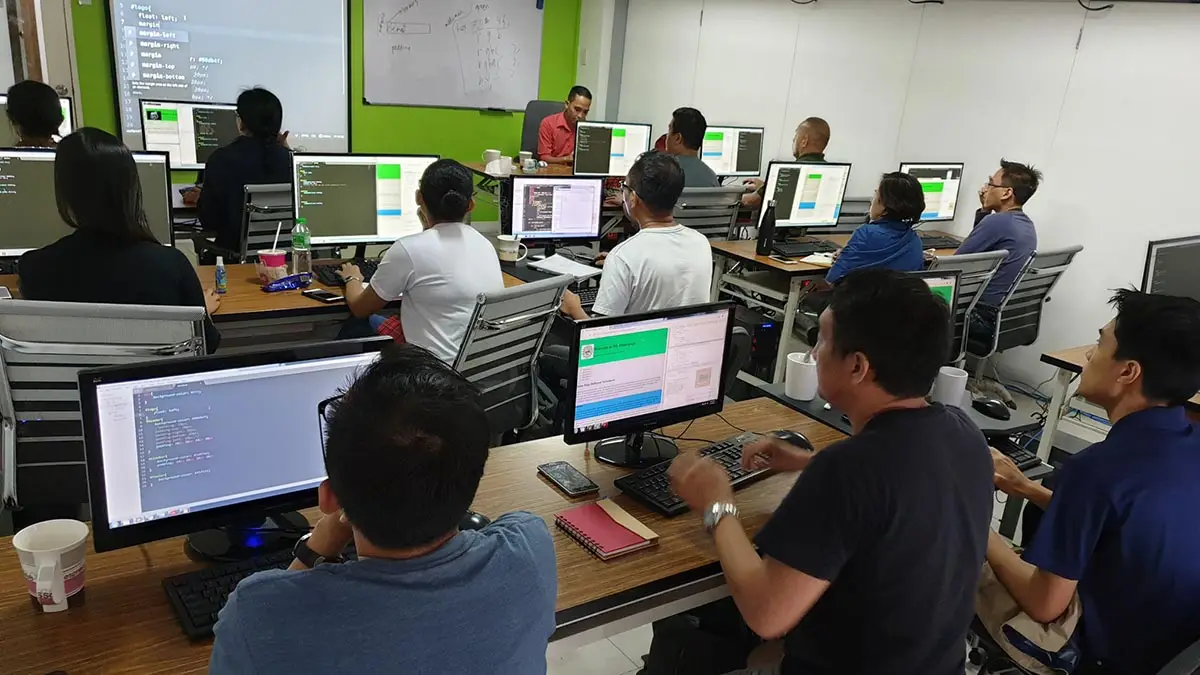
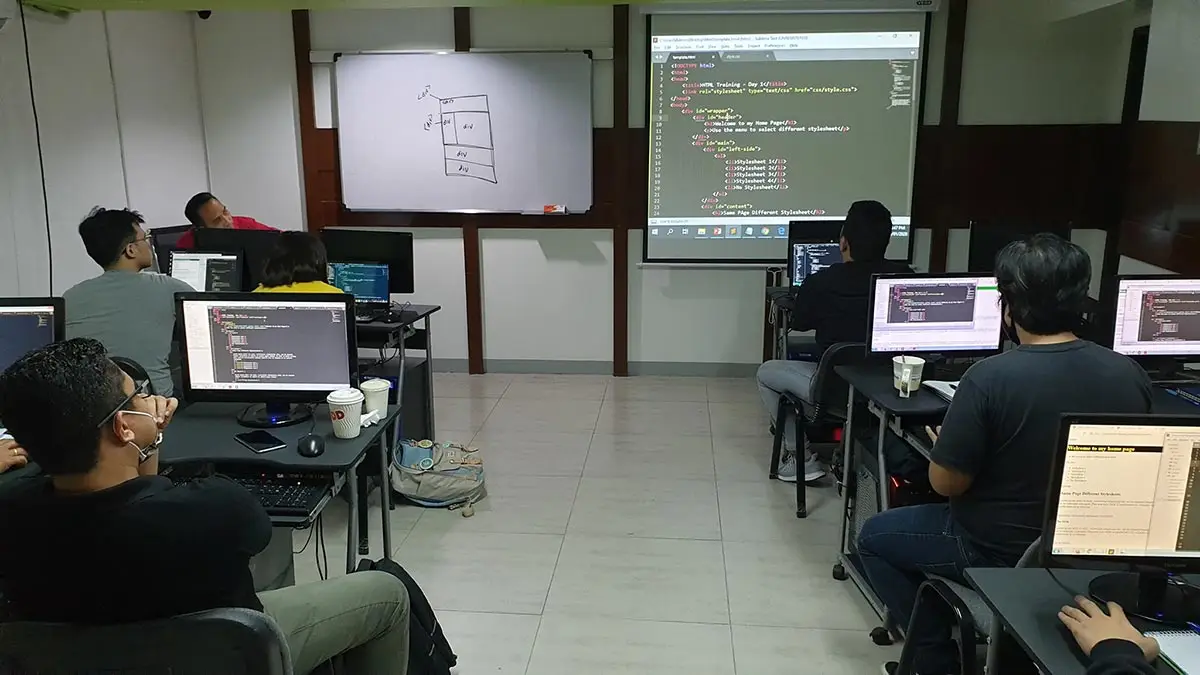
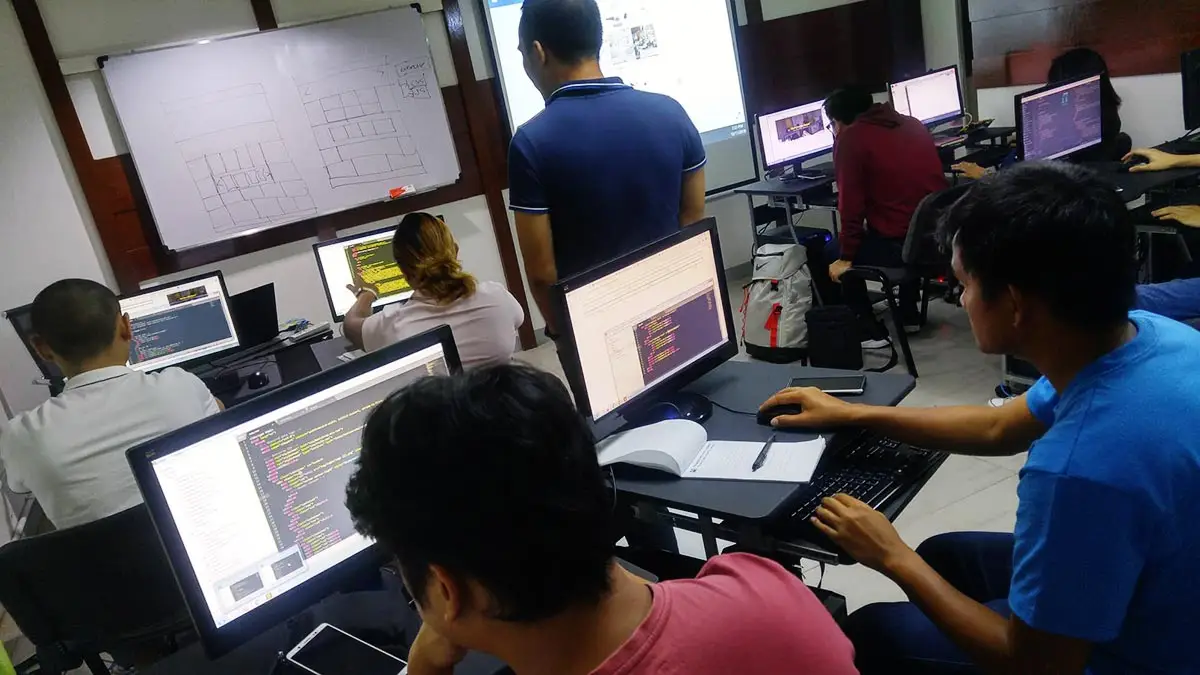
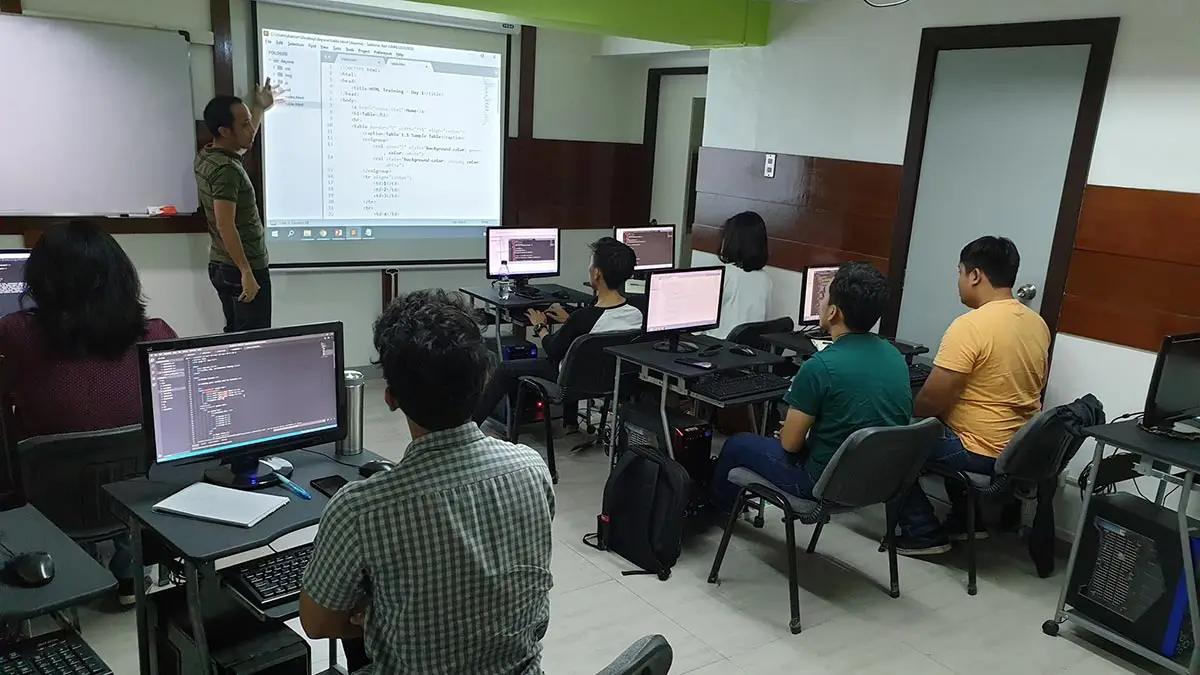
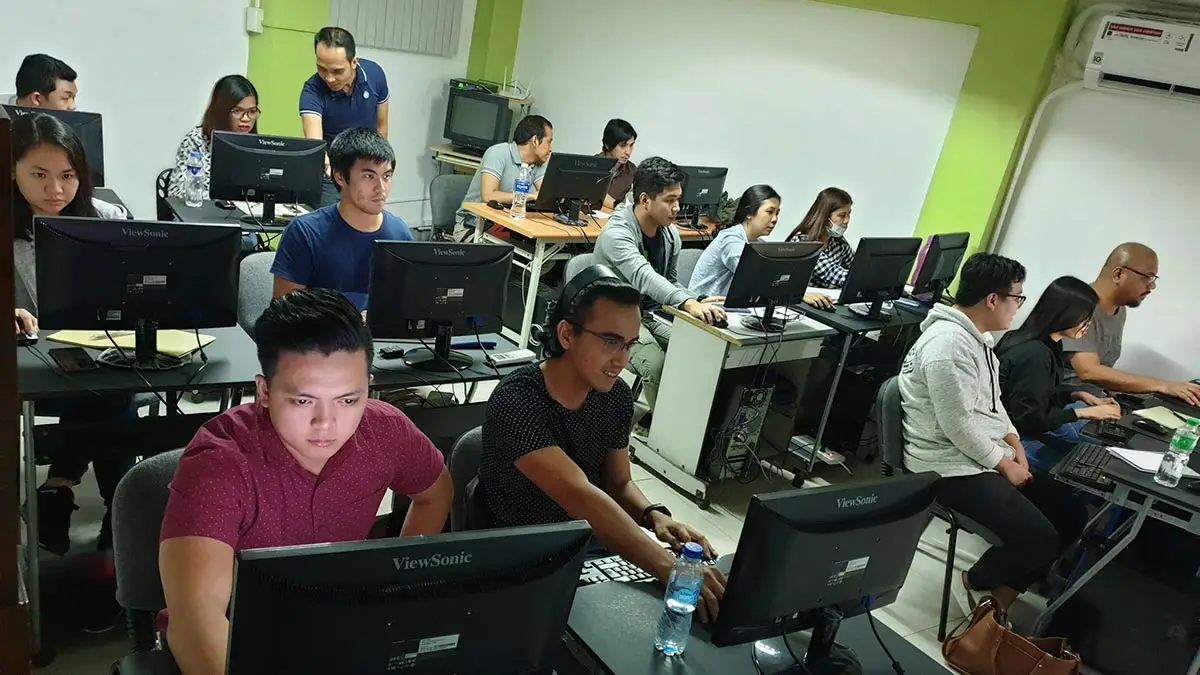
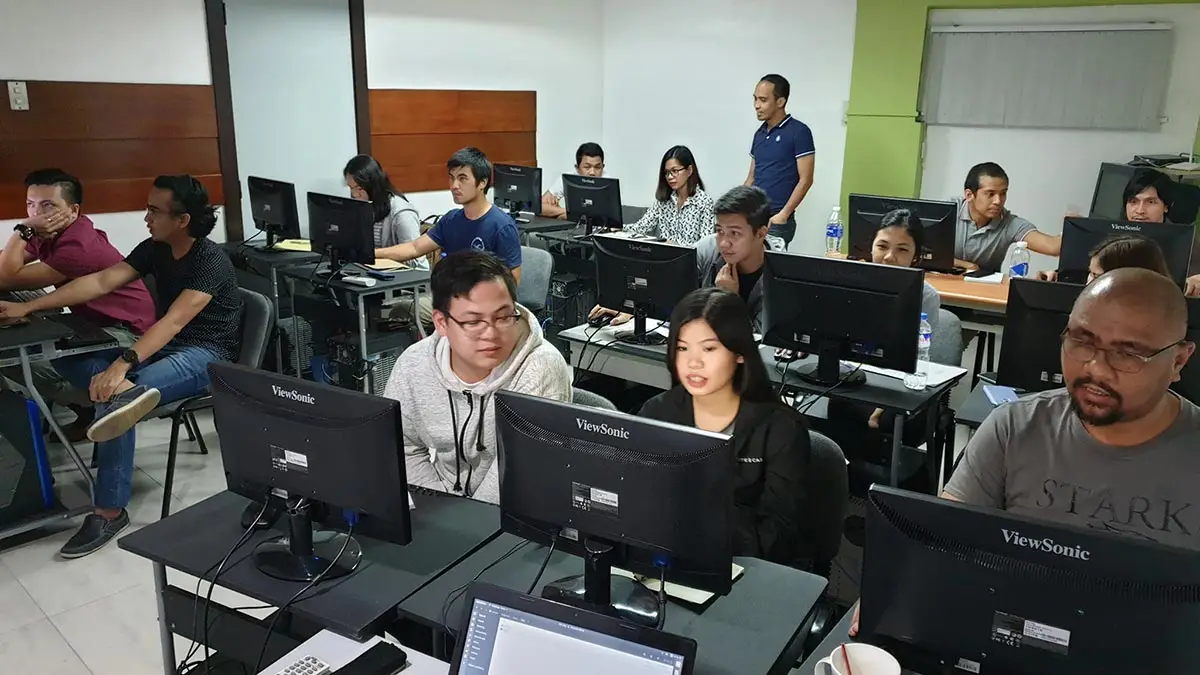
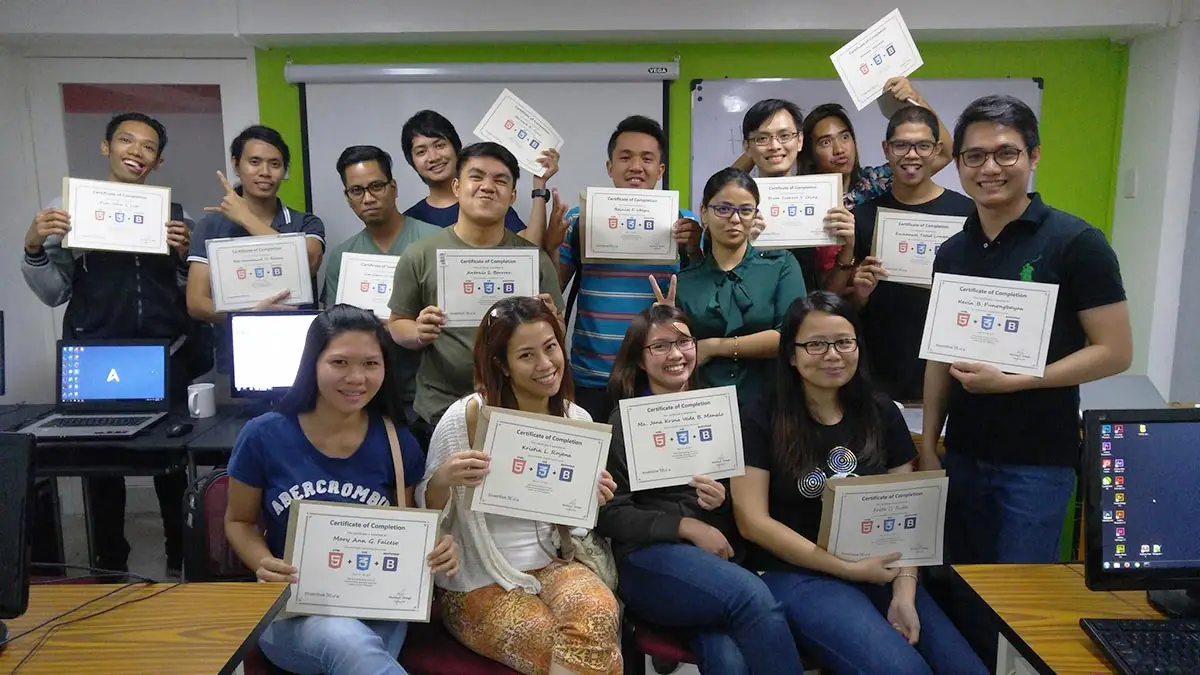
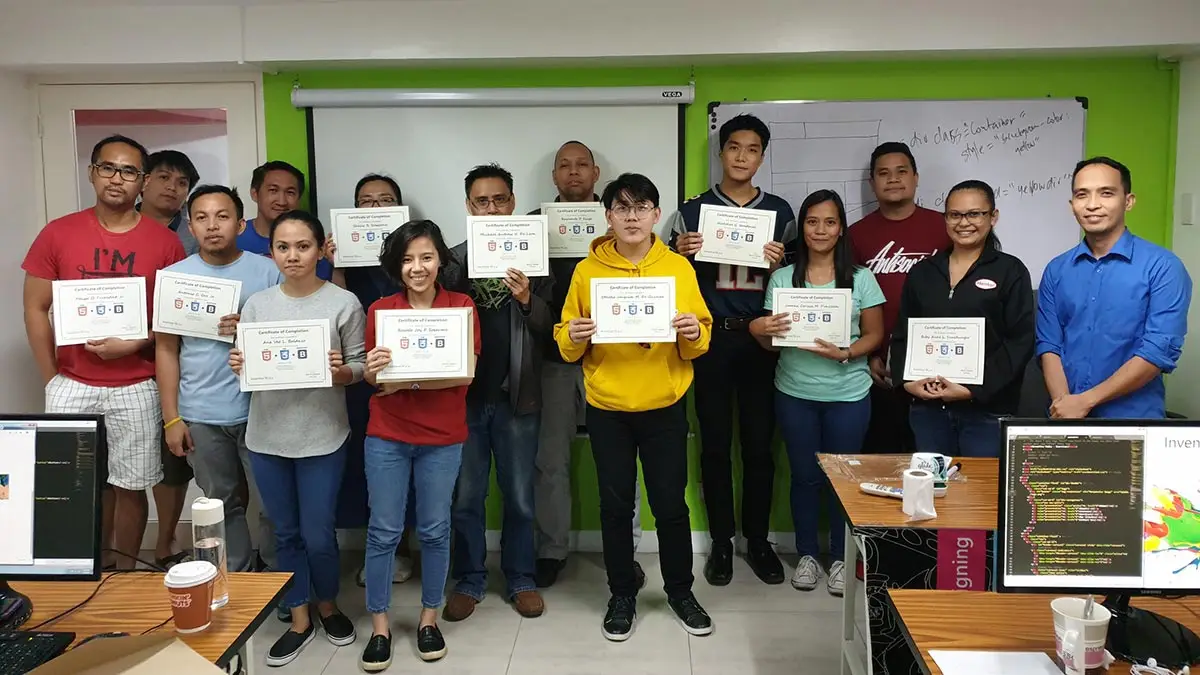
Ranked as one of the Best Schools for Web Development
- Our Python courses are priced 30% lower compared to other training centers
- First school to offer WordPress, Joomla & Drupal Classes since 2006
- First school to offer Laravel Class since 2014
- First school to offer Bootstrap Class since 2013
- Pearson Vue Accredited Testing Partner
- PhilGEPS Accredited Center
- Globally Recognized Course Certificate
- Around 85% of government agencies and LGUs take web Development classes from us
Course Outline
- Website 101
- What is Dreamweaver
- Using a Sitemap
- Directing the Dreamweaver Workspace
- Setting-up your Site Folder
- Creating Other Necessary Folders
- Creating an HTML Document
- Organizing Files and Folders
- Using Existing Files
- Proper way of using an index file
- Relative vs Absolute Hyperlinks
- Text Hyperlink
- Email Hyperlink
- PDF Hyperlink
- Download Hyperlink
- Image Hyperlink
- Named Anchors
- Creating a Hover Menu
- Embedding Images
- Embedding Audio
- Embedding Video
- Embedding Google Map
- Embedding Spotify
- Embedding Google Elements
- Typography Basics
- H1 to h6
- Text Formatting
- Using Inline Styles
- Creating and Linking CSS
- Creating a Tables
- Table Borders
- Table Sizes
- Padding and Margin
- Colspan and Rowspan
- Table Headers
- Table Styling
- Using Existing Templates
- Creating Templates
- Setting Editable Regions in a Template
- Local and Remote Sites
- Web Hosting Overview
- Setting up FTP
- File Synchronization
- Website Backup
- File and Folder Cloaking
Frequently Asked Questions
What are the prerequisites for this course?
- Basic Computer knowledge and Skills in PC or Mac.
- Knowledge in HTML5, and CSS3 with Bootstrap 5 is an advantage but not required.
What's included after completing the training?
- Certificate of course completion
- Training references (PDF)
- Exercise materials
- Some add-ons
- Free trainer consultation
- Unlimited Free Retakes
How to avail the Unlimited Free Retakes?
Unlimited Retakes = Unlimited Hours of Learning!
We understand that individuals have different learning styles and paces, that’s why we offer the opportunity to learn at your own speed. If you need more time to grasp a concept, you are welcome to come back and retake the class at no additional cost. We believe in providing students with the support they need to succeed.
To Avail: Finish the course to qualify for the unlimited refresher classes
Validity: 1 Year
Who should enroll in this Dreamweaver training?
While modern web development has shifted toward various frameworks, Adobe Dreamweaver remains a unique powerhouse for those who value a visual-to-code workflow. This course is ideal for:
- Graphic Designers: Professionals who want to expand into web design without feeling overwhelmed by a “code-only” environment.
- Government & LGU Staff: Since 85% of Philippine government agencies utilize Inventive Media’s web classes, this is the standard for maintaining official portals and static documentation sites.
- Marketing & Content Managers: Individuals who need to manage professional email templates, landing pages, and microsites with precision.
- Freelancers: Those looking to build and host high-performance “brochure” websites for local clients using industry-standard FTP and site management tools.
- Aspiring Front-End Developers: Beginners who want to literally see how HTML5 and CSS3 changes impact a website in real-time through the “Live View” interface.
What career paths are available after this training?
- Web & UI Designer: Bridge the gap between graphic design and functionality by creating responsive layouts and interactive user interfaces.
- Junior Front-End Developer: Use the “Code View” to master HTML5, CSS3, and JavaScript, specializing in the Bootstrap 5.3+ framework for modern web builds.
- Email Marketing Specialist: Design and code “bulletproof” HTML email templates that maintain design integrity across all major platforms like Gmail and Outlook.
- LGU / Corporate Webmaster: Manage large-scale portals and government websites using Dreamweaver’s structured site management and secure FTP tools.
- Freelance Web Developer: Offer end-to-end services for SMEs, handling everything from initial design mockups to final site deployment and hosting.
Regular Rate
₱10,000
/pax
- Basic to Advanced Coverage
- Certificate of Completion
- Training Materials and References
- Free Trainer Consultation
- Unlimited Class Retakes within 1 Year
Get a ₱1,000 discount upon registration
Get a ₱1,500 discount upon registration
Enroll 4 students and get an extra ₱500/pax off, on top of existing discounts.
OCTOBER 2026
About the Registration
Feel free to register! Registering does not commit you to paying for the course immediately. Registration helps us track attendee numbers and enables us to stay in touch. Payment will only be requested once the course is confirmed to proceed.
Note: When choosing a schedule, you are limited to the available training dates posted on our website.