
MS Windows Server 2022
Master your server: Install, Administer and Manage!
Course Overview
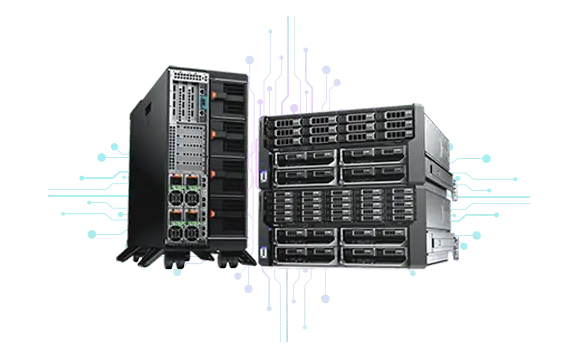
Master Microsoft Windows Server 2022 training in the Philippines! Our comprehensive training equips you with the skills to install, configure, and manage on-premise servers, boosting your IT career.
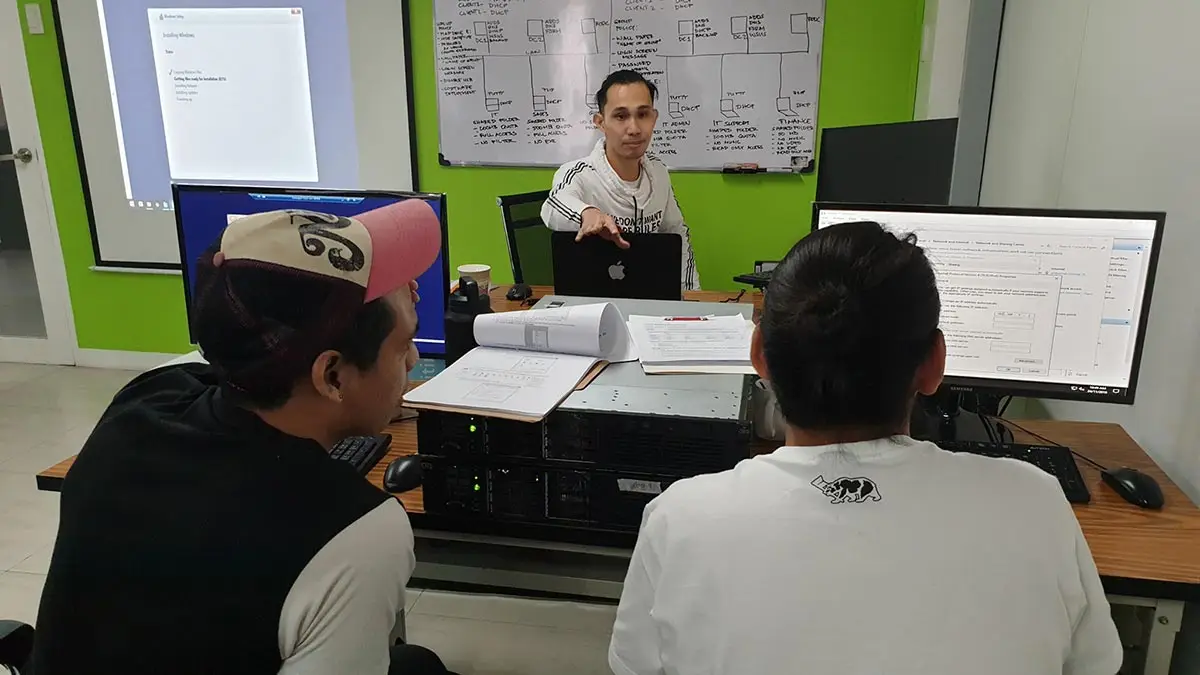
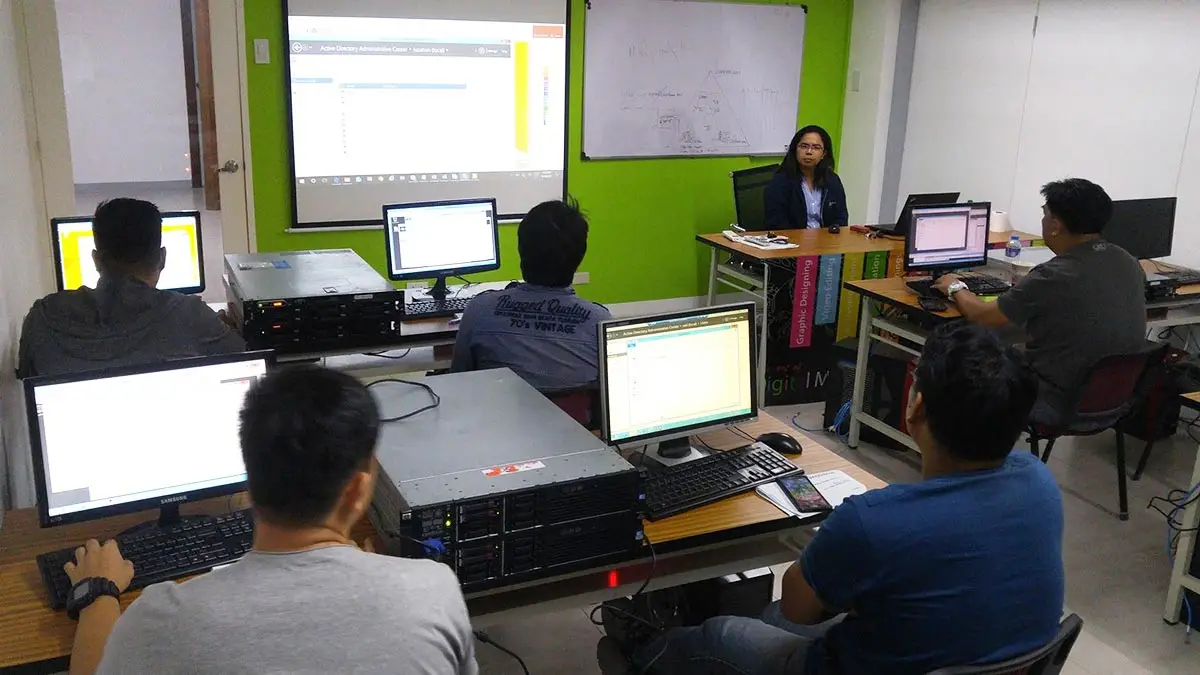
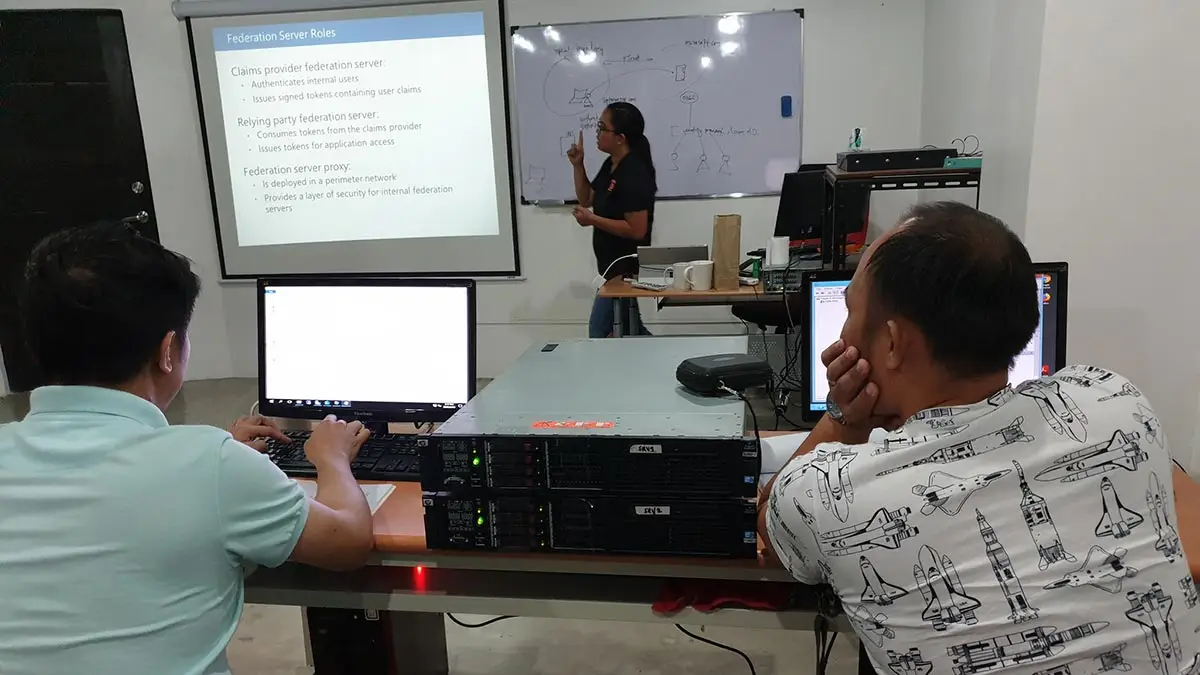
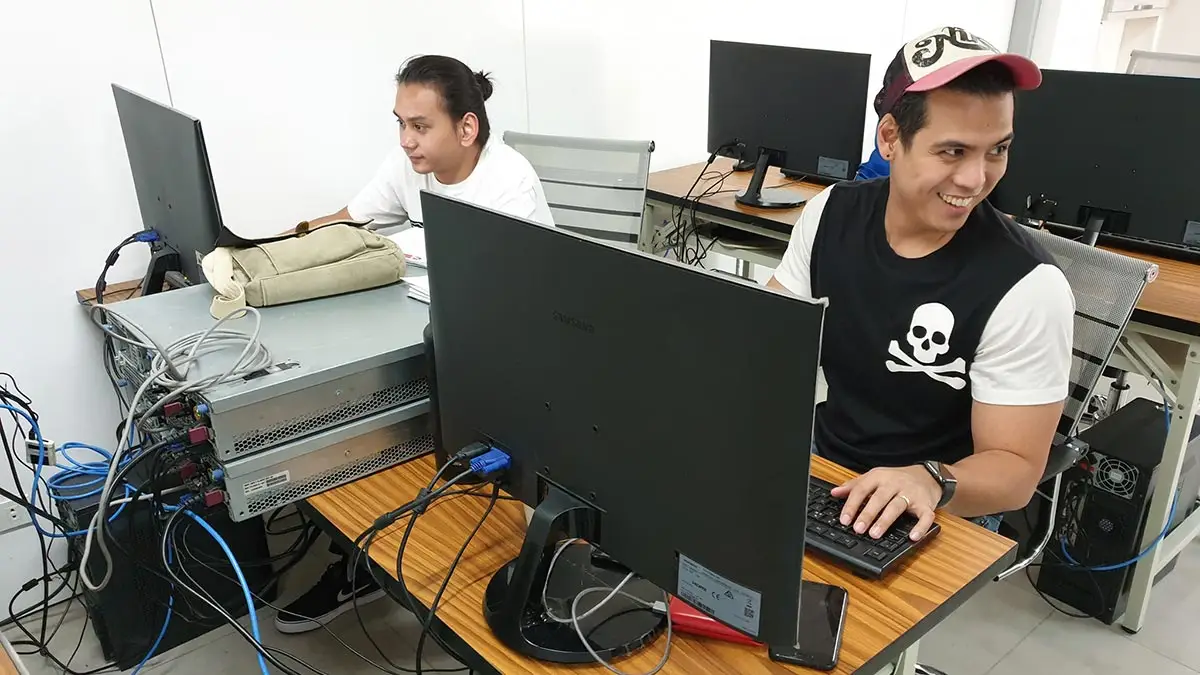
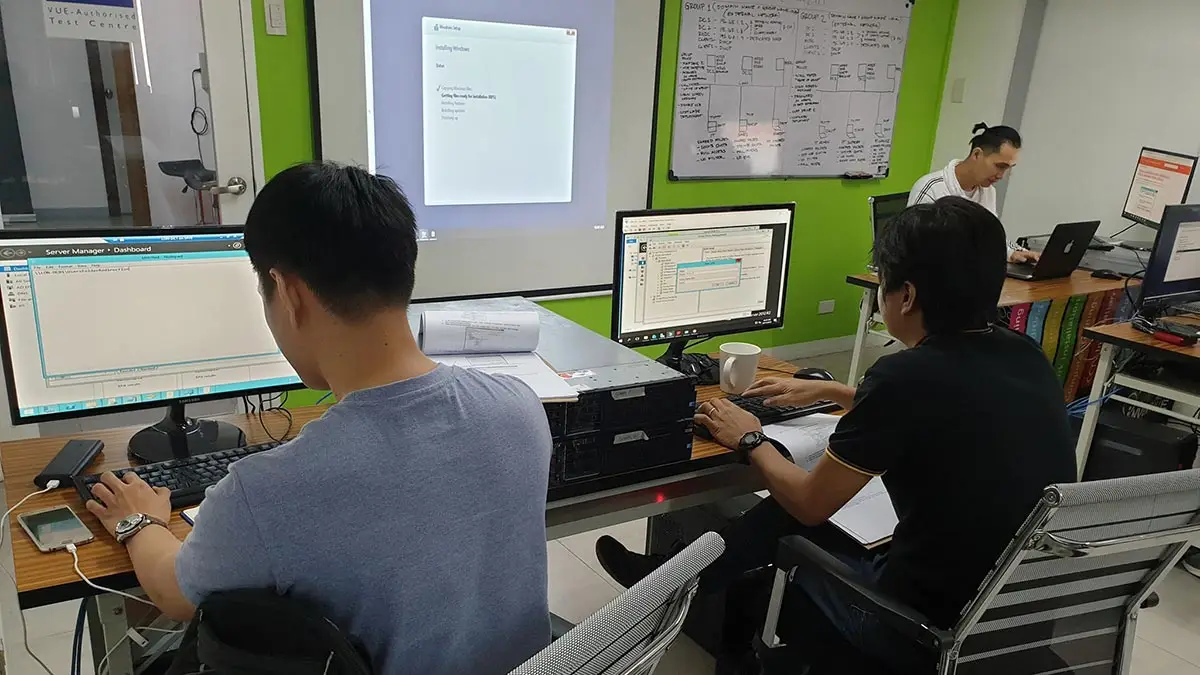
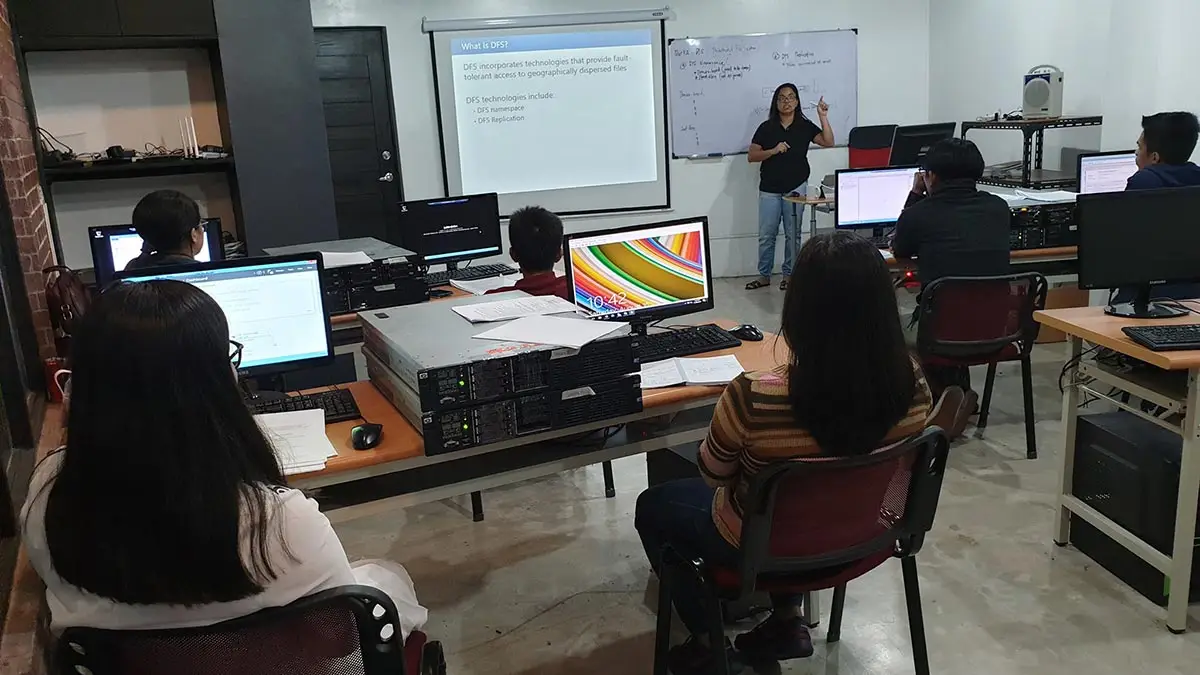
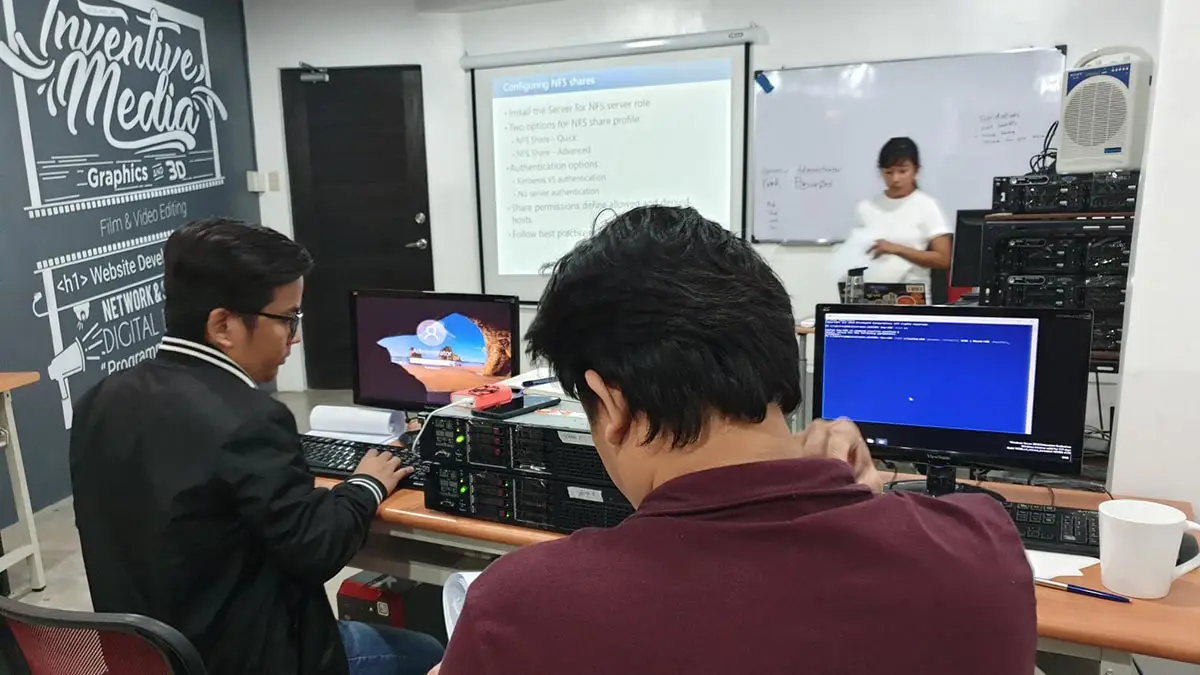
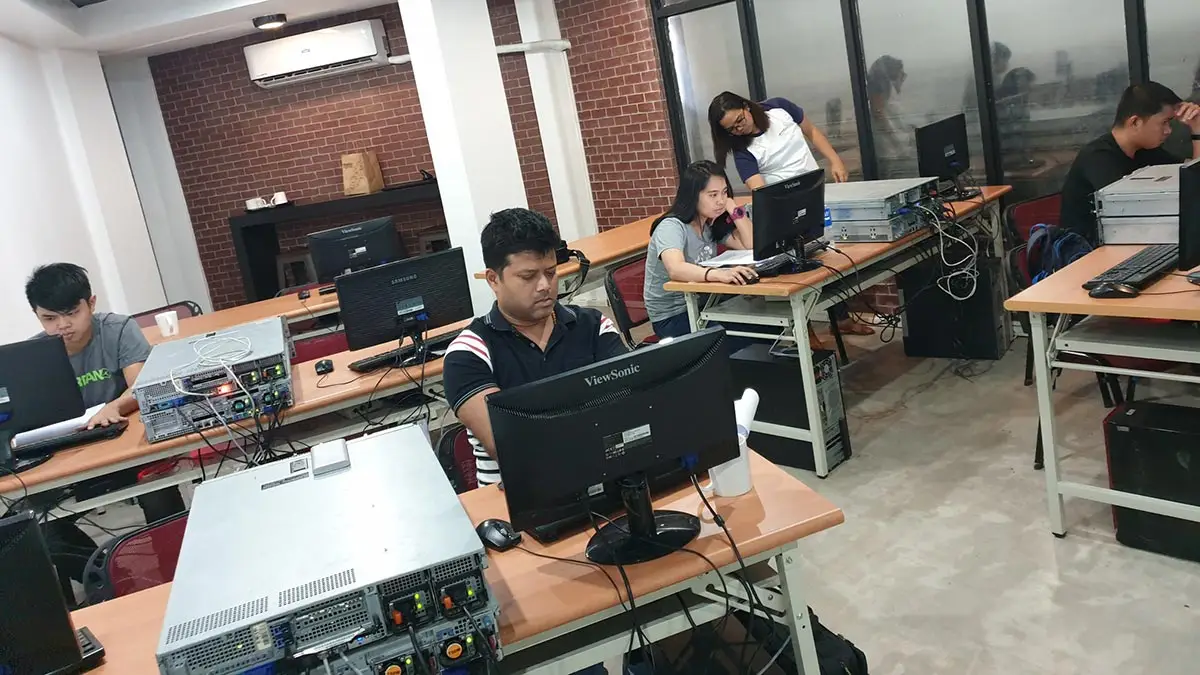
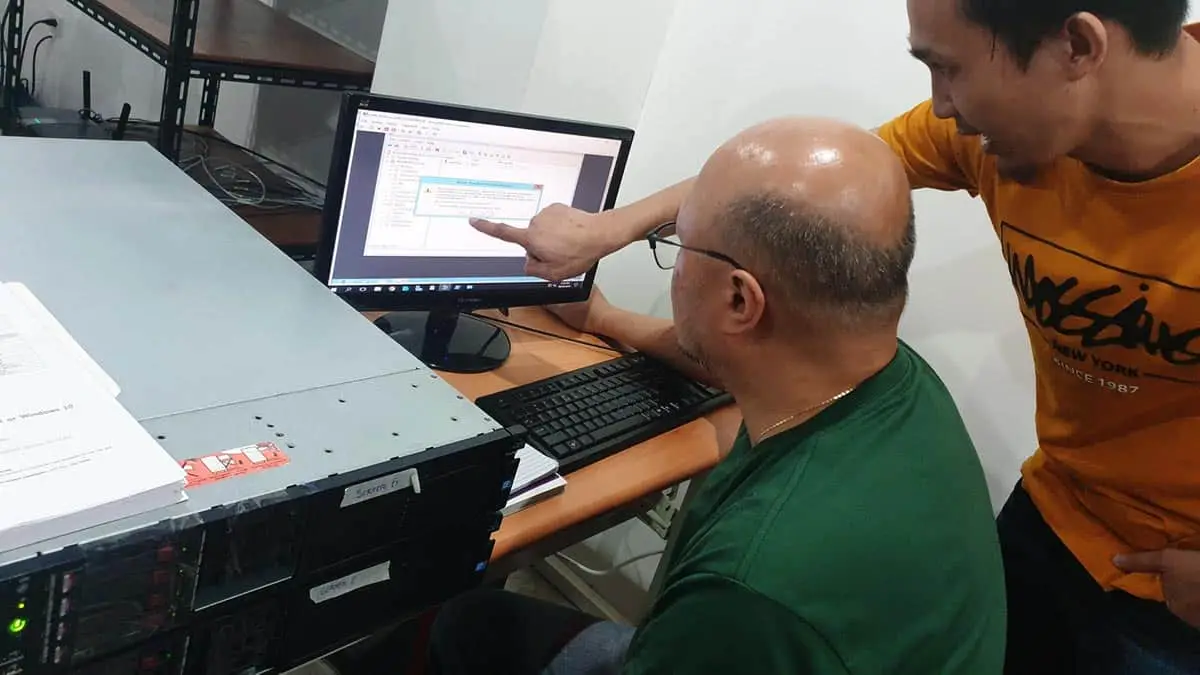
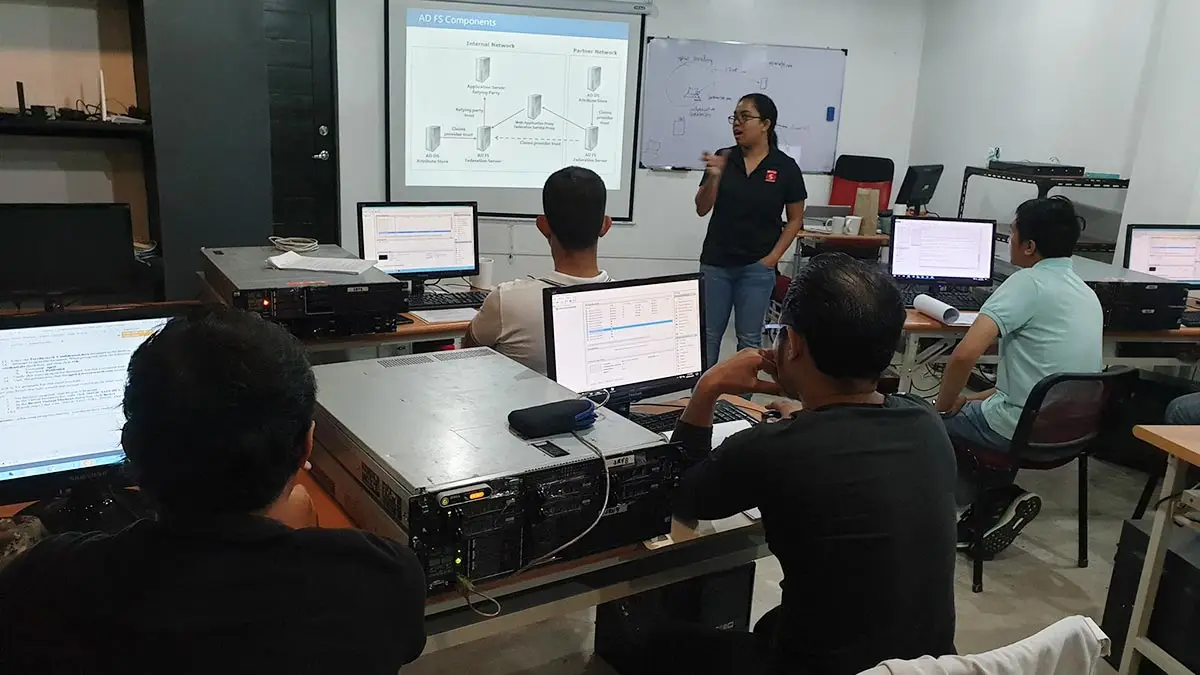
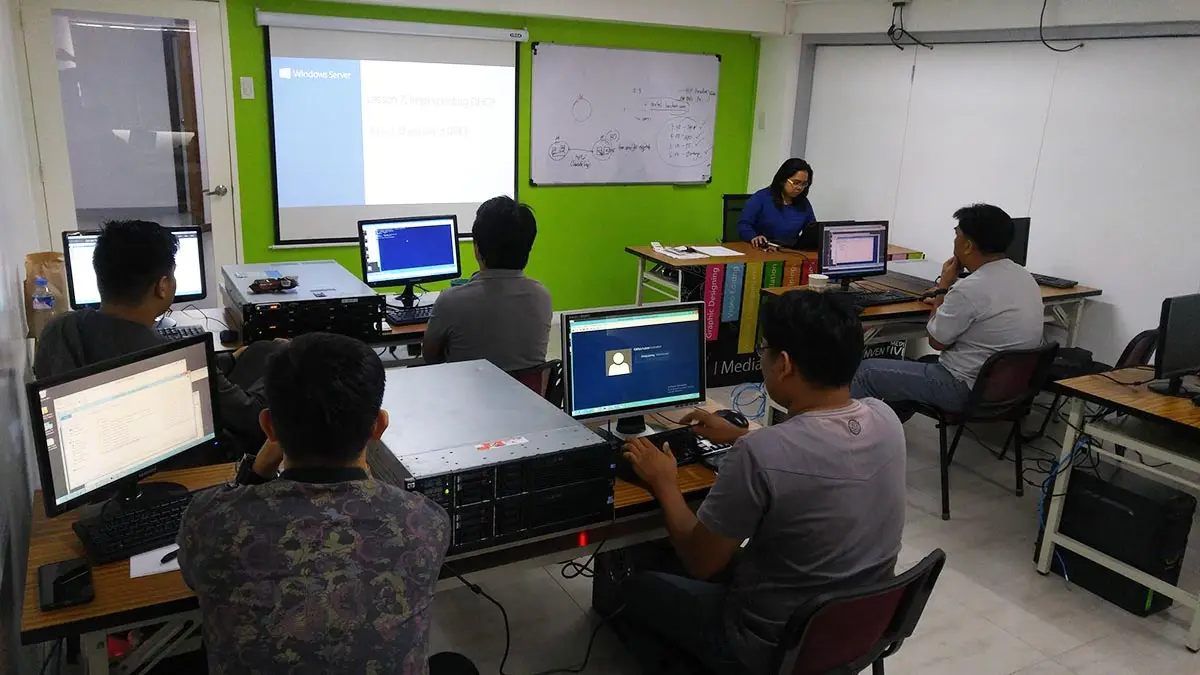
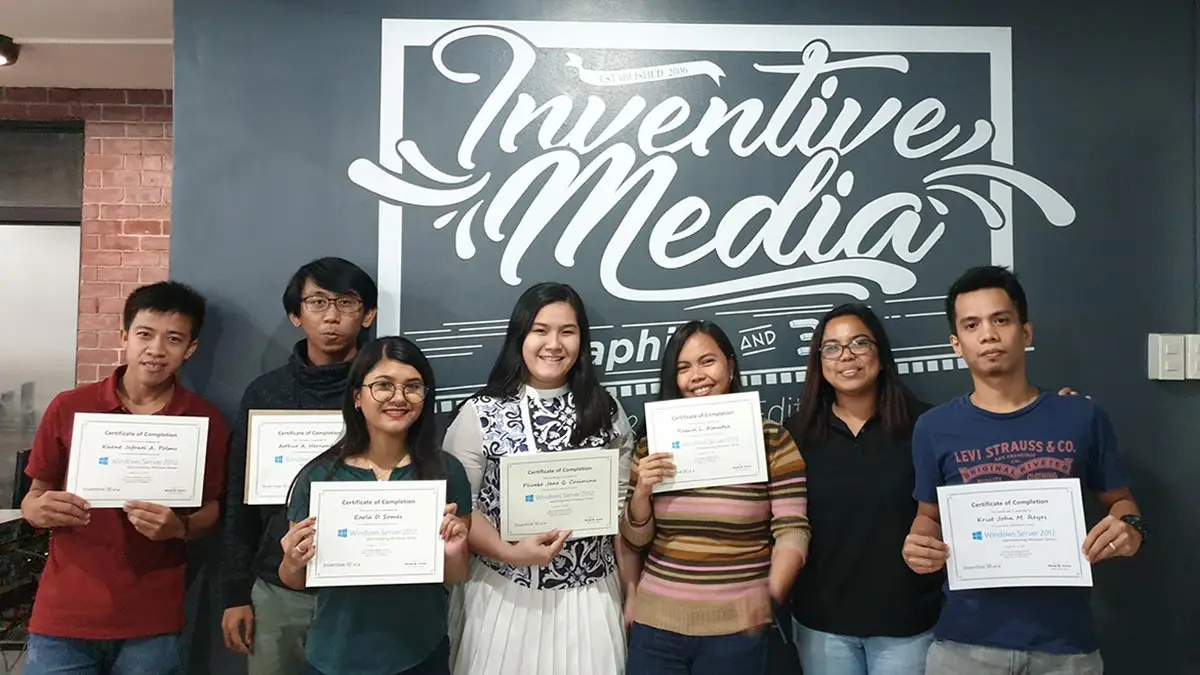
Philippine's Best Microsoft Windows Server Training Center
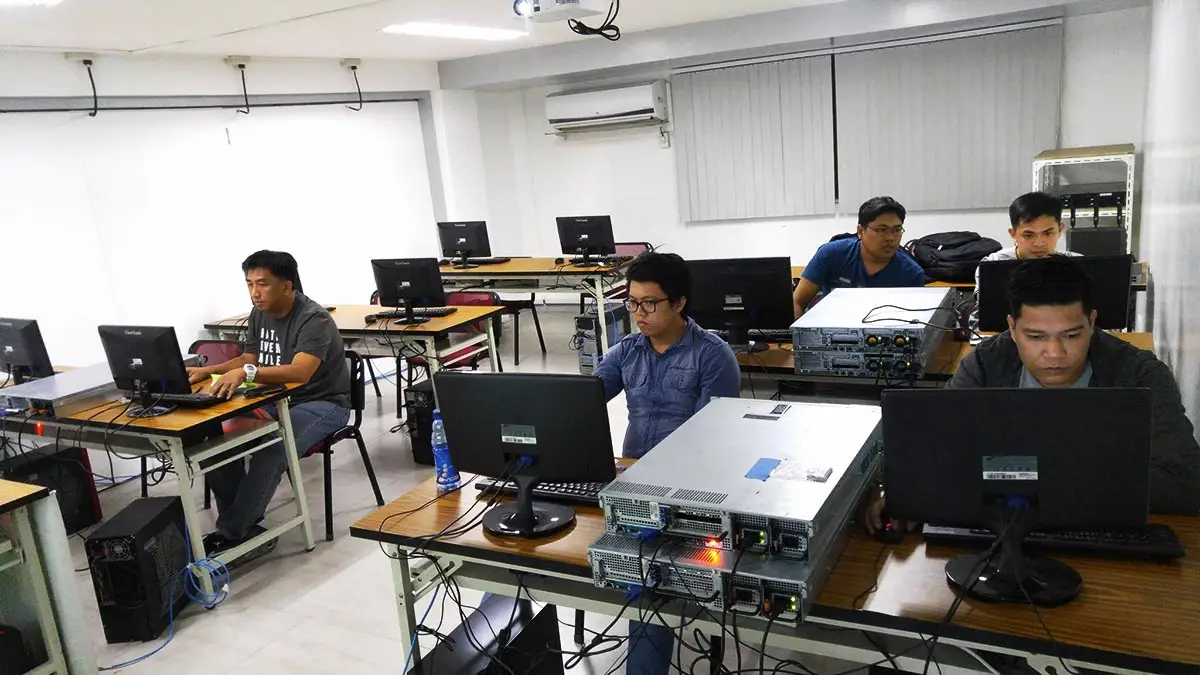
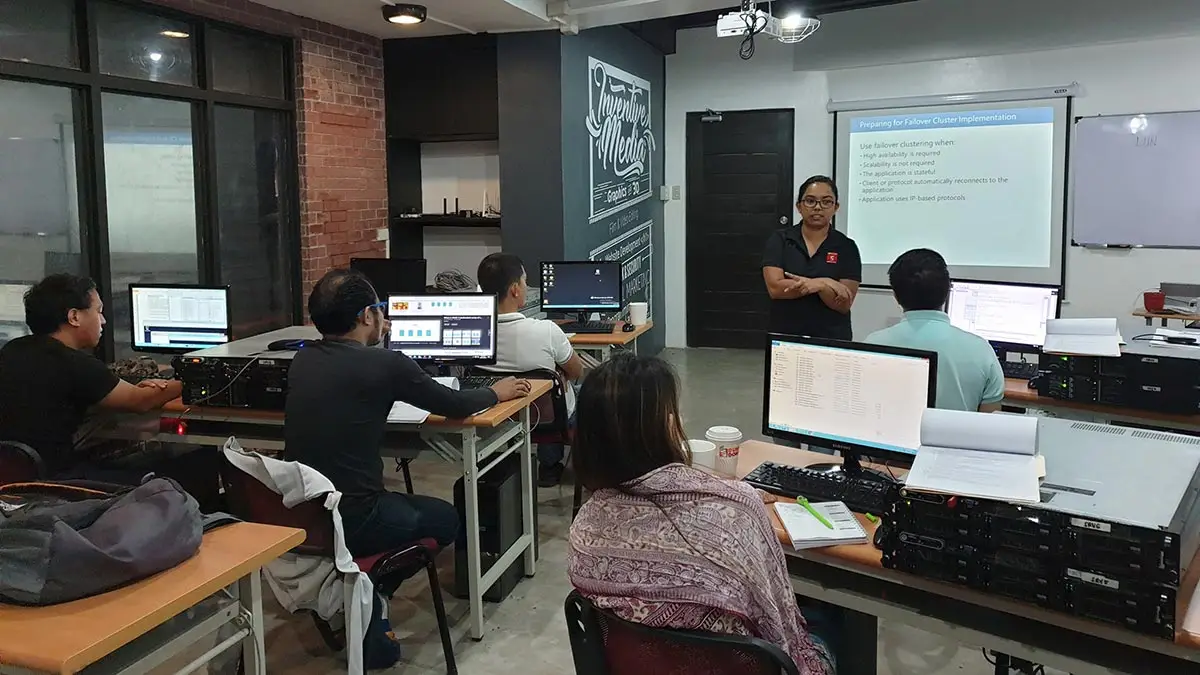
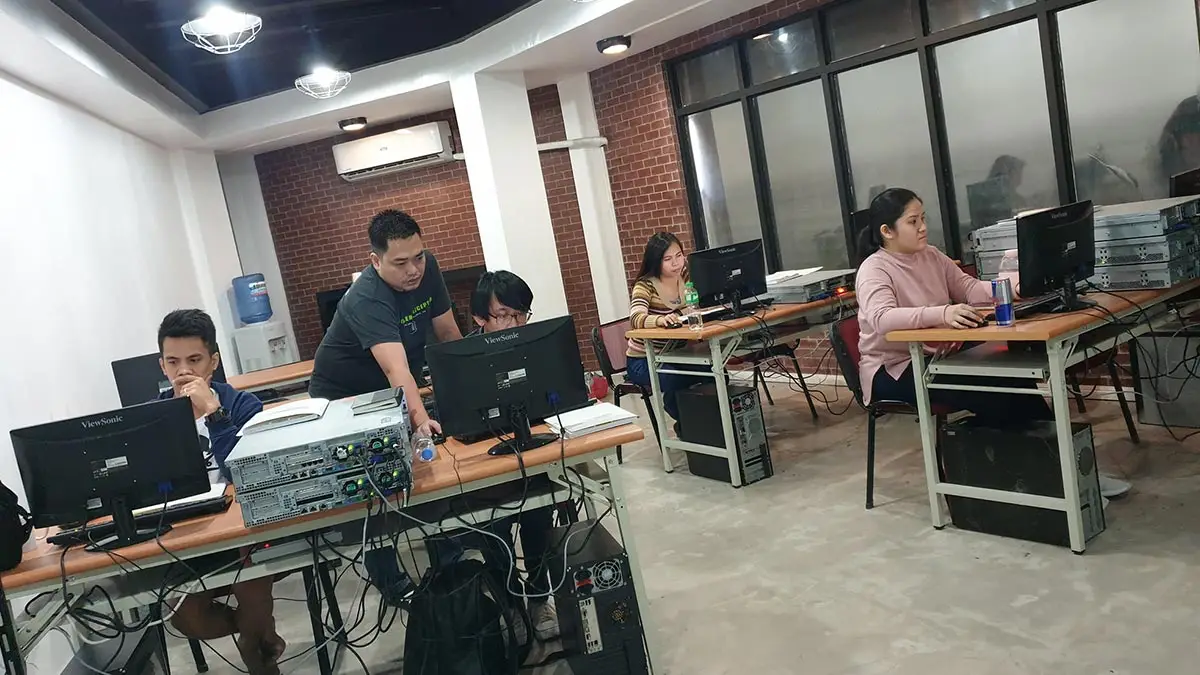
- The only school offering each student a personal rack-mount server for a true hands-on experience.
- The only school with International-Grade CCTV, Server, and FDAS facilities.
- The first school to offer CCTV Courses in the Philippines since 2006
- The Largest FDAS Training Center in the Philippines
- Globally Recognized Course Certificate for Local and Overseas Employment
- The trusted choice for government agencies, LGUs, NGOs, multinational corporations, and IT professionals.
Course Outline
Introduction to Windows Server 2022
- Overview of Features and Capabilities
- System Requirements
Implementing Hyper-V Virtualization
- Introduction to Hyper-V virtualization technology and its benefits.
- Installation, configuration, and management of Hyper-V hosts and virtual machines.
- Best practices for virtual machine deployment, resource allocation, and performance optimization.
Installing and Configuring Windows Server 2022
- Installing Microsoft Windows Server 2022
- Basic commandlets of Powershell
- Server Roles and Features
Active Directory Domain Services (AD DS) on Windows Server 2022
- Overview of Active Directory Domain Services (AD DS) architecture and components.
- Installation, configuration, and management of domain controllers.
- User and group management, including group policy implementation and troubleshooting.
- Installing Bitlocker and Admin Center
Configuring DHCP (Dynamic Host Configuration Protocol)
- Understanding DHCP fundamentals and its role in IP address allocation.
- Installation, configuration, and management of DHCP servers.
- Monitoring and troubleshooting DHCP services to ensure network connectivity.
Setting-up DNS (Domain Naming Service)
- Comprehensive overview of DNS concepts, including zones, records, and resolution.
- Configuring and managing DNS servers and zones for efficient name resolution.
- Troubleshooting common DNS issues and optimizing DNS performance.
Managing File Servers and Storage
- Configuring and managing file services, including file shares and permissions.
- Utilizing storage spaces and storage pools for efficient data storage management.
- Implementing data deduplication and file screening to optimize storage resources.
- Implementing RODC
Disaster Recovery on Windows Server 2022
- Understanding disaster recovery concepts and methodologies.
- Implementing and configuring Windows Server Backup for data protection.
- Planning and executing disaster recovery strategies using backup and recovery tools.
Web Services
- Internet Information Services (IIS) installation and configuration
- Website and application deployment
Implementing WSUS (Windows Server Update Services) on Windows Server 2022
- Introduction to WSUS and its role in managing Windows updates.
- Installation, configuration, and management of WSUS servers.
- Automating update deployments and monitoring update compliance.
Performance Monitoring in Windows Server 2022
- Utilizing built-in performance monitoring tools to analyze server performance.
- Monitoring and optimizing CPU, memory, disk, and network performance.
- Implementing performance counters and alerts for proactive monitoring and troubleshooting.
Backup and Disaster Recovery
- Understanding disaster recovery concepts and methodologies.
- Implementing and configuring Windows Server Backup for data protection.
- Planning and executing disaster recovery strategies using backup and recovery tools.
- Microsoft Azure integration
Frequently Asked Questions
What are the prerequisites for this course?
- Basic Computer knowledge and Skills in PC or Mac.
- Basic knowledge in computer hardware and software
- Should be proficient in Networking Essentials both Wired and Wireless
What's included after completing the training?
- Certificate of course completion
- Training references (PDF)
- Exercise materials
- Some add-ons
- Free trainer consultation
- Unlimited Free Retakes
How to avail the Unlimited Free Retakes?
Unlimited Retakes = Unlimited Hours of Learning!
We understand that individuals have different learning styles and paces, that’s why we offer the opportunity to learn at your own speed. If you need more time to grasp a concept, you are welcome to come back and retake the class at no additional cost. We believe in providing students with the support they need to succeed.
To Avail: Finish the course to qualify for the unlimited refresher classes
Validity: 1 Year
What is the difference between Windows Server Administration and Active Directory classes?
The choice depends on whether you are managing the server infrastructure or the user identities:
- Windows Server 2022 Administration: Focuses on the Infrastructure Layer. Key topics include physical server setup, Hyper-V Virtualization, DHCP/DNS services, WSUS patching, and Disaster Recovery.
- Windows Server 2022 Active Directory: Focuses on the Identity Layer. Key topics include Domain Controller management, Group Policy (GPO) implementation, User/Group security, and advanced network permissions.
Note: For a complete enterprise skillset, we recommend taking the Administration course first to build the server environment, followed by the Active Directory course to manage the users within it.
Who should enroll in this Windows Server Administration training?
- Junior System Administrators: Transition from basic troubleshooting to enterprise-level server installation and optimization.
- IT Support & Technicians: Advance from desktop support to managing DHCP, DNS, and File Server permissions.
- Network Engineers: Integrate network connectivity with identity management via Active Directory (AD DS).
- Virtualization Specialists: Master Hyper-V and resource optimization on physical rack-mount hardware.
- Security & Compliance Officers: Manage WSUS patching, Bitlocker encryption, and Disaster Recovery strategies.
- Technical Consultants: Gain expertise in Server 2022 Admin Center and Azure Hybrid Integration.
What career paths are available after this training?
- System Administrator: Managing enterprise Active Directory and server roles.
- Infrastructure Engineer: Designing and maintaining Physical Rack-Mount data centers.
- Virtualization Lead: Optimizing server density using Hyper-V technology.
- Network Systems Admin: Controlling the intersection of IP Networking and Server Logic.
- Security Administrator: Hardening systems with Bitlocker, WSUS, and Disaster Recovery.
- Hybrid Cloud Specialist: Integrating on-premise servers with Microsoft Azure services.
Only school in the Philippines using REAL Rack Mount Server per student
Enroll 4 & get extra ₱500/pax off
Retake the course at no extra cost
- Basic to Advanced Coverage
- Rack Mount Server per Student
- Certificate of Completion
- Training Materials and References
- Free Wifi Access
- Free Unlimited Coffee
- Free Trainer Consultation
- Free Unlimited Class Retakes
OCTOBER 2026
NOVEMBER 2026
About the Registration
Feel free to register! Registering does not commit you to paying for the course immediately. Registration helps us track attendee numbers and enables us to stay in touch. Payment will only be requested once the course is confirmed to proceed.
Note: When choosing a schedule, you are limited to the available training dates posted on our website.