
DaVinci Resolve
Cinematic Storytelling Starts Here: Master the Art of Filmmaking with Davinci Resolve.
Course Overview
Master DaVinci Resolve with our 3 day comprehensive hands-on training program. Learn video editing, color grading, visual effects, motion graphics, and audio post-production in a single, intuitive interface. Perfect for beginners or those looking to enhance their skills.
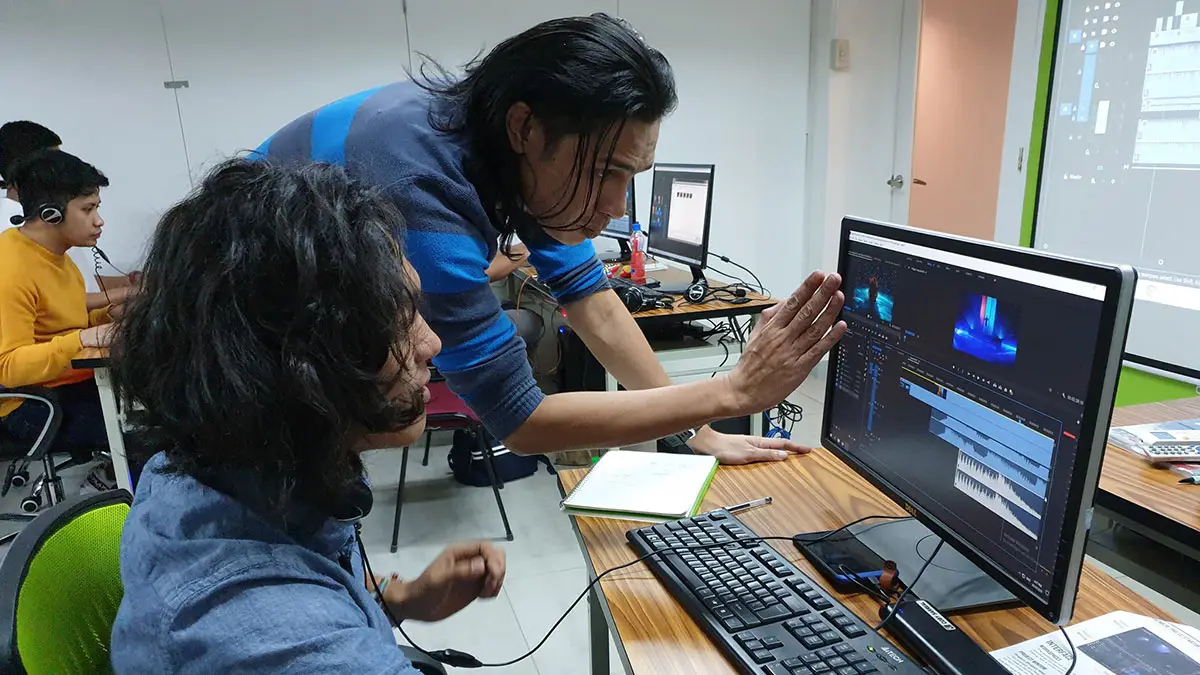
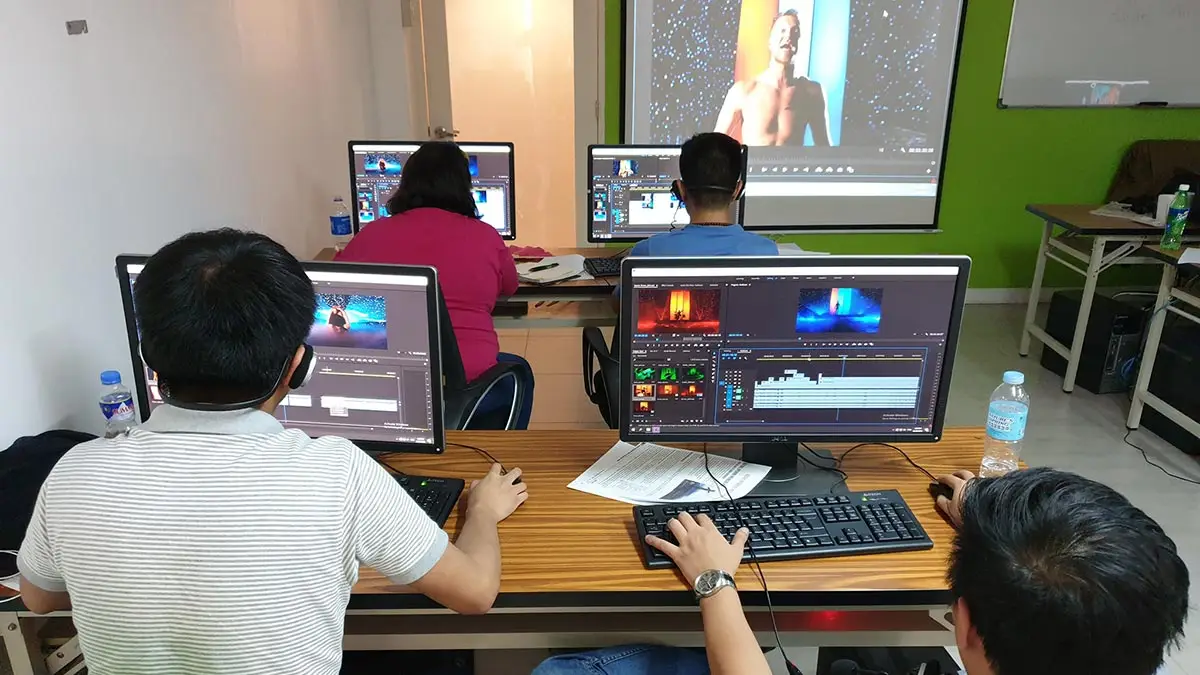
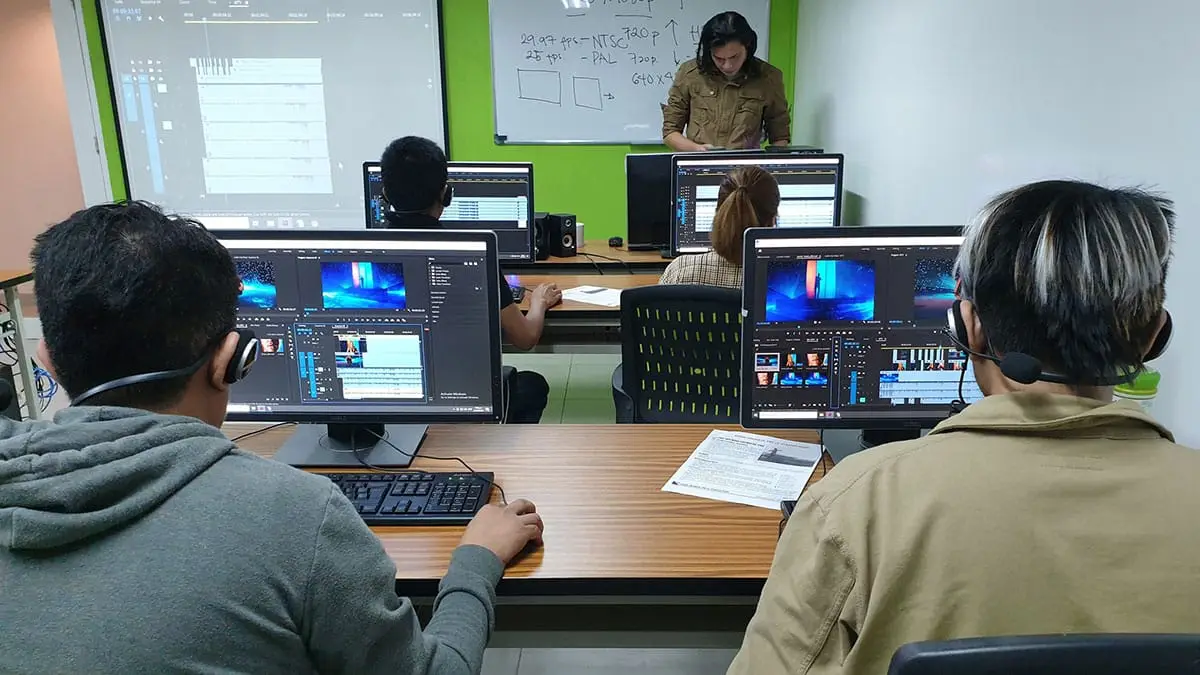
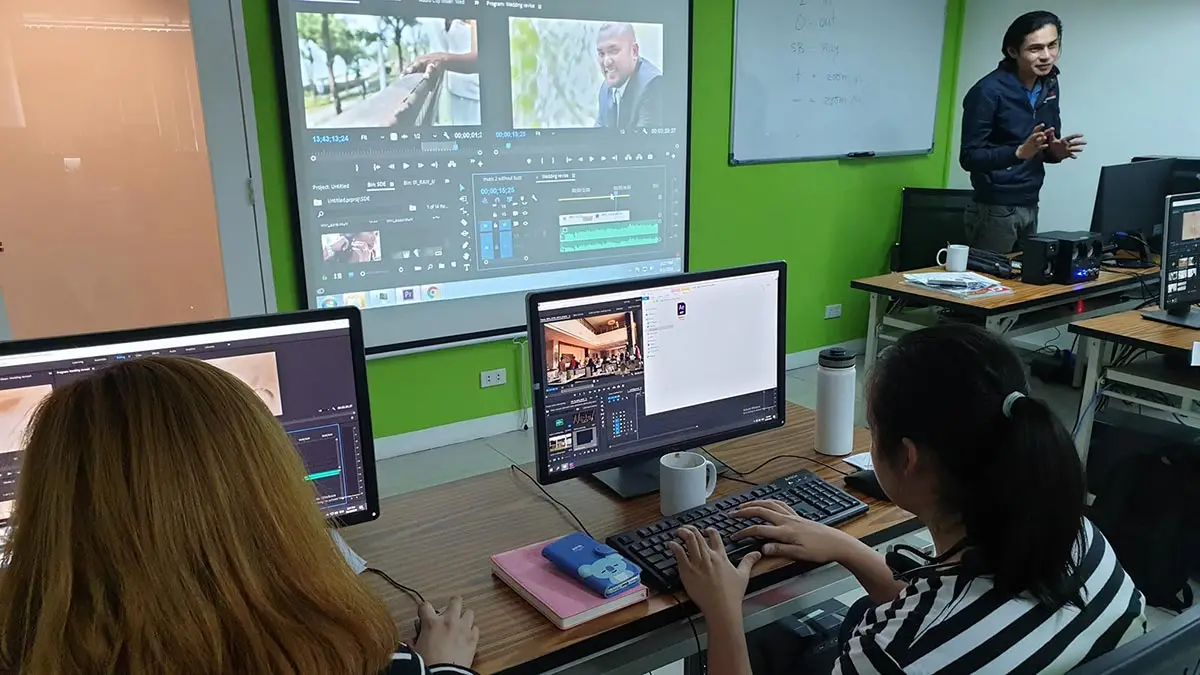
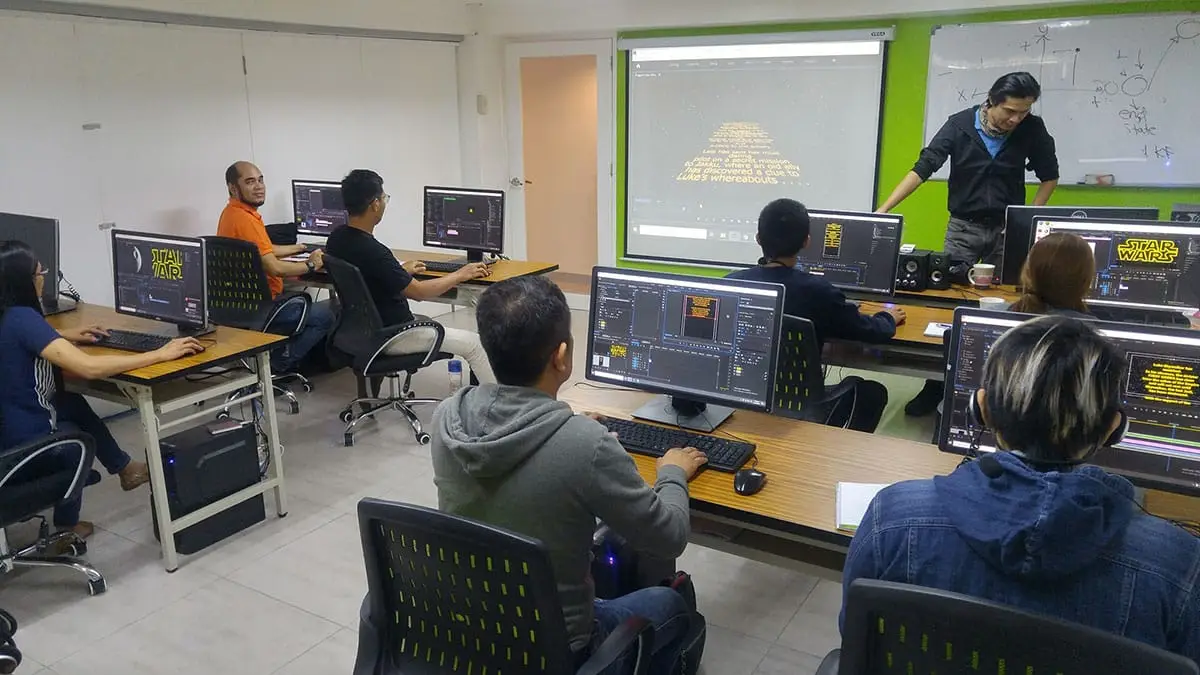
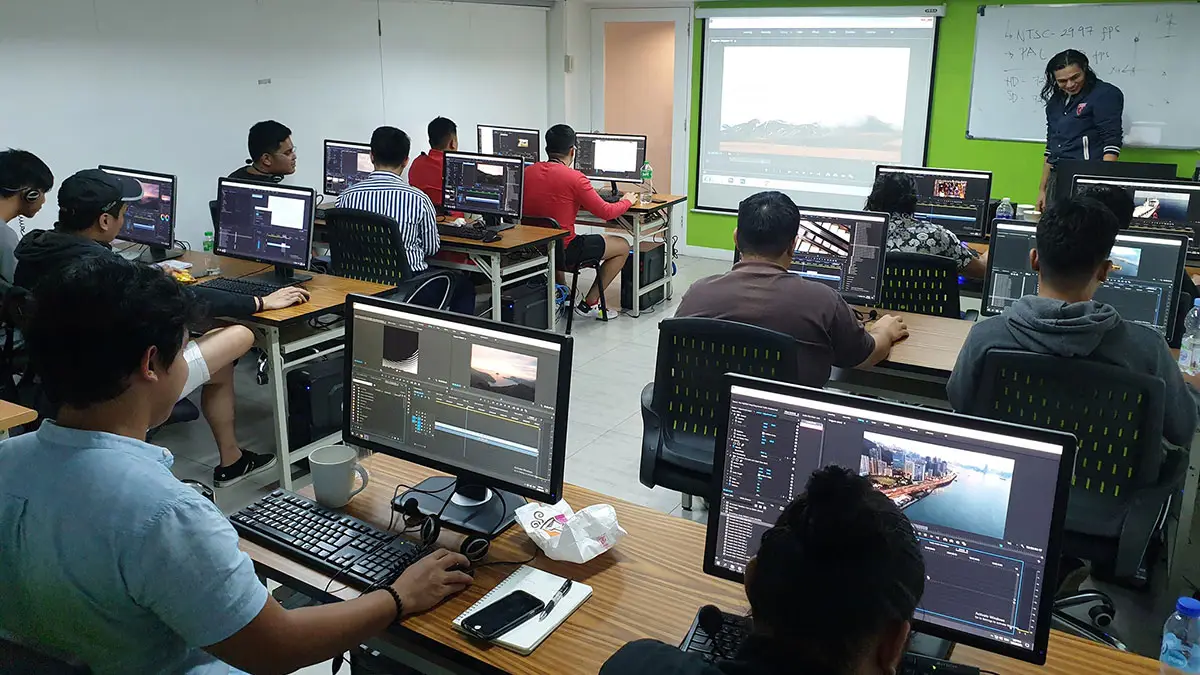
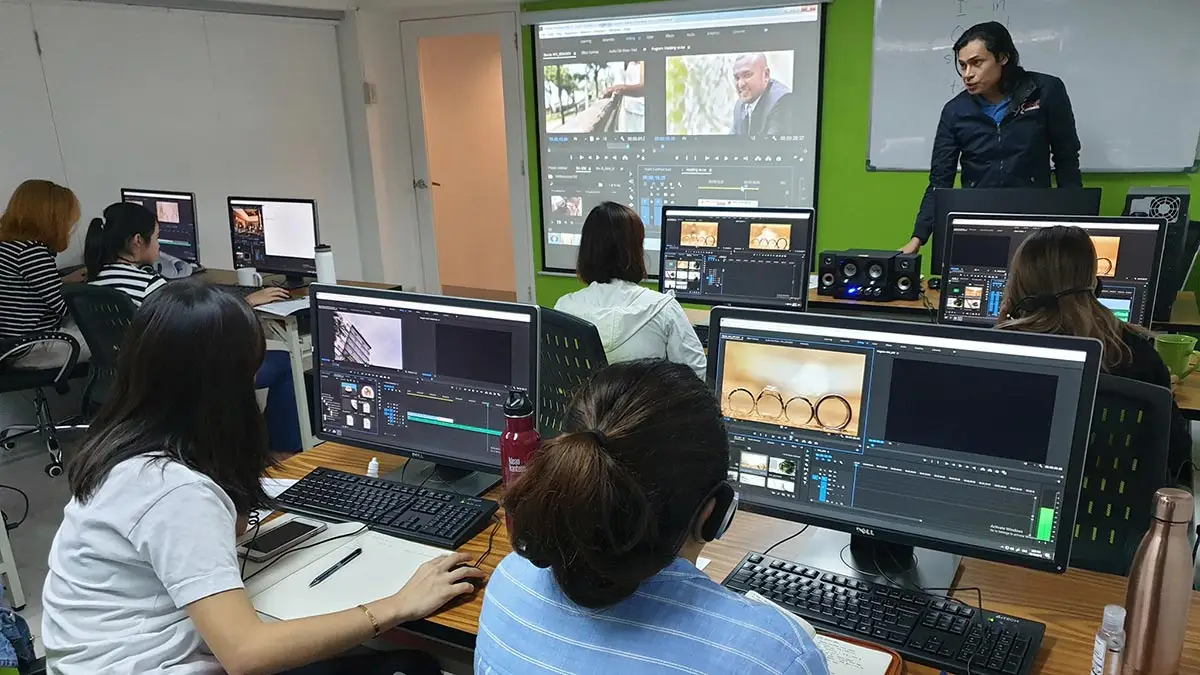
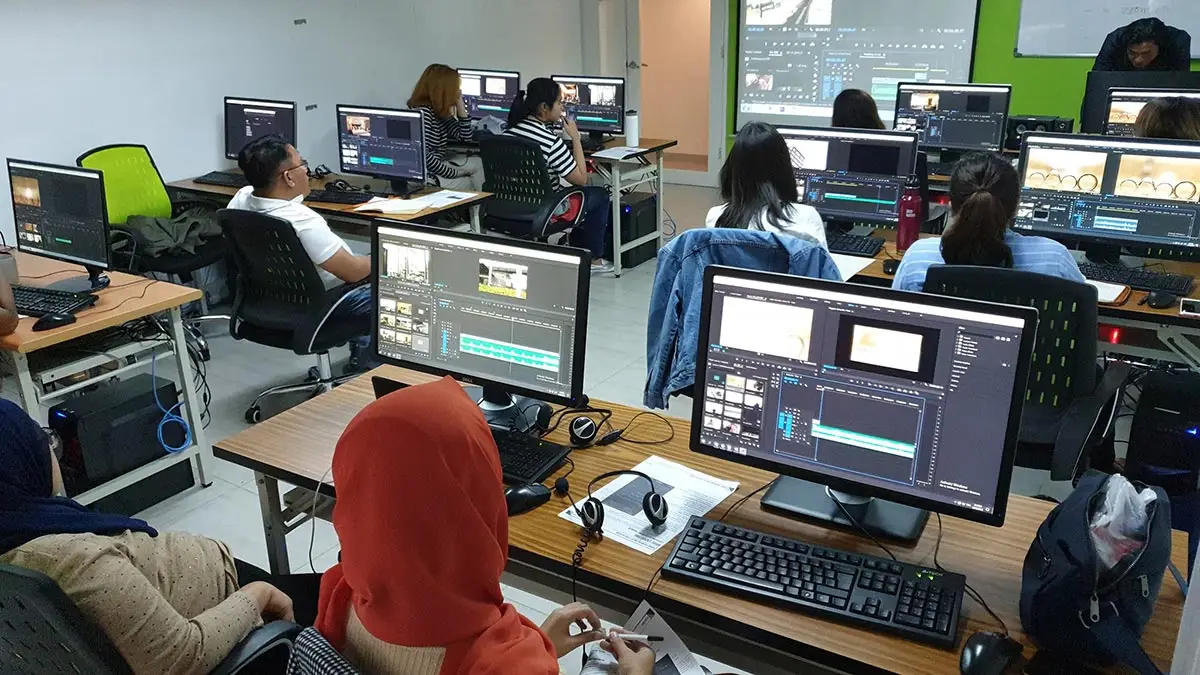
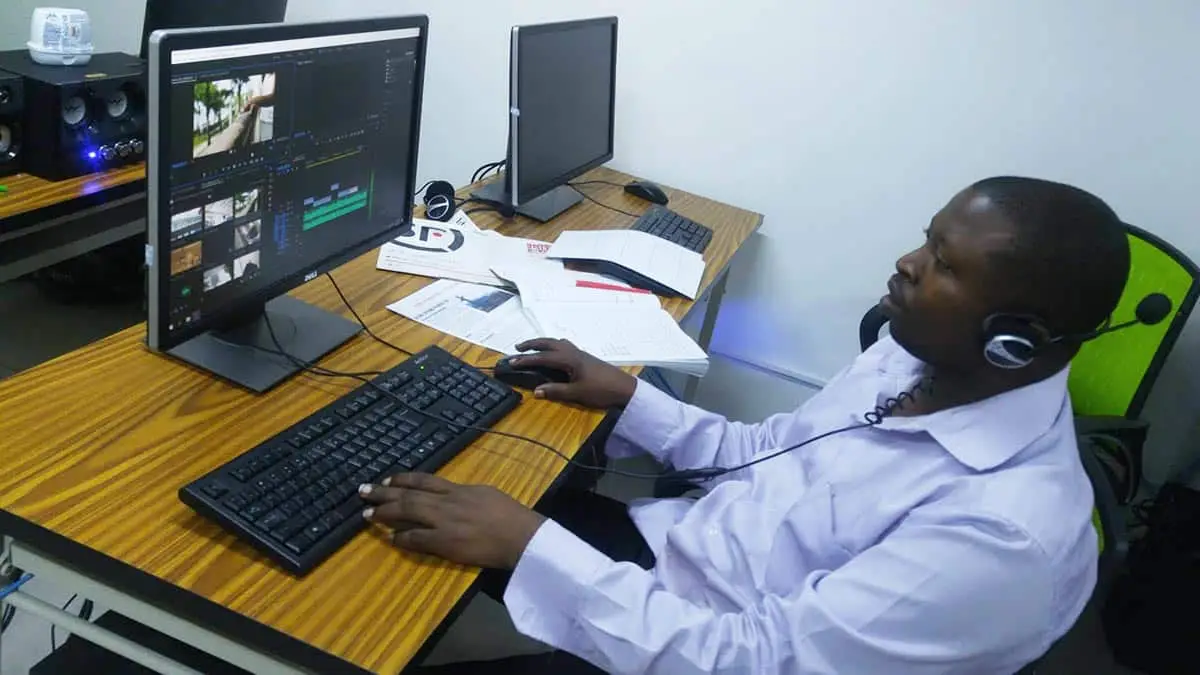
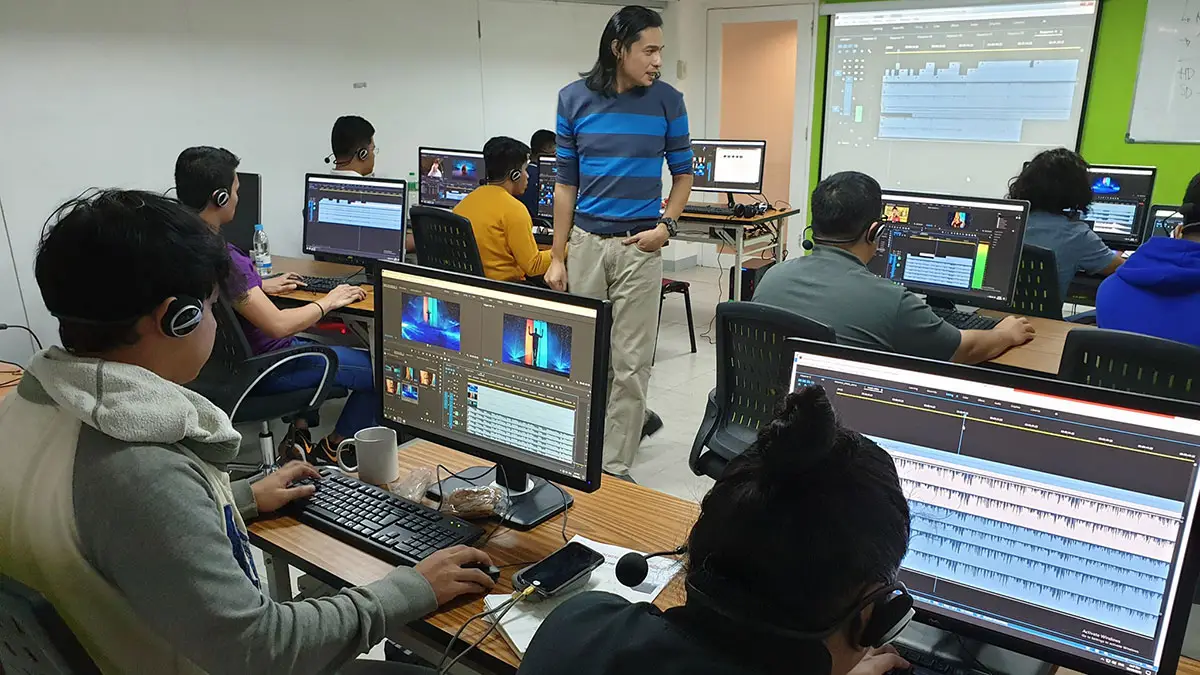
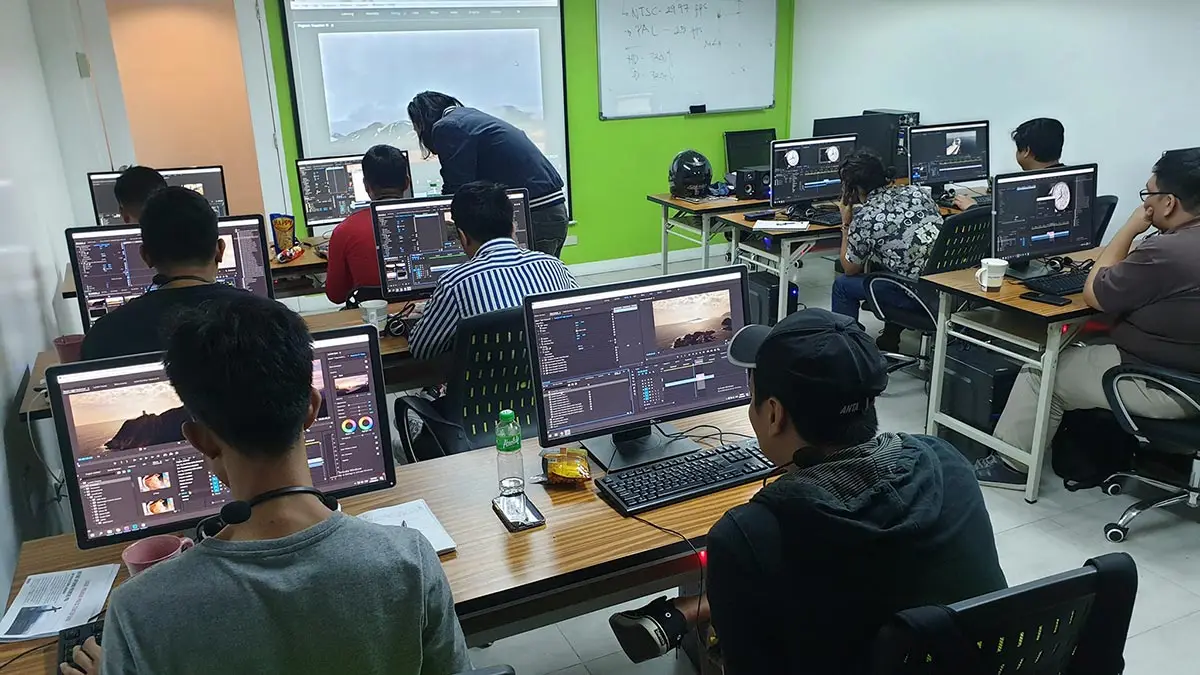
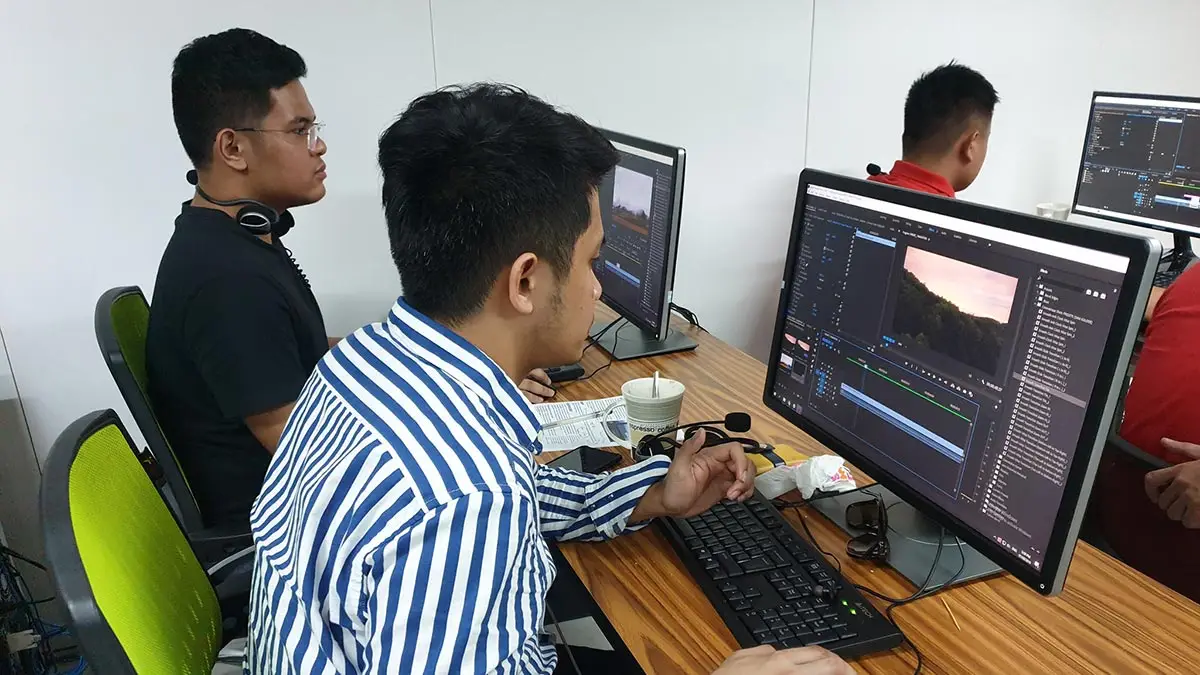
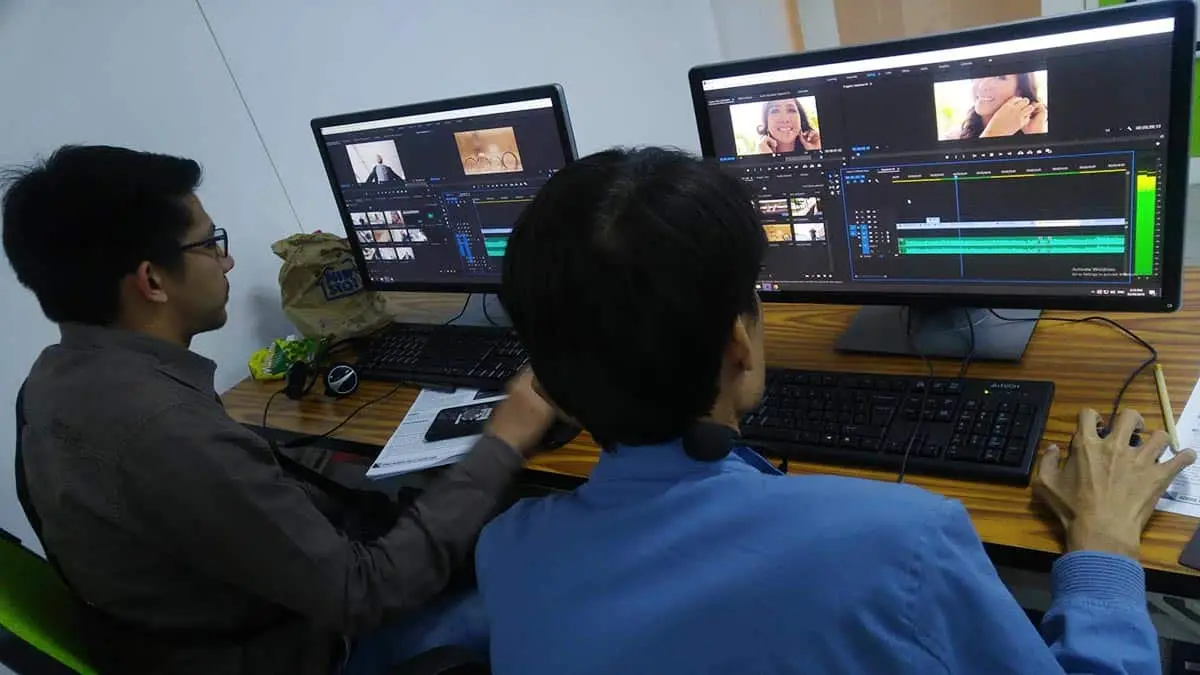
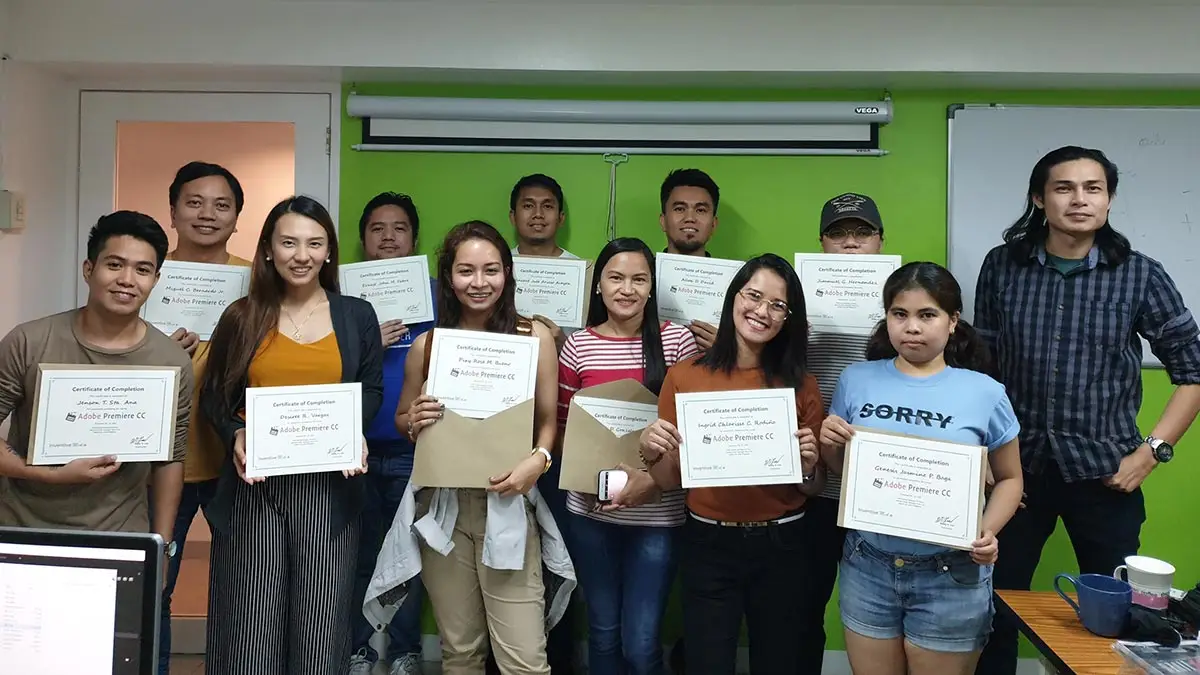
Hailed as one of the top multimedia schools in the Philippines!
- Taught by Experienced Instructors from GMA7, TV5 & ABS-CBN
- Uses Adobe Enterprise Licensed software
- Trained on DaVinci Resolve latest version
- Pearson Vue Accredited Testing Center
- PhilGEPS Accredited Center
- Receive a globally recognized course certificate
Course Outline
Day 1: Introduction to Davinci Resolve and Basic Editing Skills
- Overview of Davinci Resolve interface
- Setting up projects and timelines
- Understanding the Media Pool and Importing Footage
- Introduction to basic editing techniques
- The Edit page
- Timeline navigation and basic editing tools
- Cutting, trimming, and arranging movie clips
- Adding transitions and basic audio editing
Day 2: Advanced Editing Techniques and Color Grading
- Introduction to advanced editing
- Exploring additional editing tools and functionalities
- Working with multicam footage
- Introduction to keyframing and motion graphics
- Color Grading Fundamentals
- Understanding the Color page
- Basic color correction techniques
- Introduction to color grading wheels and curves
- Utilizing scopes for precise color adjustments
Day 3: Sound Design, Visual Effects, and Finalizing Projects
- Introduction to audio editing and mixing
- Exploring the Fairlight audio page
- Basic audio editing and enhancement techniques
- Mixing and balancing audio tracks
- Adding effects and titles
- Introduction to visual effects and compositing using Fusion
- Reviewing the entire editing process
- Exporting projects in different formats
- Tips for an efficient workflow and project organization
Frequently Asked Questions
What are the prerequisites for this course?
- Basic computer knowledge and skills in Mac or PC..
- Basic knowledge in video editing and motion graphics is an advantage but not required.
- Knowledge in Photoshop and Illustrator is an advantage but not required
What's included after completing the training?
- Certificate of course completion
- Training references (PDF)
- Exercise materials
- Some add-ons
- Free trainer consultation
- Unlimited Free Retakes
How to avail the Unlimited Free Retakes?
Unlimited Retakes = Unlimited Hours of Learning!
We understand that individuals have different learning styles and paces, that’s why we offer the opportunity to learn at your own speed. If you need more time to grasp a concept, you are welcome to come back and retake the class at no additional cost. We believe in providing students with the support they need to succeed.
To Avail: Finish the course to qualify for the unlimited refresher classes
Validity: 1 Year
Who should enroll in this DaVinci Resolve training?
This course is designed for creators who want to master the world’s most advanced all-in-one post-production suite. It is ideal for:
- Aspiring Colorists: Individuals wanting to master the “Hollywood Standard” for color correction, grading, and cinematic look development.
- Professional Video Editors: Editors looking to switch to a more stable, high-performance NLE (Non-Linear Editor) that offers seamless collaboration.
- Independent Filmmakers: Creators who need a professional “end-to-end” workflow—from rough cut to final master—within a single application.
- VFX & Motion Artists: Those interested in node-based compositing and 3D visual effects using the integrated Fusion page.
- YouTube & Social Media Creators: Professionals aiming for the highest possible production value using automated AI tools and vertical video optimizations.
- Sound Designers: Aspiring audio engineers who want to learn professional mixing and mastering on the Fairlight audio page.
What career paths are available for DaVinci Resolve-trained professionals?
Mastering DaVinci Resolve opens doors to specialized, high-tier roles in the film and advertising industries, including:
- Film Colorist: Shaping the cinematic look and mood of high-end productions.
- Digital Imaging Technician (DIT): Managing on-set data and early-stage color grading.
- Finishing Editor: Handling the final technical “polish” and delivery mastering.
- VFX Compositor: Creating advanced visual effects and 3D tracking via the Fusion page.
- Audio Post-Professional: Using Fairlight for cinematic sound design and mixing.
Enroll 4 & get extra ₱500/pax off
Retake the course at no extra cost
Note: Courses included in a bundled promo must be taken within the same month.
Promo rates may change without prior notice.
Adobe Premiere Pro + Ai Video Editing
- Basic to Advanced Coverage
- Using DaVinci Resolve Latest Version
- Certificate of Completion
- Training Materials and References
- Free Wifi Access
- Free Unlimited Coffee
- Free Trainer Consultation
- Free Unlimited Class Retakes
OCTOBER 2026
About the Registration
Feel free to register! Registering does not commit you to paying for the course immediately. Registration helps us track attendee numbers and enables us to stay in touch. Payment will only be requested once the course is confirmed to proceed.
Note: When choosing a schedule, you are limited to the available training dates posted on our website.