
jQuery Essentials
The Agile PHP Framework for Rapid Web Application Development and Scalability.

Course Overview
This 3-day jQuery Essentials course aims to instruct you on harnessing the power of the jQuery library for crafting engaging and dynamic web pages. You’ll acquire the skills to control the DOM, incorporate animations, effects, and manage user engagement using jQuery
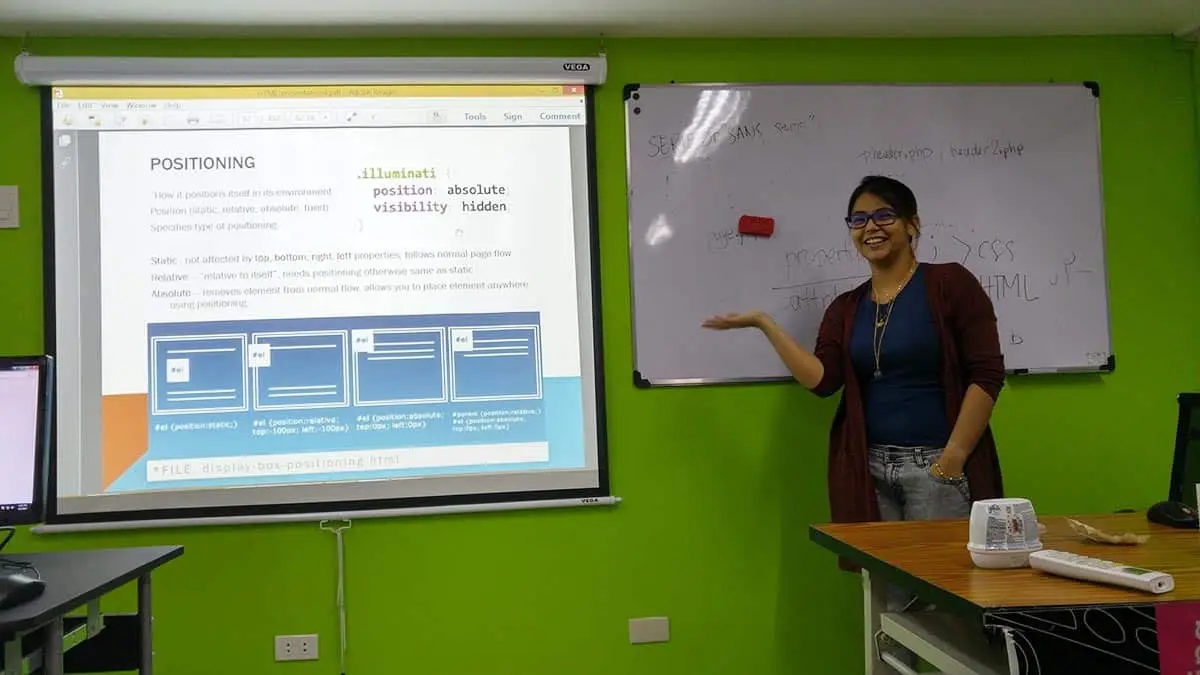
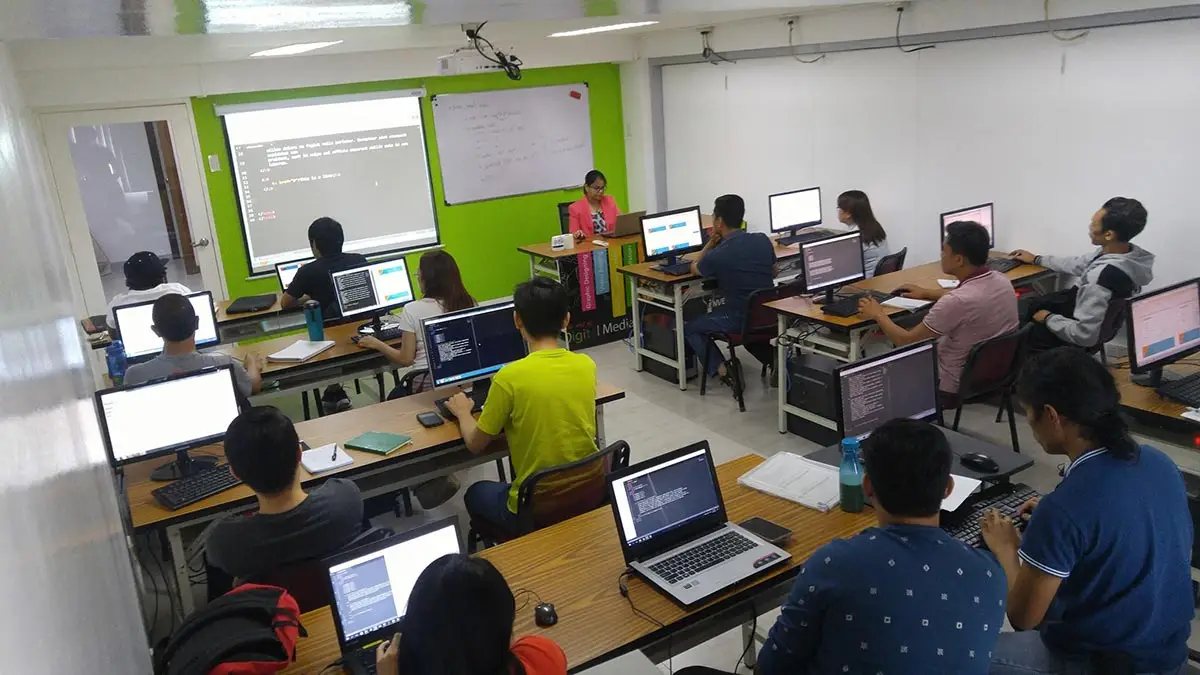
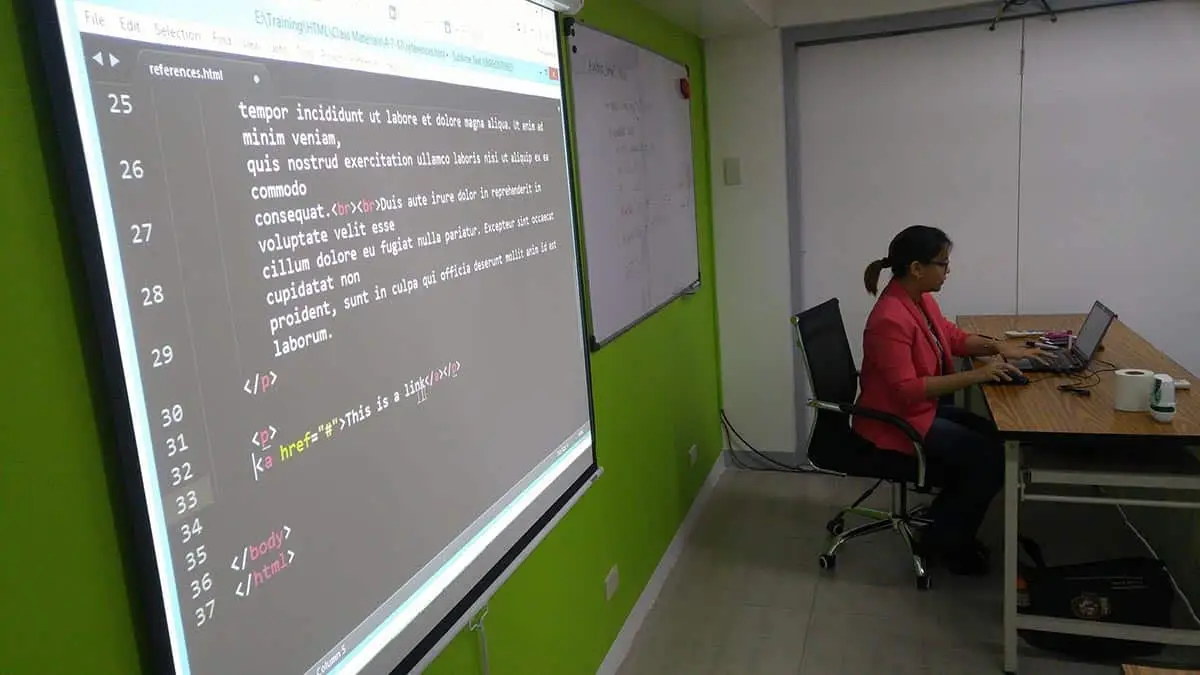
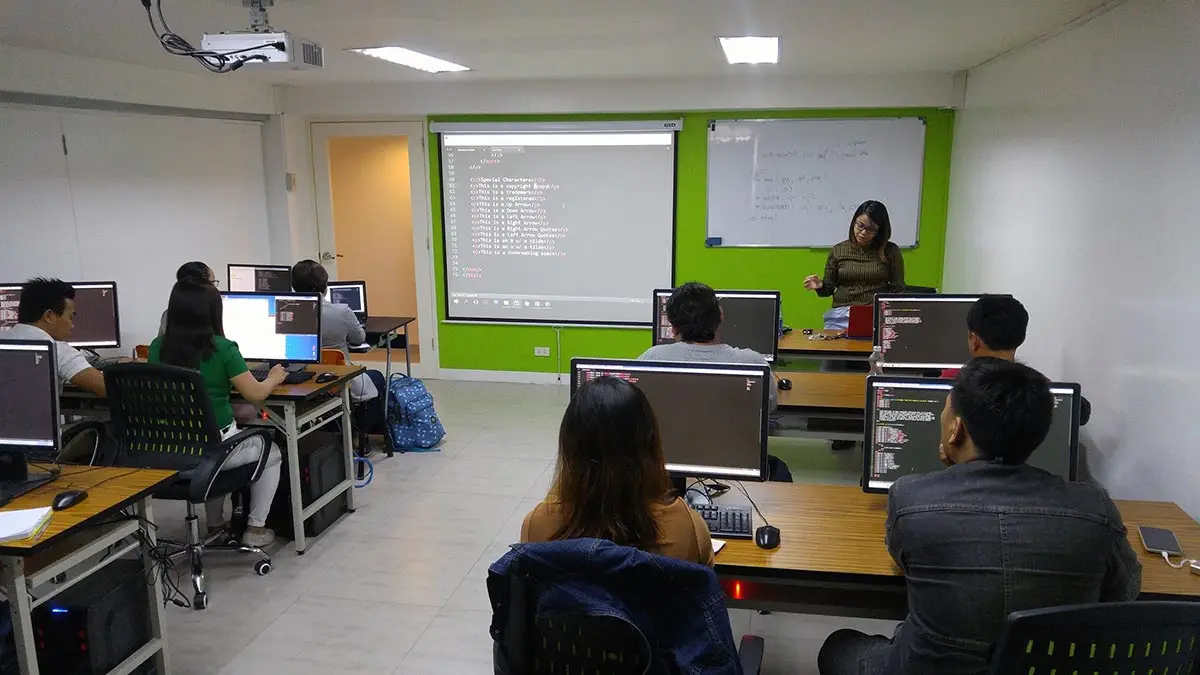
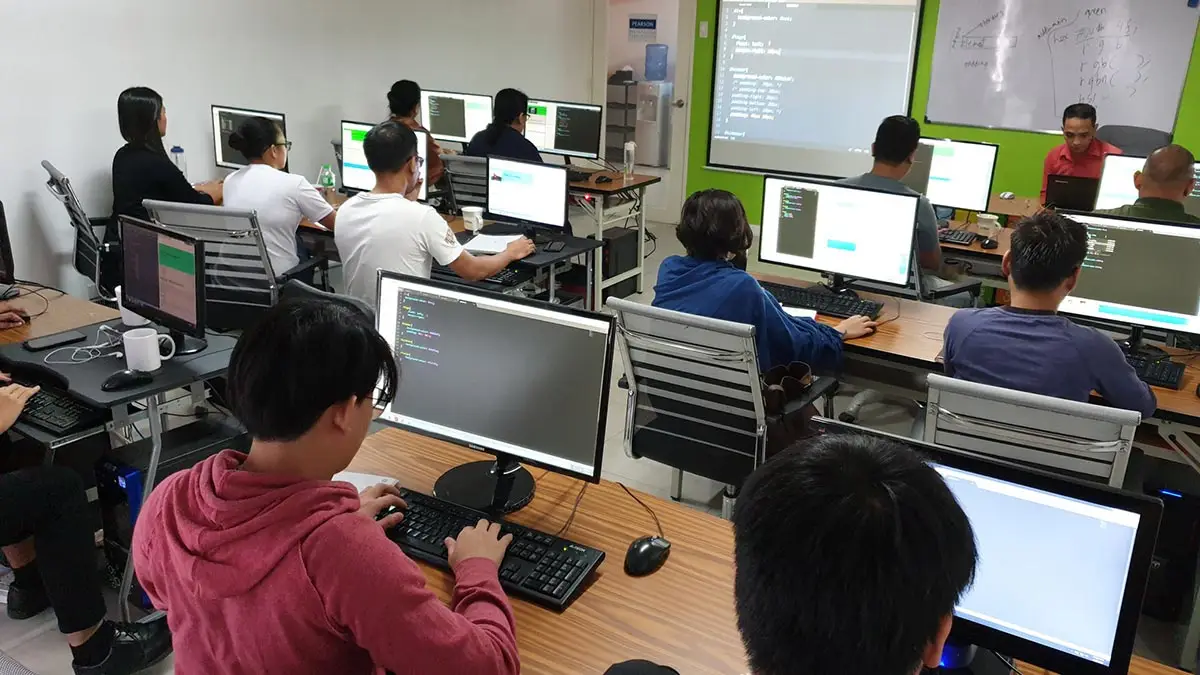
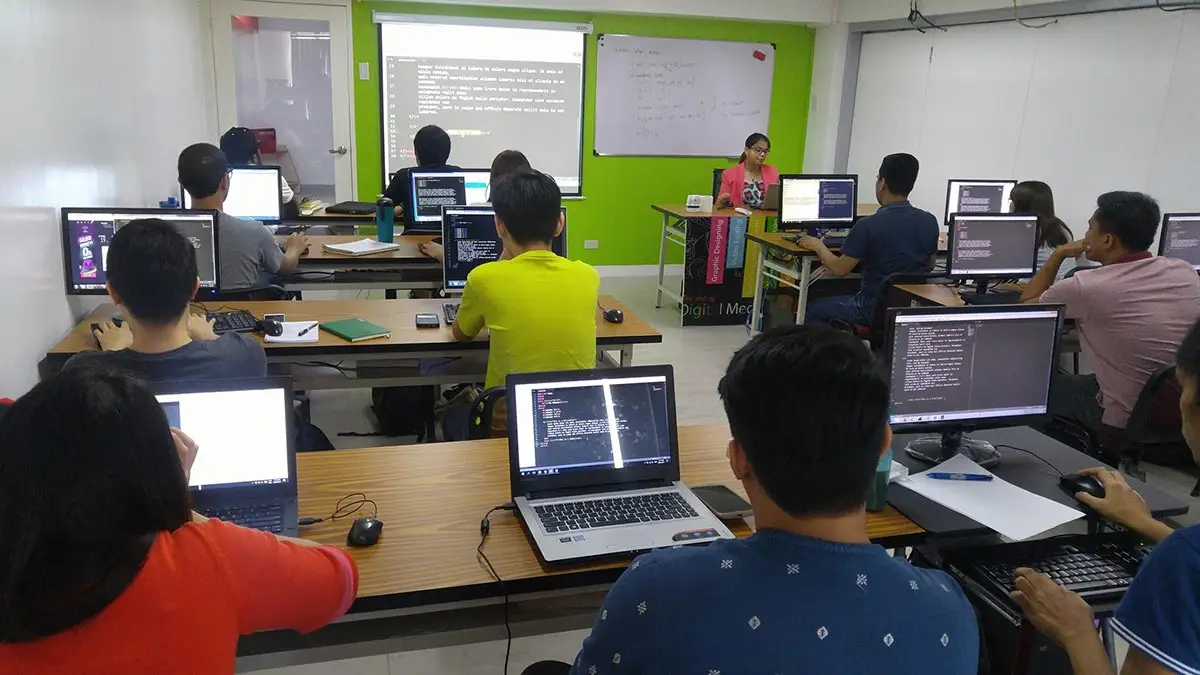
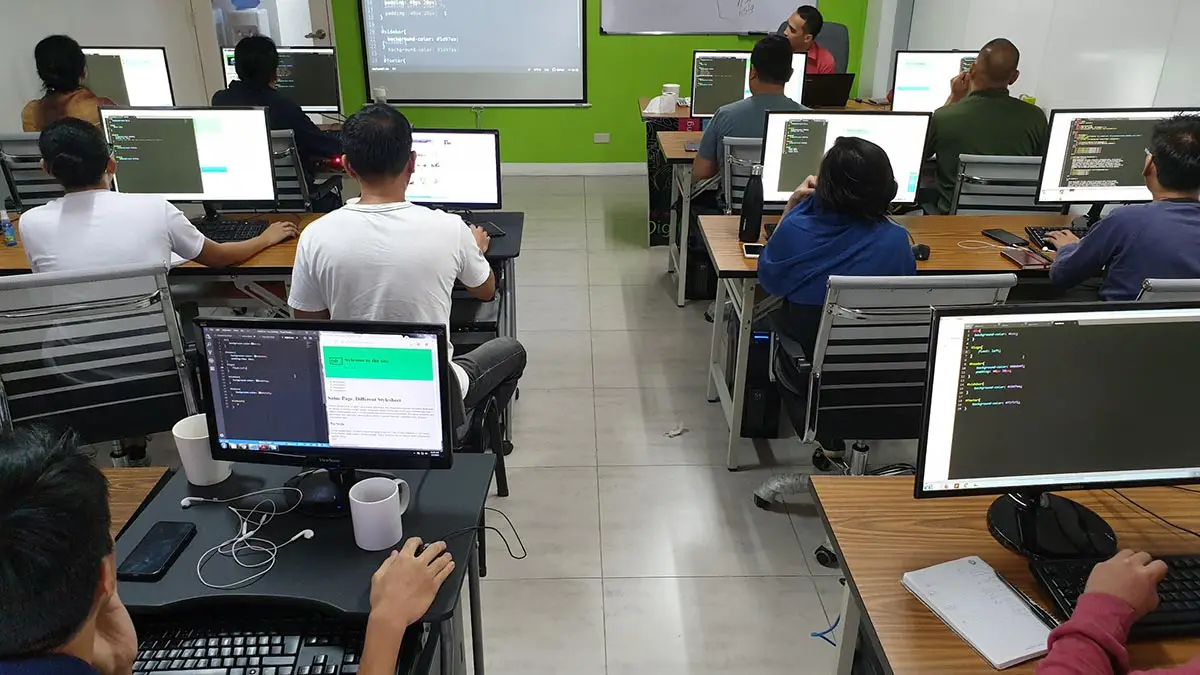
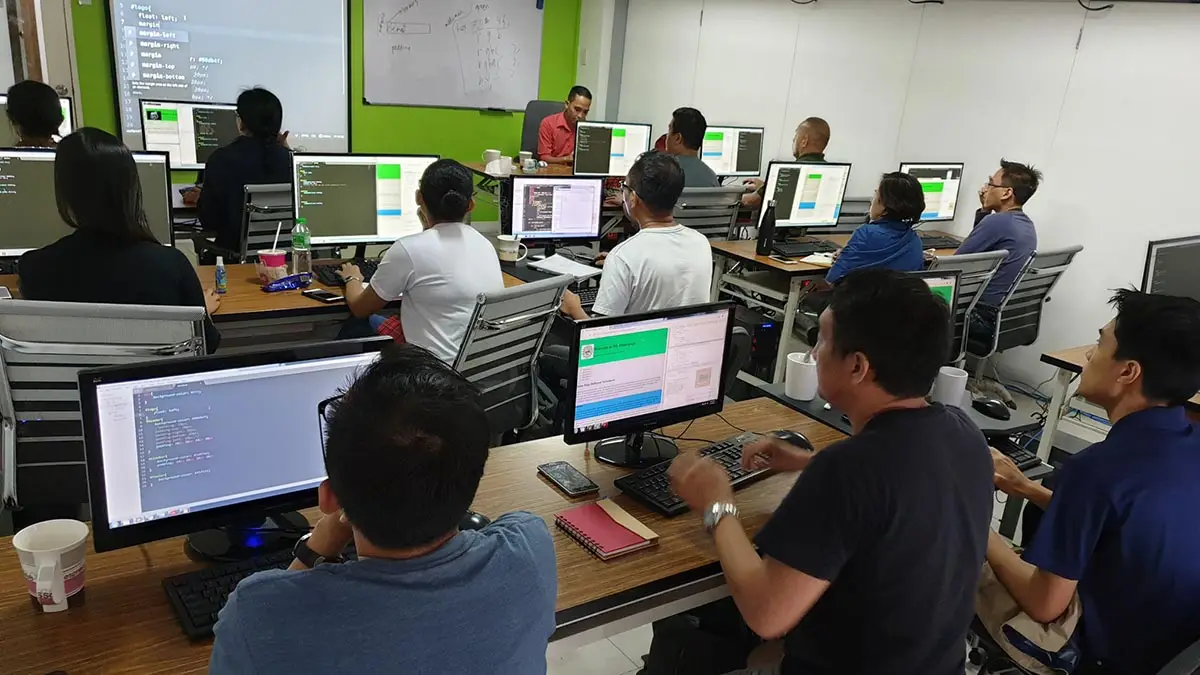
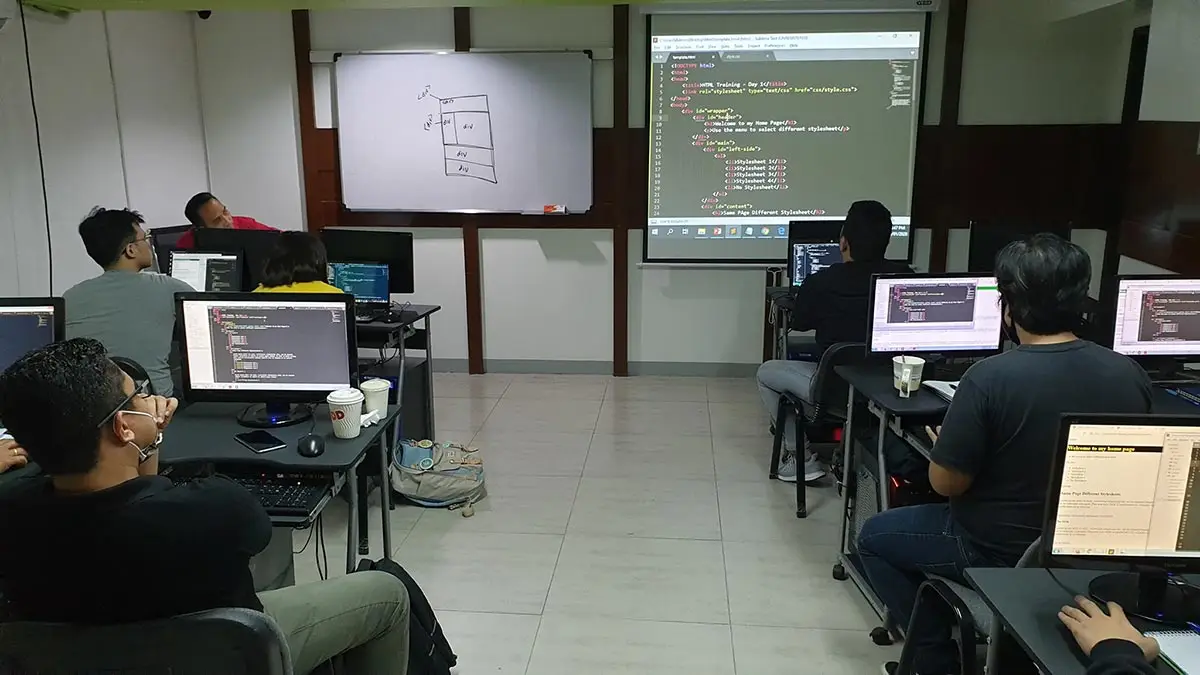
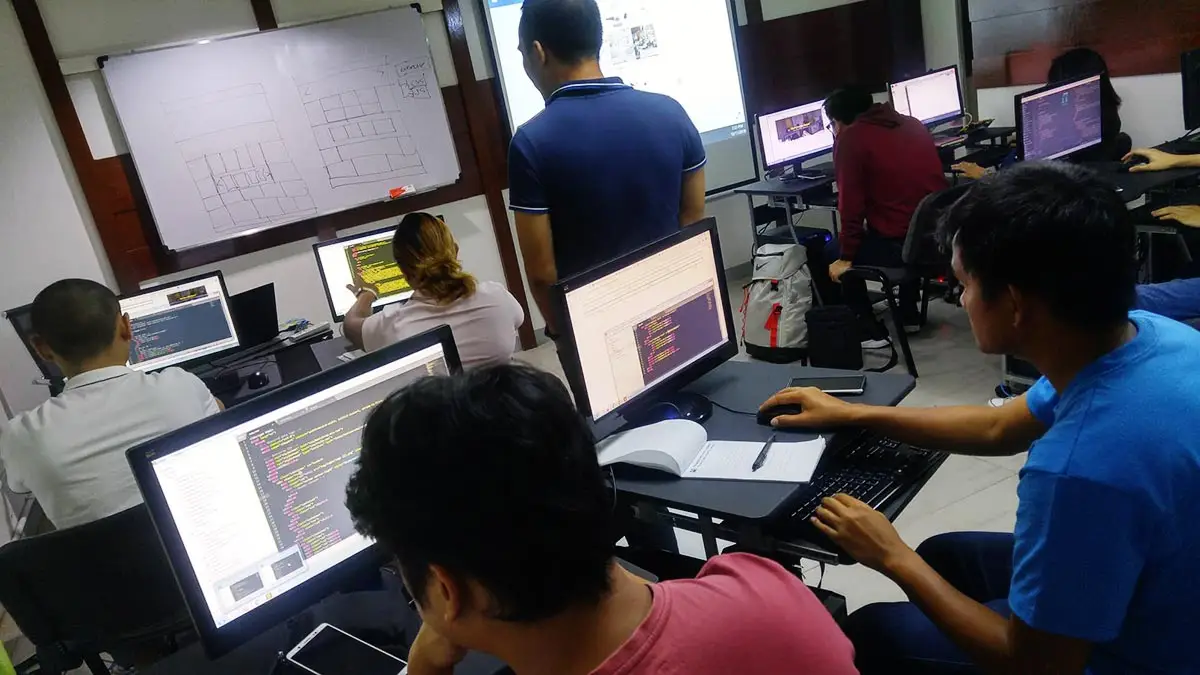
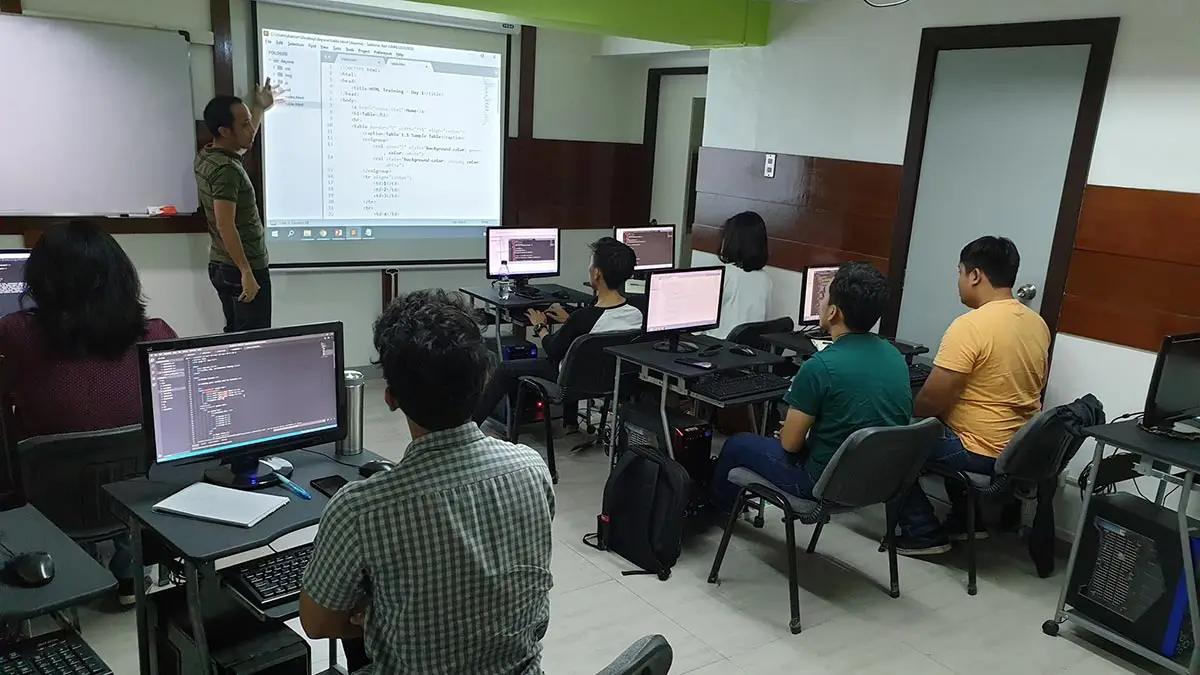

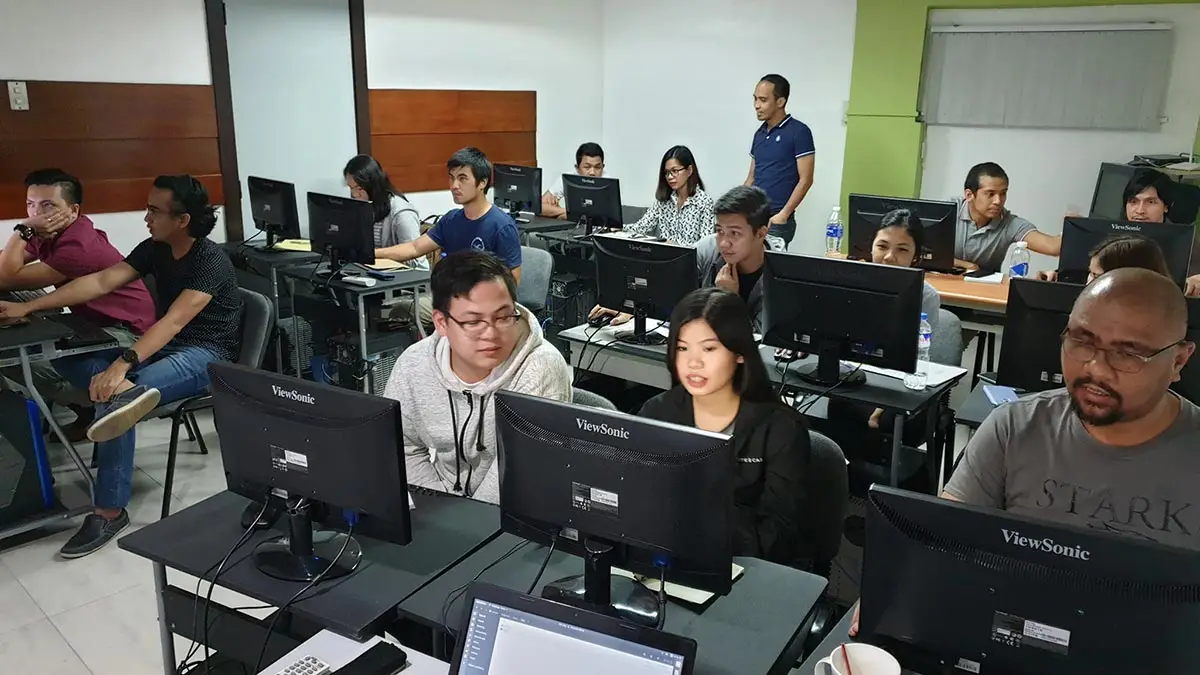
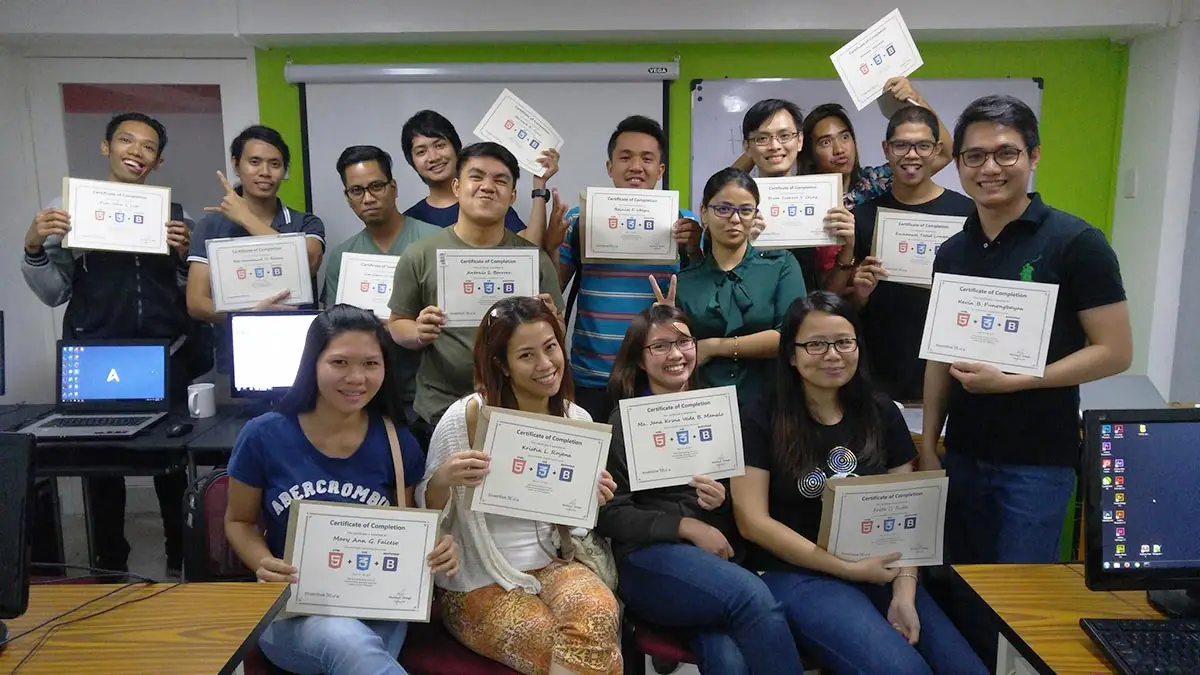
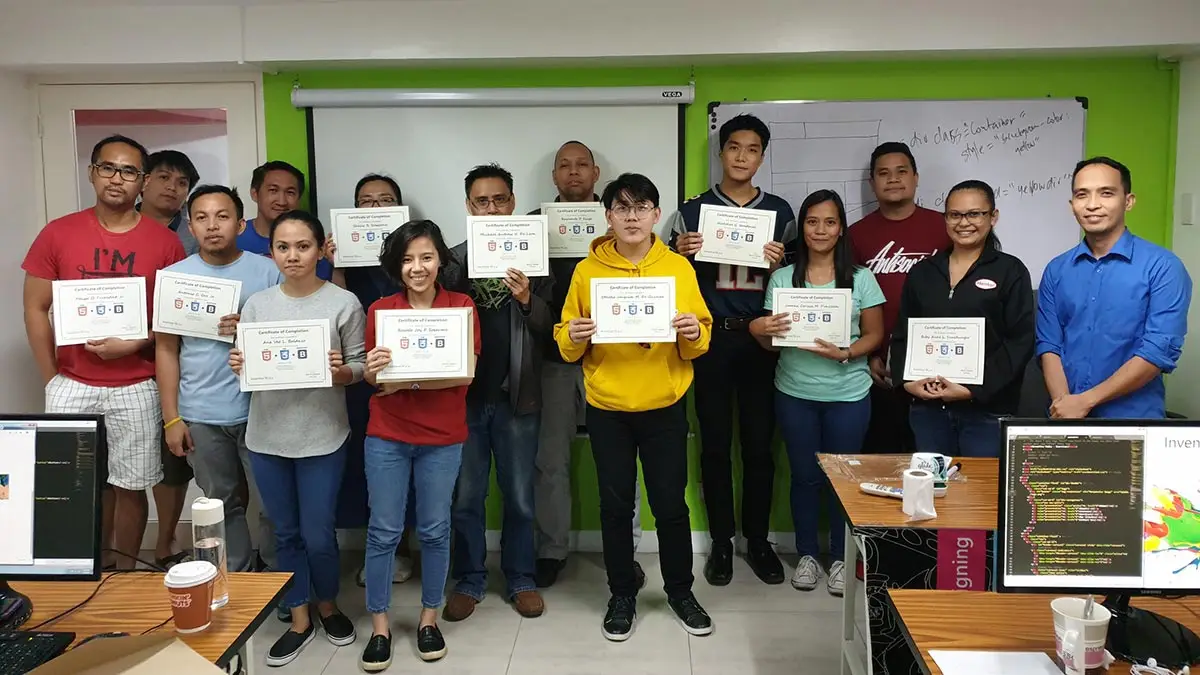
Ranked as one of the Best Schools for Web Development
- Our founder, Henry N. Ong II, is the recognized pioneer of CMS web development courses in the Philippines
- First school to offer WordPress, Joomla & Drupal Classes since 2006
- First school to offer Laravel Class since 2014
- First school to offer Bootstrap Class since 2014
- Pearson Vue Accredited Testing Partner
- PhilGEPS Accredited Center
- Globally Recognized Course Certificate
- Around 85% of government agencies and LGUs take web Development classes from us
Frequently Asked Questions
- Basic Computer knowledge and Skills in PC or Mac.
- Should be proficient in HTML5, CSS3 with Bootstrap 5
- Should be proficient and have a strong working knowledge in JavaScript.
- Certificate of course completion
- Training references (PDF)
- Exercise materials
- Some add-ons
- Free trainer consultation
- Unlimited Free Retakes
Unlimited Retakes = Unlimited Hours of Learning!
We understand that individuals have different learning styles and paces, that’s why we offer the opportunity to learn at your own speed. If you need more time to grasp a concept, you are welcome to come back and retake the class at no additional cost. We believe in providing students with the support they need to succeed.
To Avail: Finish the course to qualify for the unlimited refresher classes
Validity: 1 Year
- For beginners who want to learn how to use jQuery to work together with JavaScript.
- Aspiring Web Developers and Front-end Designers
- For people who would like to add dynamic behaviors to a website.
- JavaScript user who would like to simplify JavaScript operations.
- People who want to create dynamic websites.
jQuery is a popular, open-source JavaScript library that simplifies the process of creating dynamic and interactive web pages. It is designed to make it easier to navigate and manipulate the Document Object Model (DOM), handle events, create animations, and make asynchronous requests to a server (AJAX).
jQuery provides a simple and consistent API that allows developers to write cross-browser compatible code. It abstracts away many of the cross-browser inconsistencies and makes it easy to add interactive elements to web pages. It also has a large and active community of developers that have created thousands of plugins that can be easily integrated into web pages to add a wide range of functionality.
- DOM manipulation: jQuery provides a simple and easy-to-use API for manipulating the Document Object Model (DOM), which allows developers to add, remove, and modify elements on a web page.
- Event handling: jQuery provides a consistent way to handle events such as clicks, hovers, and form submissions.
- Animations and effects: jQuery has a built-in library of animation and effect methods, which makes it easy to add visual effects to web pages.
- AJAX: jQuery provides a simple and consistent way to make asynchronous requests to a server and update a web page without requiring a full page refresh.
- Cross-browser compatibility: jQuery makes it easy to write JavaScript code that works across different web browsers, which can be a complex task without a library like jQuery.
- Plugins: jQuery has a large community of developers that have created thousands of plugins that can be easily integrated into your web pages to add a wide range of functionality, such as sliders, lightboxes, and modal windows.
Course Outline
Getting Started with jQuery
- Introduction
- Downloading and use jQuery
- Hosting it yourself vs jQuery CDN
- Syntax overview
- Understanding jQuery chaining
- Anatomy of a jQuery Script
- Writing your first jQuery script(s)
Selecting, Decorating and Enhancing
- Targeting html object using Tag, ID and class
- Using the ‘this’ keyword
- jQuery and data attributes
- jQuery utility methods
- Advanced DOM Traversal
- Creating and appending elements with jQuery
- Using jQuery and CSS together
- JavaScript setTimeout and setInterval
- CSS Animations
- Setting CSS Properties
- Adding CSS classes
- Visible state with jQuery and CSS
Animation Effects
- How events work
- jQuery Event Object
- Binding events
- Effect functions (eg: animate, click, hover, toggle)
- Creating a simple image slideshow
Enhancing Web Forms
- Understanding Forms
- jQuery UI and Forms
- Basic Form Enhancements
- Form Validation
- Validation Tutorial
AJAX
- Introducing Ajax
- What Is Ajax?
- Ajax: The Basics
- Ajax the jQuery Way
- Converting data in JSON format
- Difference between post and get
- Adding Google Maps to Your Site Using jQuery Ajax
Using jQuery UI Plugins
- Plugin Installation
- Use of Date Picker
- Use of Color Picker
- List sorter
- draggable, droppable, etc.
Regular Rate
₱13,000
/pax
- Workstations are Provided
- Certificate of Completion
- Training Materials
- Free Coffee and Wifi Access
- Free Trainer Consultation
- Unlimited Class Retakes
New Students get a ₱1,000 discount upon registration
Returning students get a ₱1,500 discount upon registration
Enroll 4 students & get an extra ₱500/pax savings on top of your current single course discount!
OCTOBER 2026
OCTOBER 2026
About the Registration
Feel free to register! Registering does not commit you to paying for the course immediately. Registration helps us track attendee numbers and enables us to stay in touch. Payment will only be requested once the course is confirmed to proceed.
Note: When choosing a schedule, you are limited to the available training dates posted on our website.