
Basic Networking & CCTV Security Surveillance
2 Course Package
Course Overview
Discover the basics of Networking, including various types of networks, IP addresses, setting up connections between computers, sharing resources like printers and the internet, configuring routers and cables, and managing user accounts.
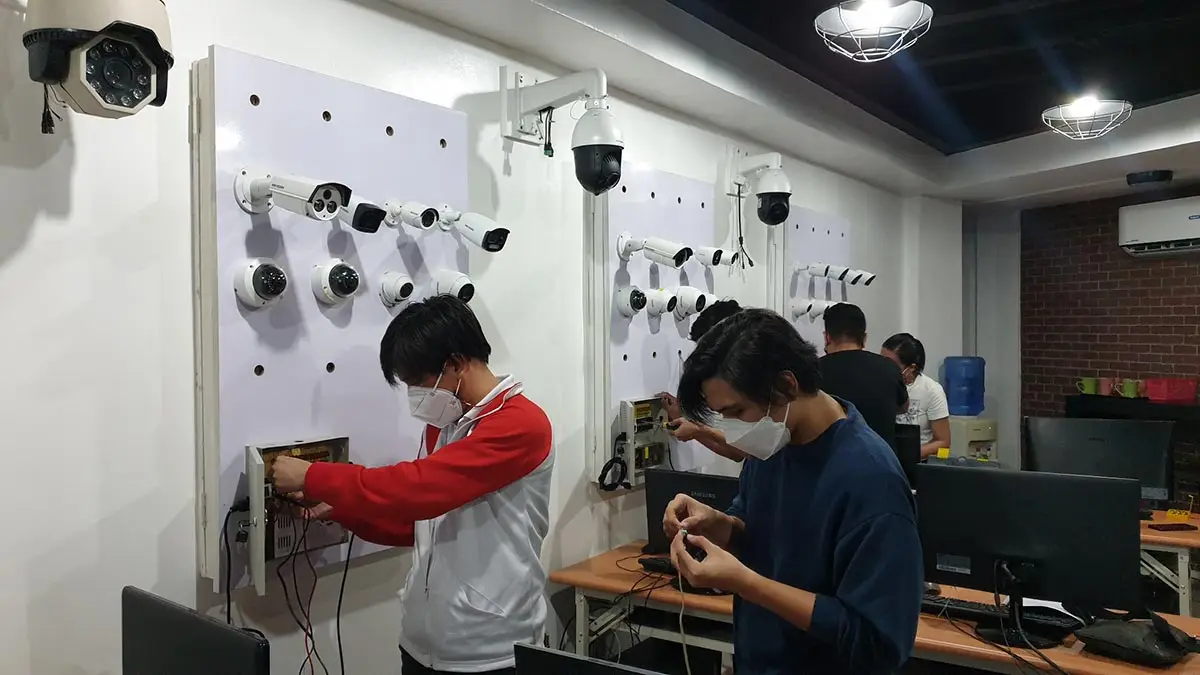
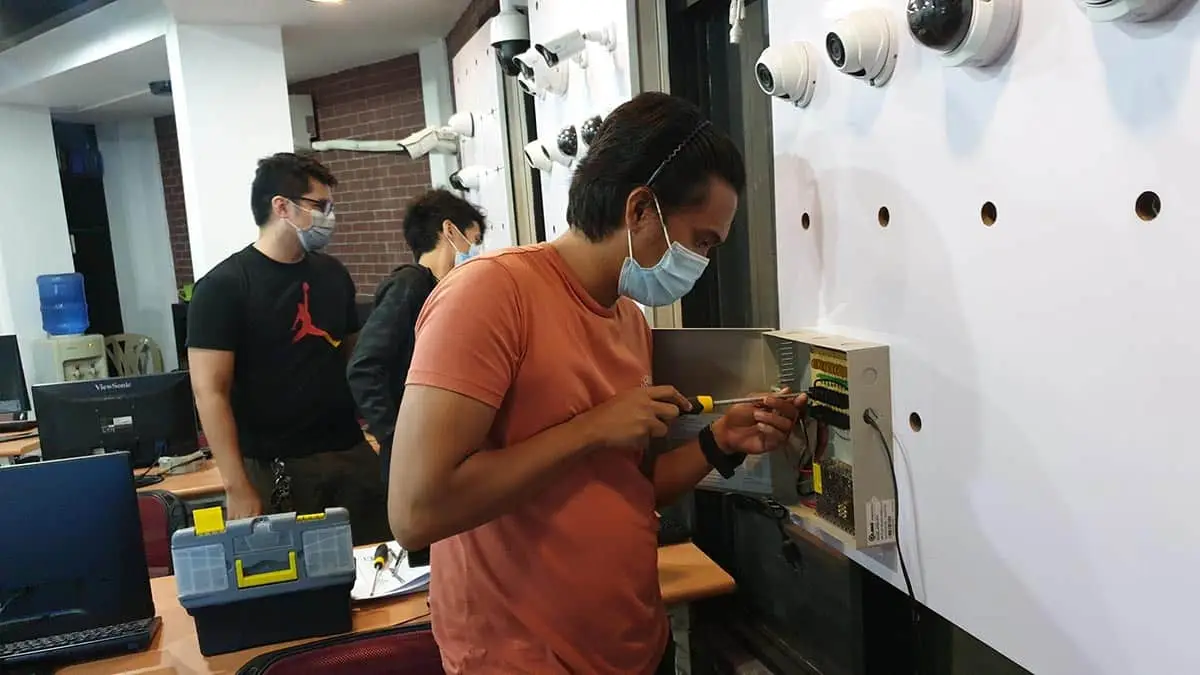
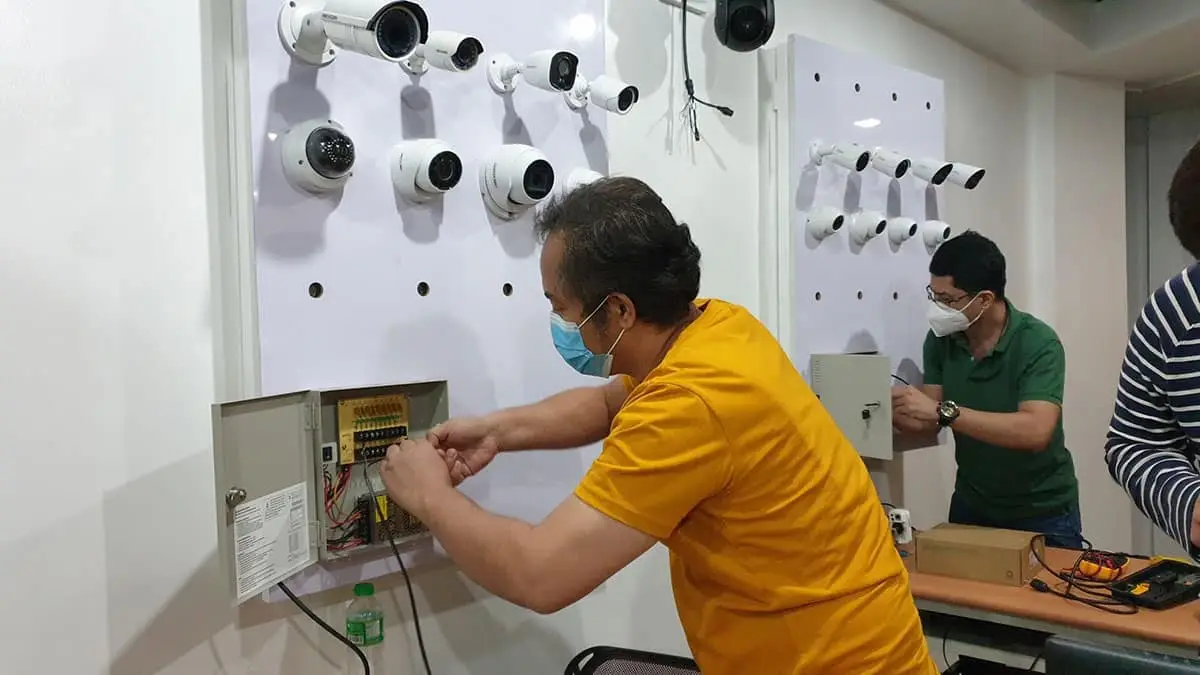
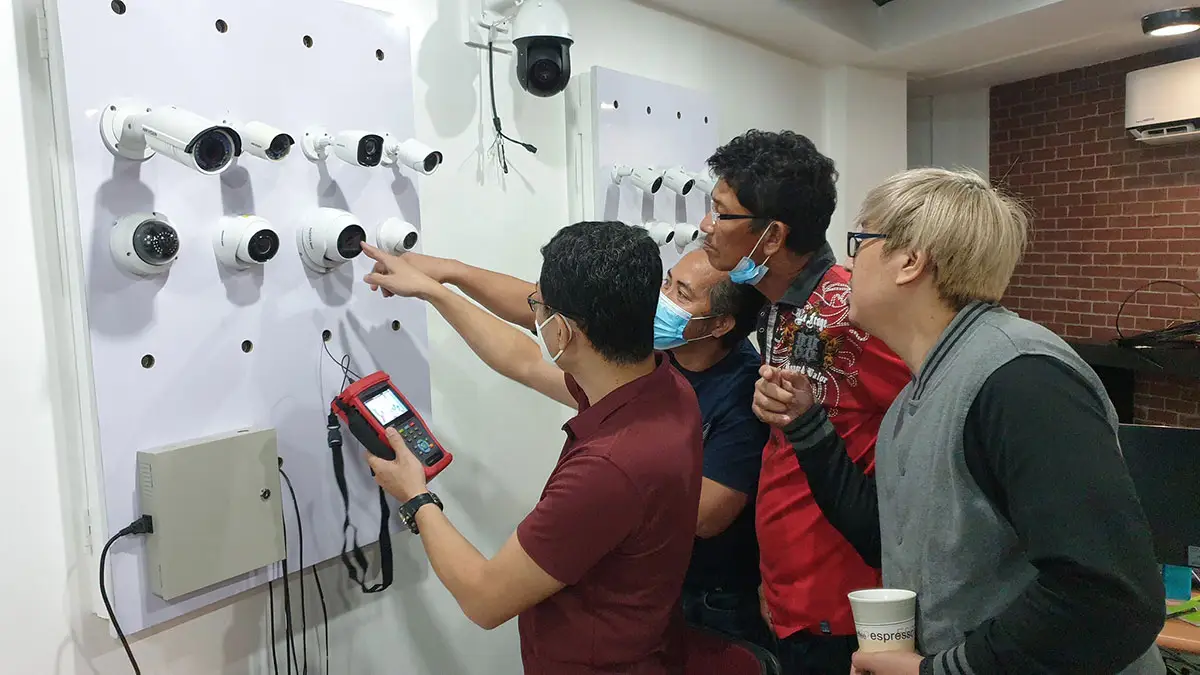
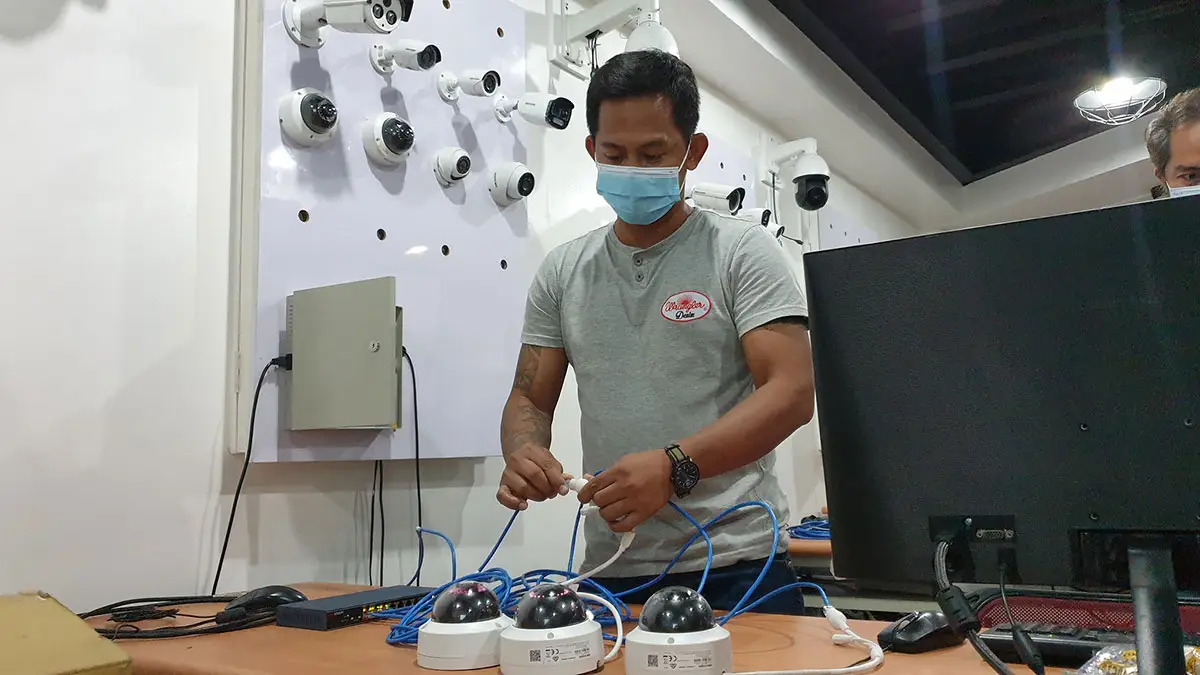
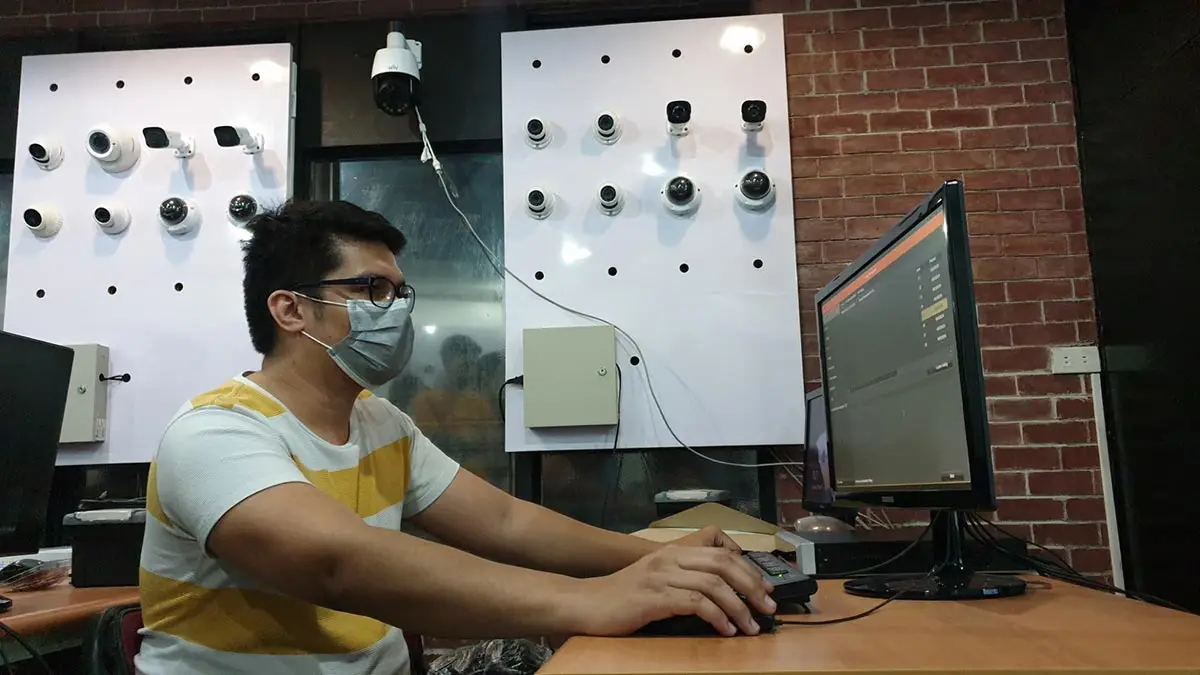
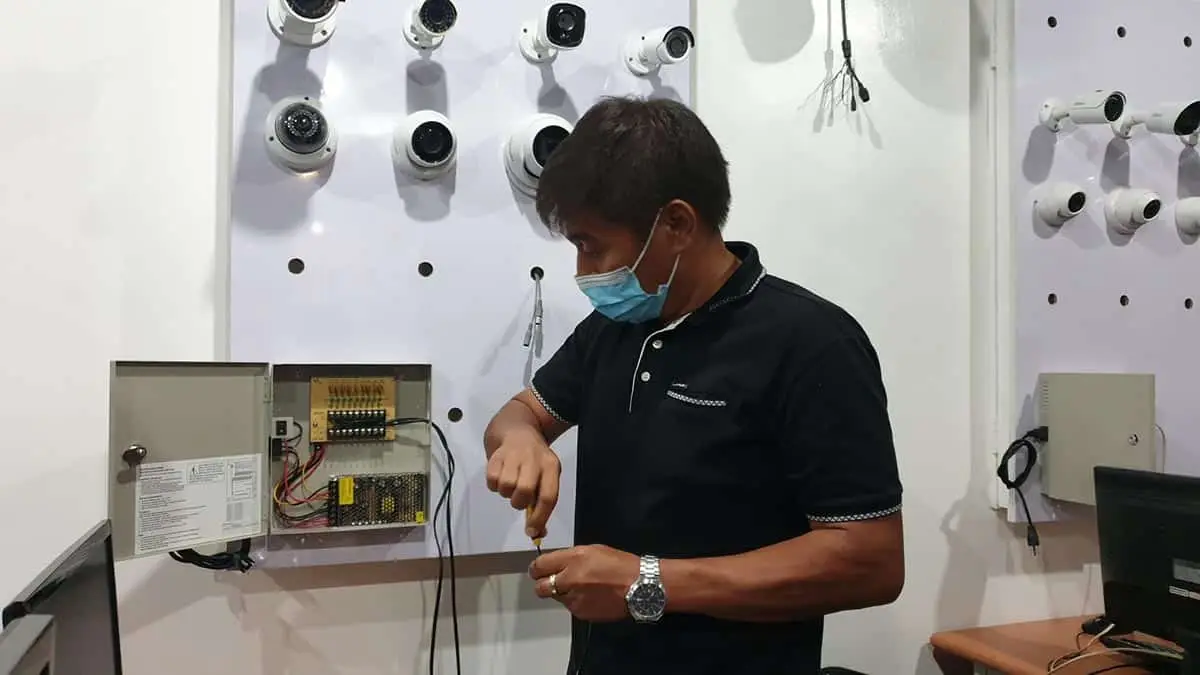
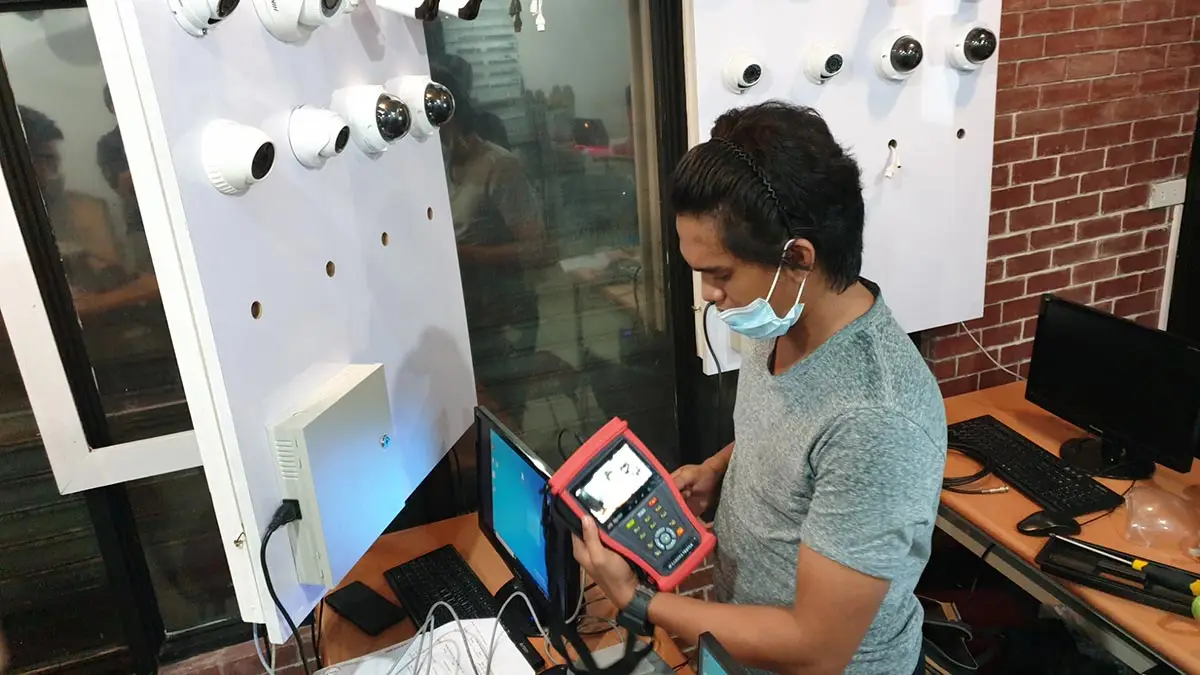
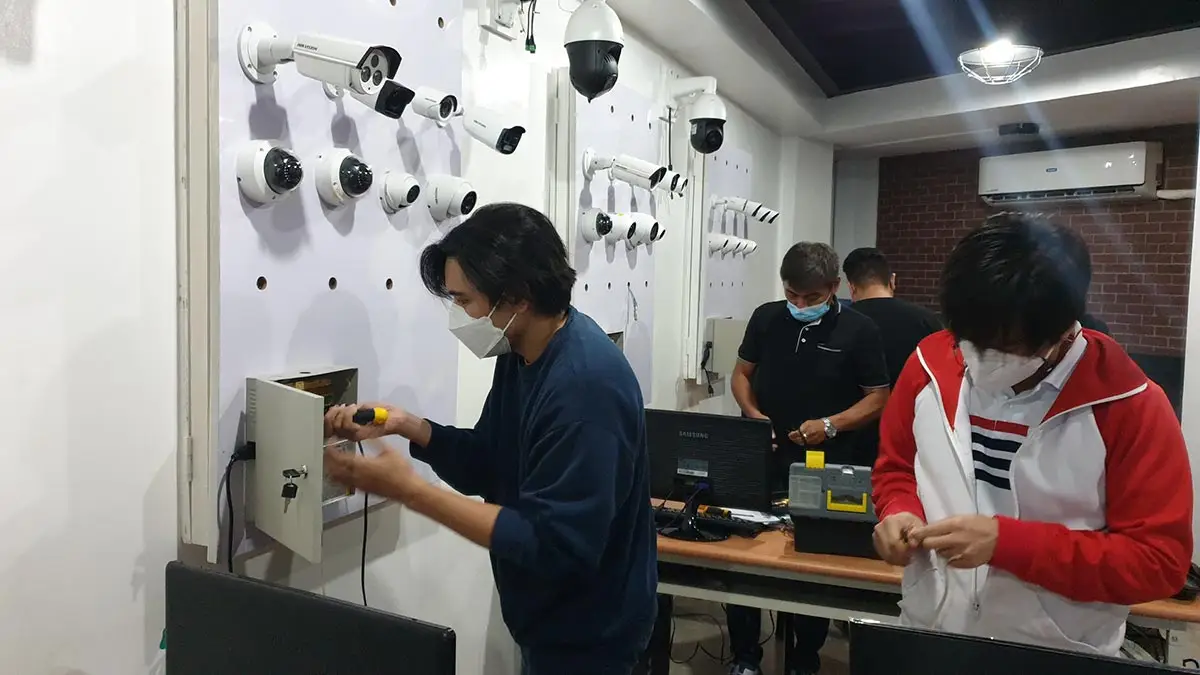
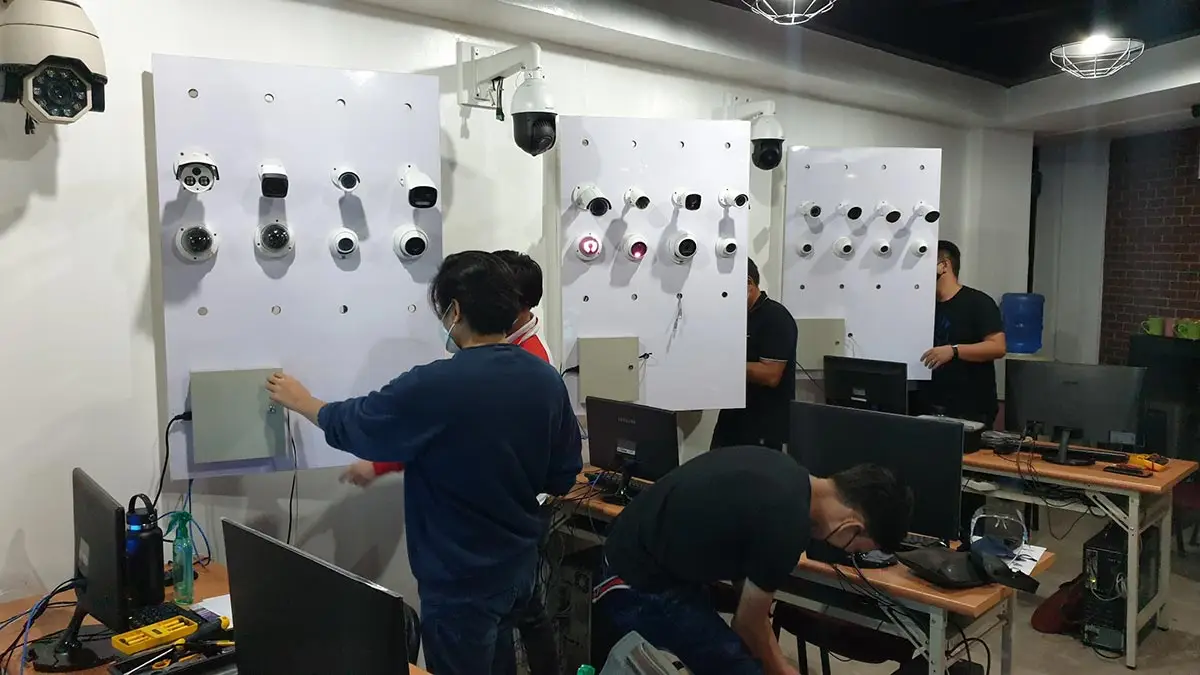
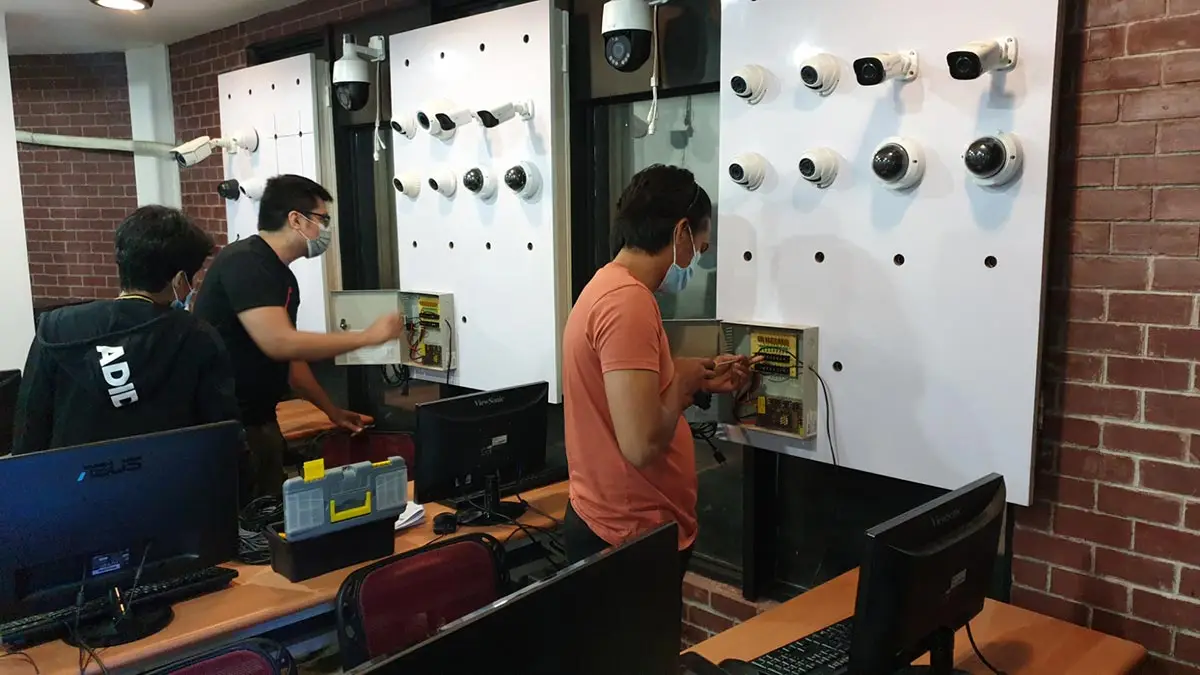
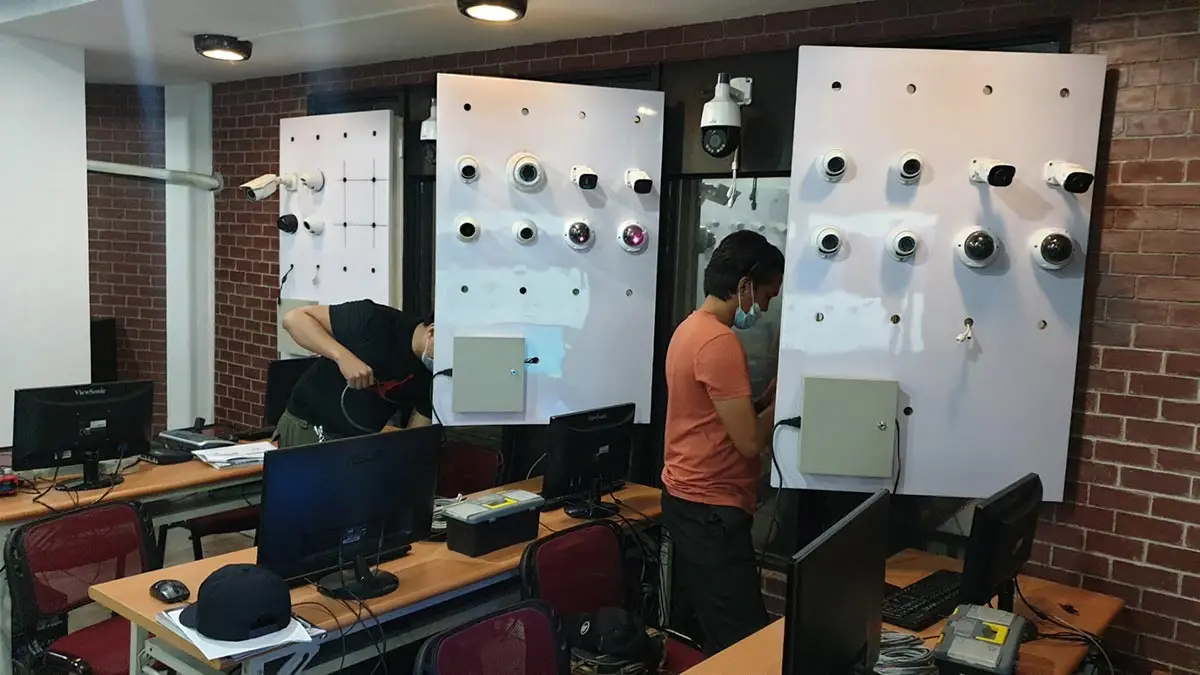
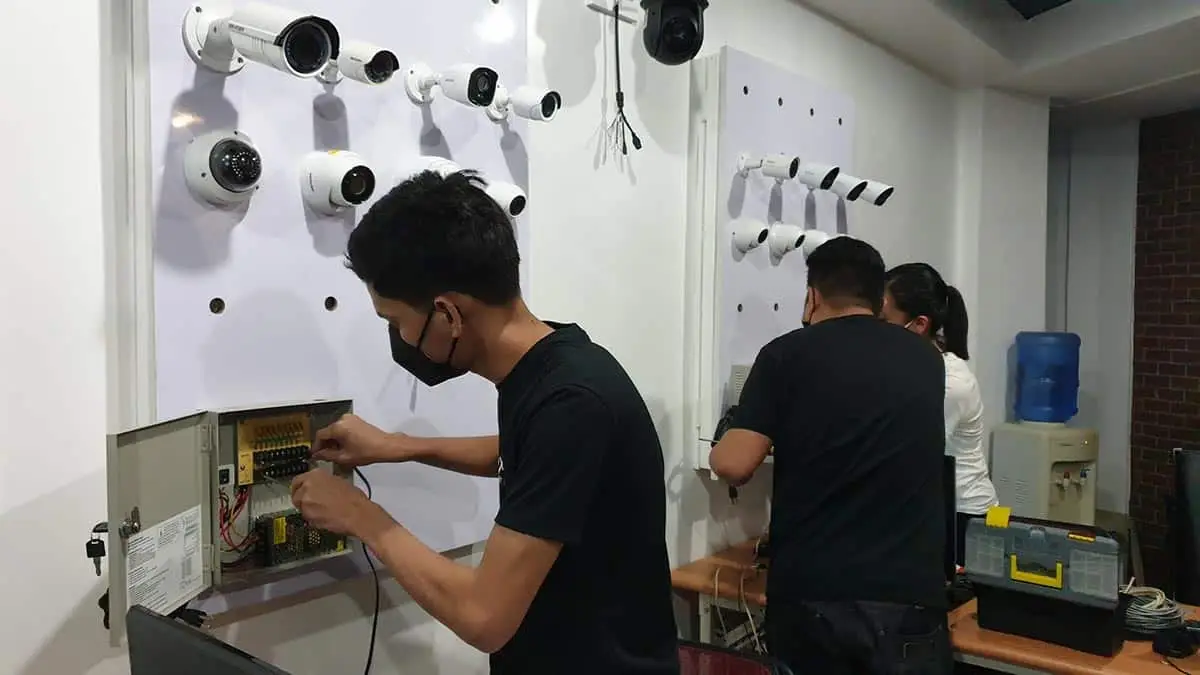
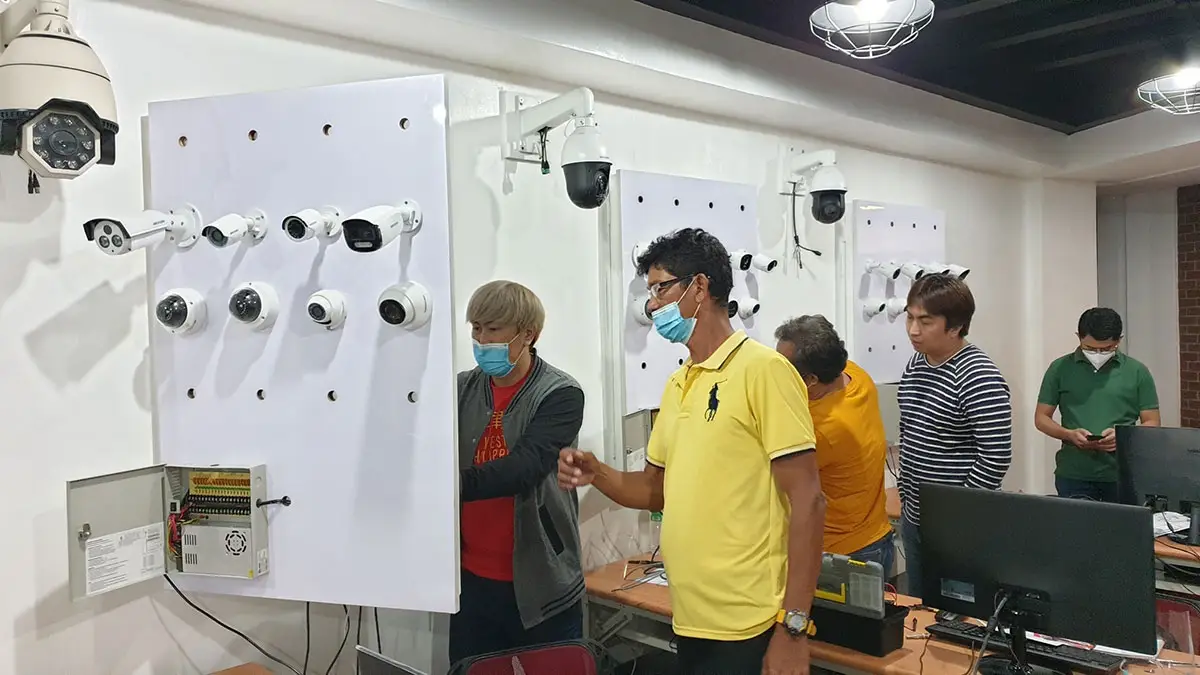
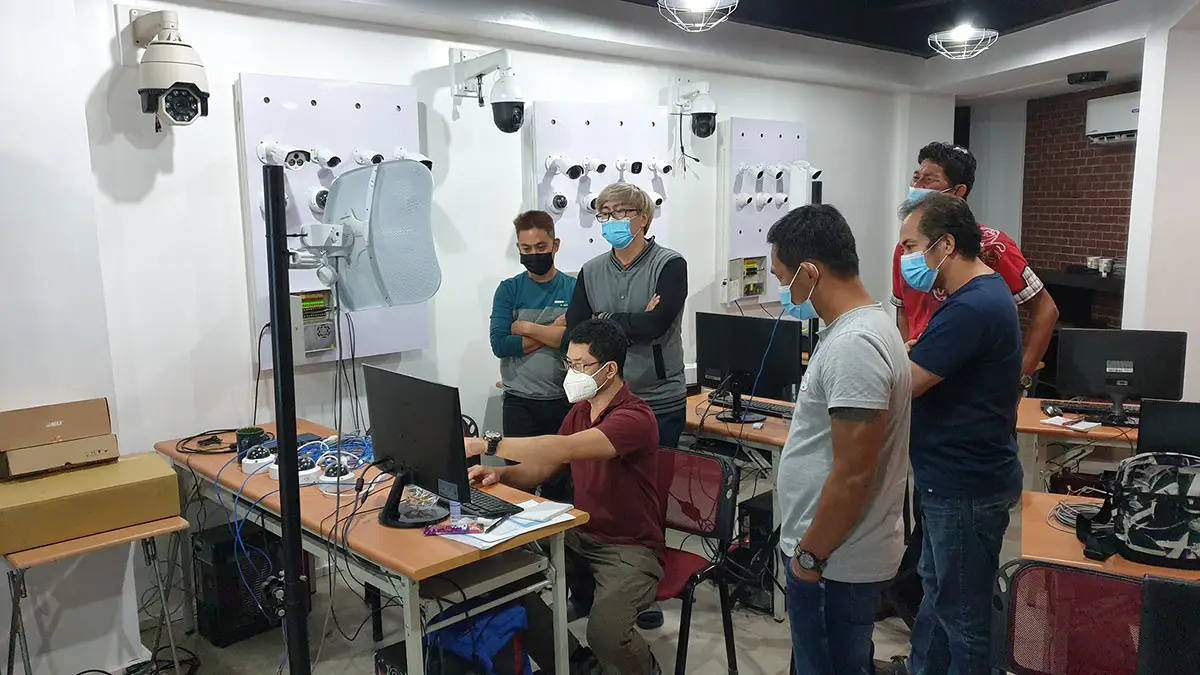
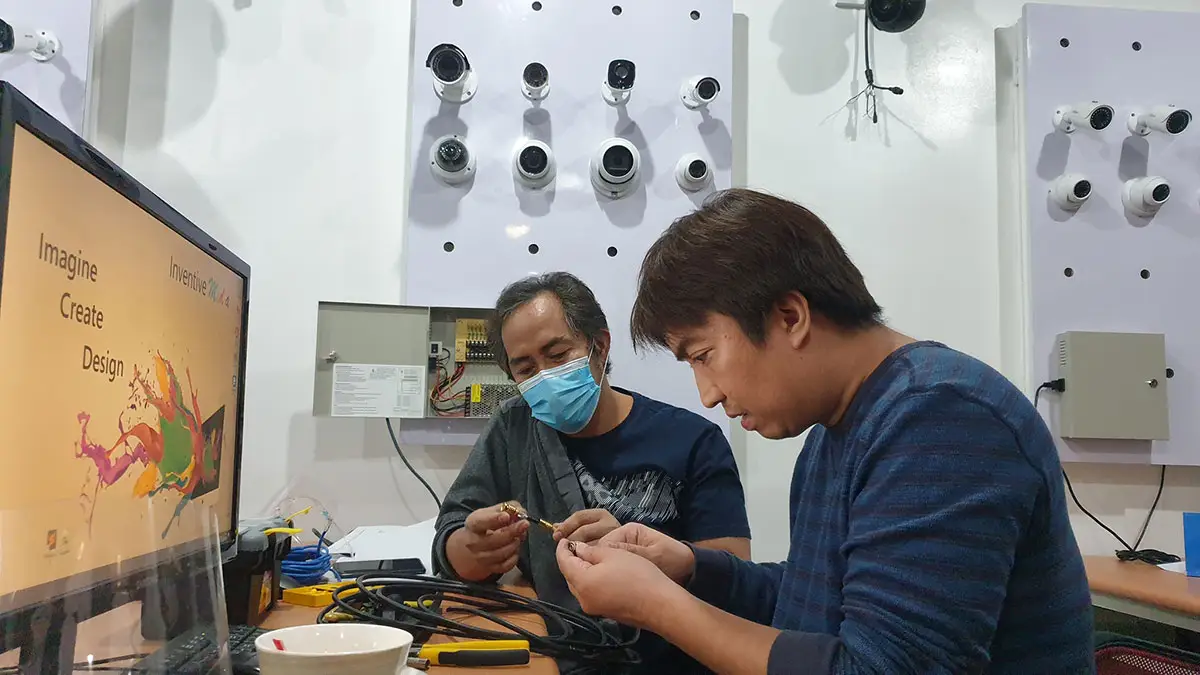
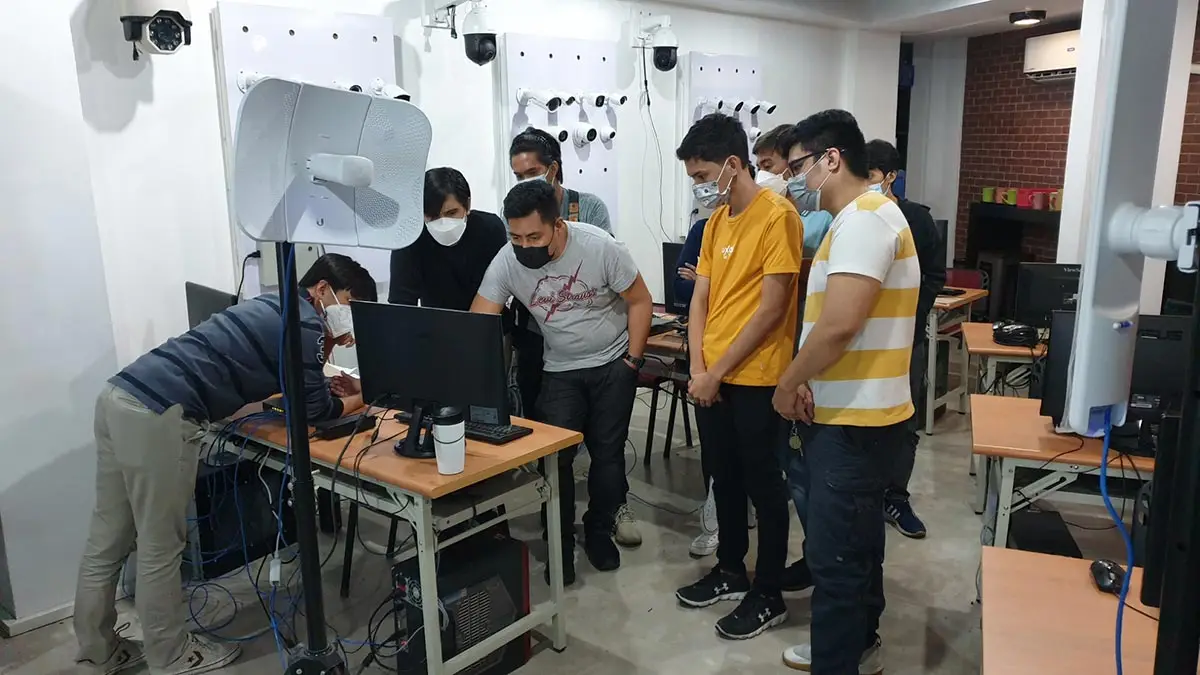
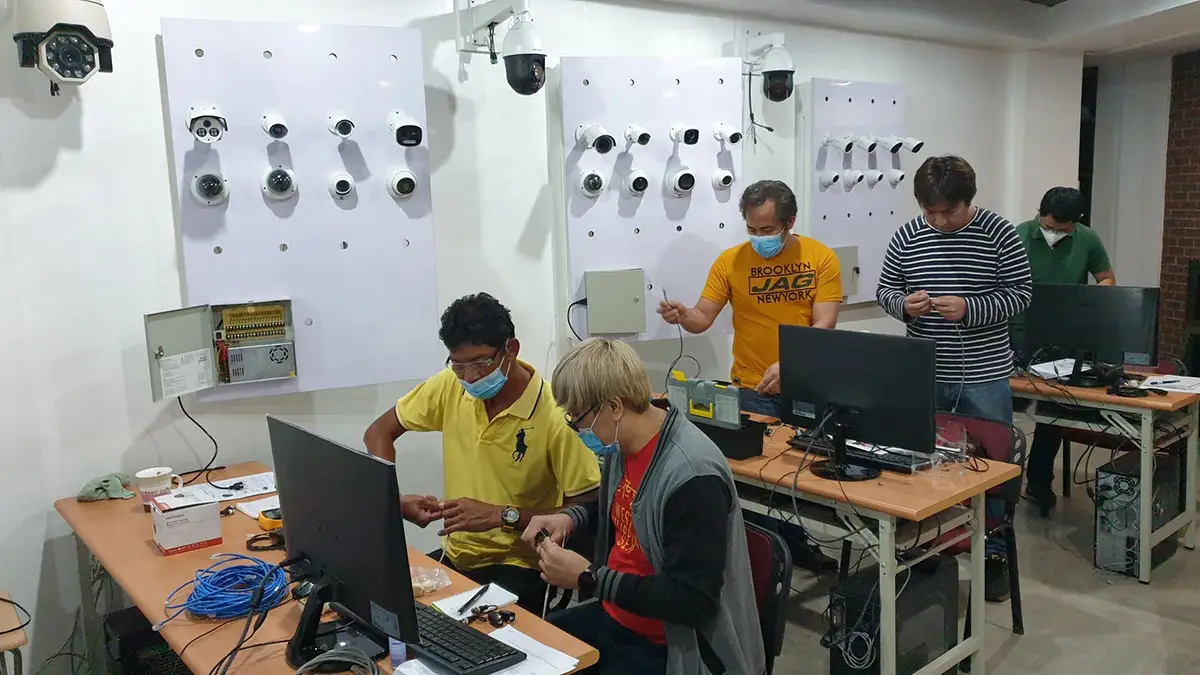
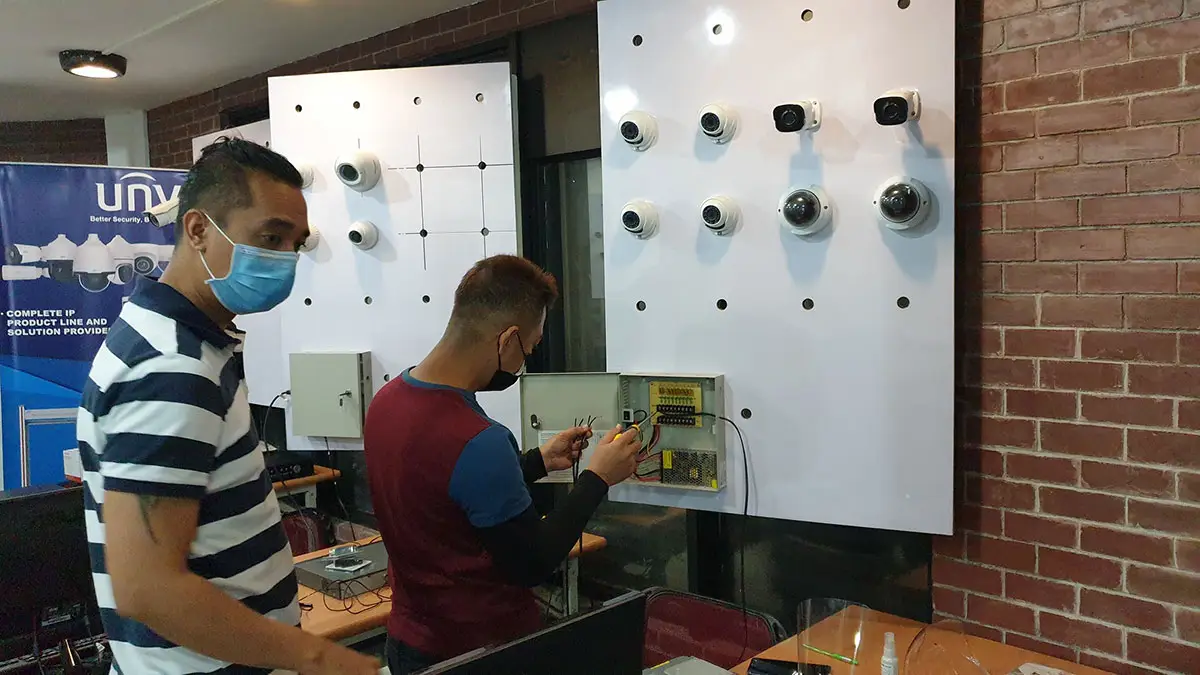
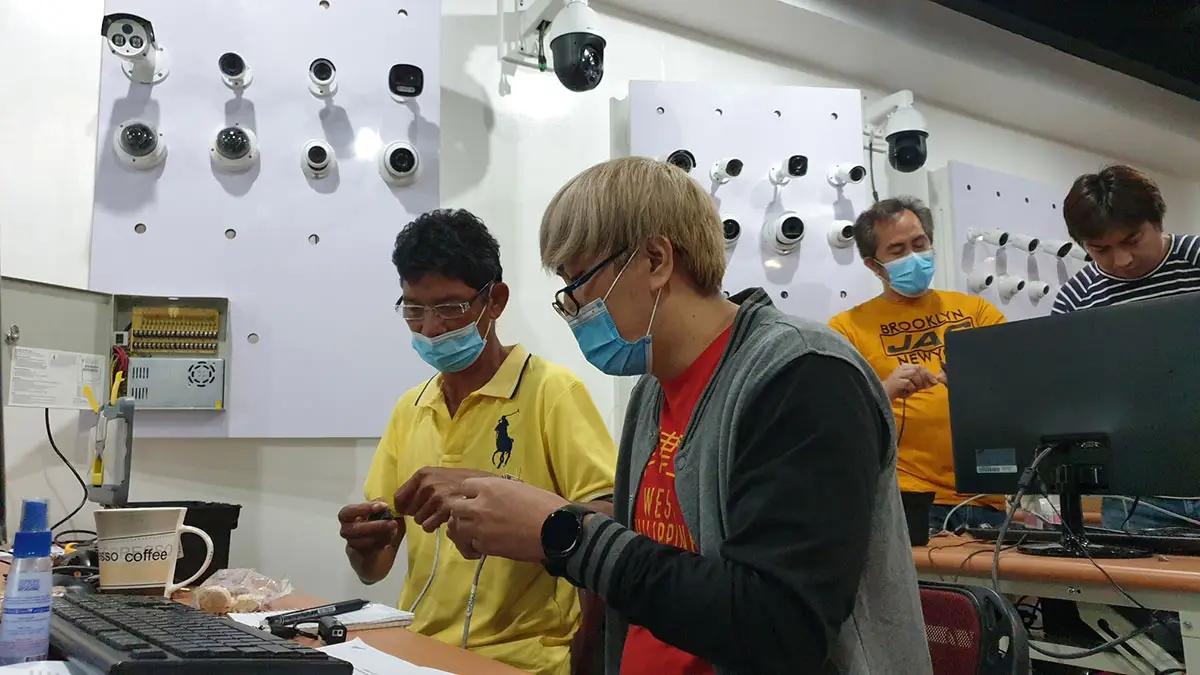
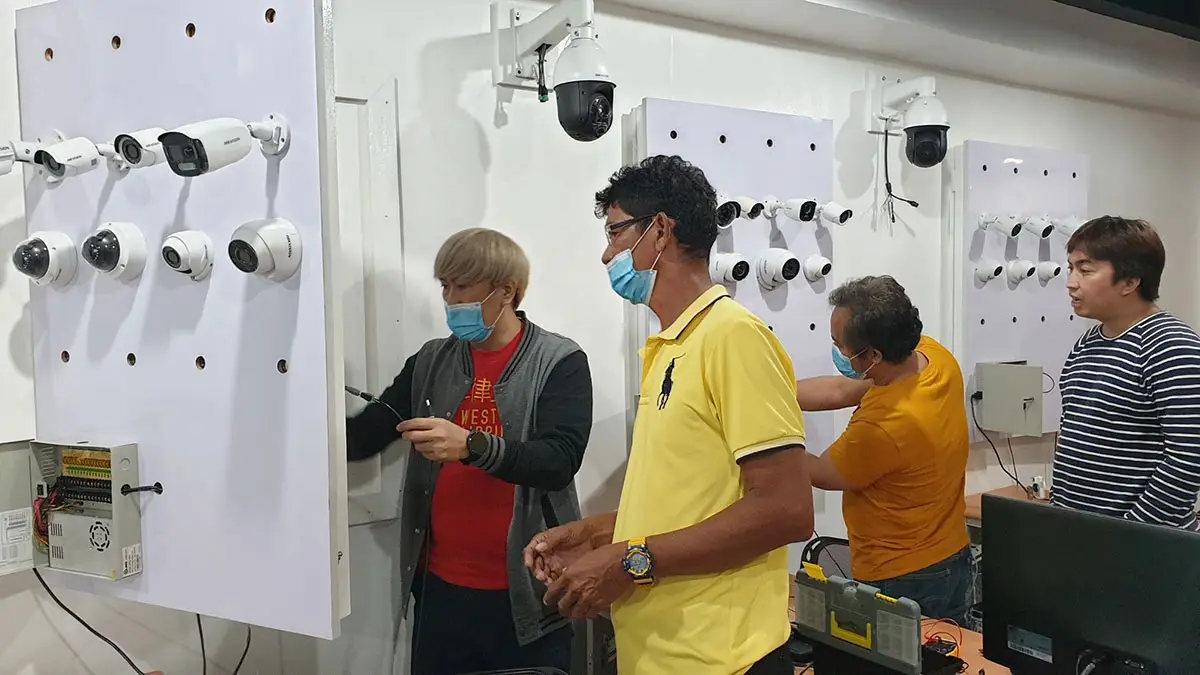
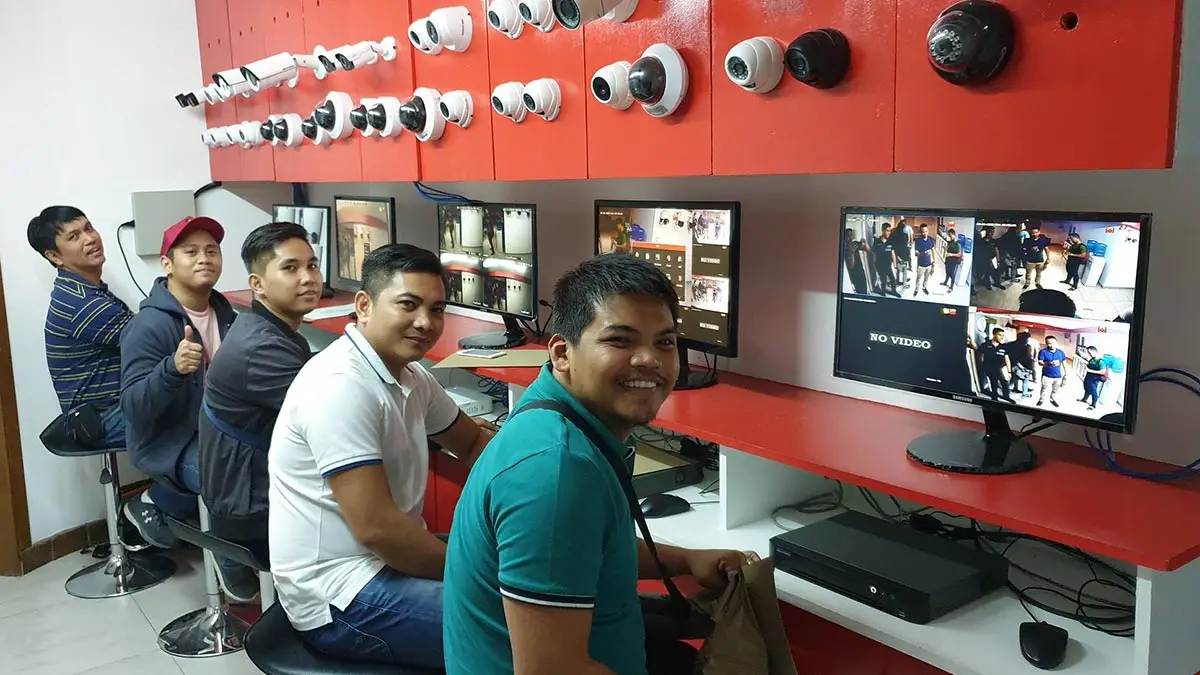
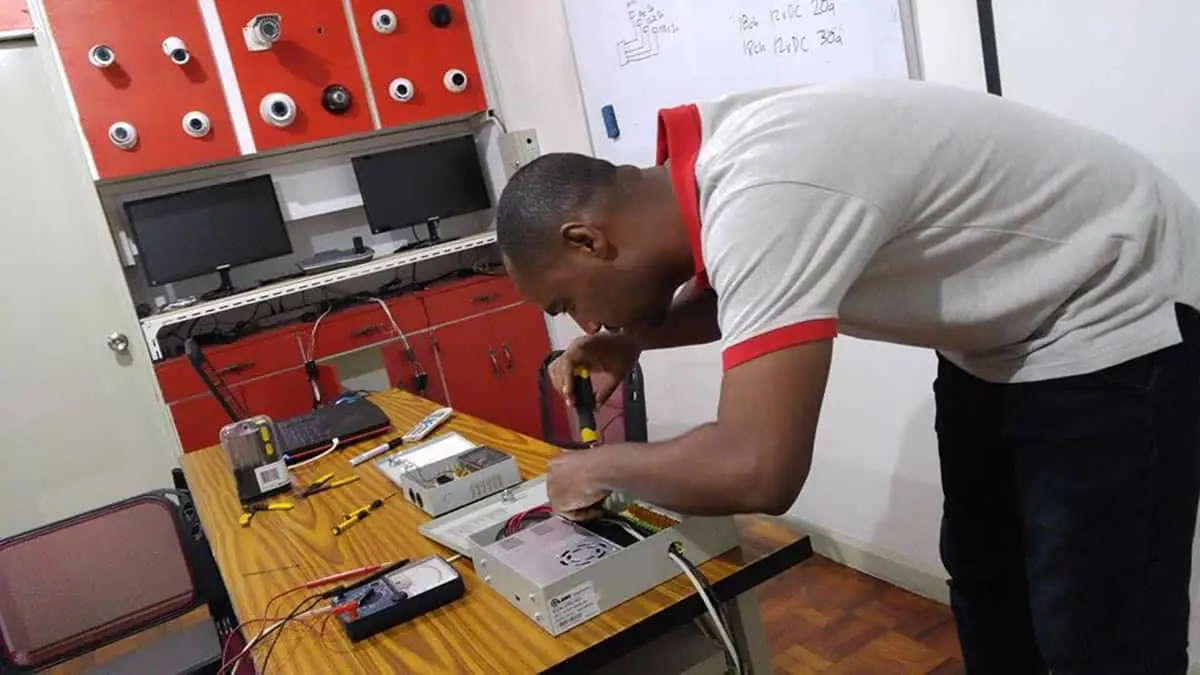
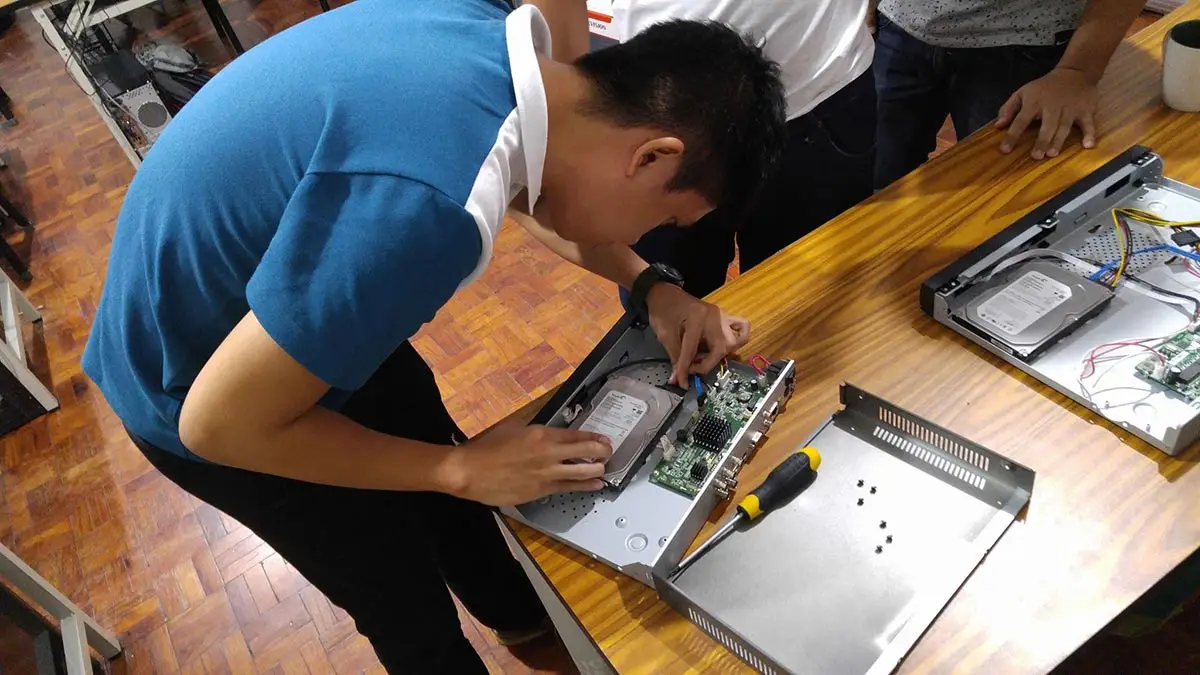
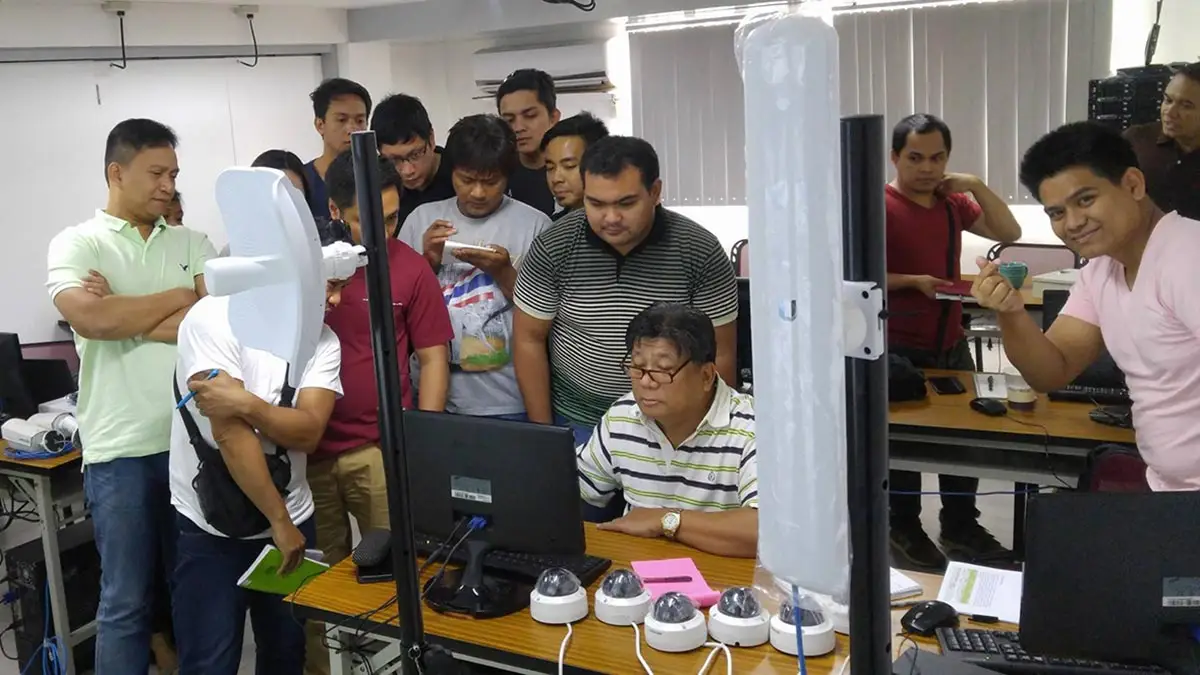
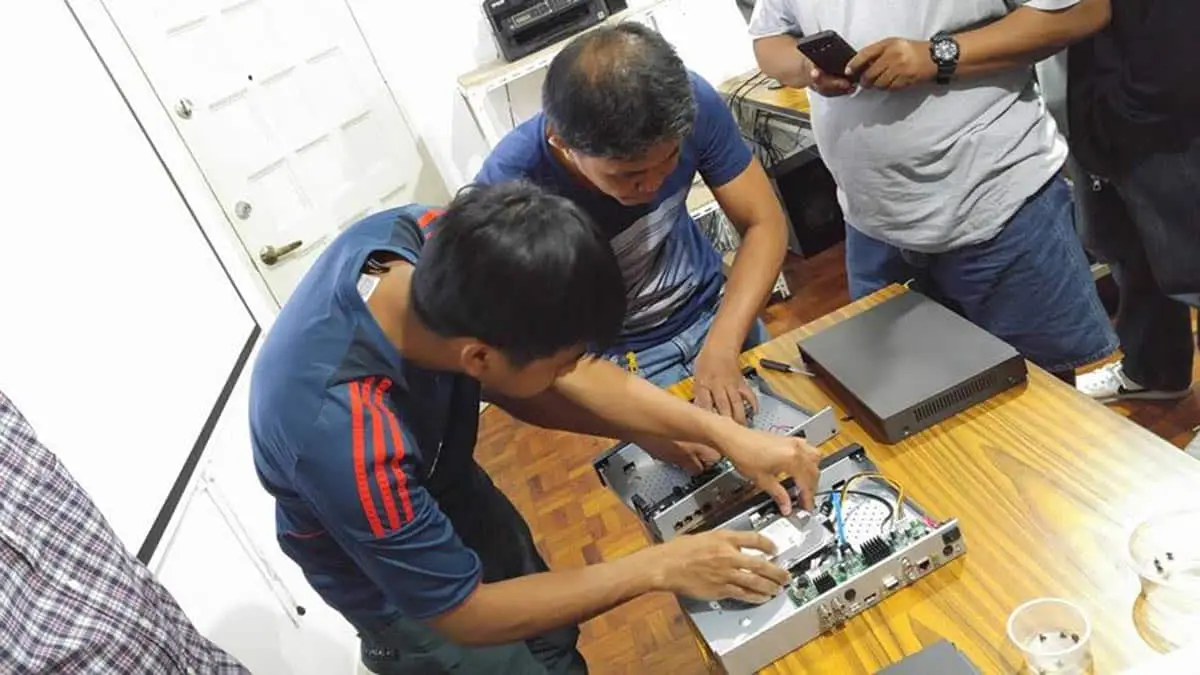
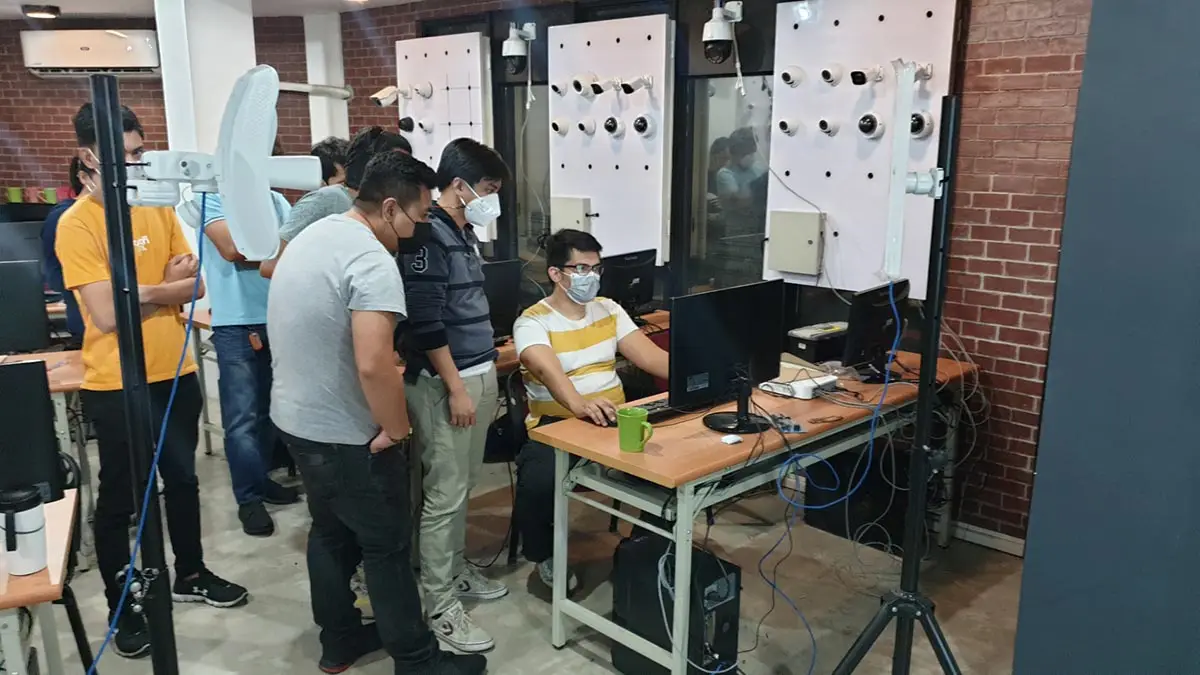
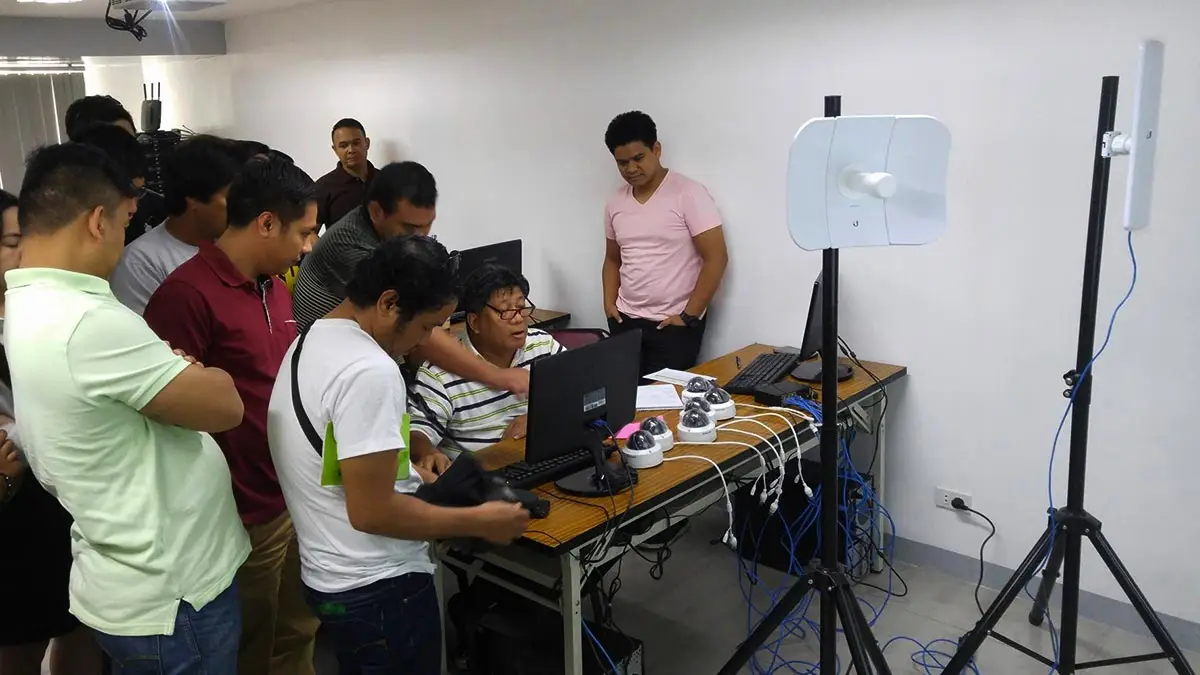
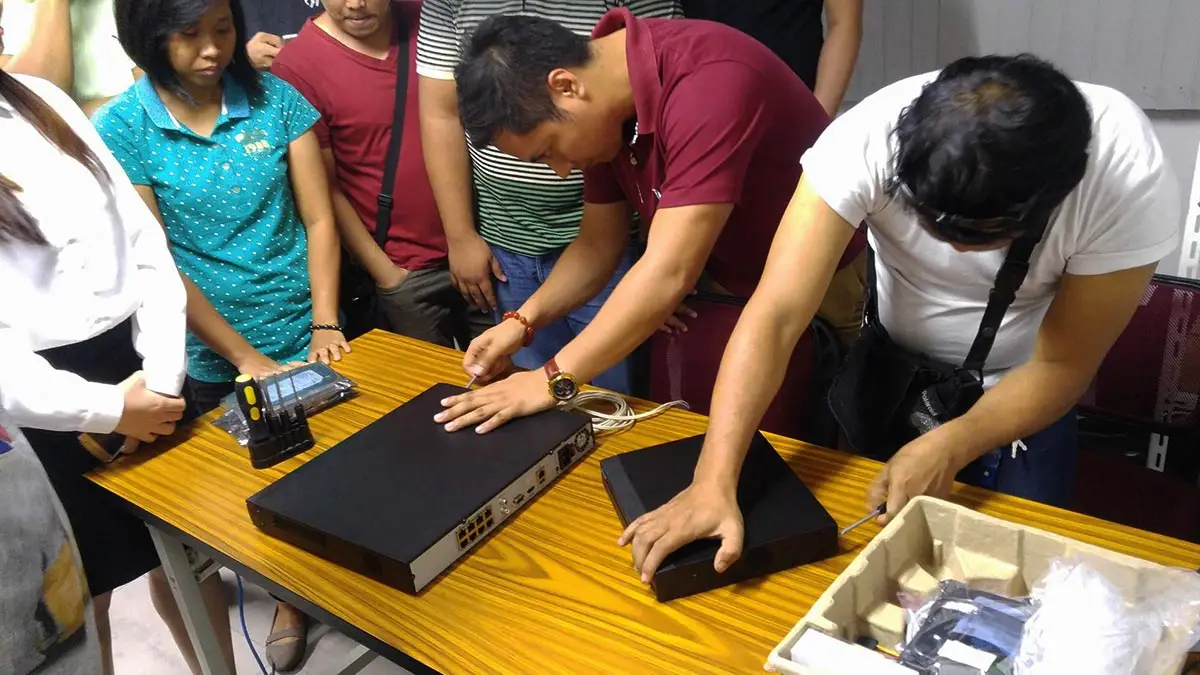
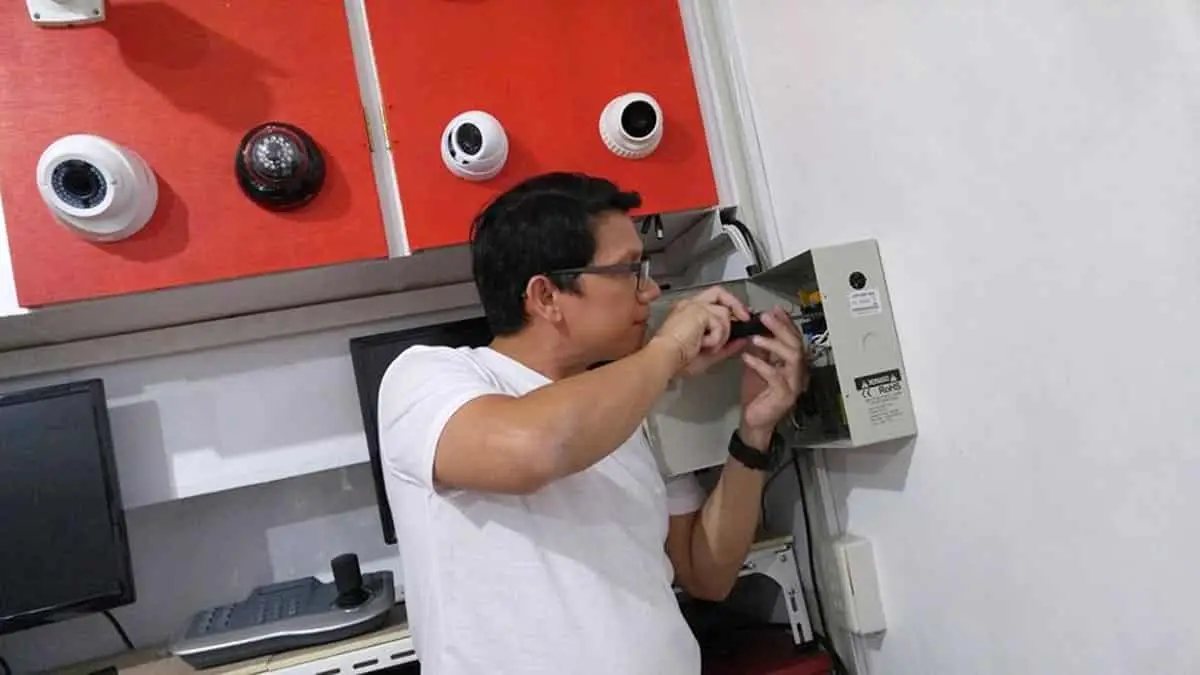
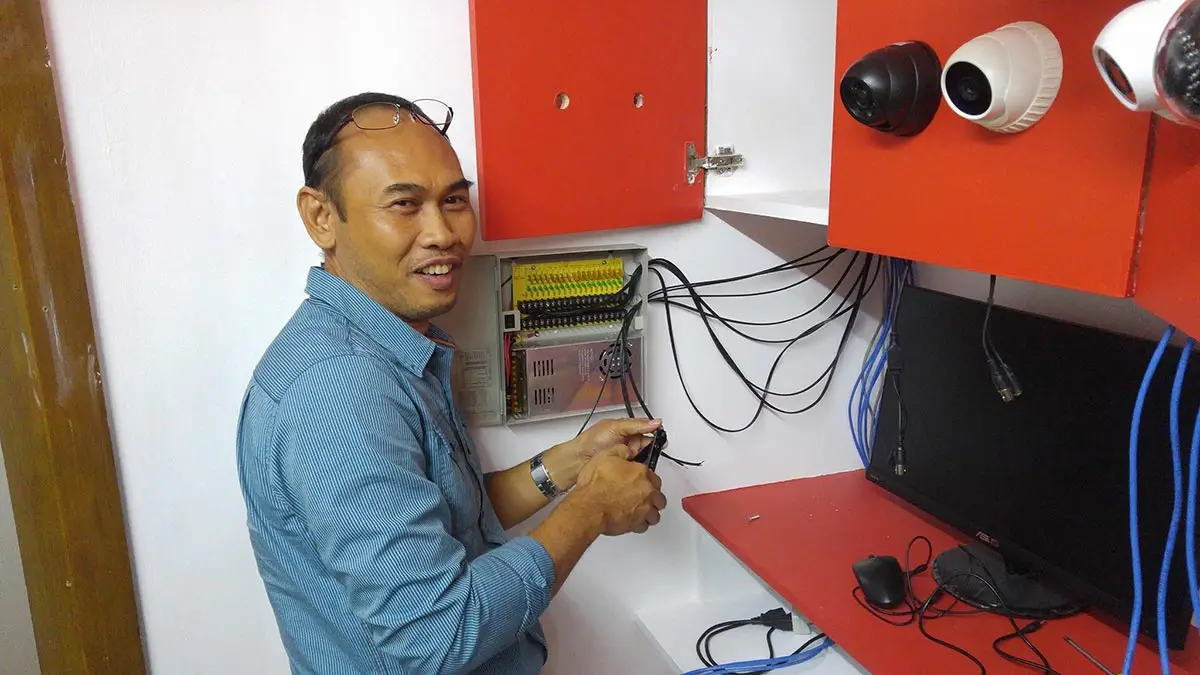
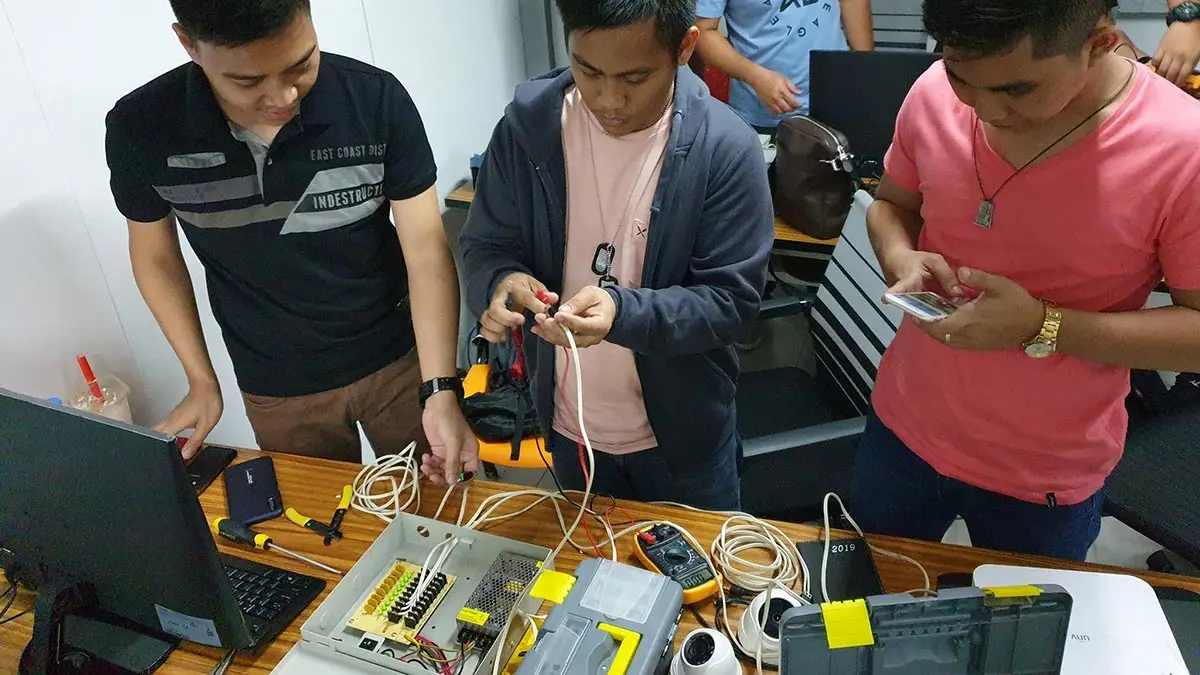
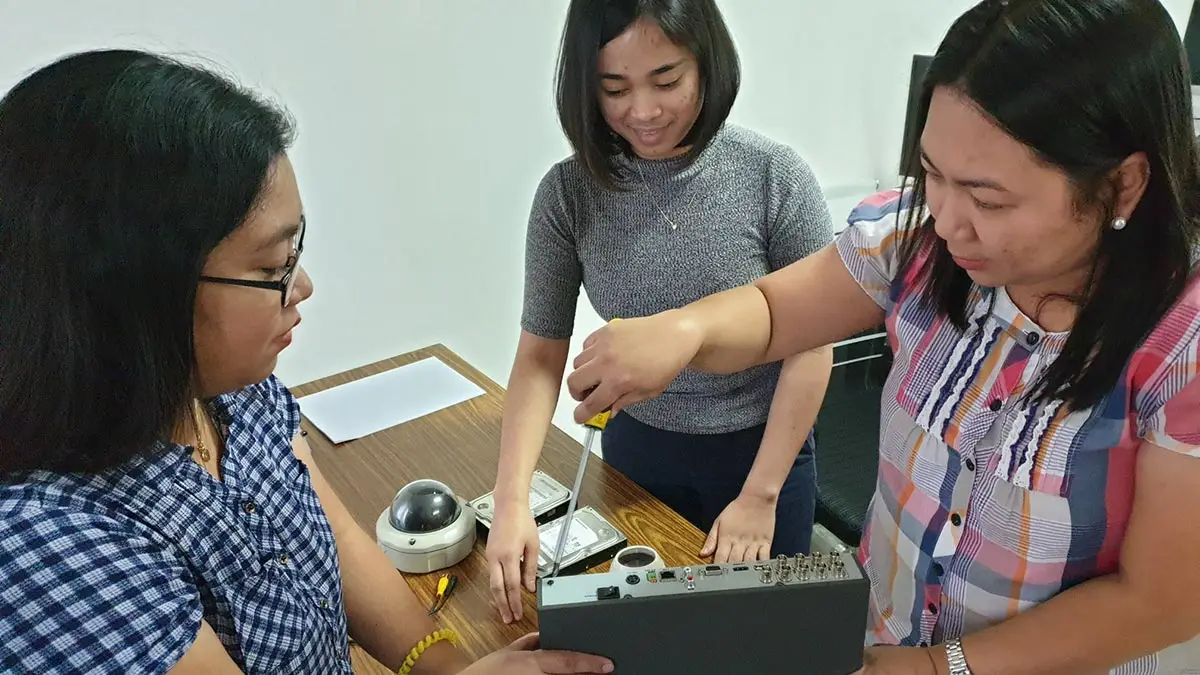
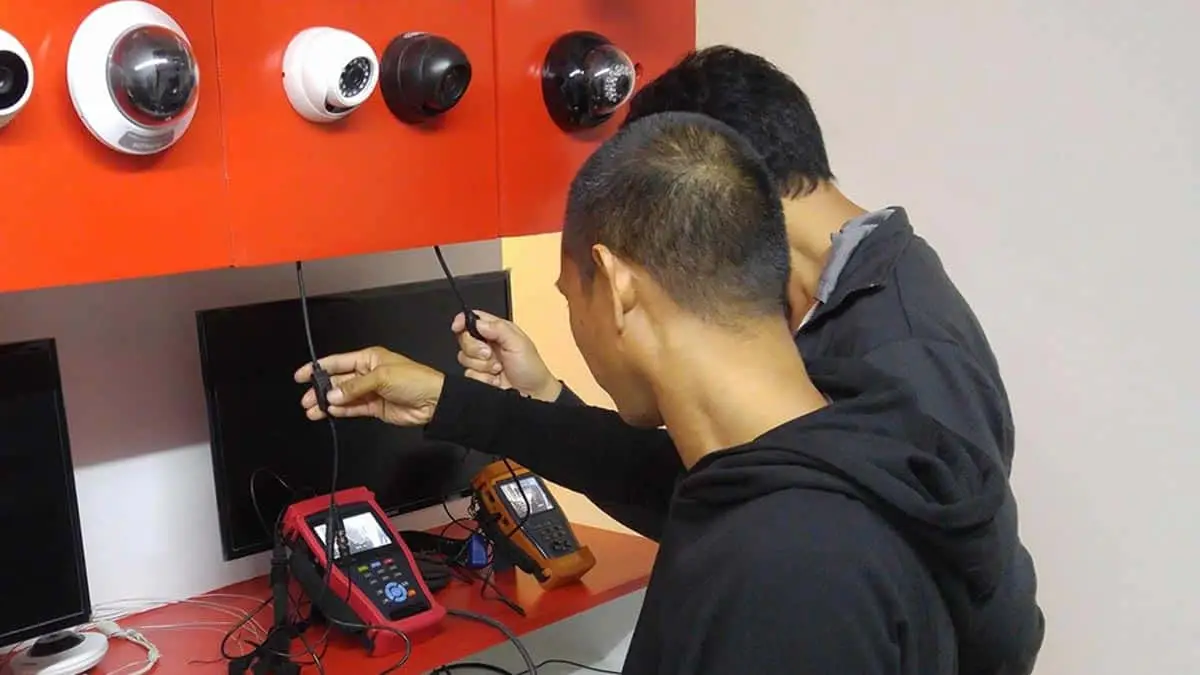
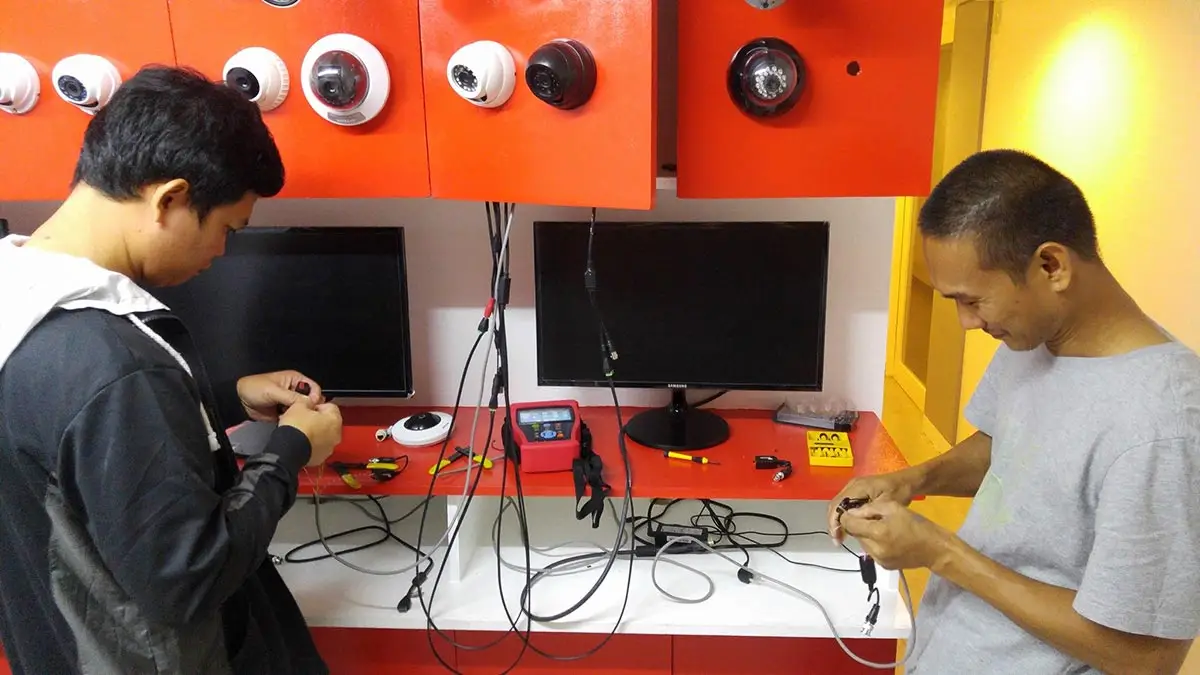
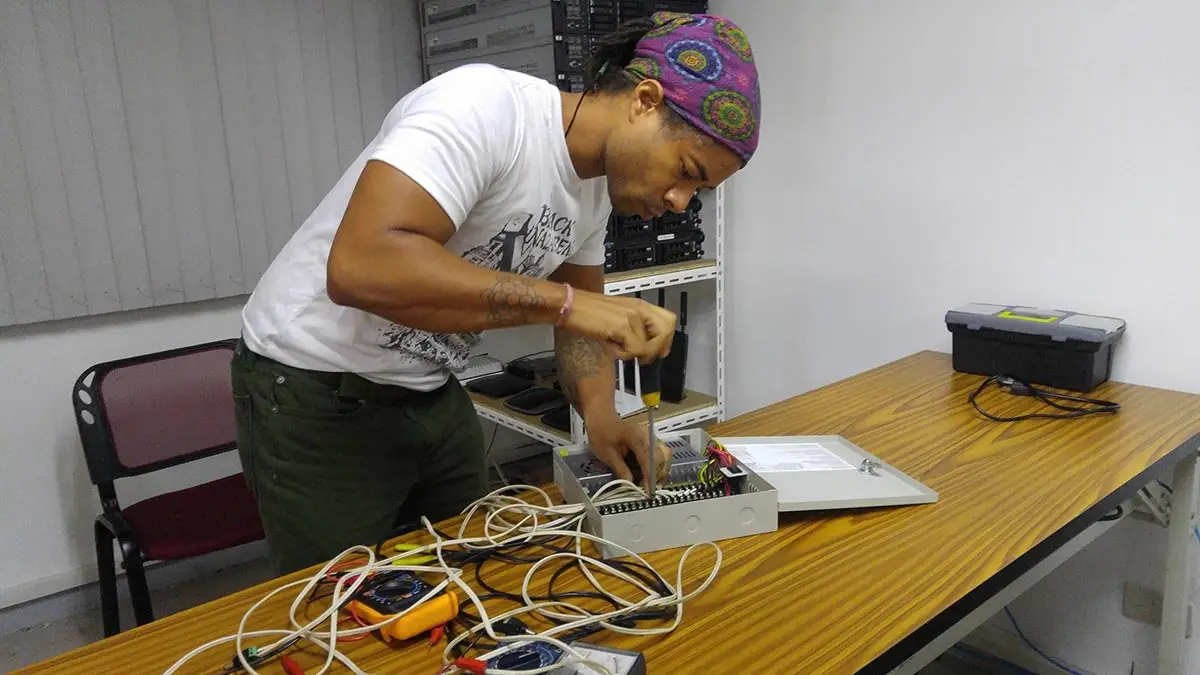
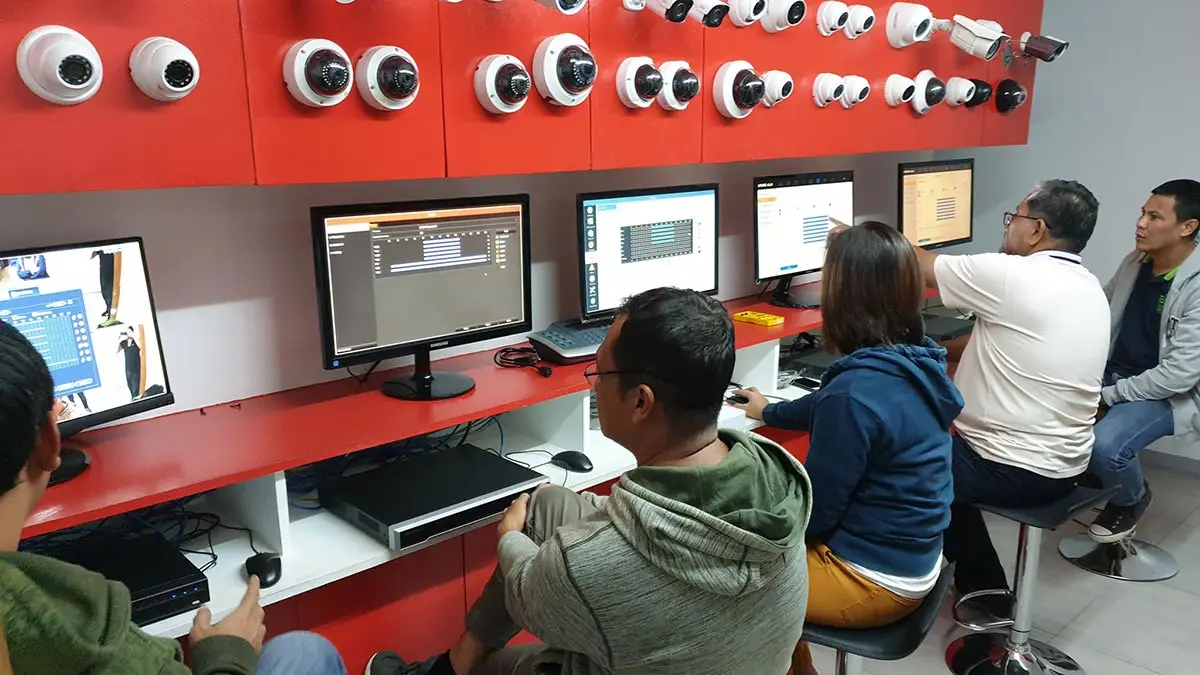
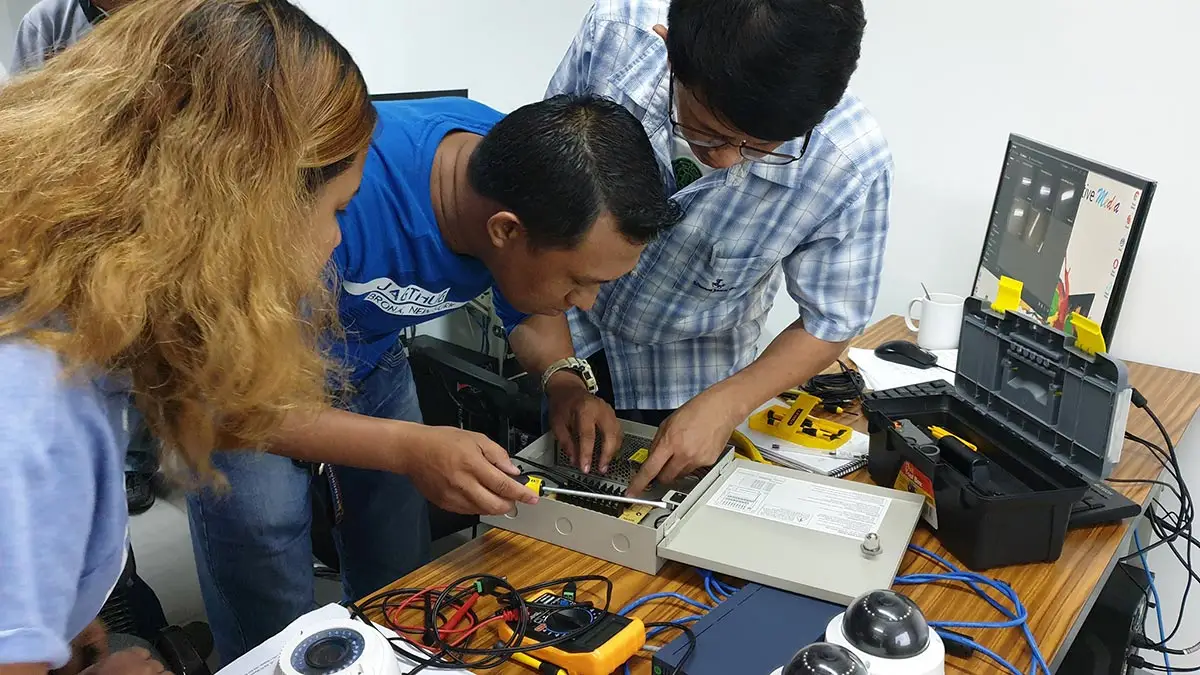
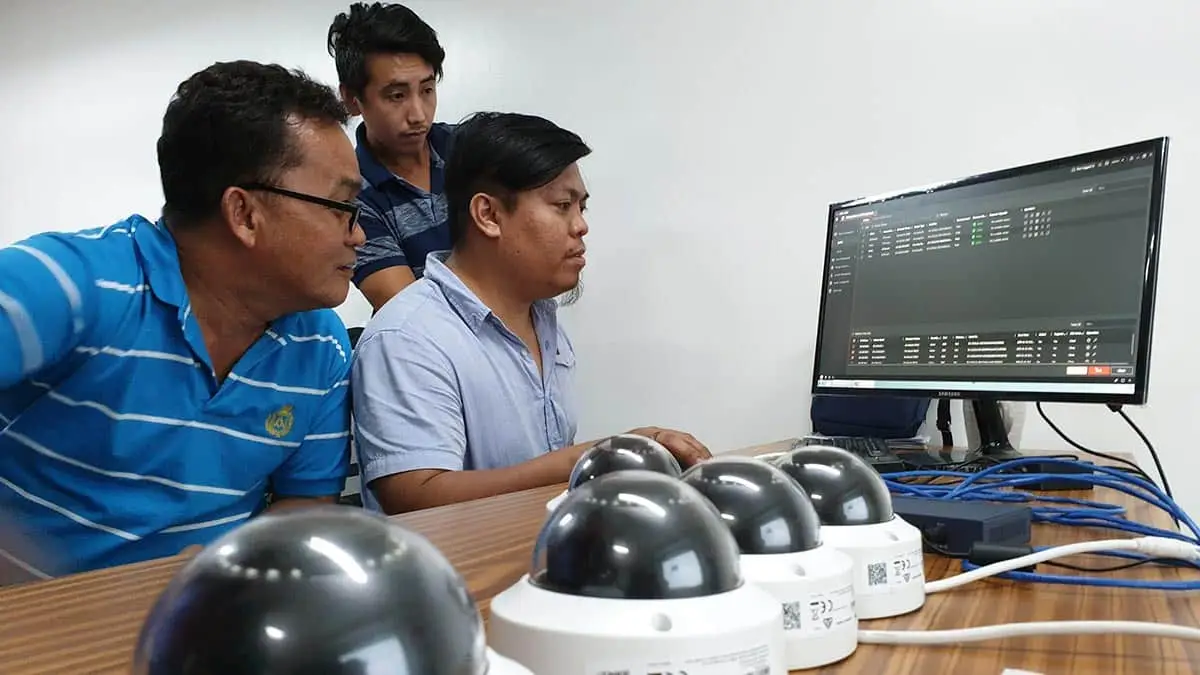
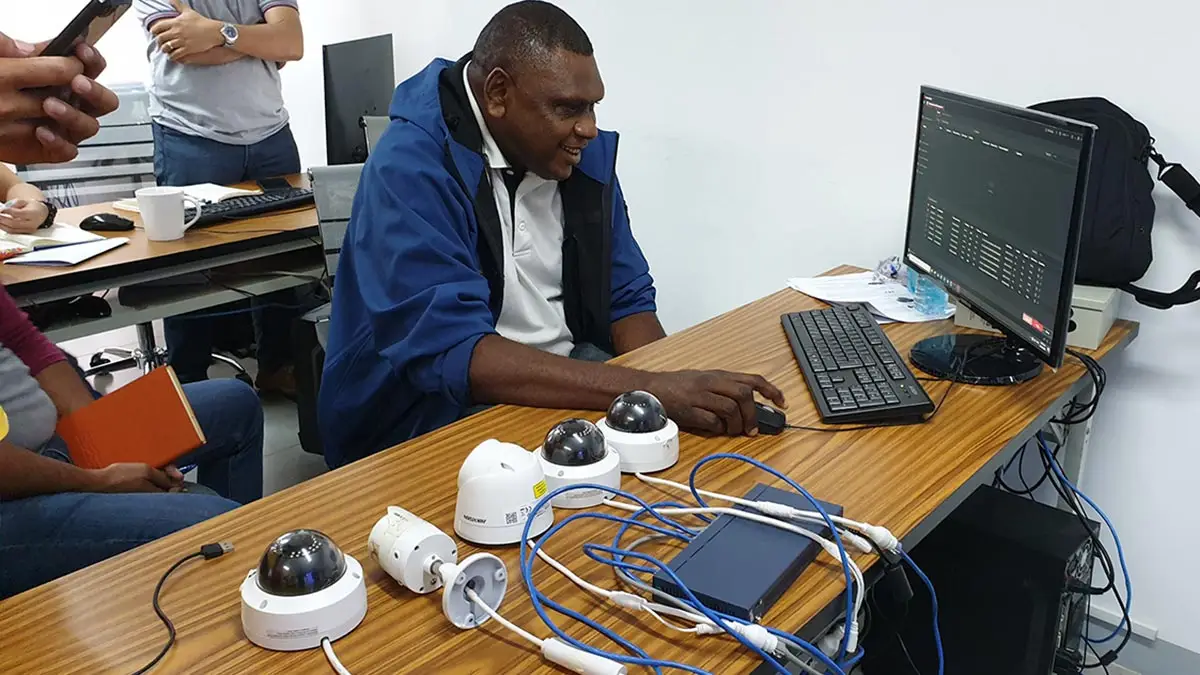
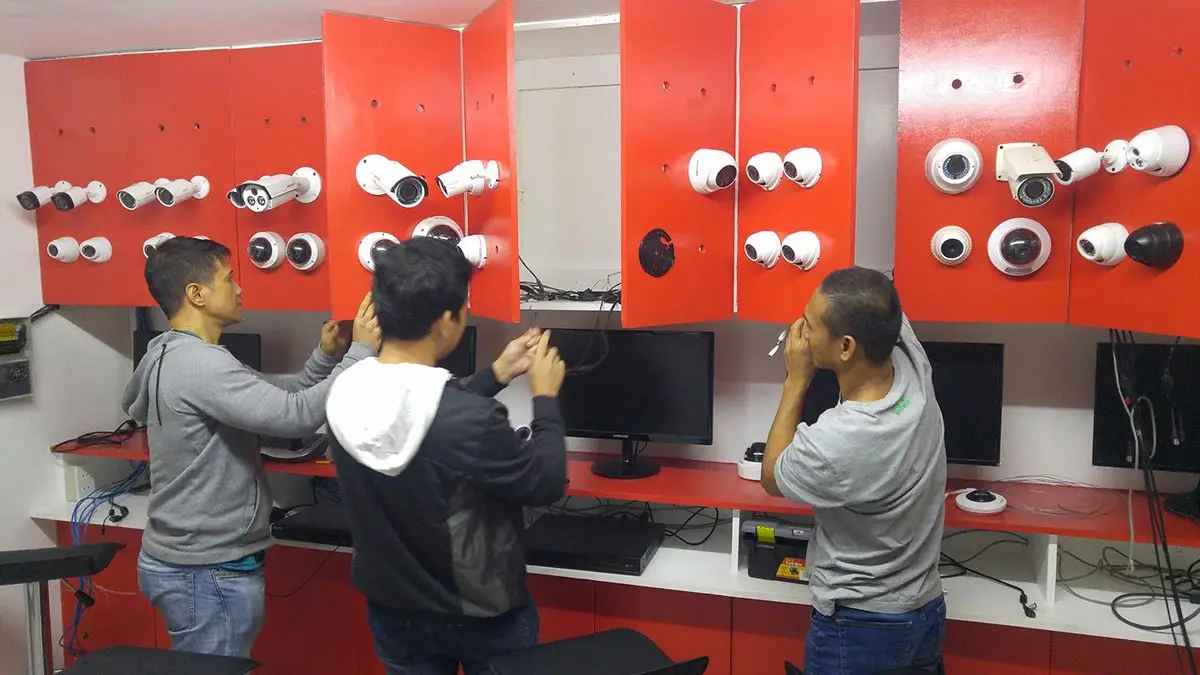
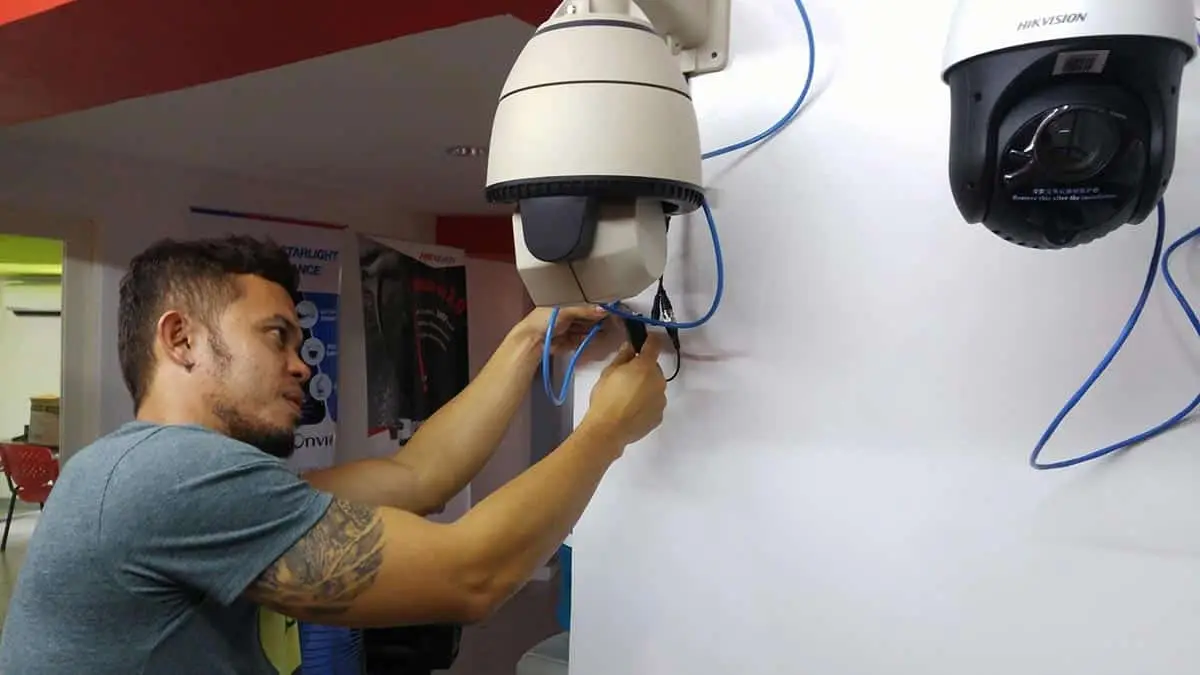

CCTV Training, Philippines
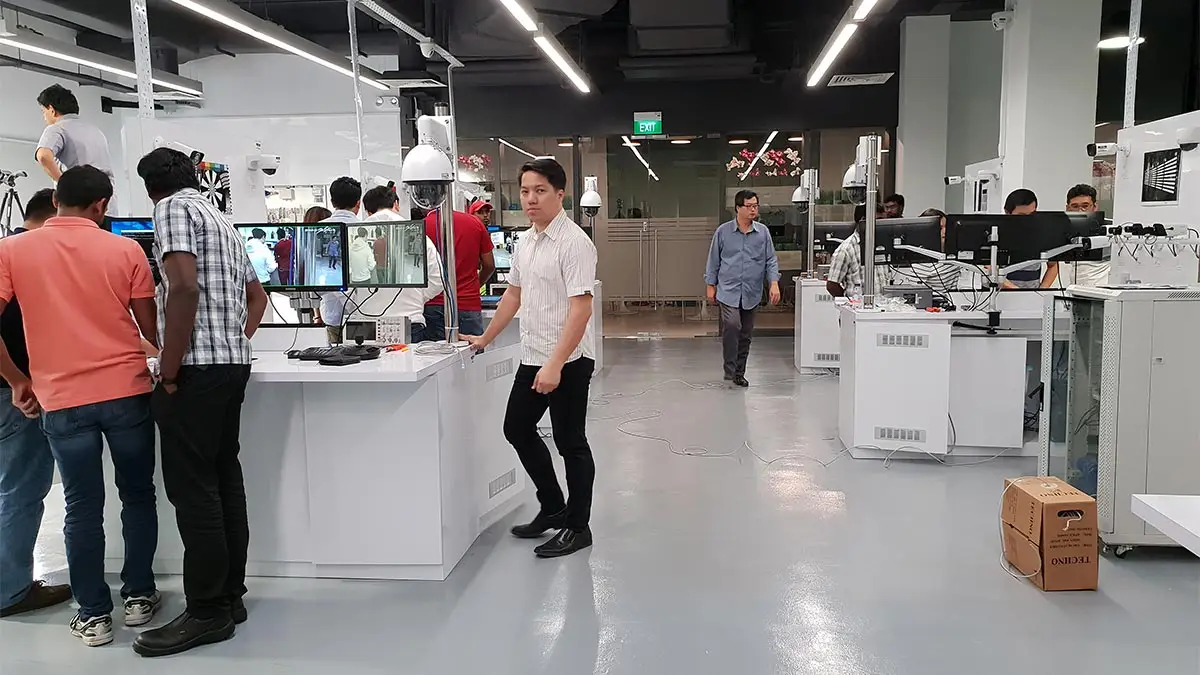
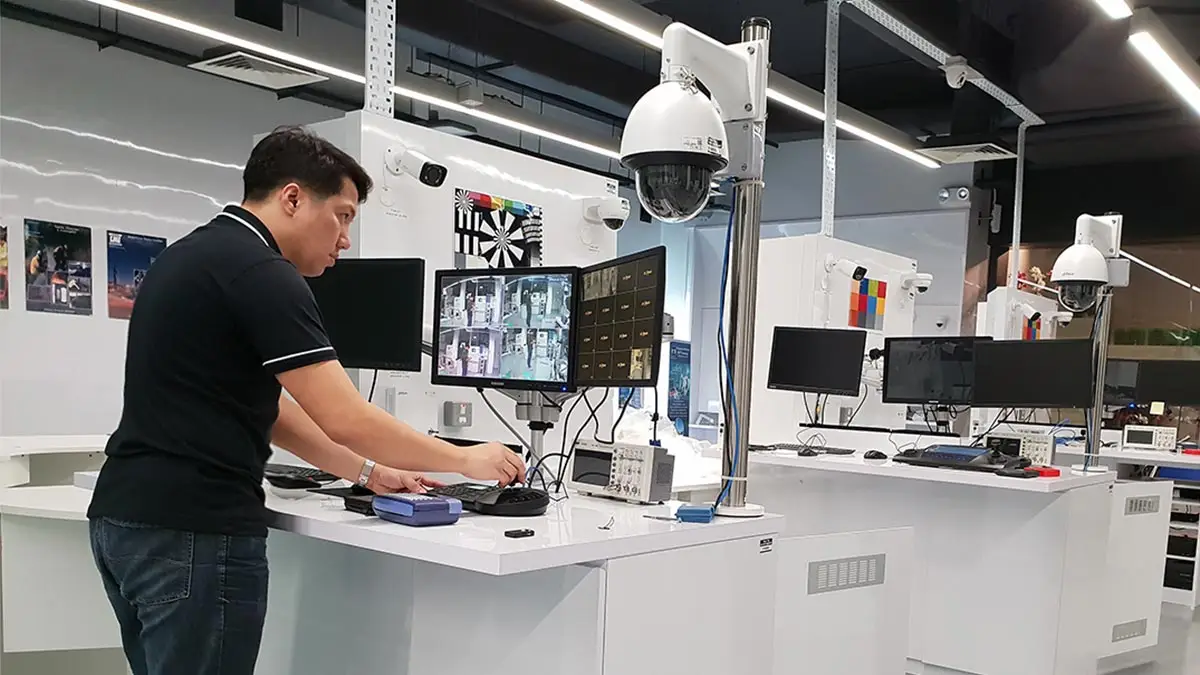
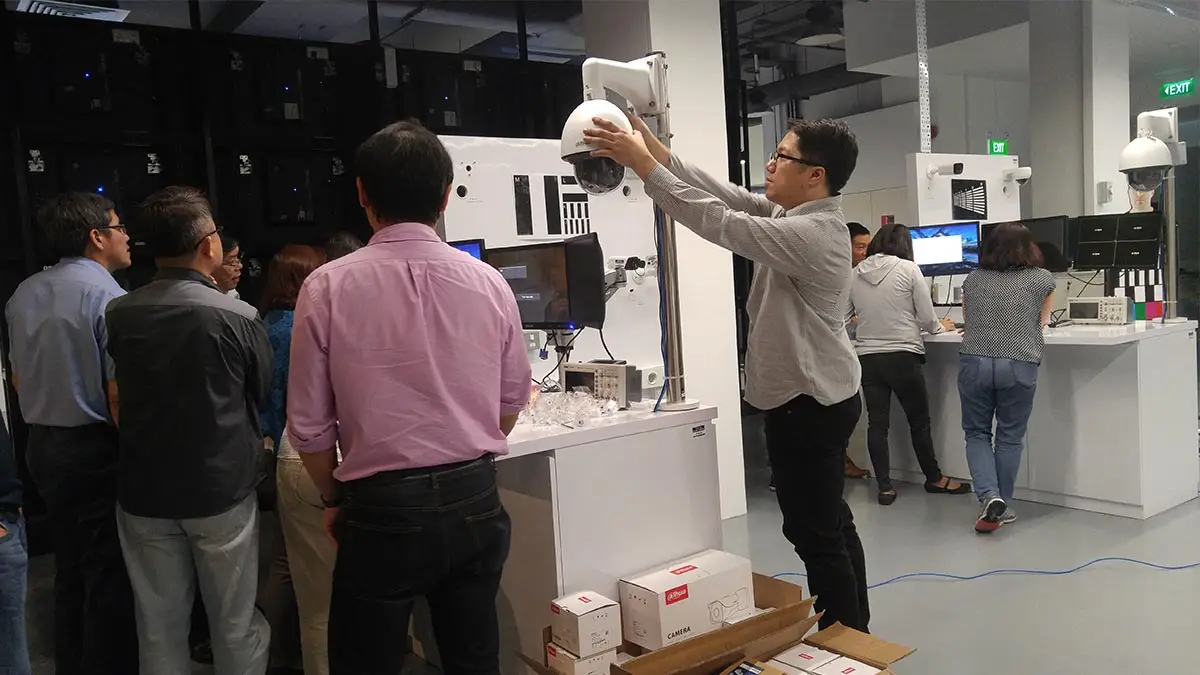
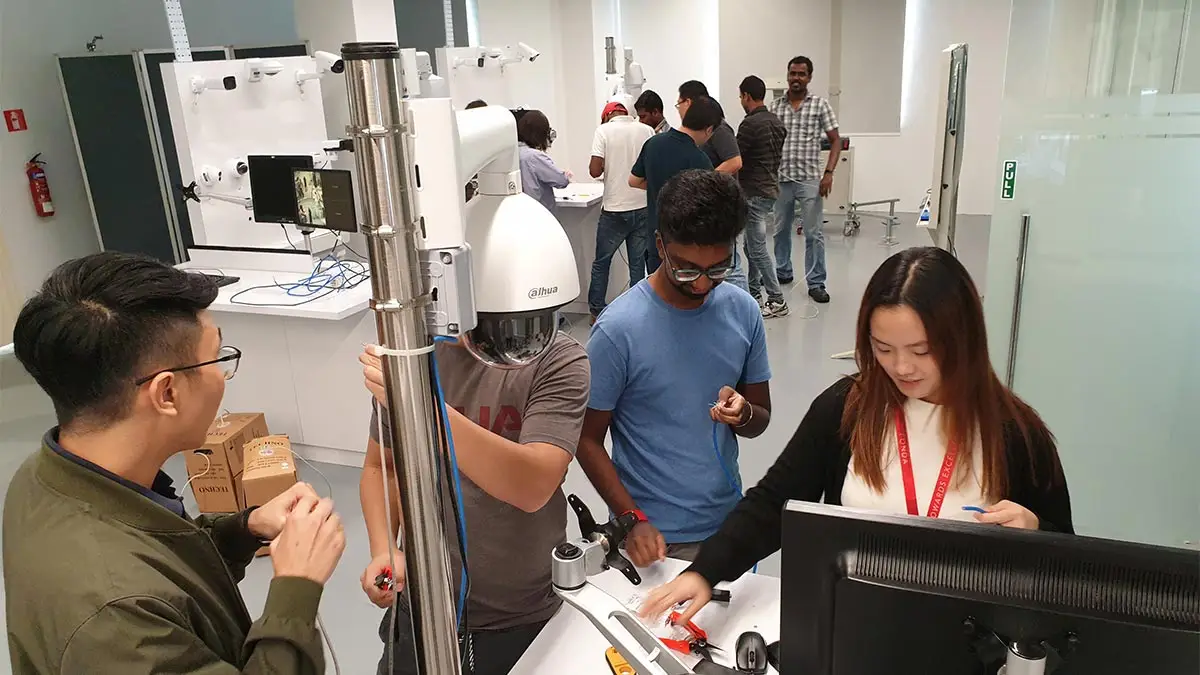
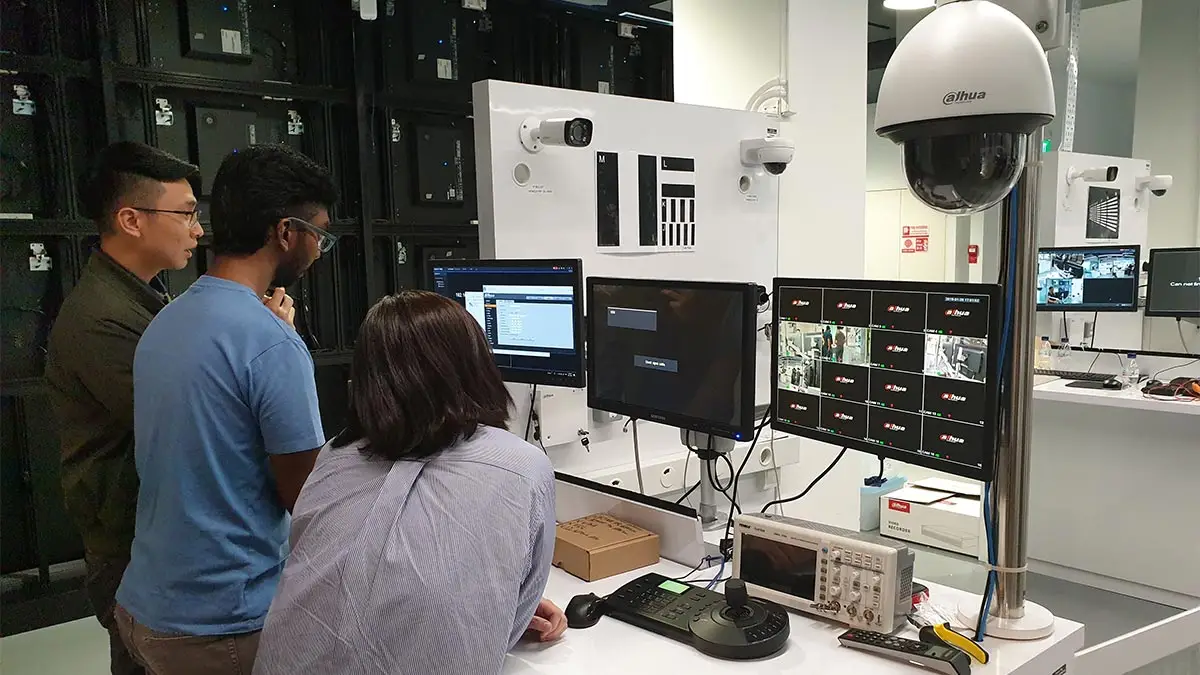
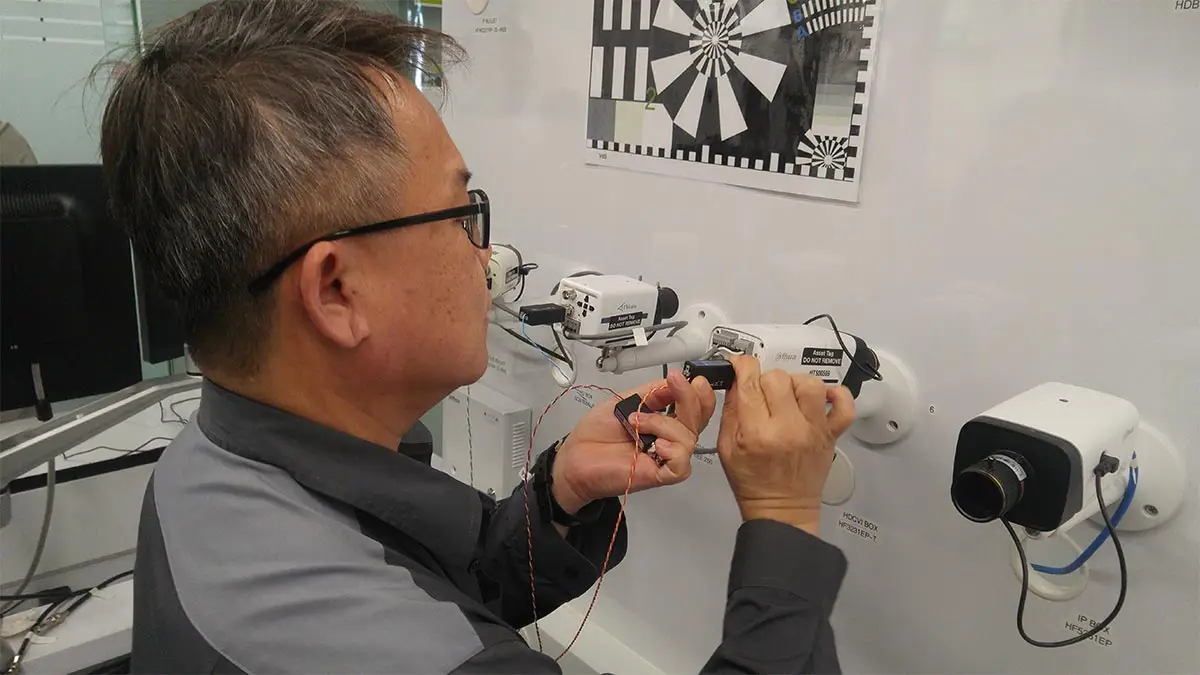
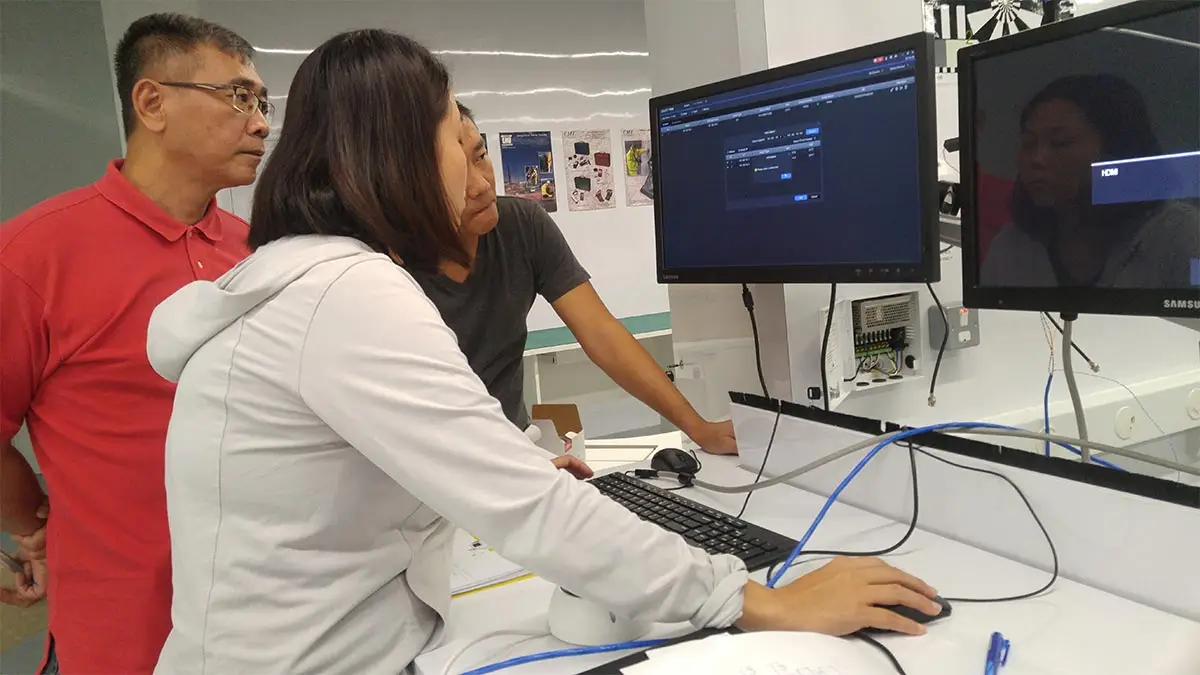
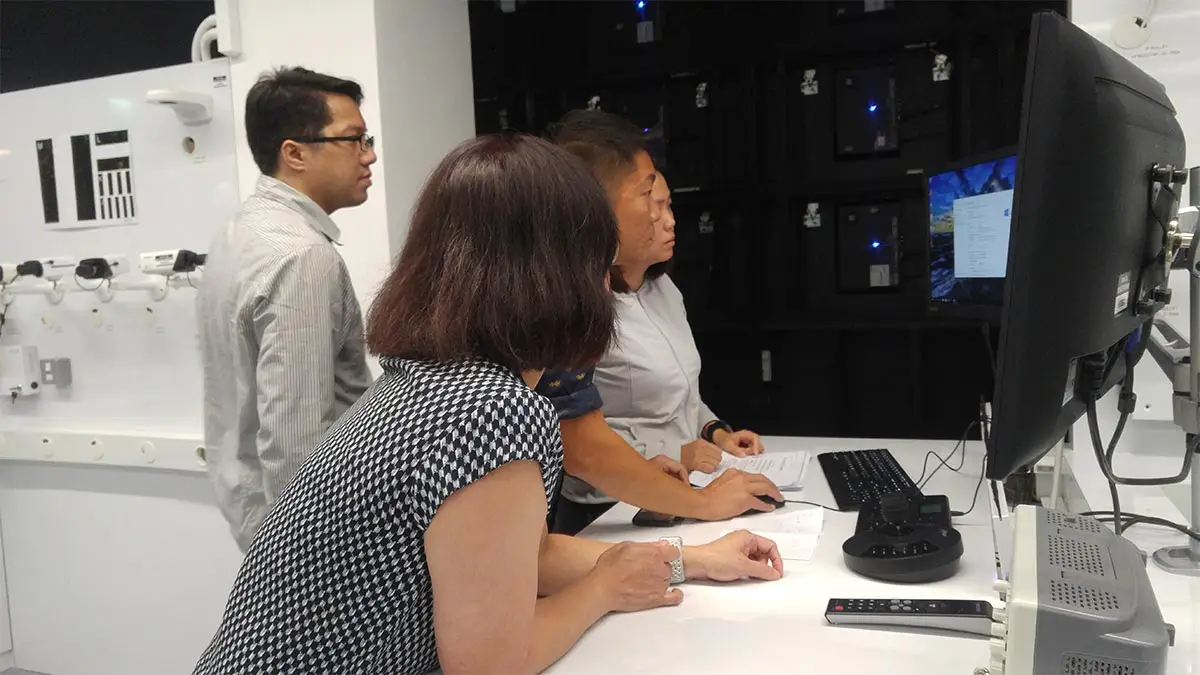
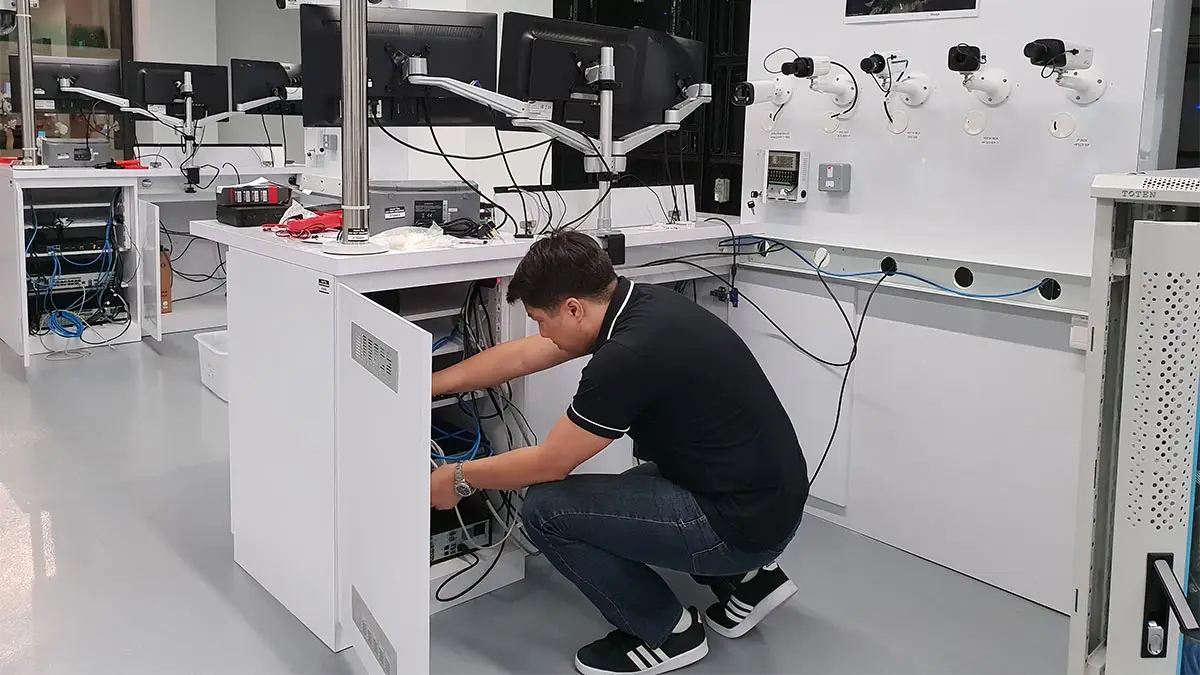
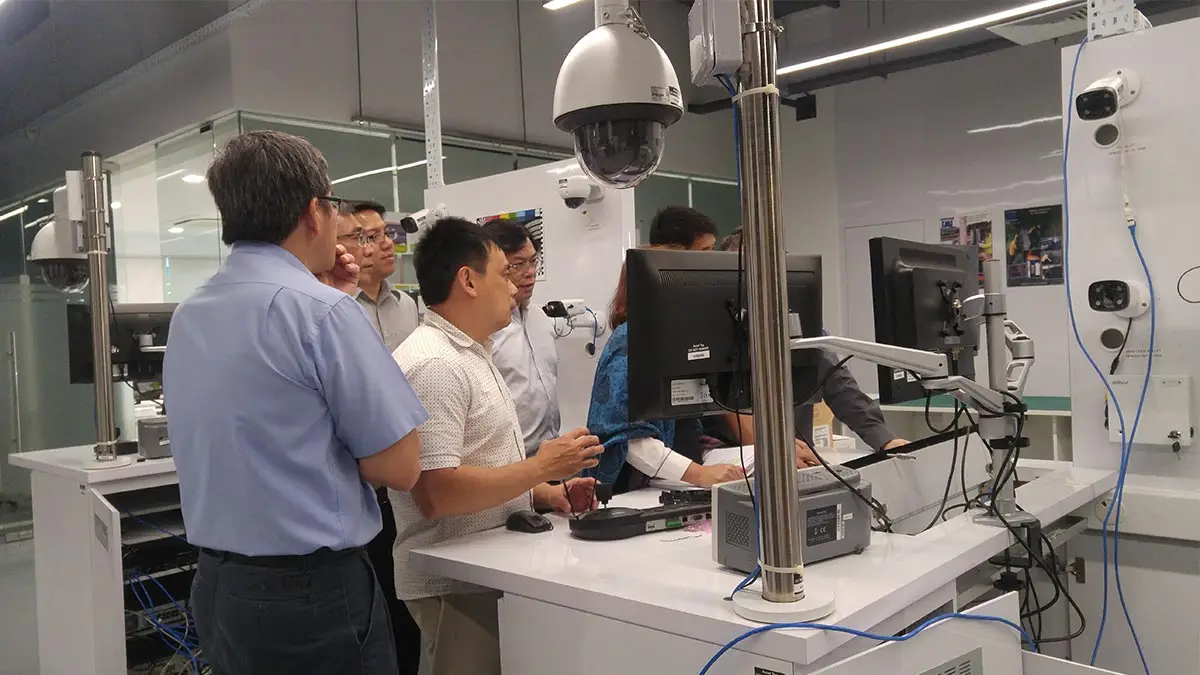
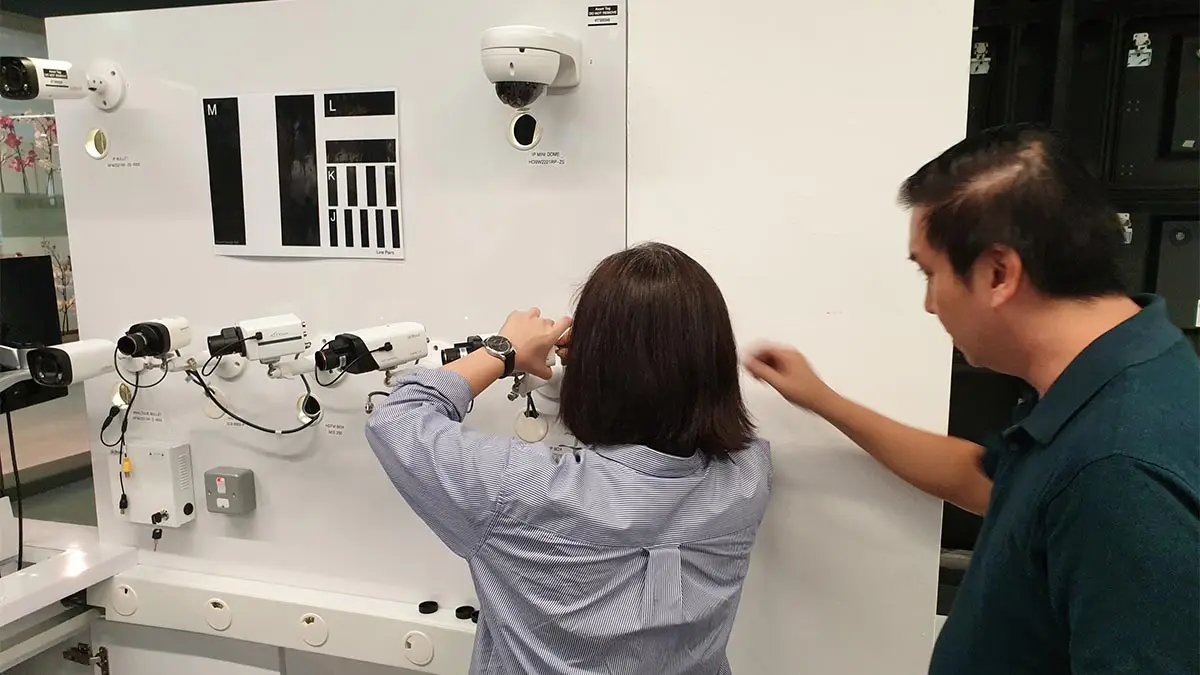
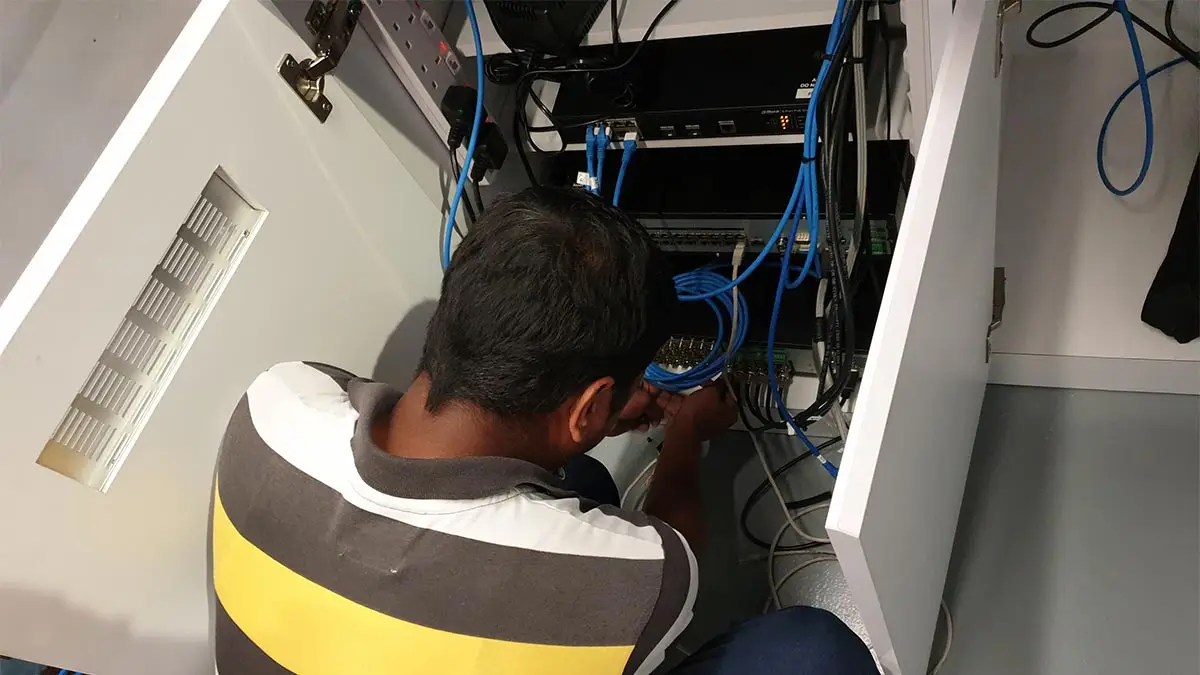
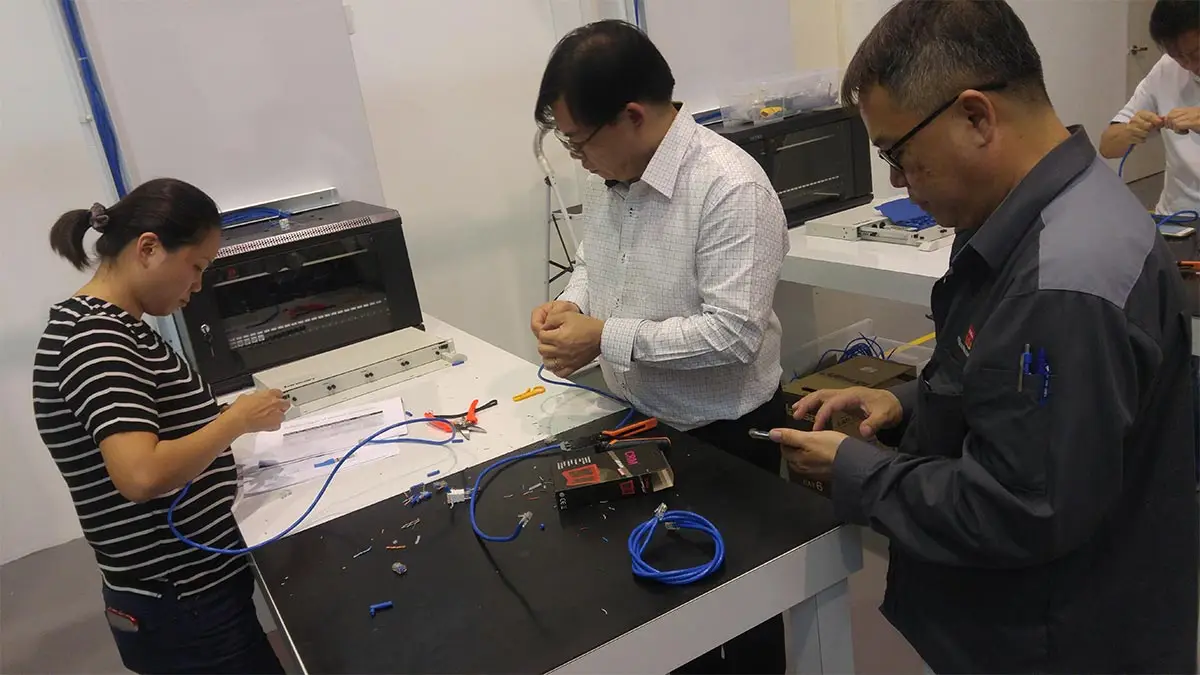
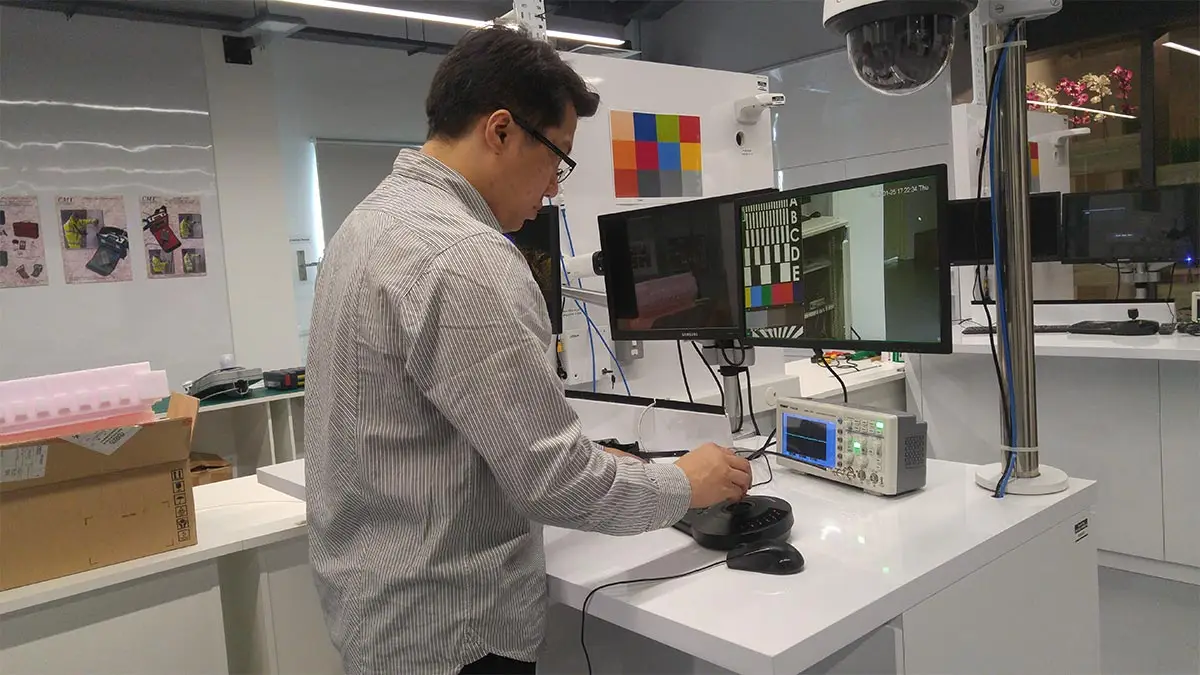
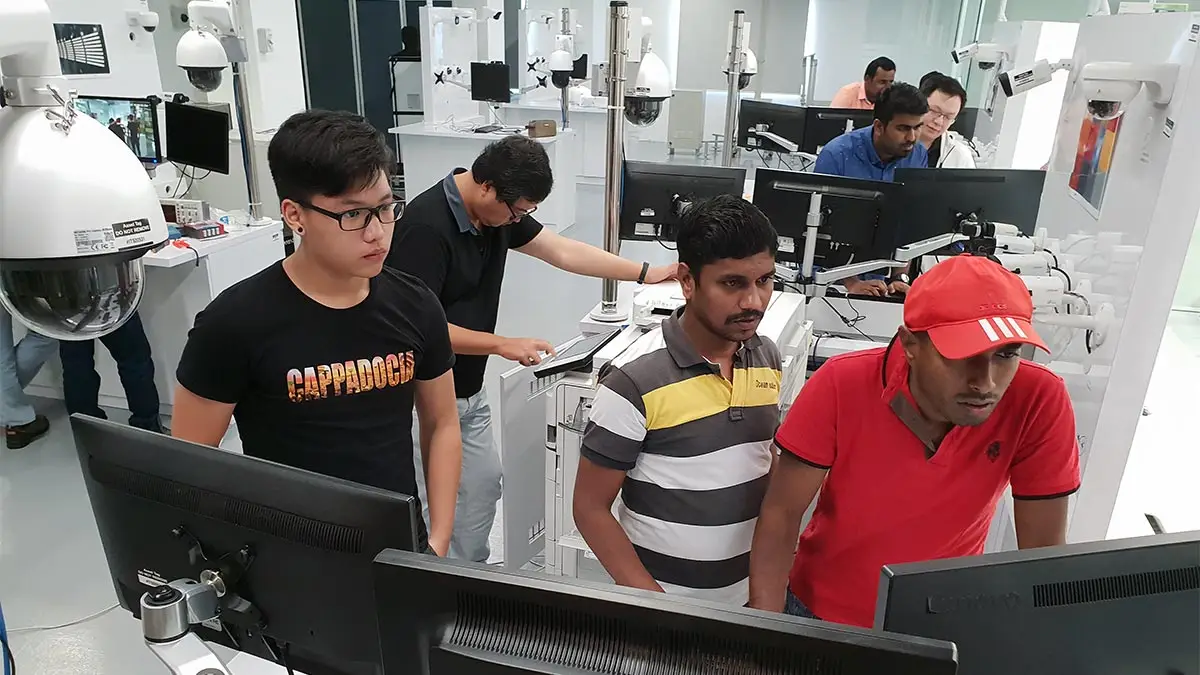
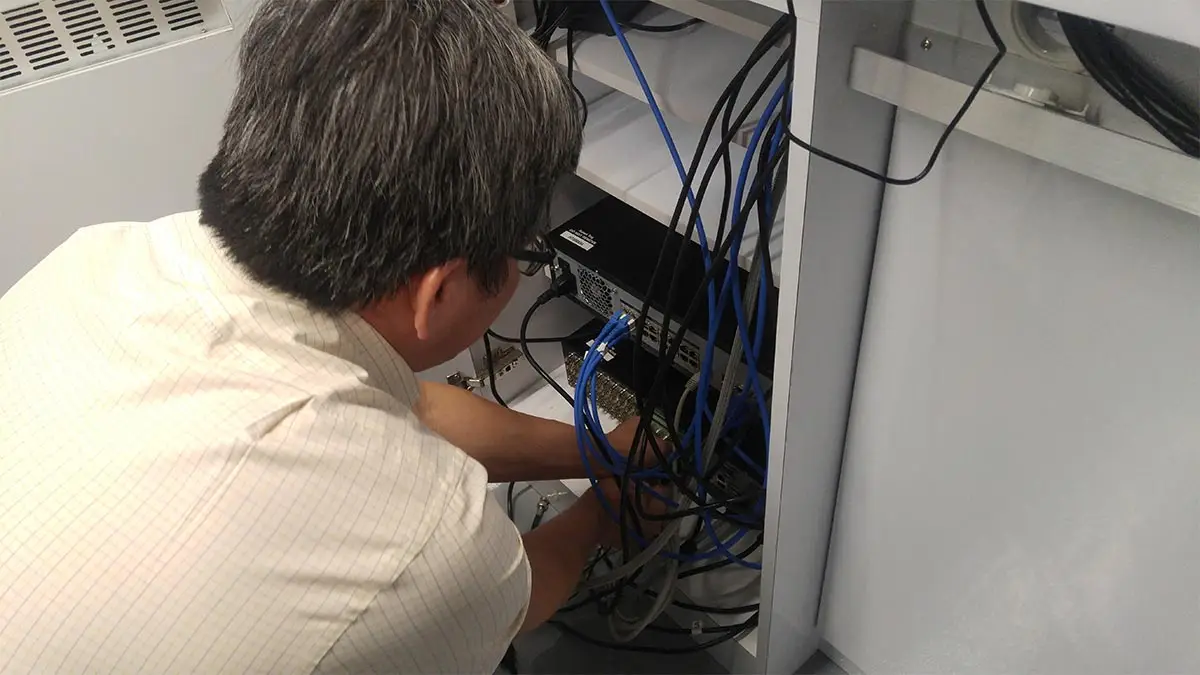
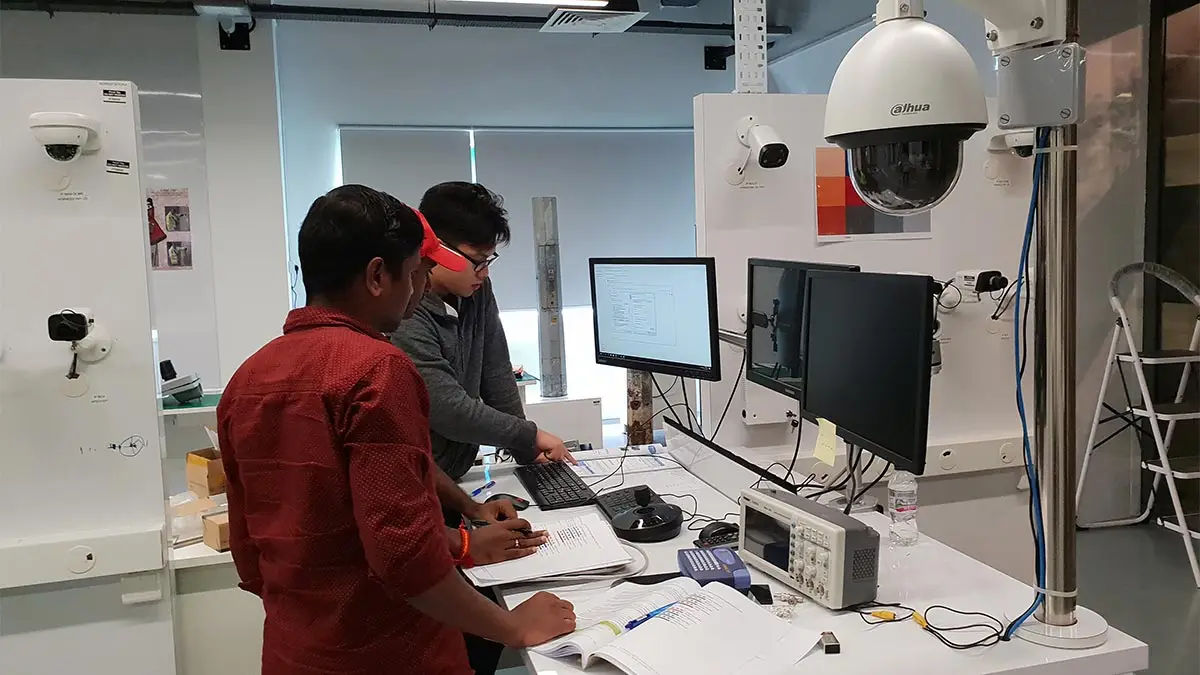
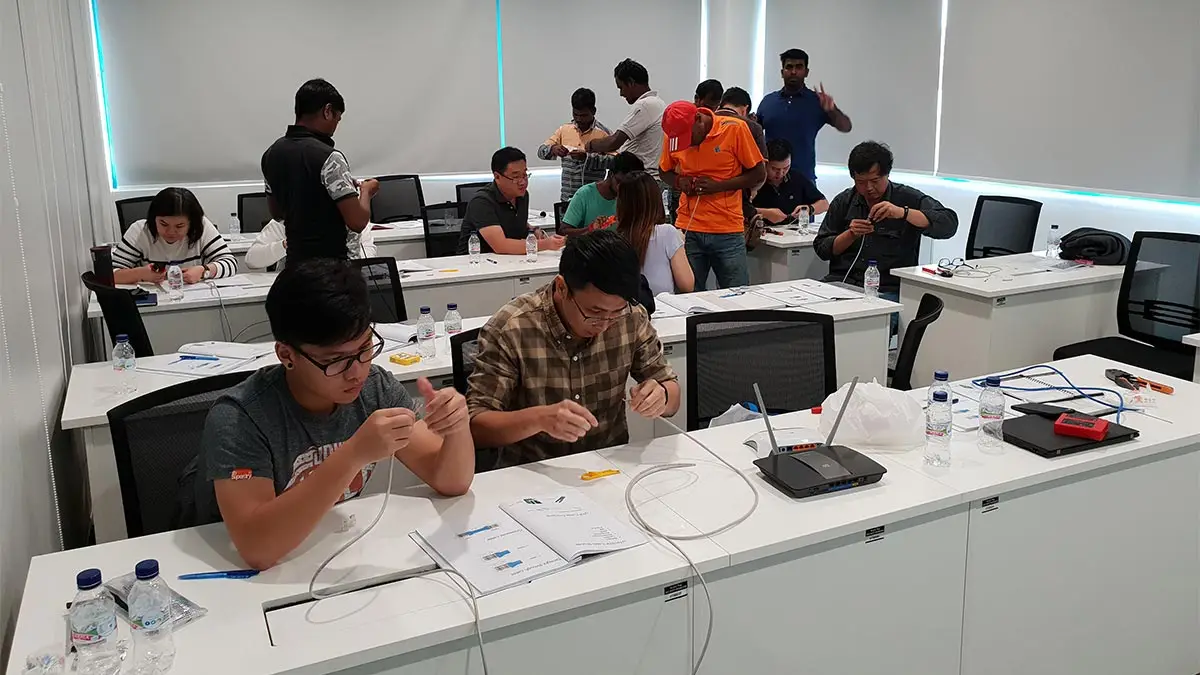
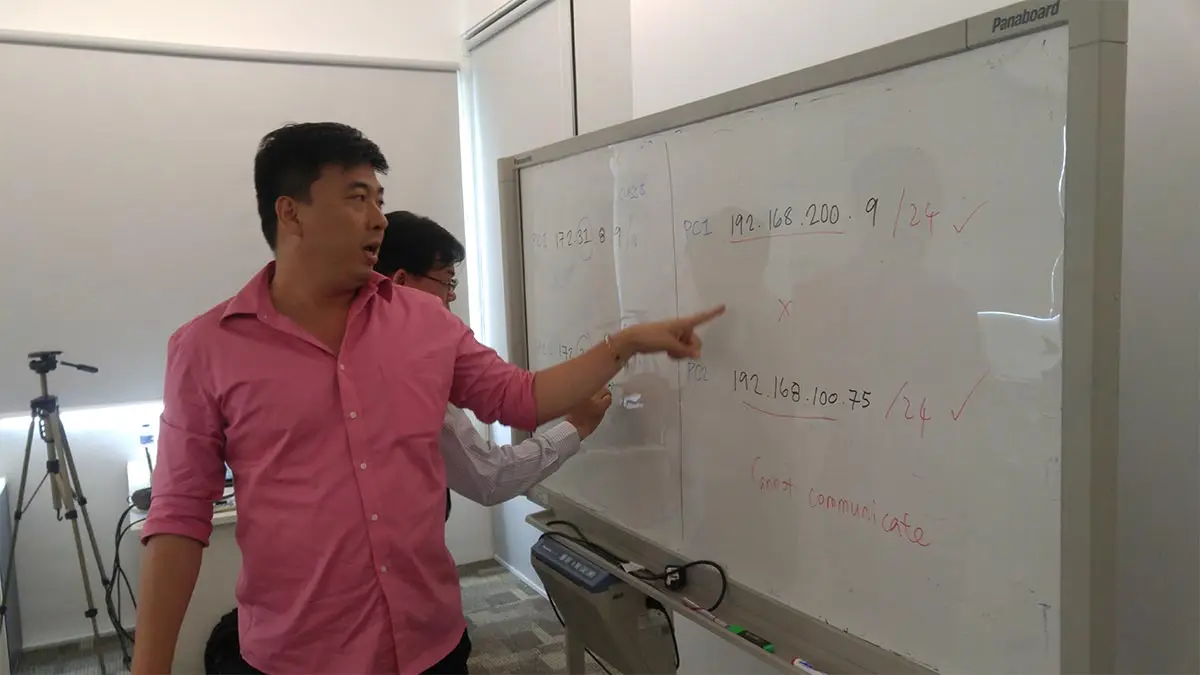
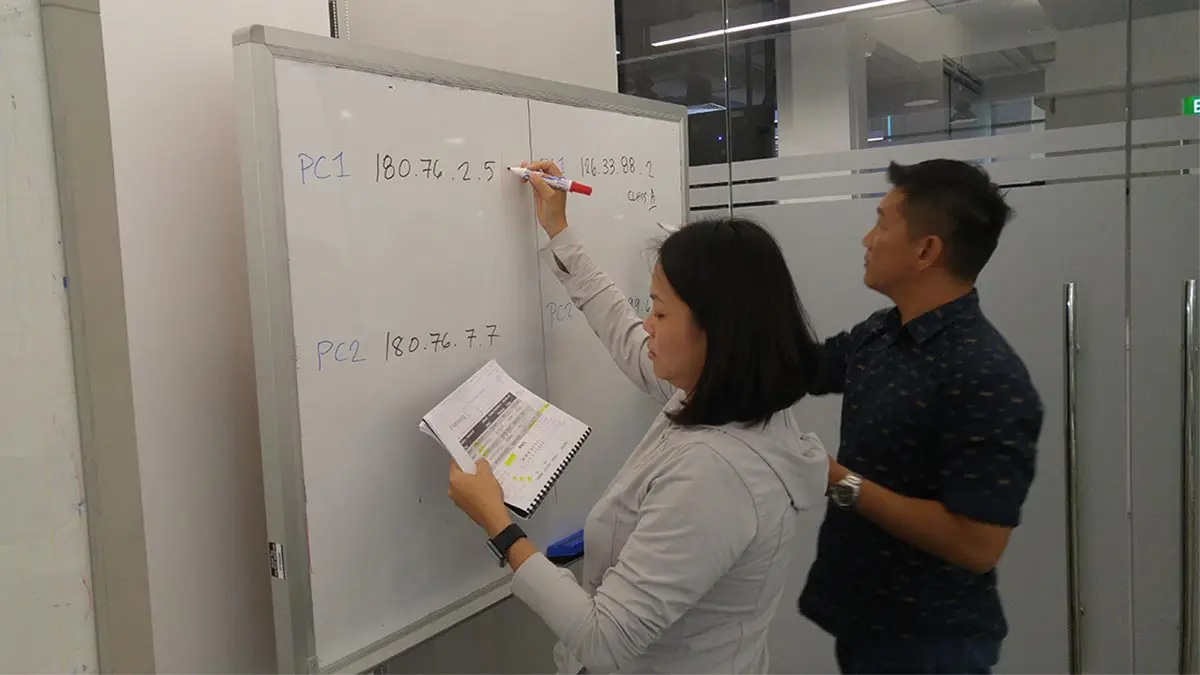
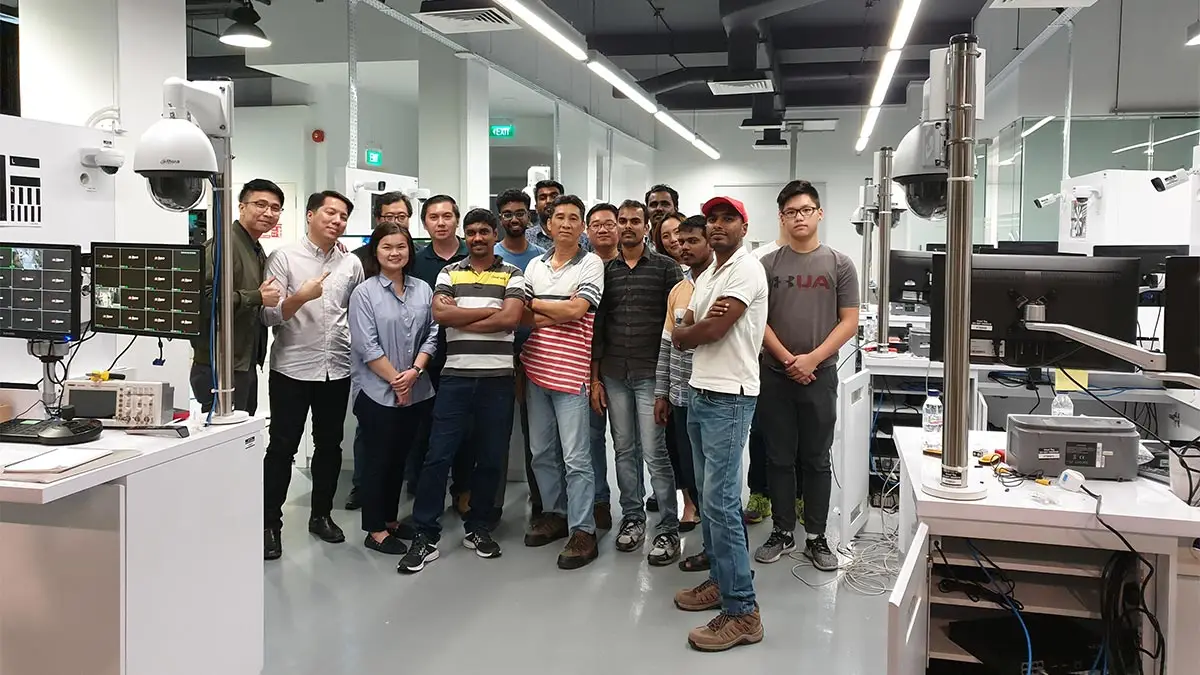
CCTV Training, Singapore
Recognized as the Best CCTV Training School Since 2006
- First school to offer CCTV training in the Philippine since 2006
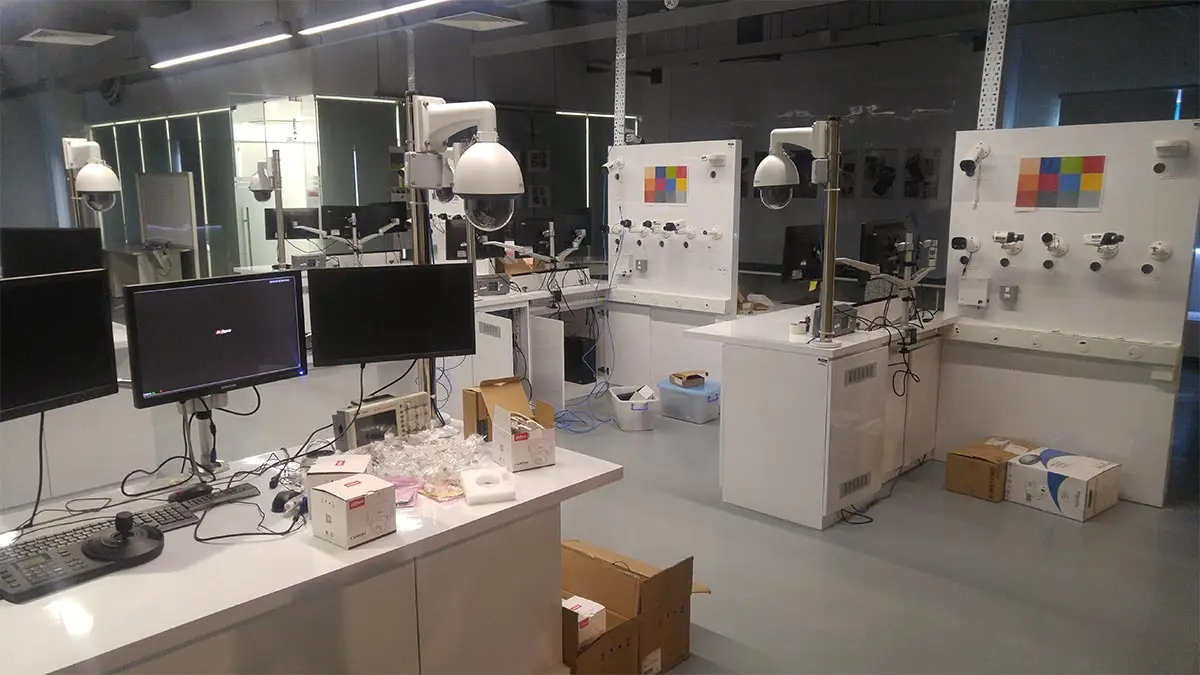
- Only school in the Philippines with international-grade CCTV facilities
- The only school with an Internationally Certified CCTV instructor (BTEC-certified)
- The sole Filipino instructor teaching CCTV courses worldwide, including in China, Hong Kong, and Singapore.
- Supports multiple CCTV brands, including Hikvision, Dahua, Uniview, AVTech, D-Link, and Tenda
- Pearson Vue Accredited Testing Center
- PhilGEPS Accredited Center
- Globally Recognized Course Certificate
- Trusted by government, LGUs, multinationals, universities, and industry leaders.
Course Outline
- Introduction to Networking: Core concepts and definitions.
- A Brief History: Evolution from ARPANET to modern infrastructure.
- Area Networks: Understanding PAN, LAN, MAN, and WAN.
- The Toolbox: Identifying Switches, Hubs, and Routers.
- Physical Media: Comparing Wired vs. Wireless performance and reliability.
- Connectivity Types: Understanding Fiber, DSL, and Cable.
- IP Addressing: Foundations of IPv4 and IPv6.
- Subnetting: Custom subnetting to optimize network traffic and security.
- Assignment Methods: * Static IP: Manual configuration for servers and printers.
- Automatic (DHCP): Using address pools for dynamic assignment.
- Structured Cabling: * Straight-through: Standards for T568A and T568B.
- Crossover: Connecting similar devices directly.
- Local Infrastructure:
- Building a Peer-to-Peer (P2P) network.
- Scaling with multiple Switches/Hubs and Uplinking.
- Authentication: Managing Windows Workgroups and User Accounts.
- File & Folder Management:
- Simple vs. Advanced Sharing protocols.
- Permissions and Security Restrictions.
- Hardware Sharing: * Network-attached Hard Drives, CD/DVD-ROMs, and Flash Drives.
- Network Drive Mapping for seamless access.
- Setting up and sharing Network Printers.
- Internet Sharing: Utilizing USB Wireless cards and 3G/4G/5G dongles.
- Remote Desktop: * Native Windows Remote Desktop configuration.
- Overview of Third-Party remote tools.
- Wired Router Configuration:
- Connection Protocols: PPPoE, Static IP, and DHCP.
- Traffic Management: Port Forwarding (NAT), DMZ, and Port Filtering.
- Access Control: Parental Controls and Internet restrictions.
- Wireless Fundamentals: How Radio Frequency (RF) networking works.
- Hardware Setup: Installing Wireless cards and Router administration.
- Wireless Security Standards: * Legacy WEP and WPA.
- Modern WPA2-PSK and WPA3-PSK encryption.
- Advanced Access Control: * Disabling SSID Broadcast.
- MAC Address Filtering and MAC Cloning.
- Expanding the Network: Configuring Wireless Access Points and Wireless Bridges.
Introduction & Regulatory Framework
- CCTV Fundamentals: Definition, history, and the evolution of surveillance.
- Technology Overview: Key differences between Analog vs. IP Systems.
- Legal Compliance: * Philippine Security Act of 2012.
- Local Government Unit (LGU) Ordinances and data privacy basics.
- Imaging Basics: Frame Rates (FPS), video film basics, and image file types.
- Equipment Standards: * Understanding IP (Ingress Protection) and IK (Impact Protection) ratings.
- Certification for quality and enclosure materials.
- The Image Sensor: CCD vs. CMOS technology and sensor sizes.
- Optics & Lenses: * Understanding Focal Lengths (2.8mm to 12mm and Vari-focal).
- Shutter Speed, Aperture, and Lux Ratings for low-light performance.
- Advanced Imaging Features: WDR (Wide Dynamic Range), BLC, HLC, and Smart IR/Starlight technology.
- Form Factors: Dome, Turret, Bullet, Box, and Discreet/Covert cameras.
- Advanced Mechanics: PTZ (Pan-Tilt-Zoom) Speed Domes and Auto-Iris lenses.
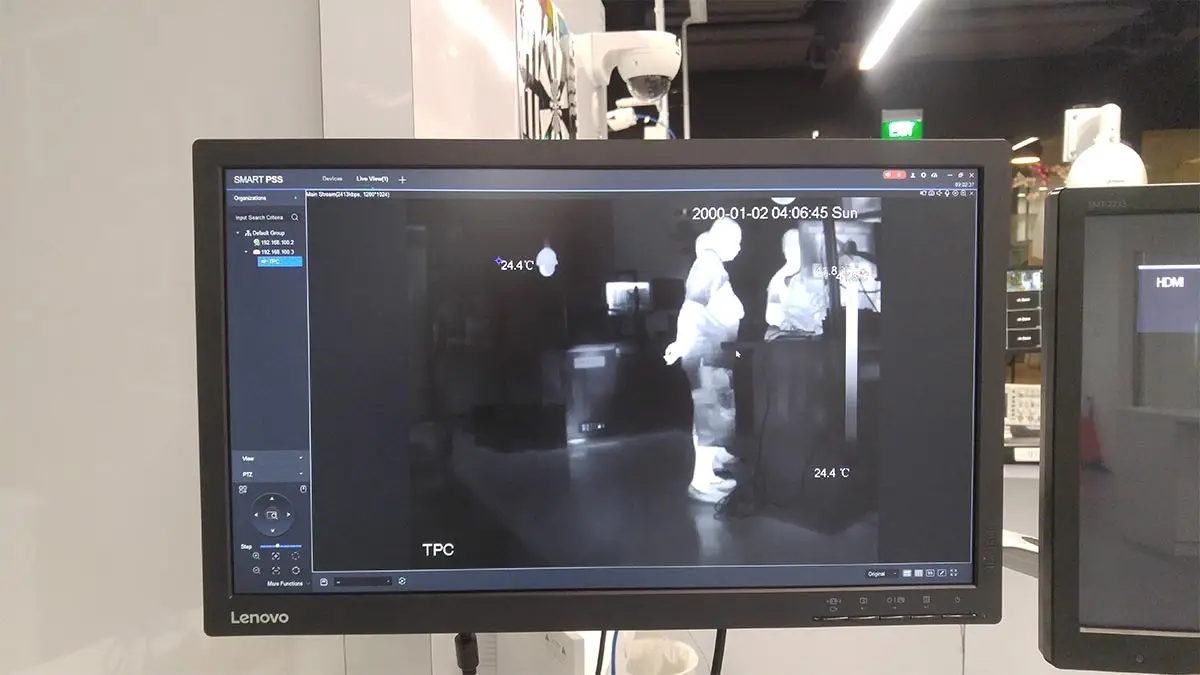
- Intelligent Features: * Thermal Imaging and ANPR (Automatic Number Plate Recognition).
- Face Recognition, Identification, and IVS (Intelligent Video Surveillance).
- Surveillance Media: HDD, SSD, and SAS drives; understanding fault tolerance.
- Video Codecs: Transitioning from MPEG4 to H.264, H.265, and H.265+.
- Calculations: Determining storage requirements and IP camera bandwidth needs.
- Recorder Types: Standalone and PC-based DVR, NVR, and Hybrid systems.
- Connectivity: Video/Audio I/O, RS485 ports, and VMS (Video Management Software).
- Configuration: * Continuous, Scheduled, and Motion Detection recording.
- IVS Setup: Tripwire, Intrusion Detection, and Perimeter Protection.
- User Account Management and Video Backup procedures.
- Transmission Media: * Coaxial: RG59 and RG6 Siamese cables.
- Networking: CAT5e/CAT6 UTP and Fiber Optics.
- Connectors & Tools: BNC, Video Baluns, and Optical Adapters.
- Power Solutions: * Centralized PDUs and Power Adapters.
- PoE (Power over Ethernet) and PoC (Power over Coaxial).
- Testing: Using Multimeters, Tone Tracers, and CCTV All-in-one testers.
- Remote Connectivity: * LAN access via Web Browsers.
- Cloud P2P mobile app integration and VMS.
- PTZ Control: RS485 communication, controller setup, and creating Presets/Patrol Routes.
- Manufacturer Tools: Using Hikvision SADP, Dahua Config Tool, and UNV EZTools.
- Citywide Surveillance: Fundamentals of Point-to-Point (PTP) and Point-to-Multipoint (PTMP).
- Wireless Tech: Frequency bands, channels, antennas, and repeaters.
- Project Management: * Conducting Ocular Site Surveys.
- Designing the Bill of Quantities (BOQ) and Incident Report Sheets.
- Diagnostics and Troubleshooting strategies.
Frequently Asked Questions
Are there any prerequisites for this training?
- Basic computer knowledge and skills in PC or Mac.
- Basic knowledge in computer hardware and software
What's included after completing the training?
- Certificate of course completion
- Training references (PDF)
- Exercise materials
- Some add-ons
- Free trainer consultation
- Unlimited Free Retakes
How to avail the Unlimited Free Retakes?
Unlimited Retakes = Unlimited Hours of Learning!
We understand that individuals have different learning styles and paces, that’s why we offer the opportunity to learn at your own speed. If you need more time to grasp a concept, you are welcome to come back and retake the class at no additional cost. We believe in providing students with the support they need to succeed.
To Avail: Finish the course to qualify for the unlimited refresher classes
Validity: 1 Year
Who should enroll in this Basic Networking with CCTV advanced training program?
This program is perfect for anyone looking to gain hands-on expertise in networking and CCTV systems, including:
- IT and network professionals aiming to expand their skills
- Security personnel managing surveillance systems
- Technicians installing and maintaining CCTV networks
- Students or career changers seeking practical, industry-ready skills
- Business owners or facility managers who want to make informed security decisions
Gain the knowledge and confidence to design, install, and manage advanced CCTV and network setups with ease.
What career paths are available for Basic Networking-trained professionals?
For advanced professionals in Networking and CCTV, career paths focus on moving from basic installation to managing complex, automated security systems.
- AI Security Specialist
You manage cameras that use artificial intelligence to recognize faces, track movement, and detect threats automatically without human monitoring. - Network Security Engineer
You focus on protecting camera systems from being hacked. You build secure, private networks that keep video data safe and encrypted. - Cloud Systems Integrator
You set up systems where security footage is stored and managed online rather than on local hard drives, allowing clients to access video from anywhere. - Smart Infrastructure Manager
You connect CCTV with other “smart” technology, like automated door locks, fire alarms, and city-wide traffic sensors, into one large system.
Course Bundle Discount
Promo rates may change without prior notice.
Basic Networking Wired & Wireless + CCTV Security Surveillance Install, Configure & Manage
OCTOBER 2026
NOVEMBER 2026
About the Registration
Feel free to register! Registering does not commit you to paying for the course immediately. Registration helps us track attendee numbers and enables us to stay in touch. Payment will only be requested once the course is confirmed to proceed.
Note: When choosing a schedule, you are limited to the available training dates posted on our website.