
Adobe Premiere Pro
Transform Ideas into Cinematic Realities through the Magic of Video Editing & Generative AI
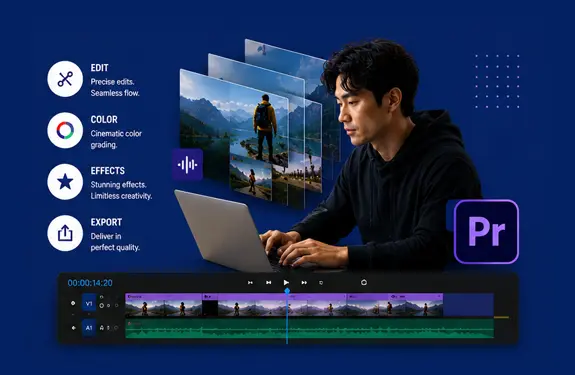
Course Overview
Master Adobe Premiere Pro, the industry standard for professional film and high-impact social media. This hands-on training equips you with seamless storytelling, cinematic effects, and viral-ready techniques optimized for TikTok, Reels, and YouTube.
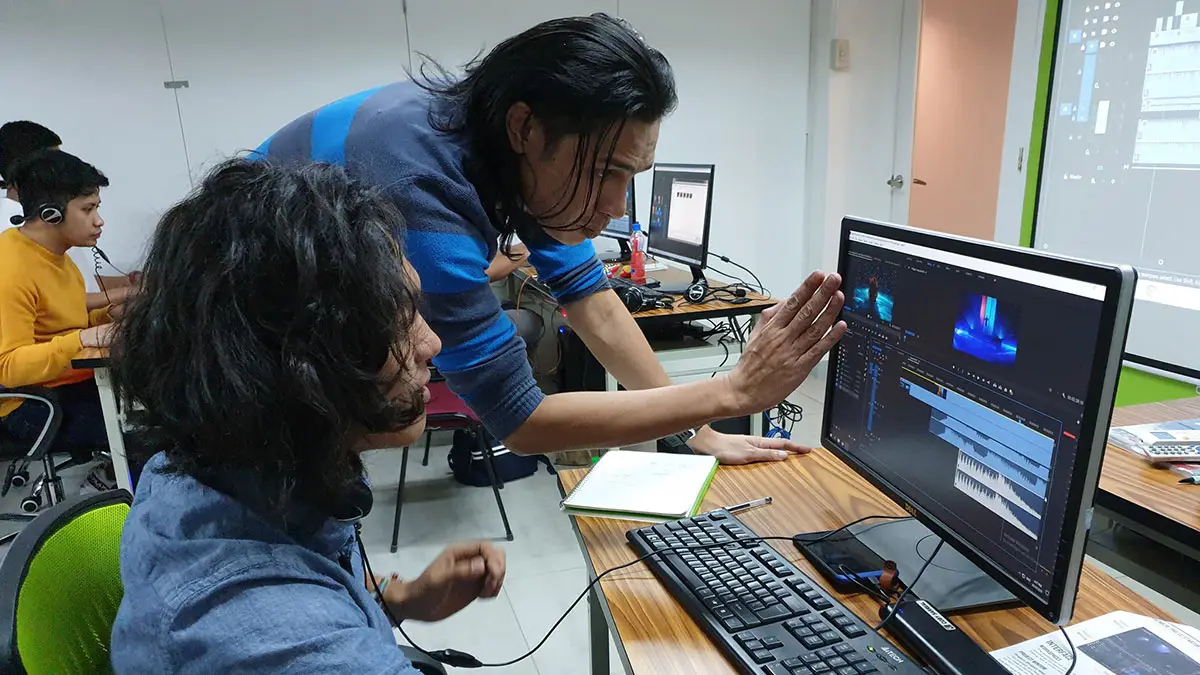
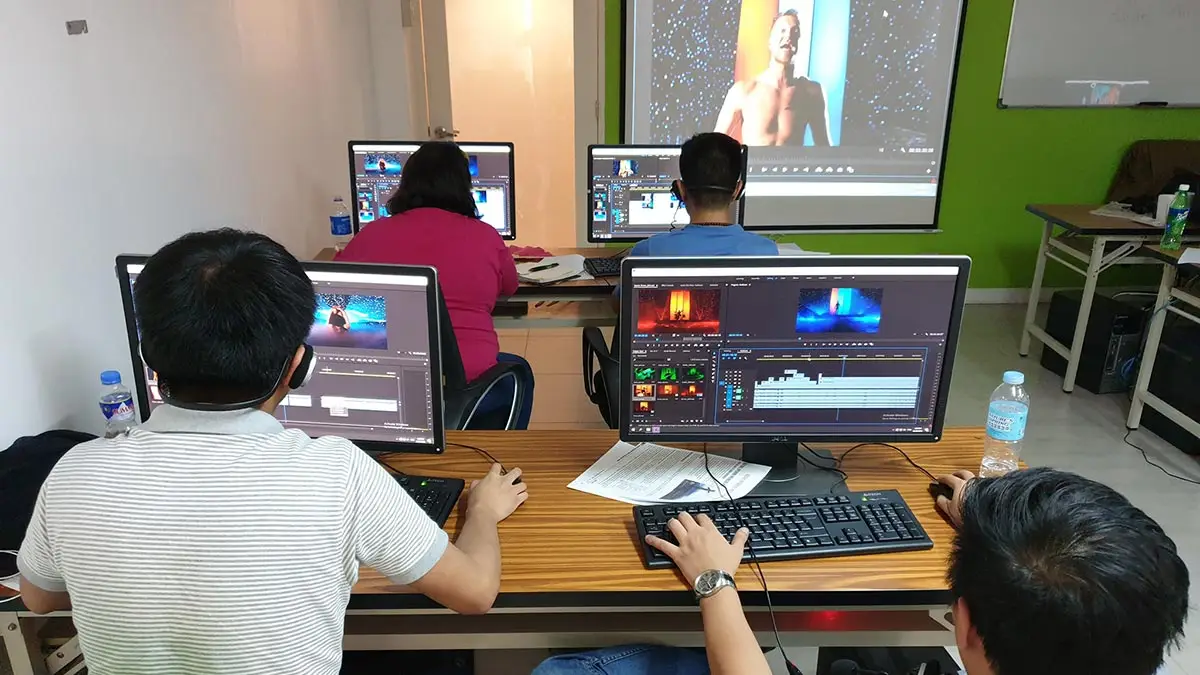
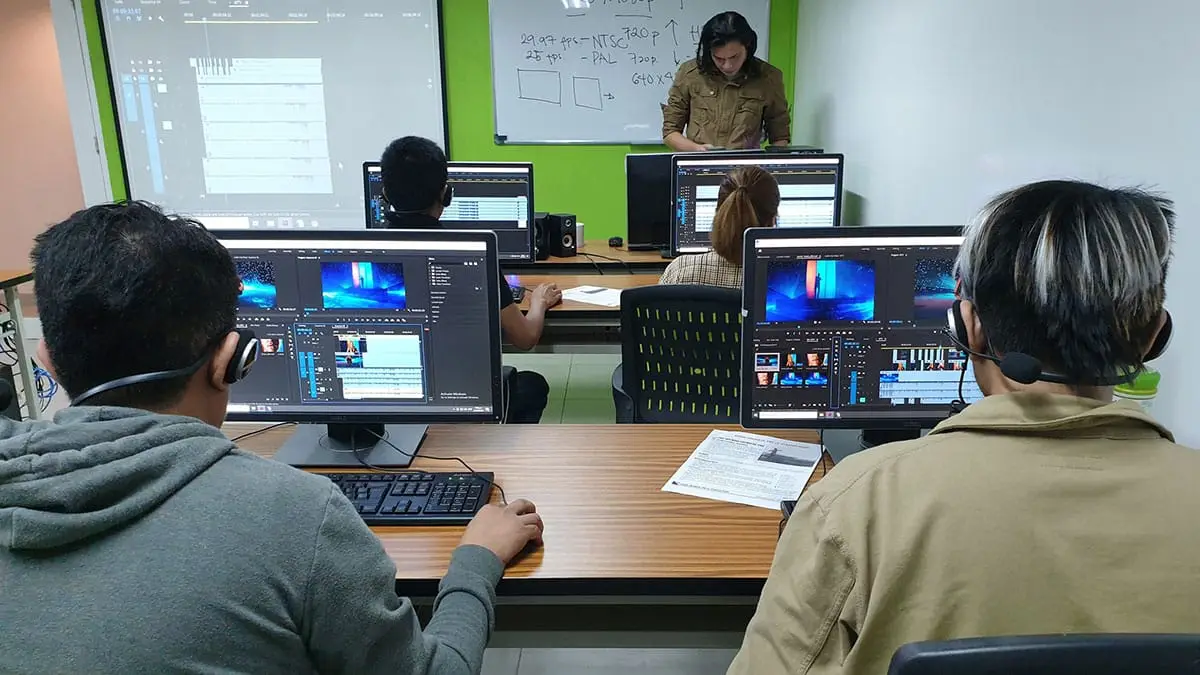
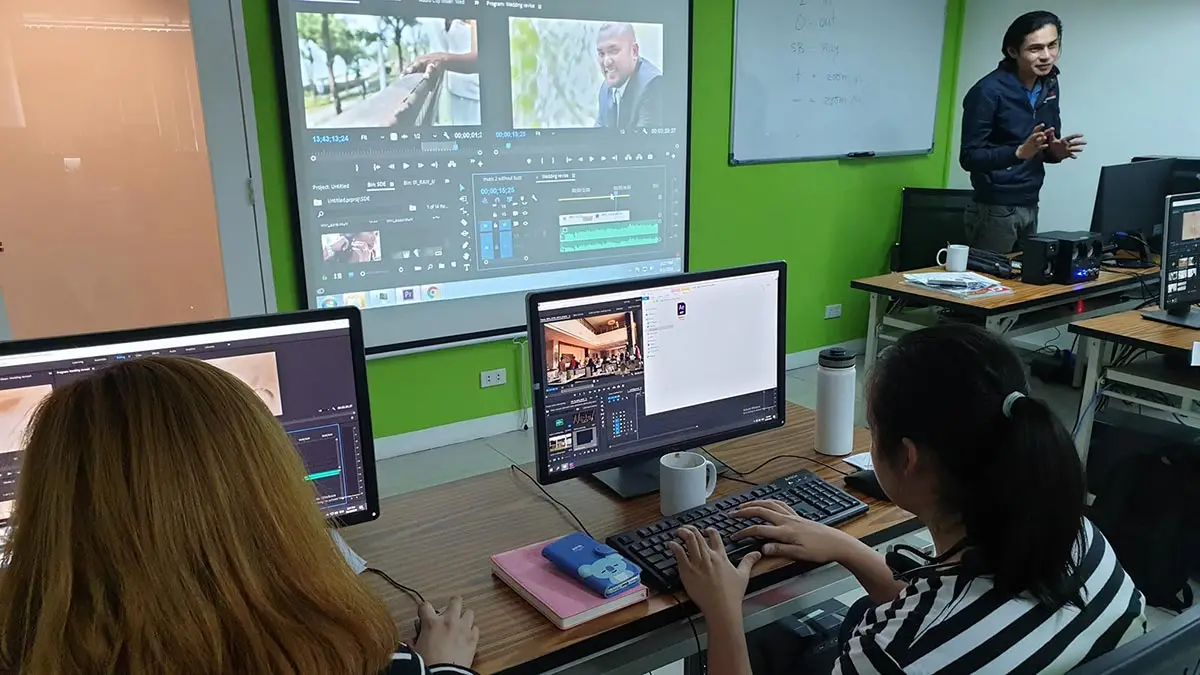
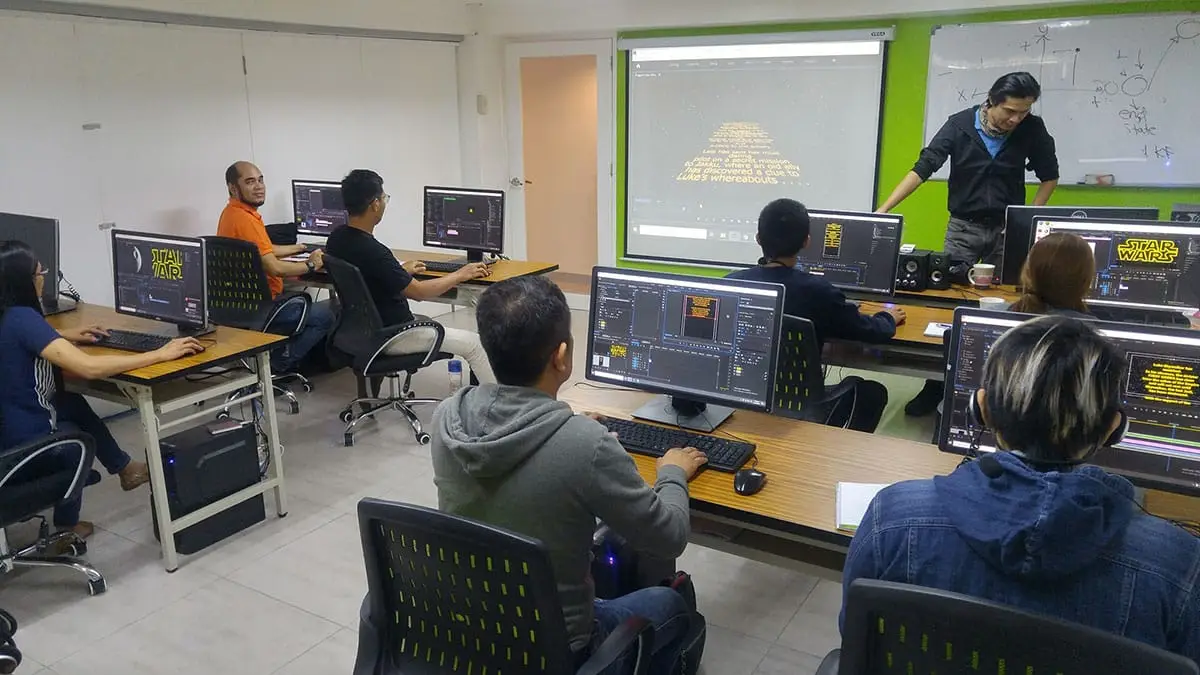
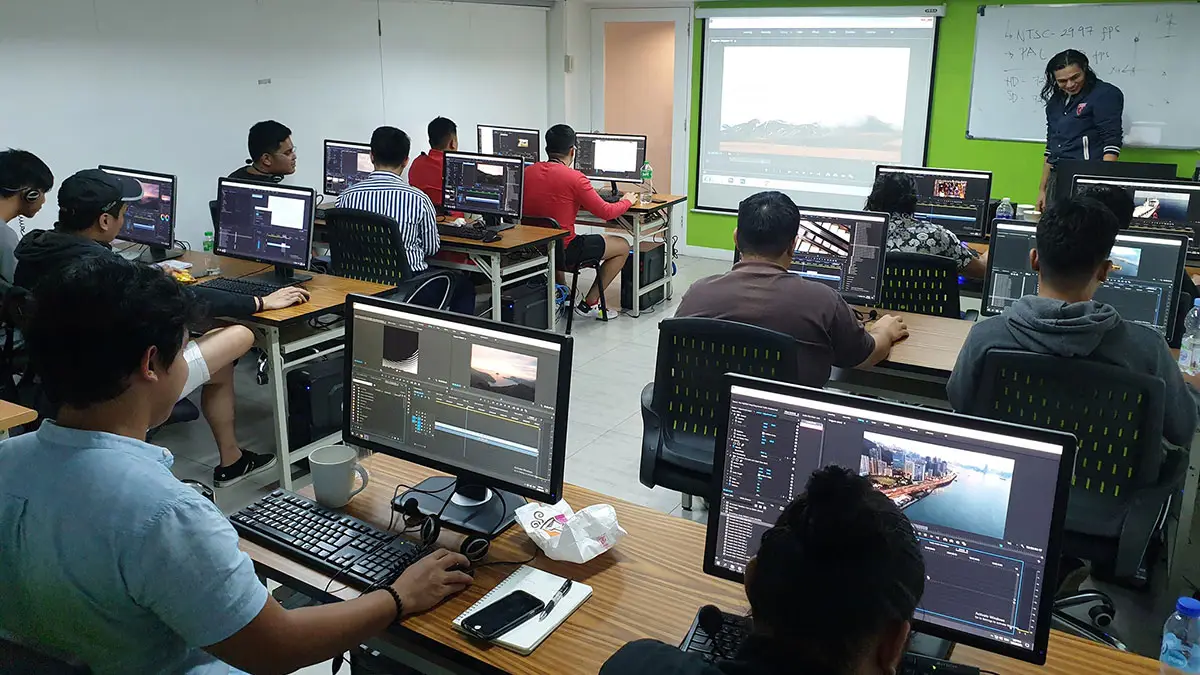
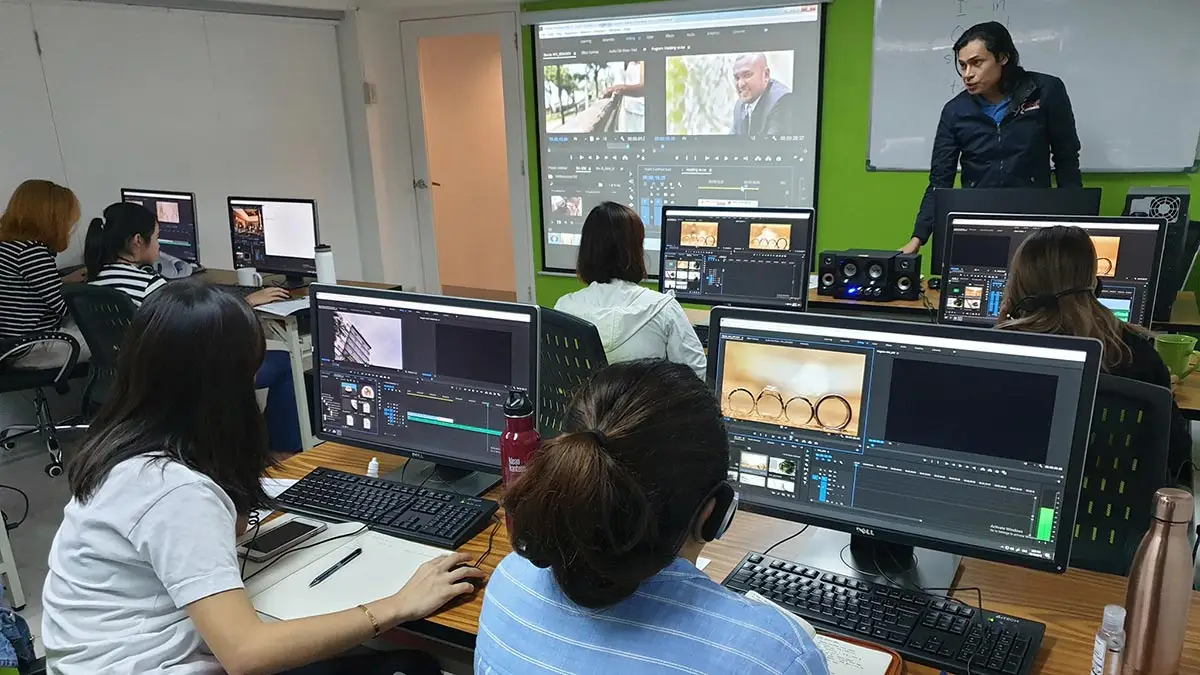
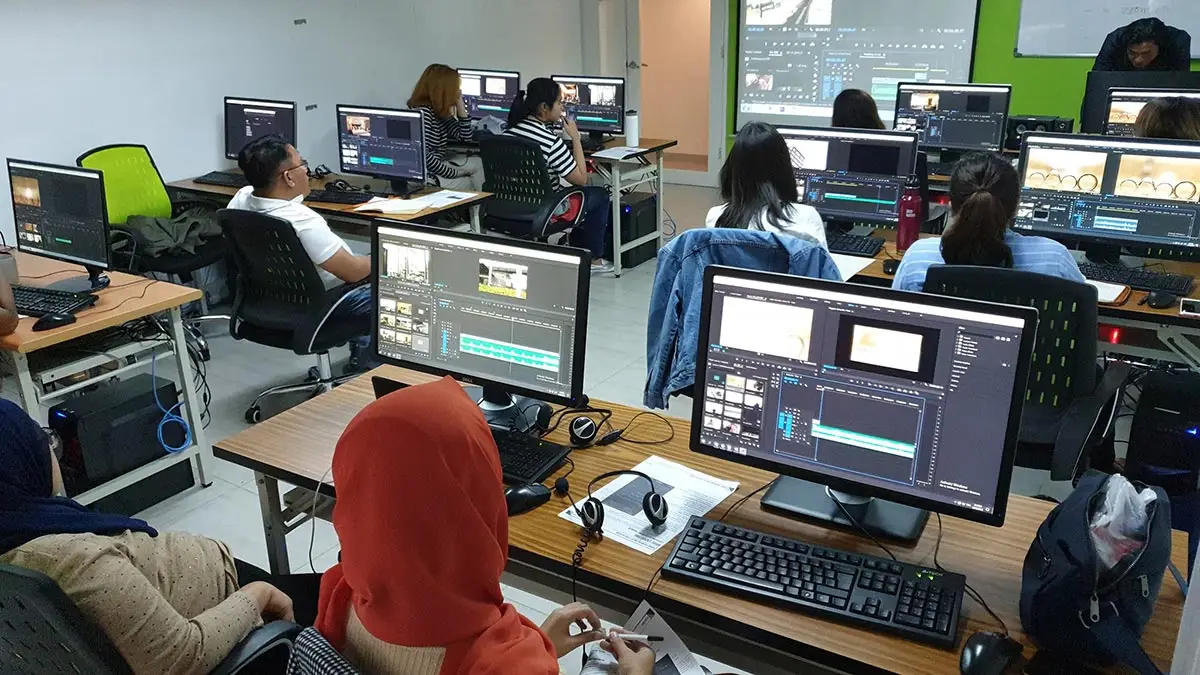
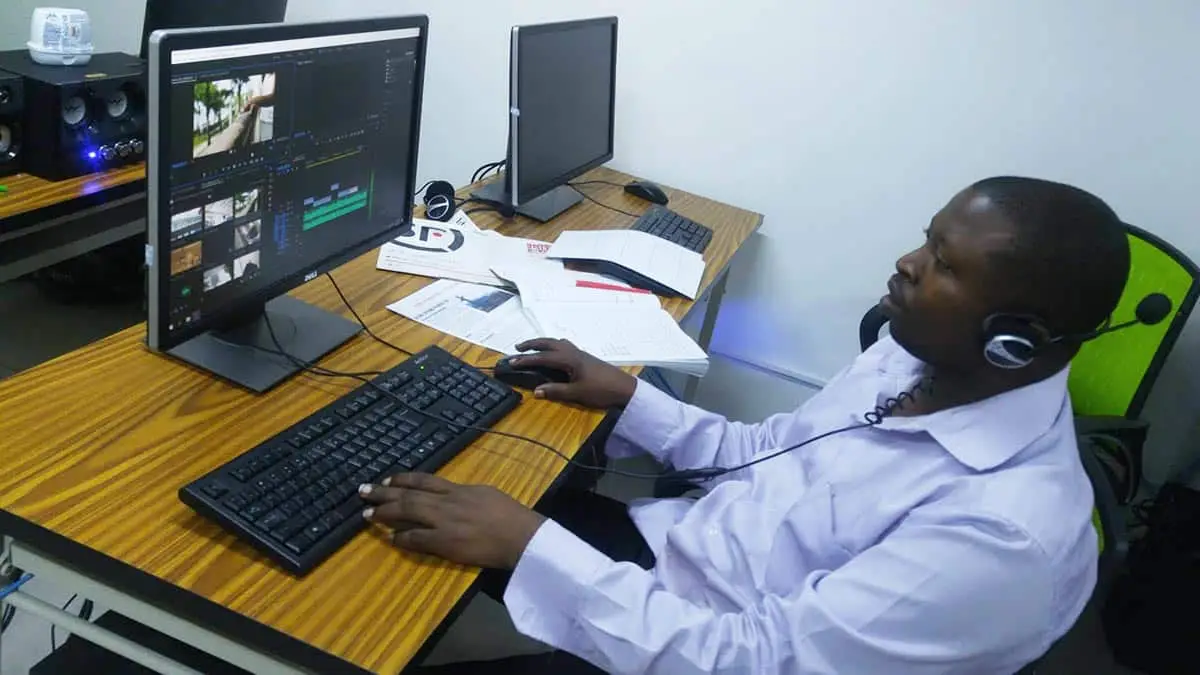
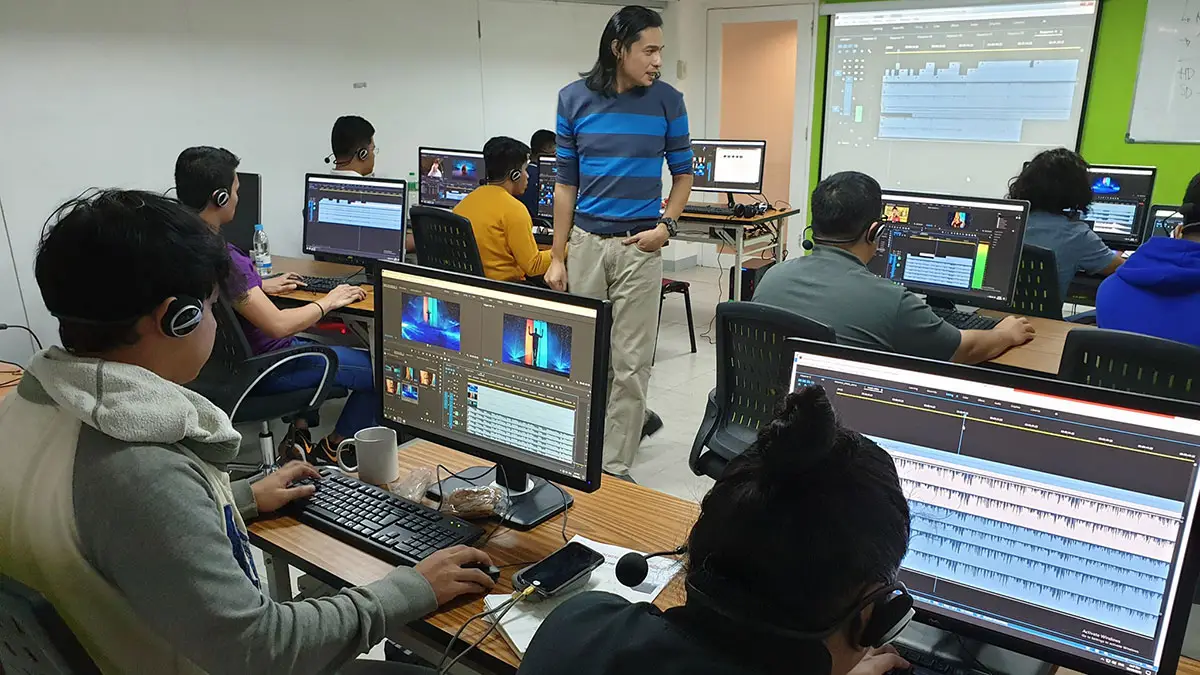
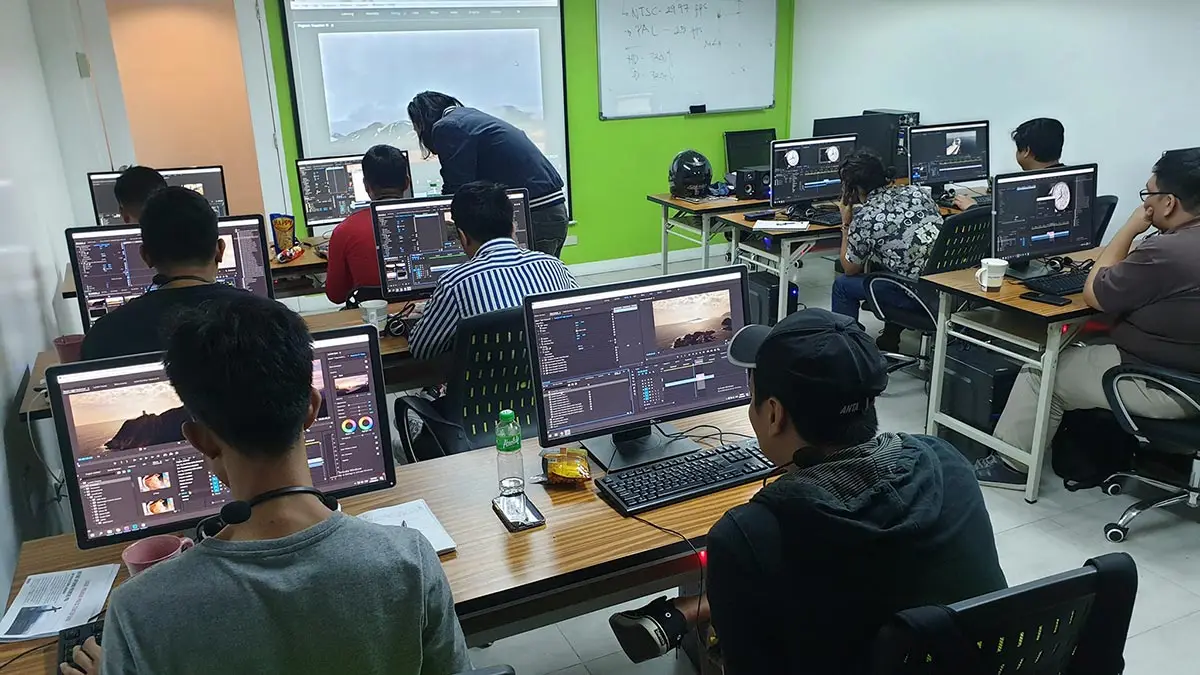
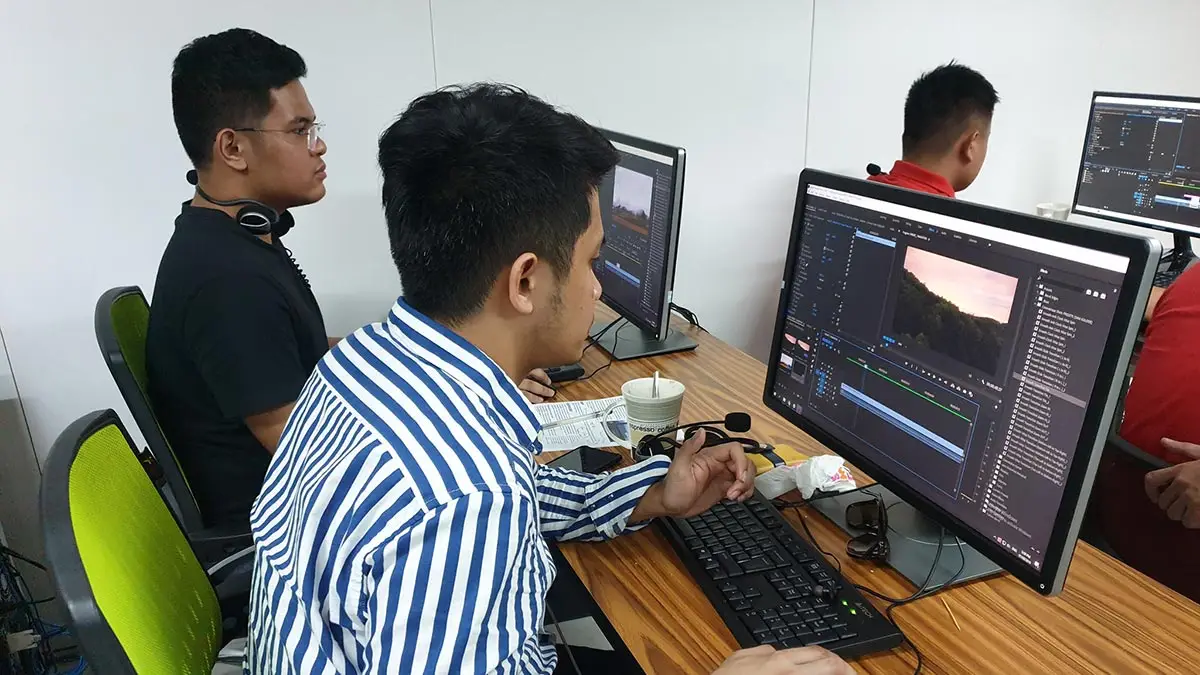
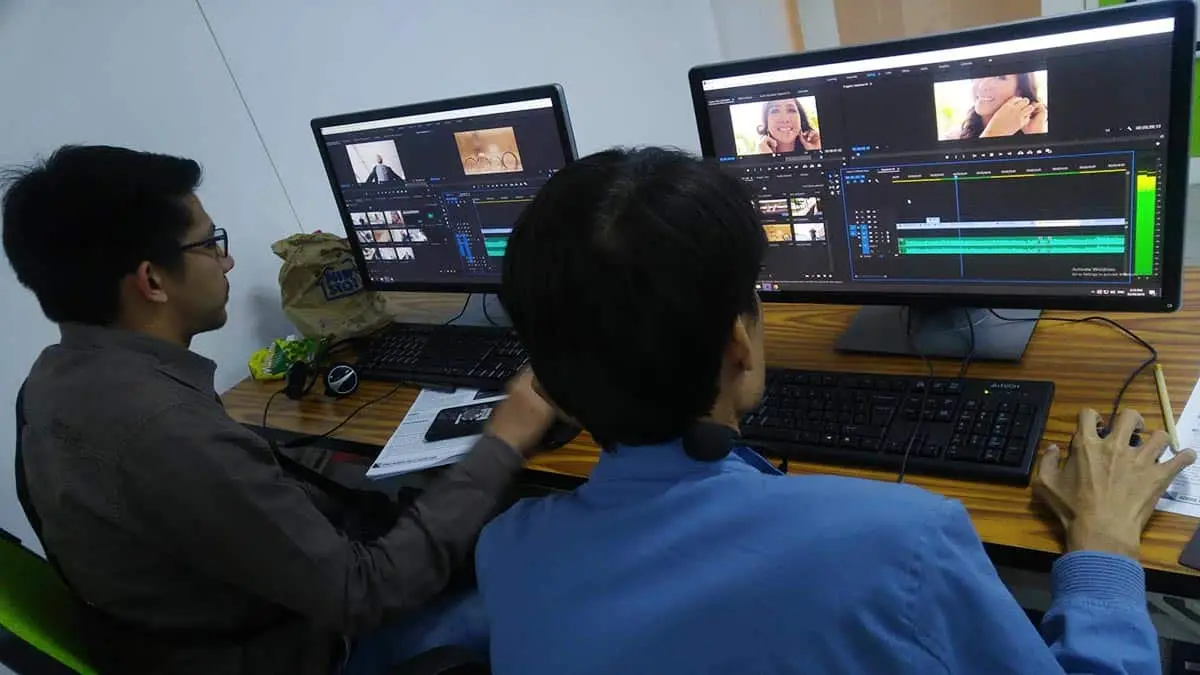
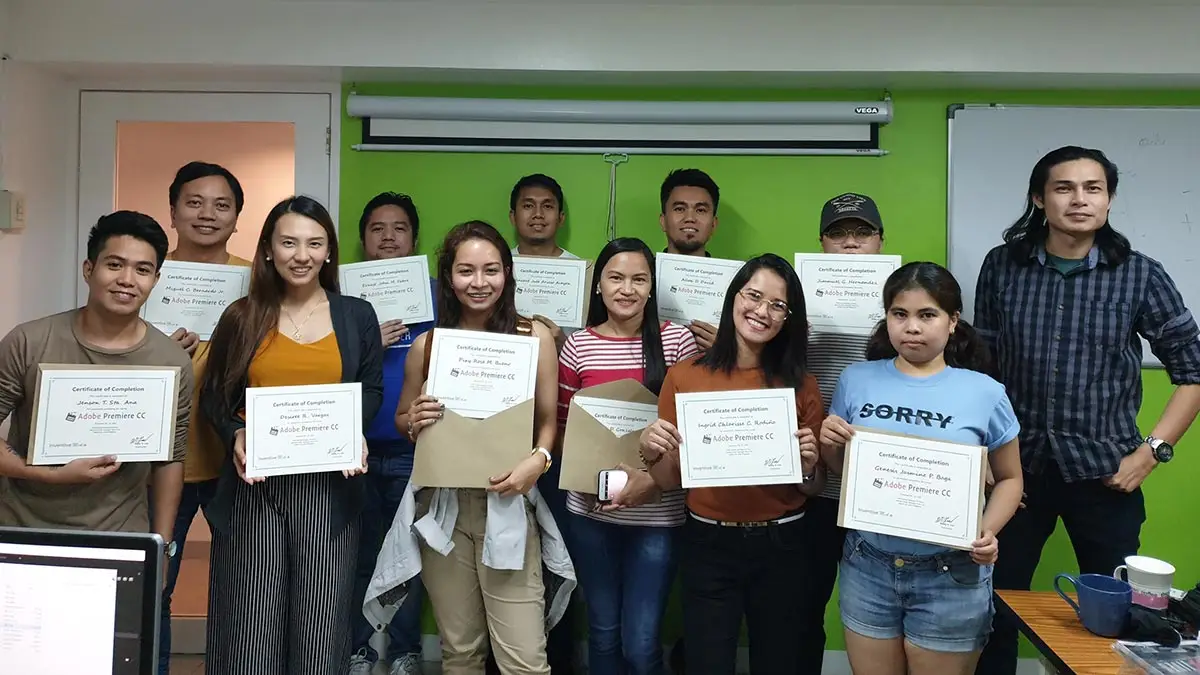
Hailed as one of the top multimedia schools in the Philippines!
- Uses Adobe Enterprise Licensed software
- Taught by Adobe industry professional
- Trained on Adobe Premiere CC 2026 (latest version)
- Hands-on with Adobe’s newest AI-powered features
- Pearson Vue Accredited Testing Center
- PhilGEPS Accredited Center
- Receive a globally recognized course certificate
Course Outline
Artificial Intelligence Features (New)
- Auto Transcription
- Text Based Editing
- Enhance Speech
- Generative Extend
– Day 1 Lessons –
Stages of Video Production
Pre-Production
- Scripting and Storyboarding
Production
- The Production Team
- Equipment
Post-Production
- Video
- Editing
- Musical Score
- Audio Mixing
- Color Grading
Introduction to Adobe Premiere Pro CC
Getting Started
- Setting up a New Project
- Understanding the Workspace
Managing your Assets
- Importing videos, audios, images and other media elements
- Organizing your media assets
- Using the Source Panel
Editing Videos (Corporate, TV Dramas, Movies, Wedding & MTV)
Video Editing Essentials
- Using the timeline and Program Panel
- Working with editing tools
- Working with Keyboard Shortcuts
- Creating a New Sequence
- Getting your clips to the timeline
- Moving, Trimming and Deleting Clips
- Using markers
- Video Slow-motion and Time-lapse
Editing Techniques
- Ripple and Rolling Edits
- Using Straight, L and J Cuts
- Slip, Slide, Lift and Extract
Multi-camera Editing
- Multi-camera overview
- Organizing multi-camera clips
- Creating a multi-camera sequence
- Editing Multi-camera clips
- Synchronizing Multi-camera audio
– Day 2 Lessons –
Text, Transitions, Effects and Audio
Adding Text
- Adding Titles, Subtitles and credits
- Using the Essential Graphics Template
- Styling text using the Essential Graphics Panel
- Applying Shapes and Logos
- Creating Scrolling Text
Working with Effects and Transitions
- Adding Effects and Effects Presets
- Animating with Keyframes
- Adding Video Transitions
- Stabilizing your video
- Masking and tracking
- Split Screen display
- Rendering and Previews
Compositing and Video Techniques
- Blending Modes, Alpha Channels and Clip opacity
- Color keying a greenscreen shot
- Using compositing
- Using mattes
Color Correction and Grading
- Using the Lumetri Color panel
- Adjust and correct color
- Color grading workflows
- Applying color effects and adjustments across clips
– Day 3 Lessons –
Mixing audio, compositing and exporting your video
Mixing and Editing Audio
- Adding Audio Transitions (Artificial Intelligence Feature)
- Audio Text Based Editing (Artificial Intelligence Feature)
- Adjust volume and gain
- Normalizing audio
- Working with the Sound Panel and Audio Mixer
- Cleaning up noise
- Adding voice over
- Essential Sound (Artificial Intelligence Feature)
Exporting and File Presets
- Exporting single frames
- Exporting Video
- Exporting thru Adobe Media Encoder
Frequently Asked Questions
What are the prerequisites for this course?
- Basic computer knowledge and skills in Mac or PC..
- Basic knowledge in video editing and motion graphics is an advantage but not required.
- Knowledge in Photoshop and Illustrator is an advantage but not required
What's included after completing the training?
- Certificate of course completion
- Training references (PDF)
- Exercise materials
- Some add-ons
- Free trainer consultation
- Unlimited Free Retakes
How to avail the Unlimited Free Retakes?
Unlimited Retakes = Unlimited Hours of Learning!
We understand that individuals have different learning styles and paces, that’s why we offer the opportunity to learn at your own speed. If you need more time to grasp a concept, you are welcome to come back and retake the class at no additional cost. We believe in providing students with the support they need to succeed.
To Avail: Finish the course to qualify for the unlimited refresher classes
Validity: 1 Year
Is Adobe Premiere Pro the Best for YouTube and Social Media Reels?
For most content creators, yes. While competition is fierce, Adobe Premiere Pro remains the top choice for YouTube due to its 2026 AI-First workflow. It is specifically engineered for high-speed output and multi-platform publishing (YouTube, TikTok, and Reels).
Key Advantages for YouTube Creators:
- AI Object Masking: Instantly isolate and track subjects with one click—perfect for “text-behind-person” effects and selective color grading.
- Text-Based Editing 2.0: Edit your YouTube vlogs like a Word document. Delete “ums,” “ahs,” or entire sentences from the transcript, and the video cuts itself.
- Native Vertical Reframing: Effortlessly convert 16:9 4K cinematic footage into 9:16 vertical masterpieces for TikTok, Reels, and Shorts using AI-powered Auto Reframe.
- Firefly AI Integration: Generate B-roll, expand backgrounds, or create custom transitions using generative AI directly within your timeline.
What is the difference between Adobe Premiere and DaVinci Resolve?
Choosing between these two industry giants depends on your end goal: high-speed content creation or high-end cinematic finishing.
Adobe Premiere Pro: The “Content Creator” Powerhouse
Premiere Pro is the current leader for editors who need to produce high-quality videos for multiple platforms quickly. It is the standard for marketing agencies, YouTubers, and social media managers.
- Layer-Based Editing: Uses a familiar “stacking” logic (like Photoshop) that is intuitive and fast for assembling complex timelines.
- Generative AI Tools: Features like Generative Extend allow you to instantly add frames to a clip, while Text-Based Editing lets you cut video by simply deleting words in a transcript.
- Social Media Ecosystem: Unmatched integration for “repurposing” content. Effortlessly convert 16:9 4K footage into 9:16 vertical Reels and TikToks using AI Auto-Reframe.
- Adobe Ecosystem: Seamless “Dynamic Link” with After Effects for motion graphics and Photoshop for thumbnail assets.
DaVinci Resolve: The “Cinematic” Gold Standard
Originally a color-grading tool, Resolve has evolved into a full post-production suite. It is the preferred choice for filmmakers, colorists, and high-end commercial editors.
- Node-Based Workflow: Uses a “flowchart” system for color and VFX. While it has a steeper learning curve, it offers surgical control over every pixel in your image.
- The World’s Best Color Grading: Resolve remains the unrivaled leader for skin tone correction, HDR grading, and creating a “theatrical” look.
- All-in-One Suite: You never have to leave the app. It includes Fairlight for professional audio engineering and Fusion for Hollywood-level visual effects.
- Performance & Stability: Highly optimized for GPU performance, often providing smoother 8K playback than Premiere on the same hardware.
Who should enroll in this Adobe Premiere training?
This course is designed for individuals who want to master professional-grade video editing. It is ideal for:
- Aspiring Video Editors: Beginners looking to learn the industry-standard software for film, television, and social media production.
- Content Creators & YouTubers: Individuals wanting to elevate their production value with professional transitions, color grading, and audio syncing.
- Marketing & Social Media Professionals: Staff responsible for creating high-impact promotional videos, Reels, and TikTok content for business growth.
- Corporate Communicators: Professionals who need to produce polished internal training videos, presentations, and event highlights.
- Multimedia Designers: Graphic designers looking to expand their skill set into motion graphics and video storytelling.
What career paths are available for Premiere-trained professionals?
Graduates of our Adobe Premiere Pro training can pursue several high-demand roles, including:
- Video Editor: For film, TV, and documentary production.
- Social Media Content Specialist: Focused on TikTok, Reels, and YouTube Shorts.
- Commercial Editor: Creating high-impact ads for brands and agencies.
- Corporate Video Specialist: Producing internal and promotional content for businesses.
- YouTube Editor: Handling multi-camera edits and channel branding for creators.
Enroll 4 & get extra ₱500/pax off
Retake the course at no extra cost
Note: Courses included in a bundled promo must be taken within the same month.
Promo rates may change without prior notice.
Adobe Premiere Pro + Ai Video Editing
- Basic to Advanced Coverage
- Using Adobe Enterprise License
- Certificate of Completion
- Training Materials and References
- Free Wifi Access
- Free Unlimited Coffee
- Free Trainer Consultation
- Free Unlimited Class Retakes
OCTOBER 2026
About the Registration
Feel free to register! Registering does not commit you to paying for the course immediately. Registration helps us track attendee numbers and enables us to stay in touch. Payment will only be requested once the course is confirmed to proceed.
Note: When choosing a schedule, you are limited to the available training dates posted on our website.