
Drupal CMS
Empowering web creators with versatility, scalability, and a vibrant community, shaping the internet’s dynamic future.

Course Overview
This comprehensive Drupal course is tailored for absolute beginners, guiding them to effortlessly create and manage dynamic, database-driven websites with Drupal CMS—no coding or programming skills required.
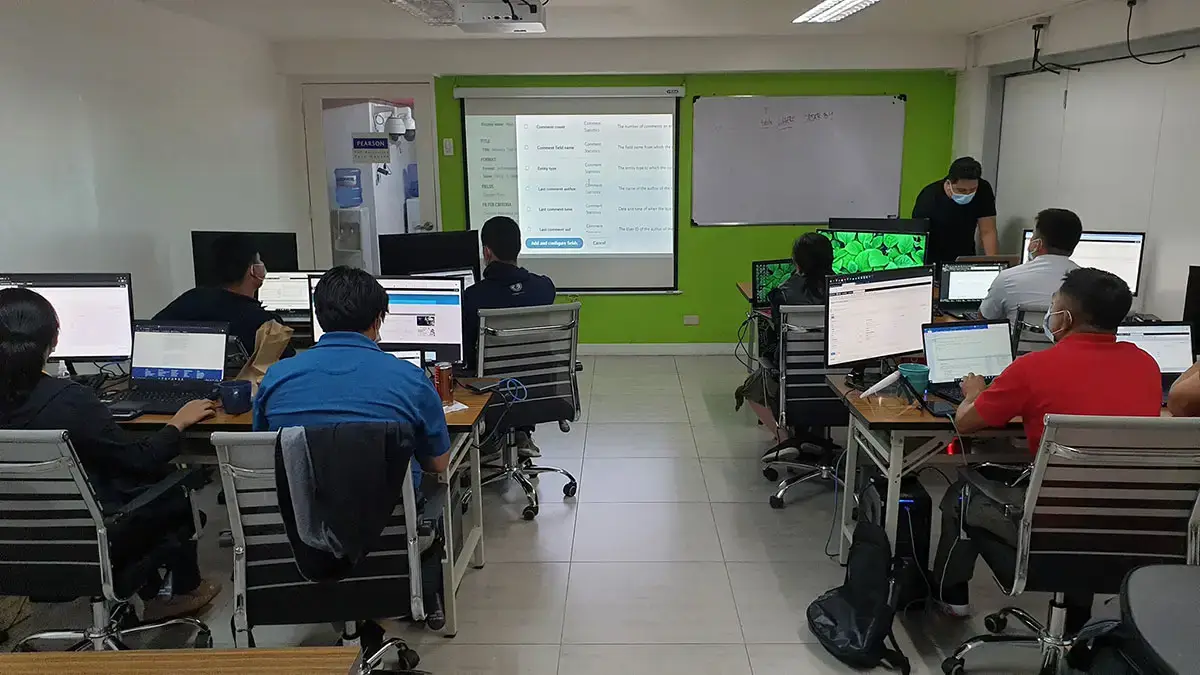
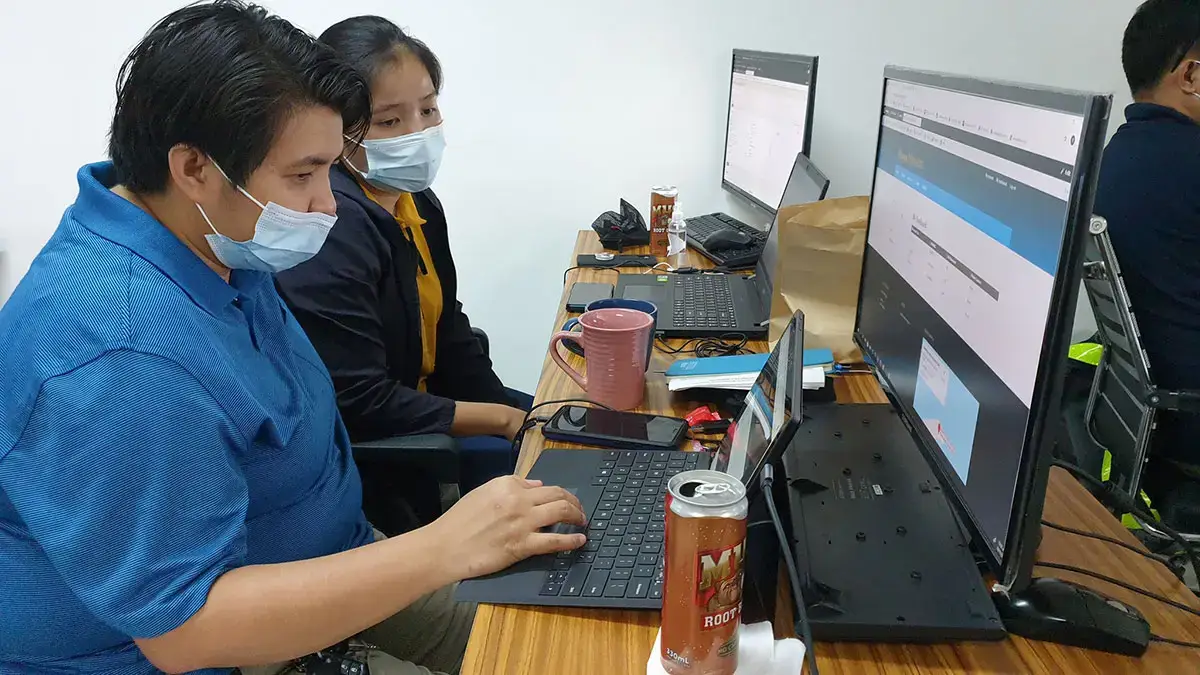
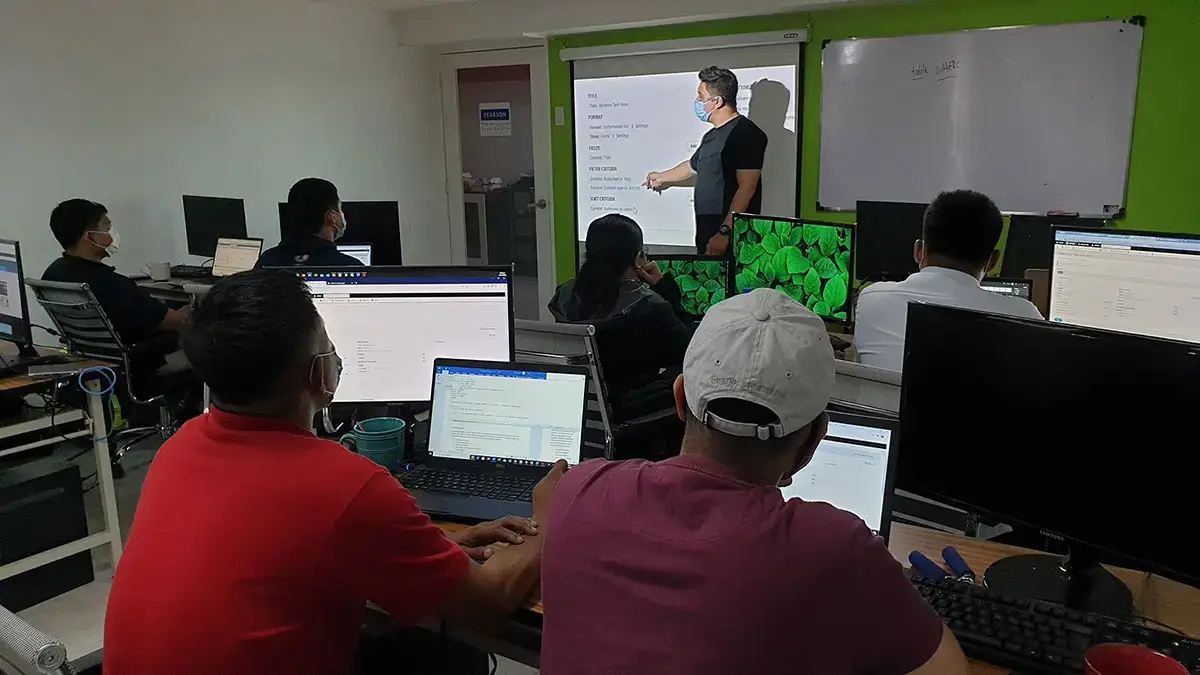
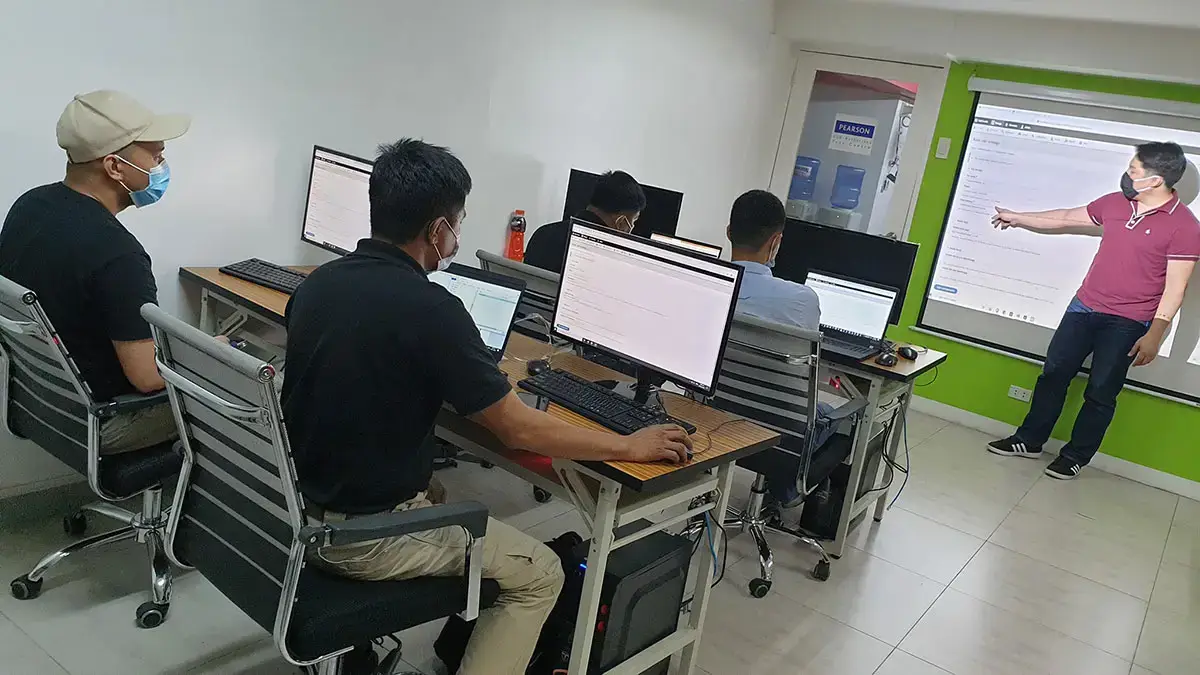
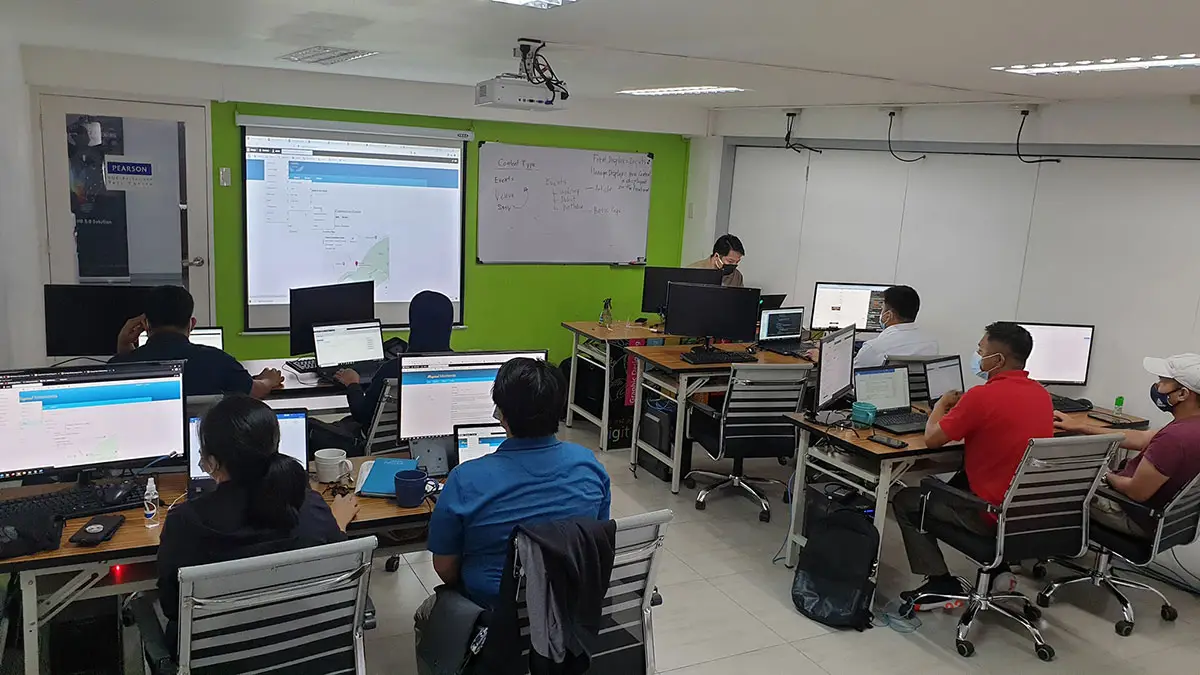
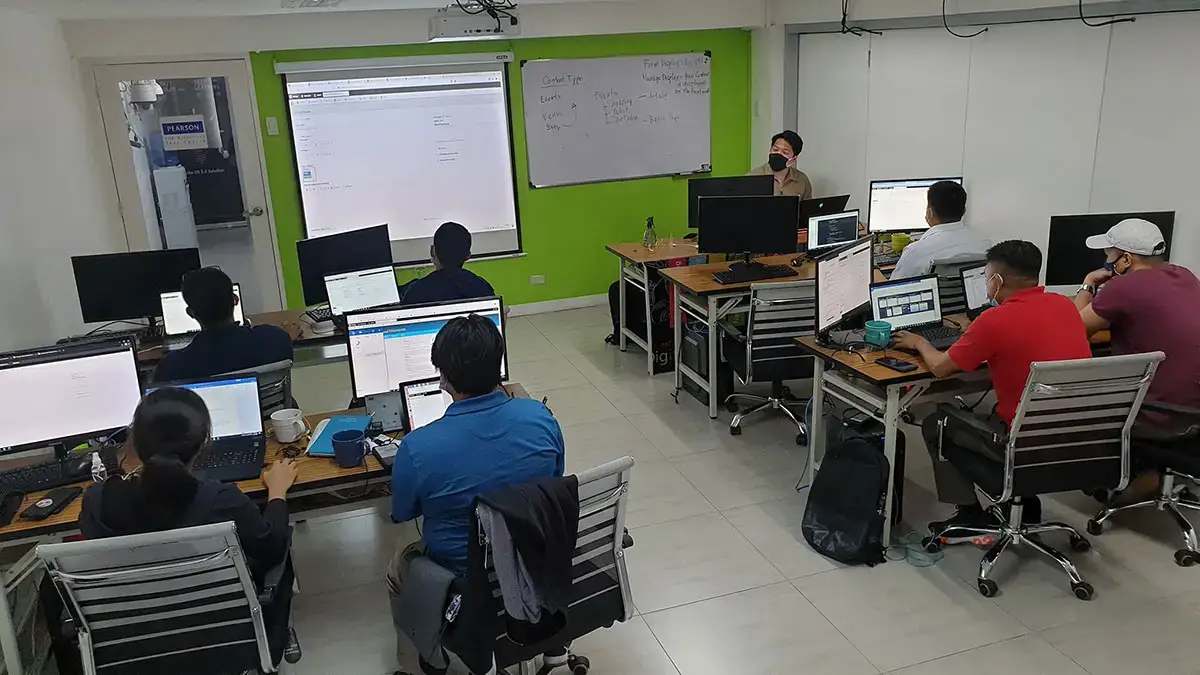
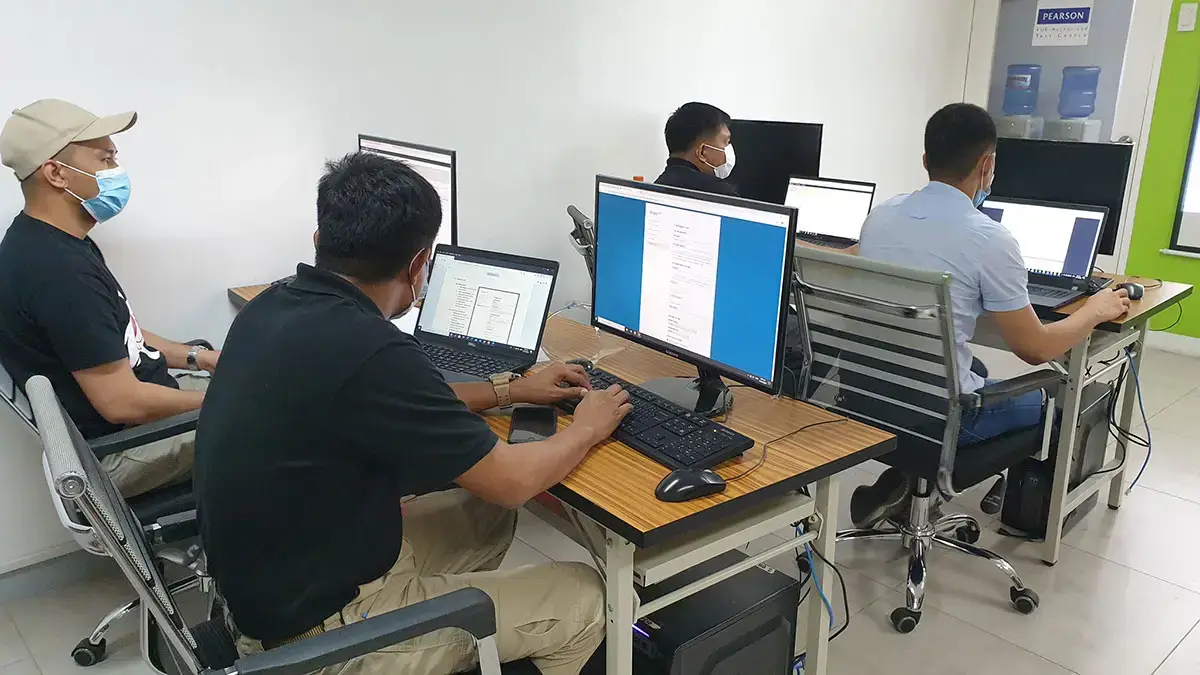
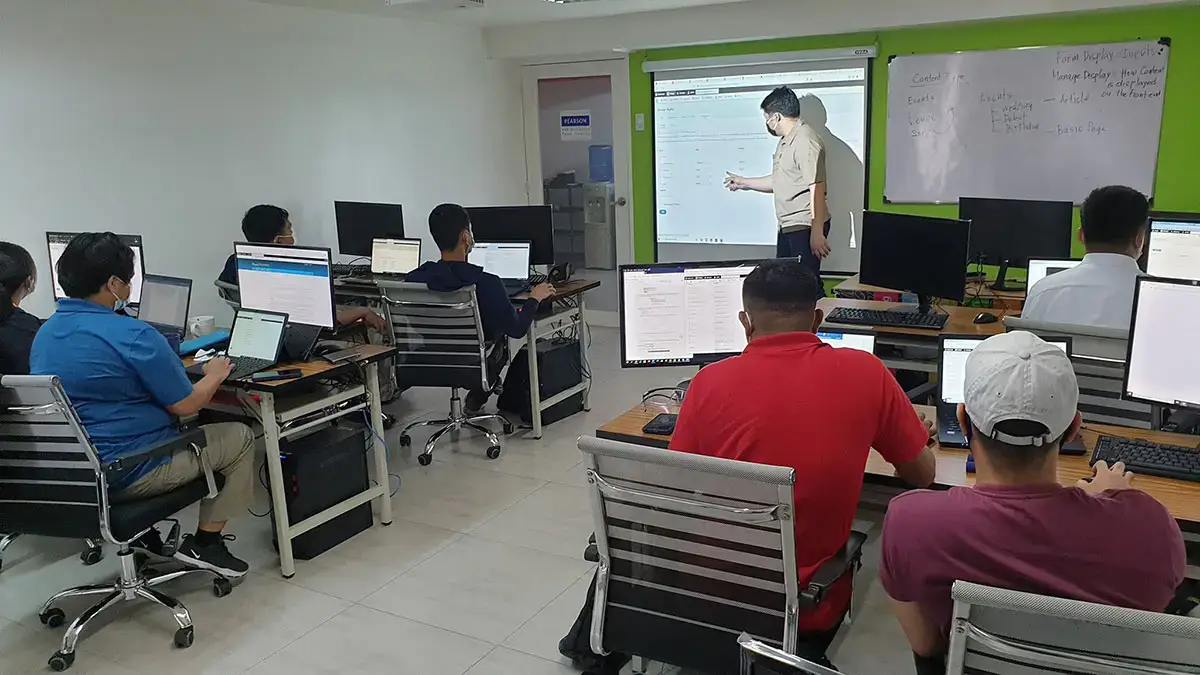
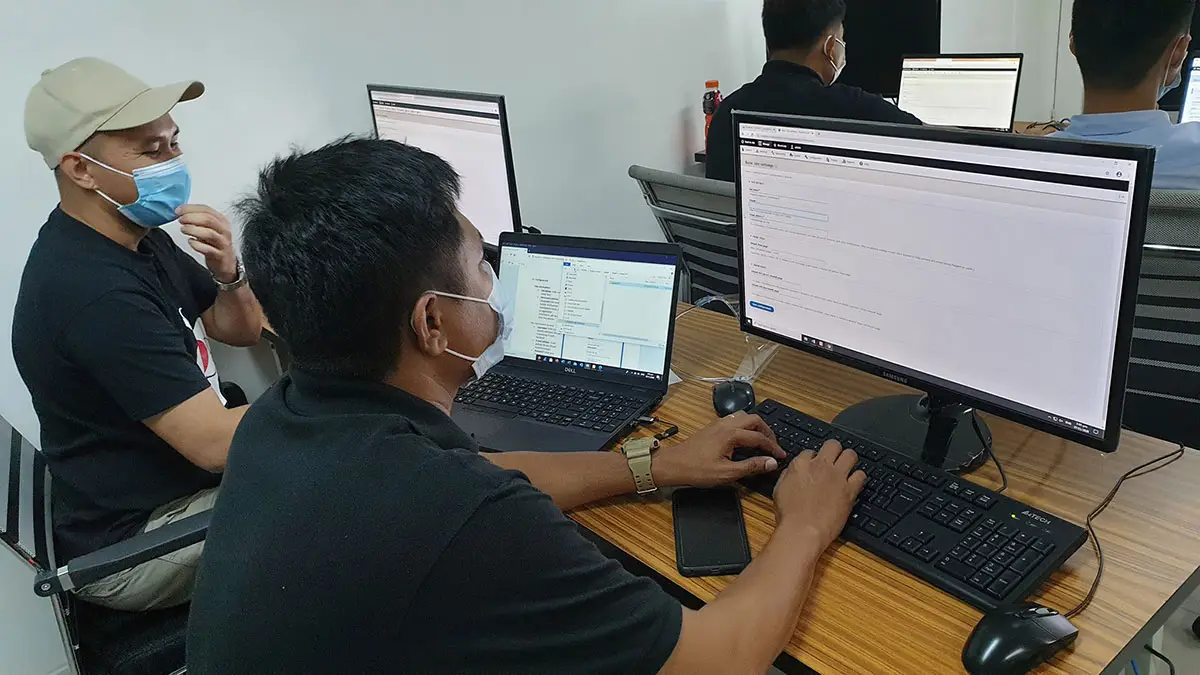
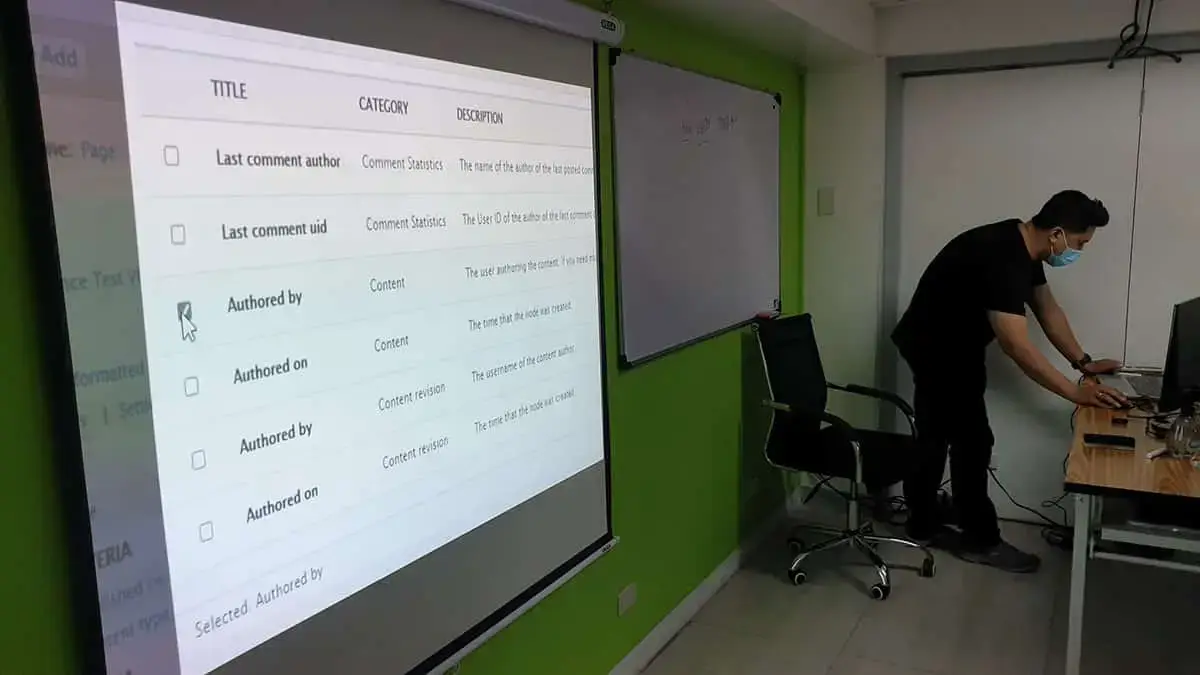
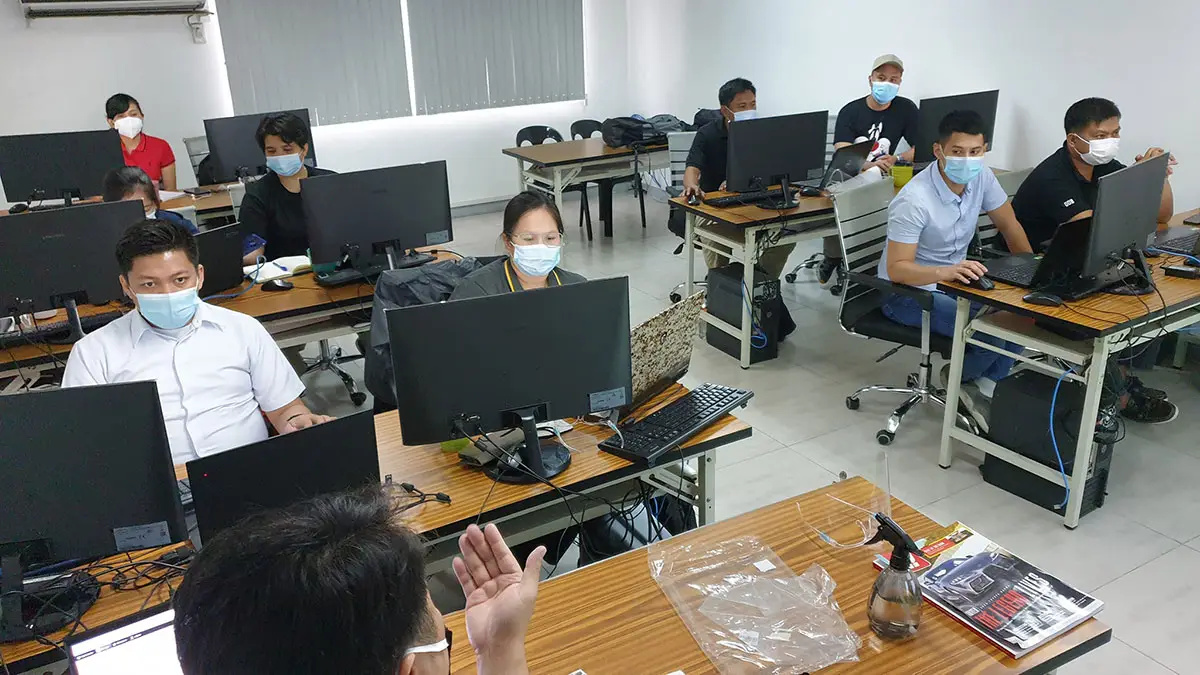
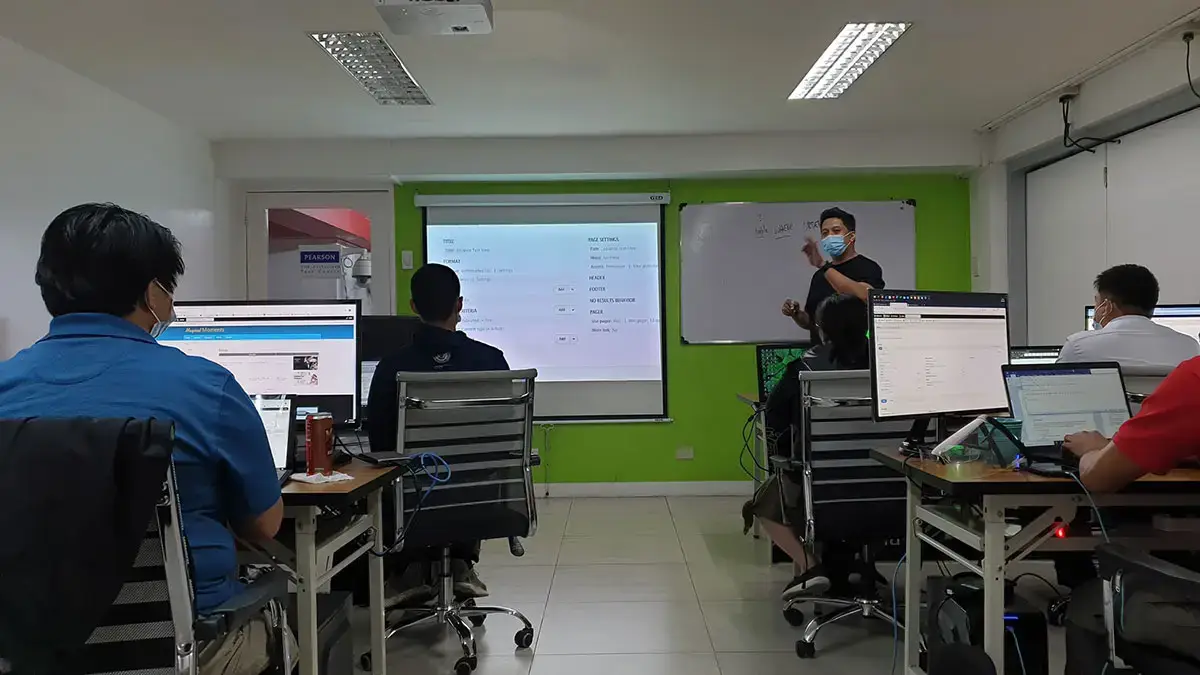
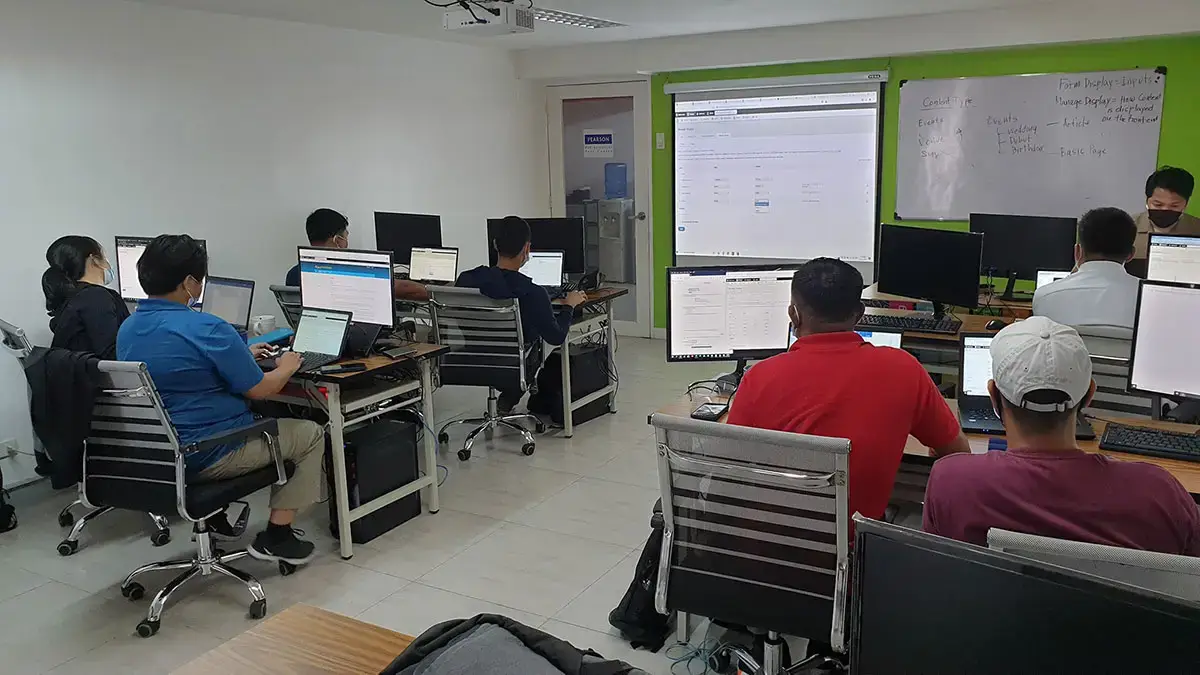
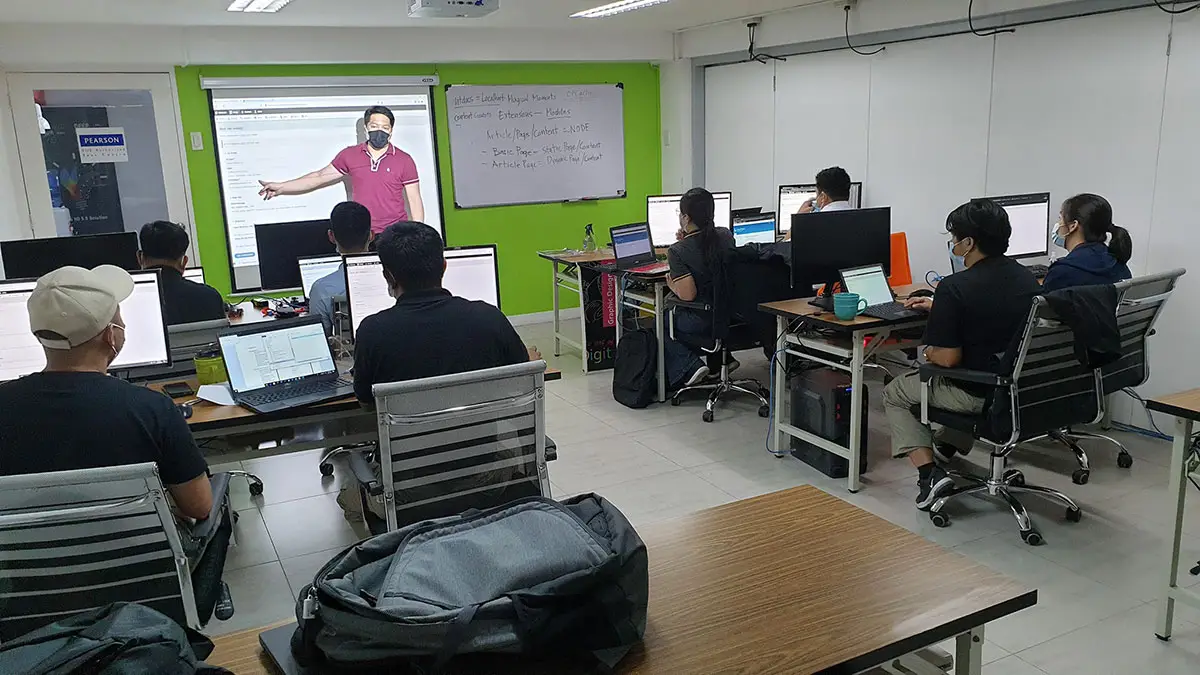
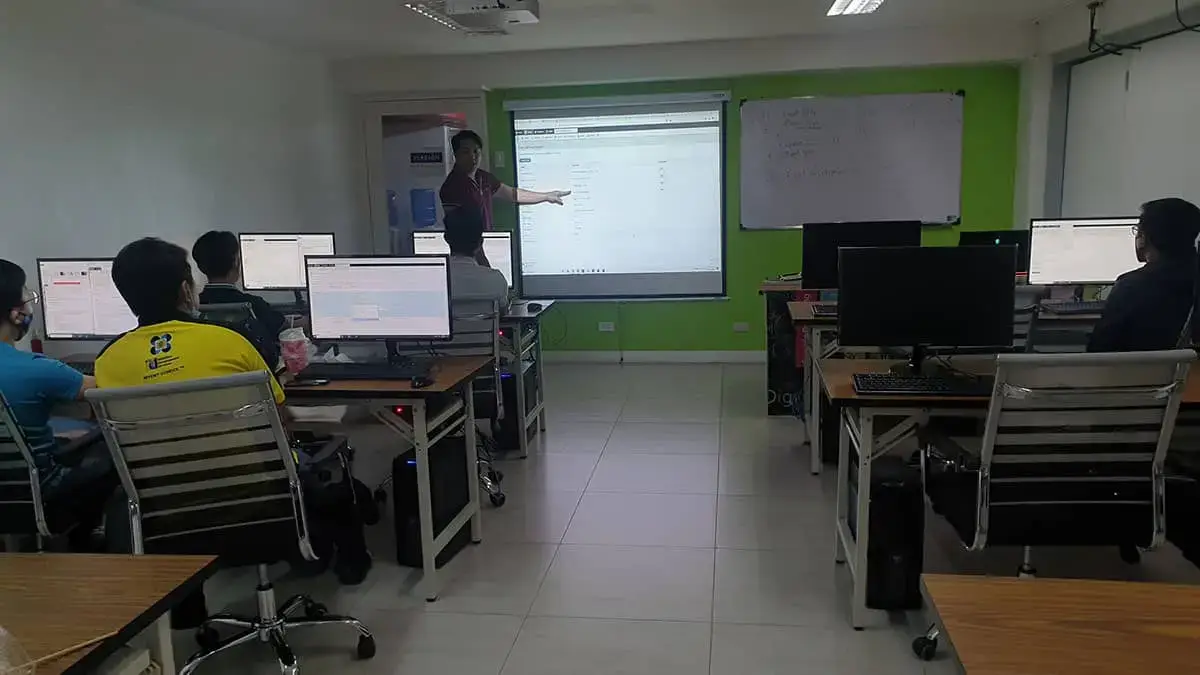
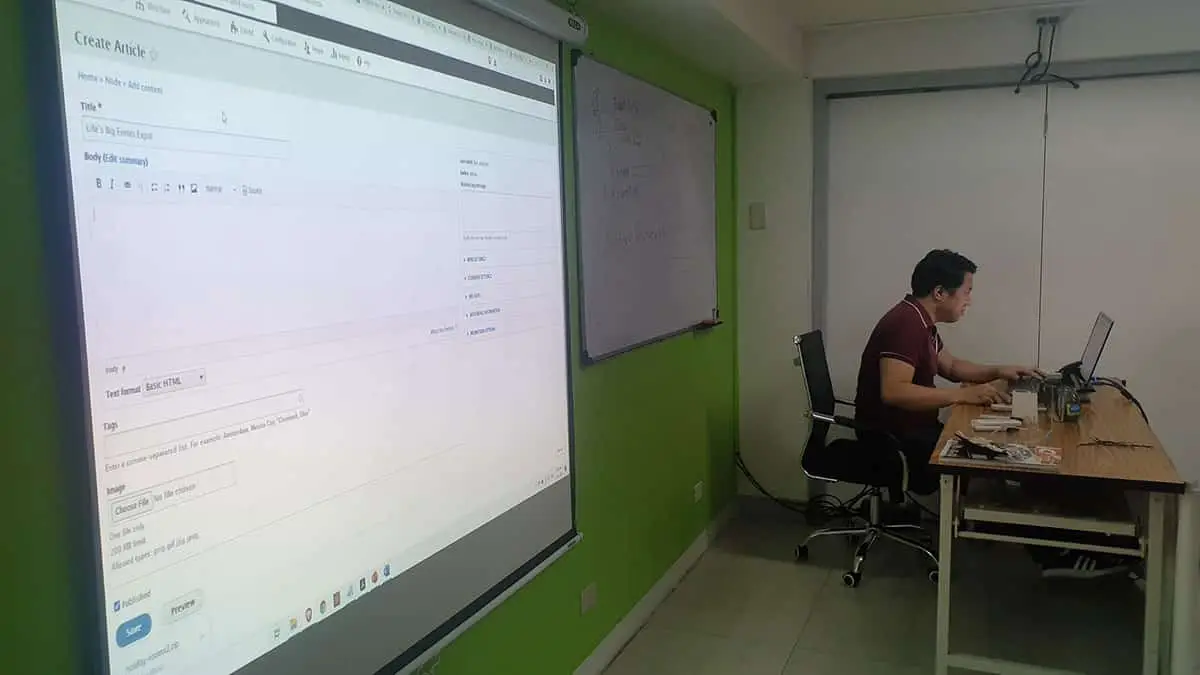
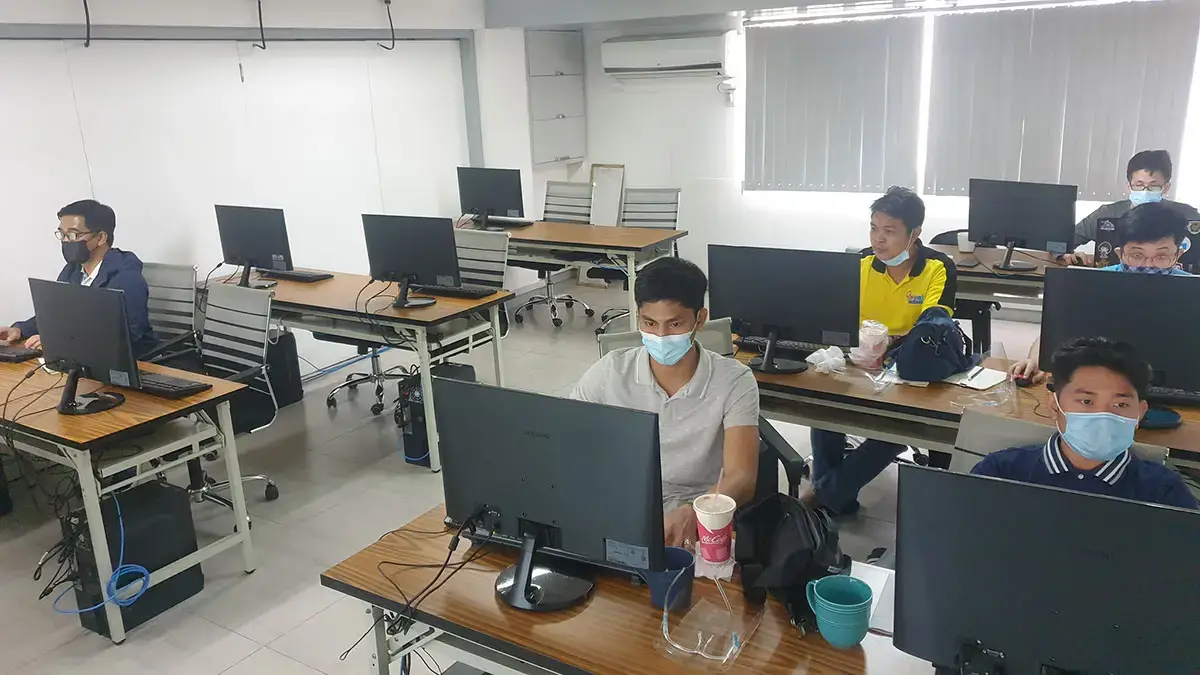
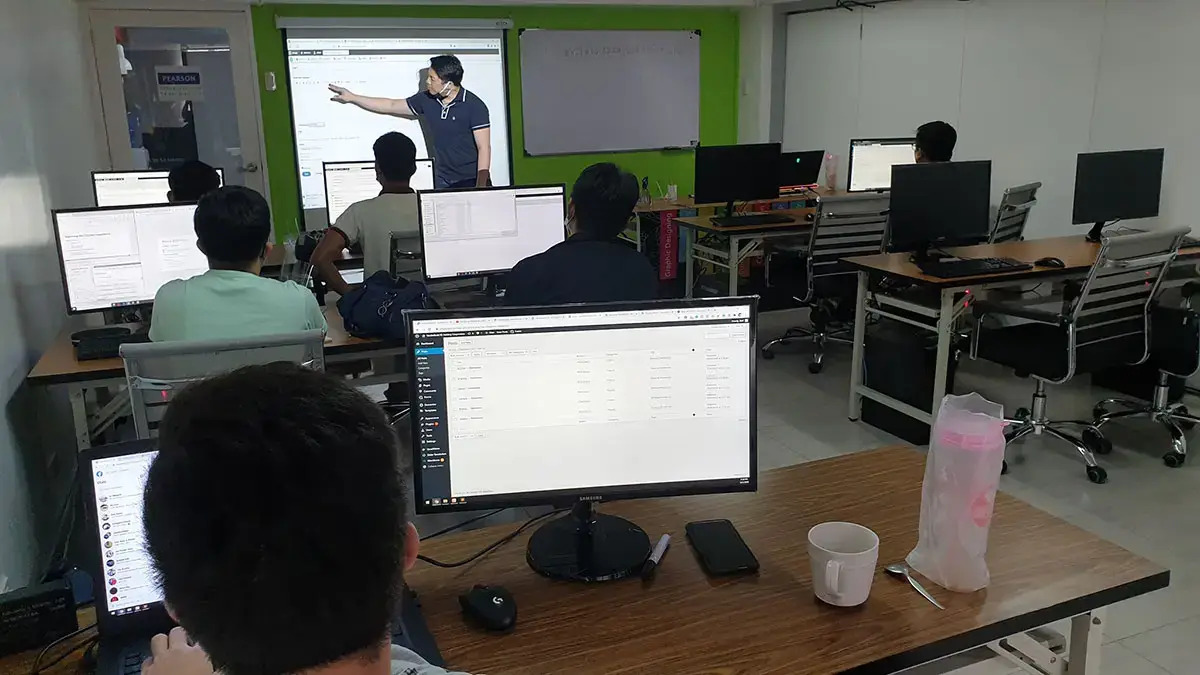
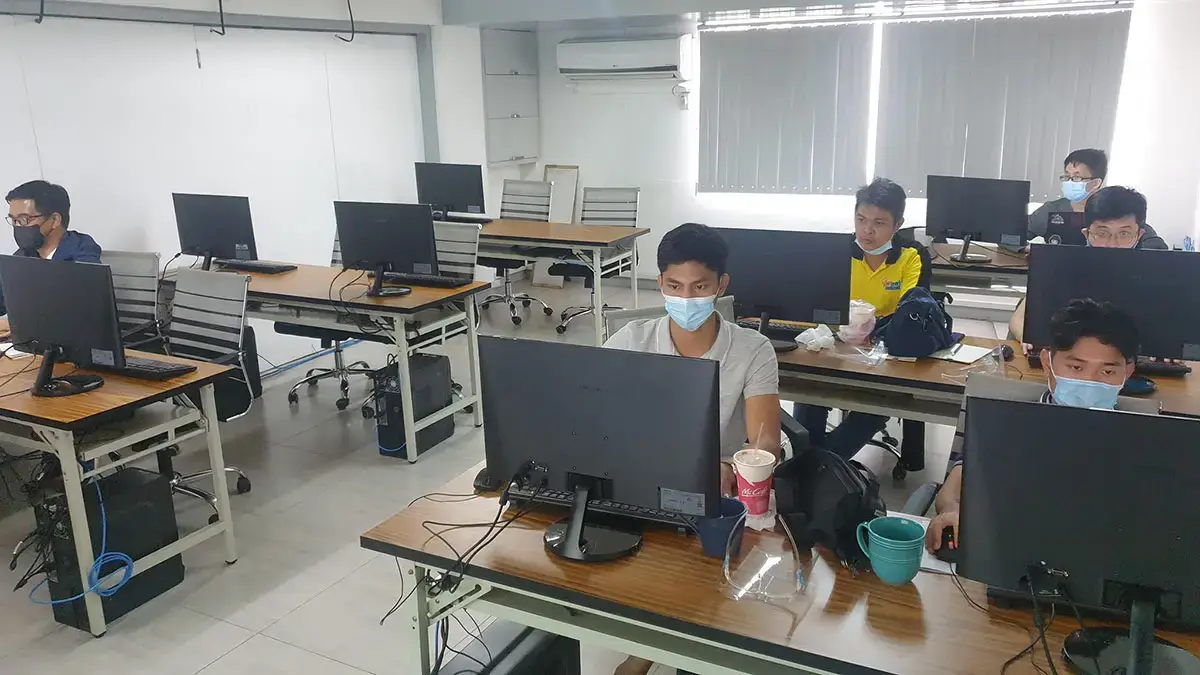
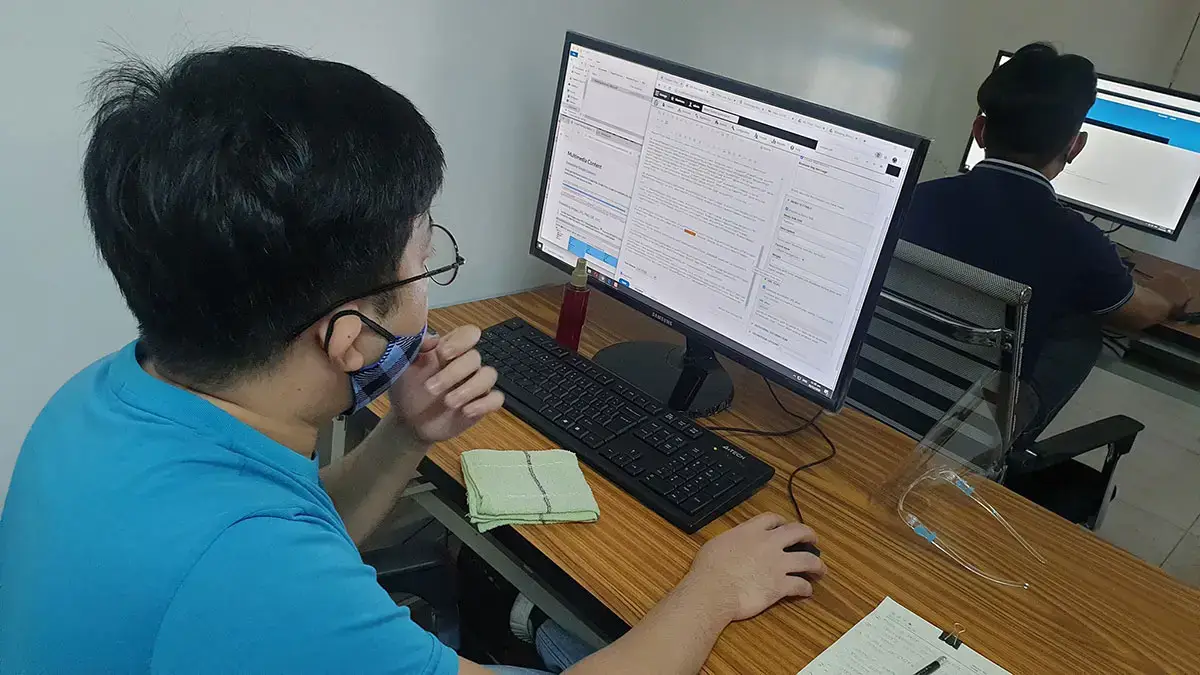
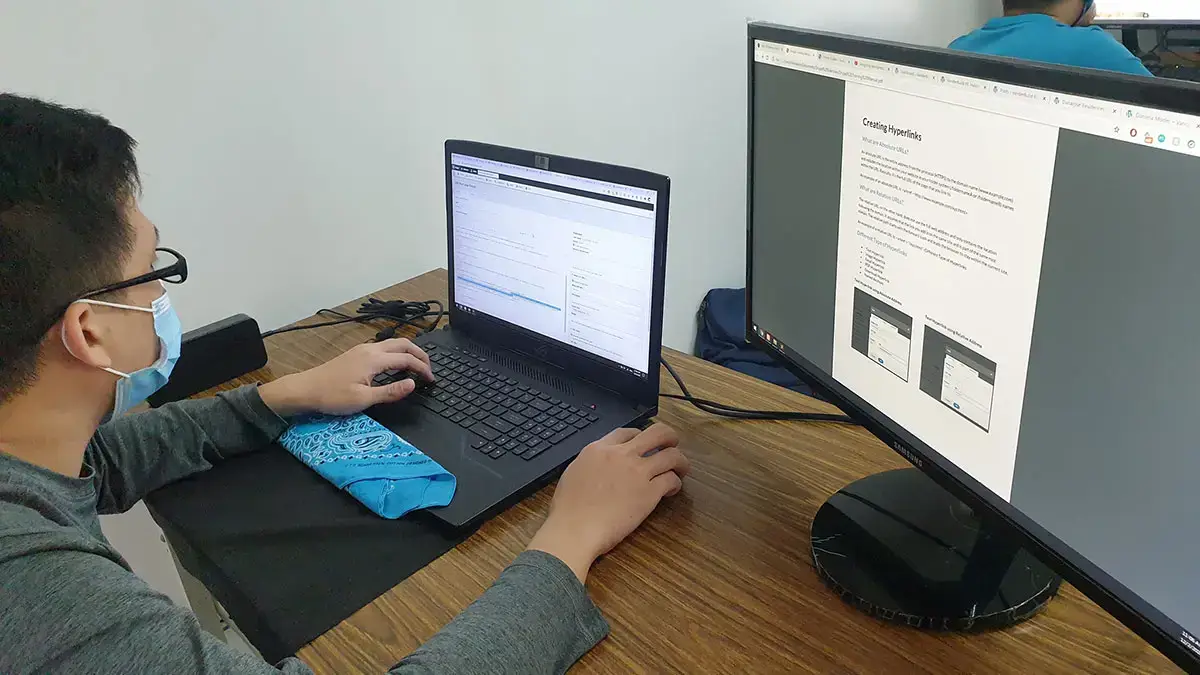
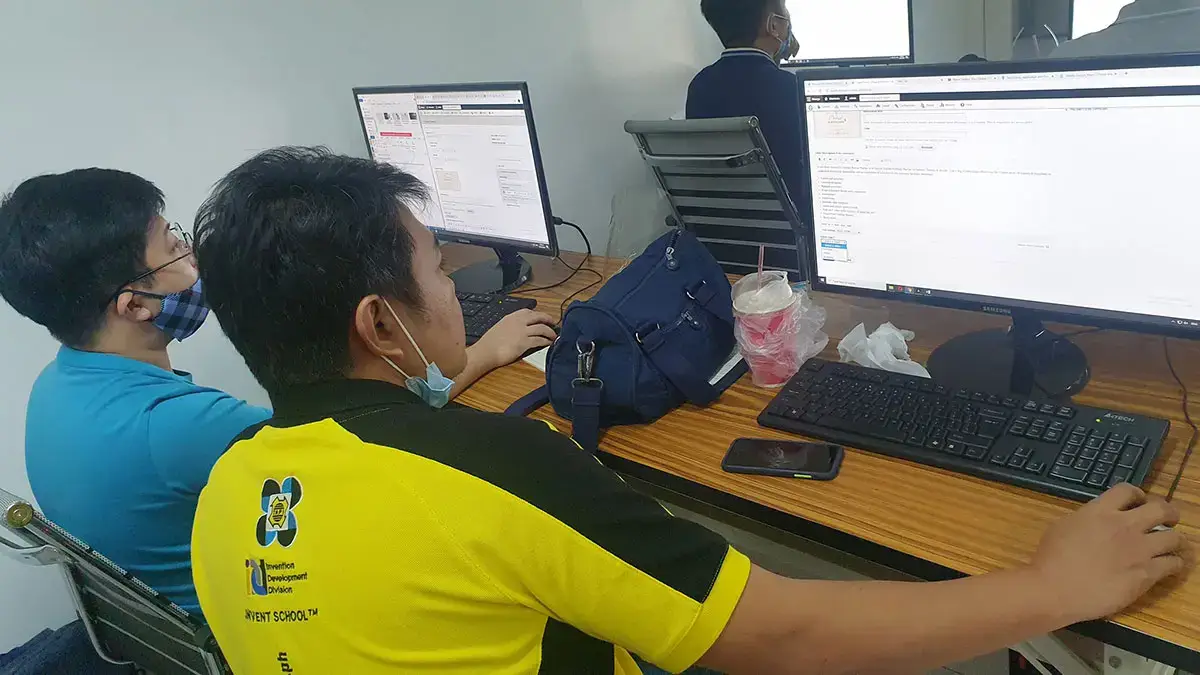
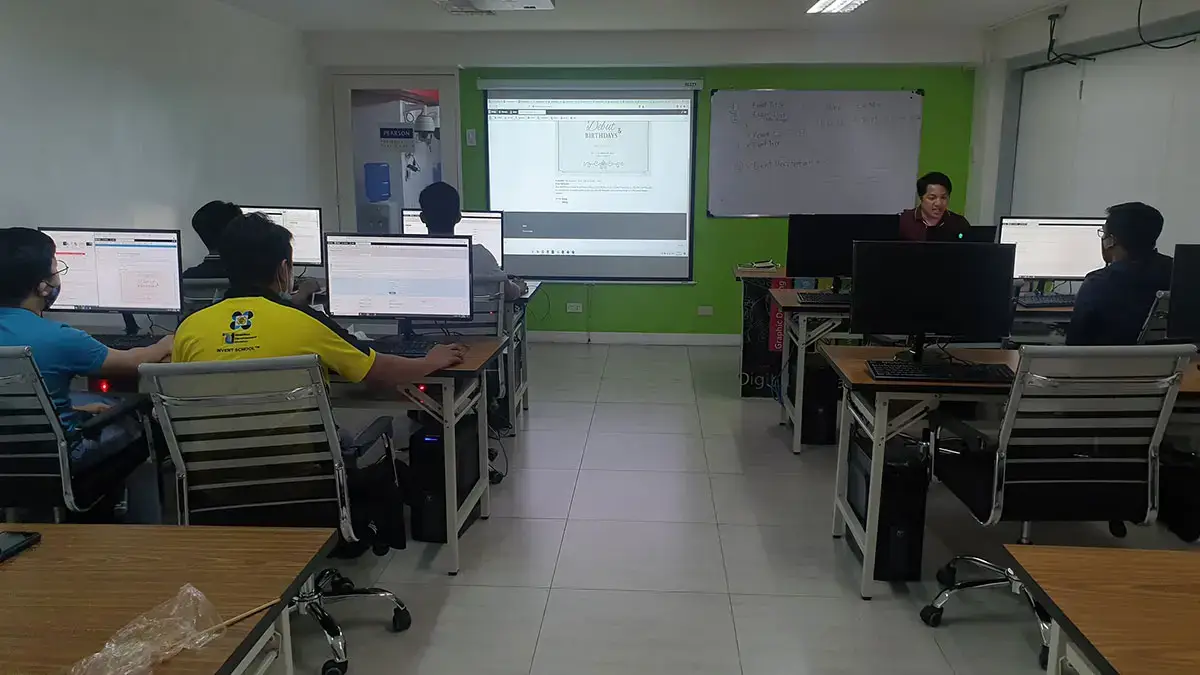
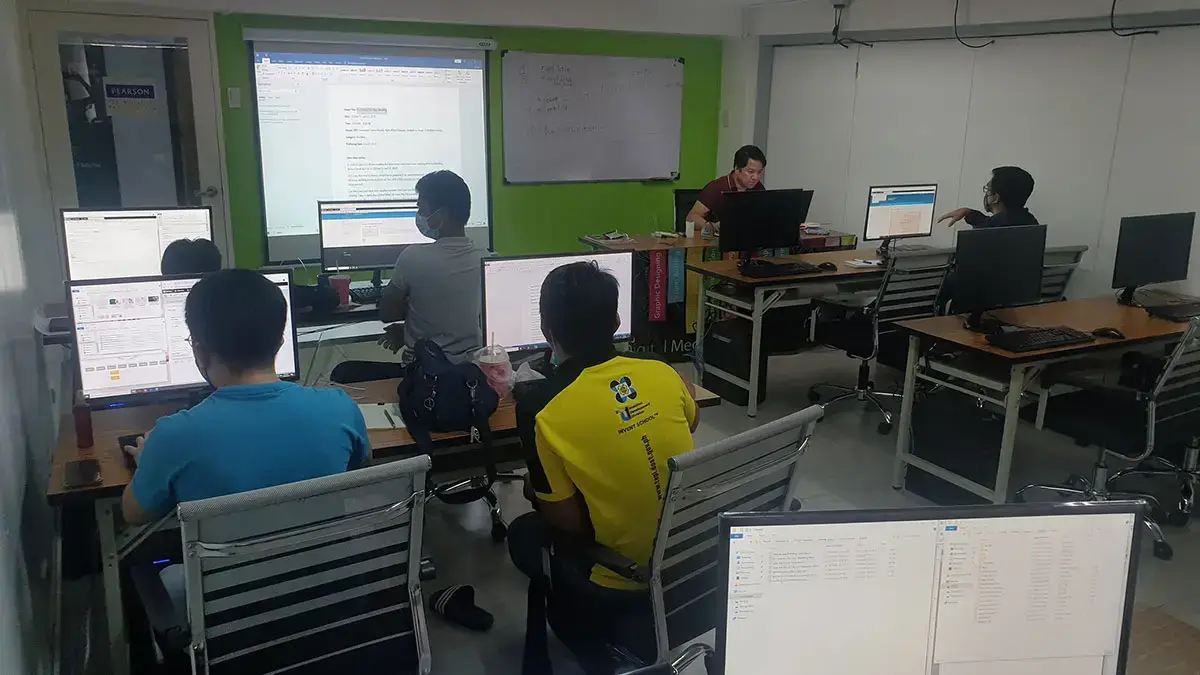
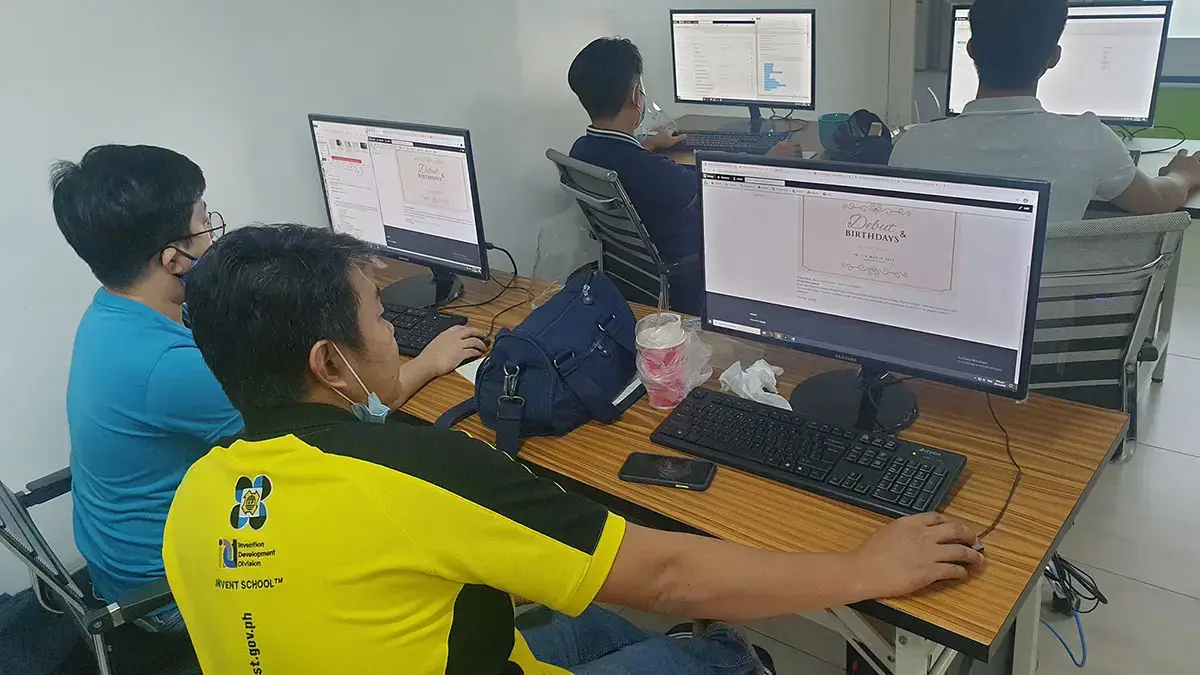
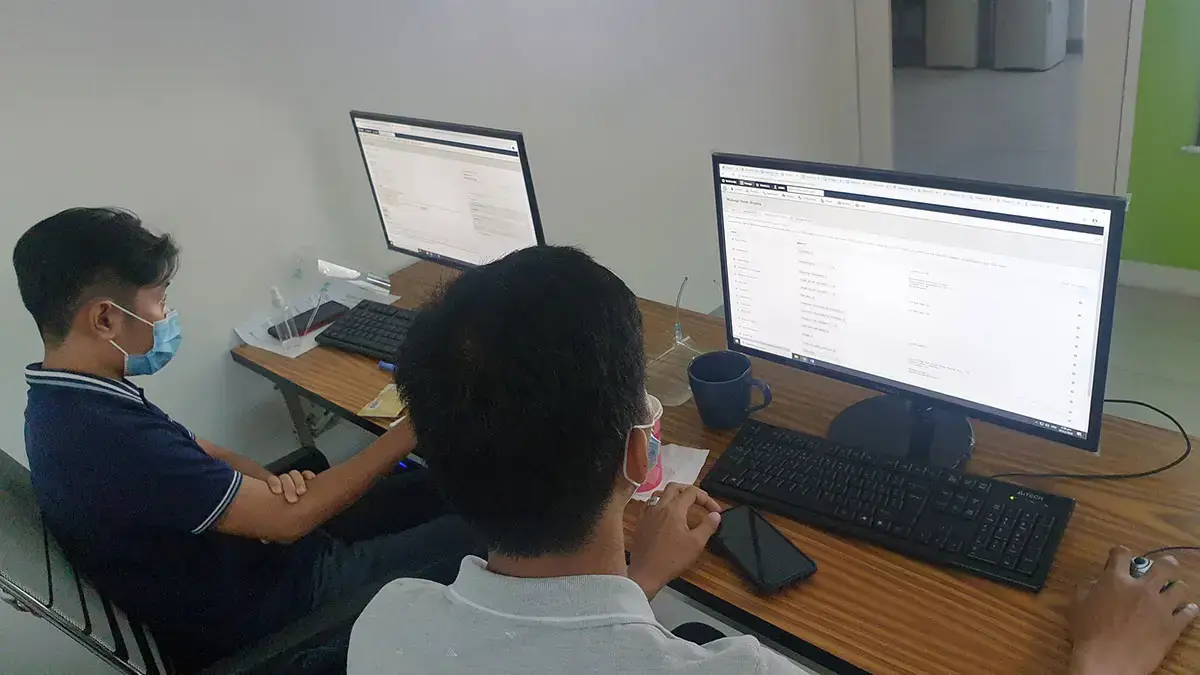
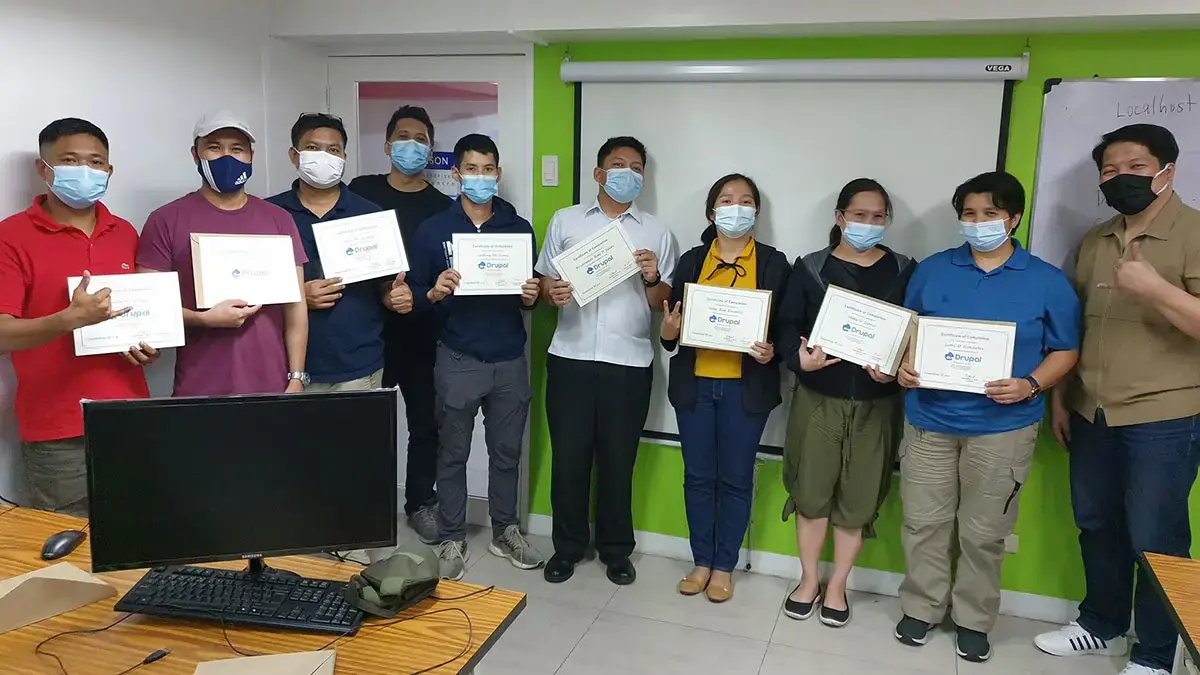
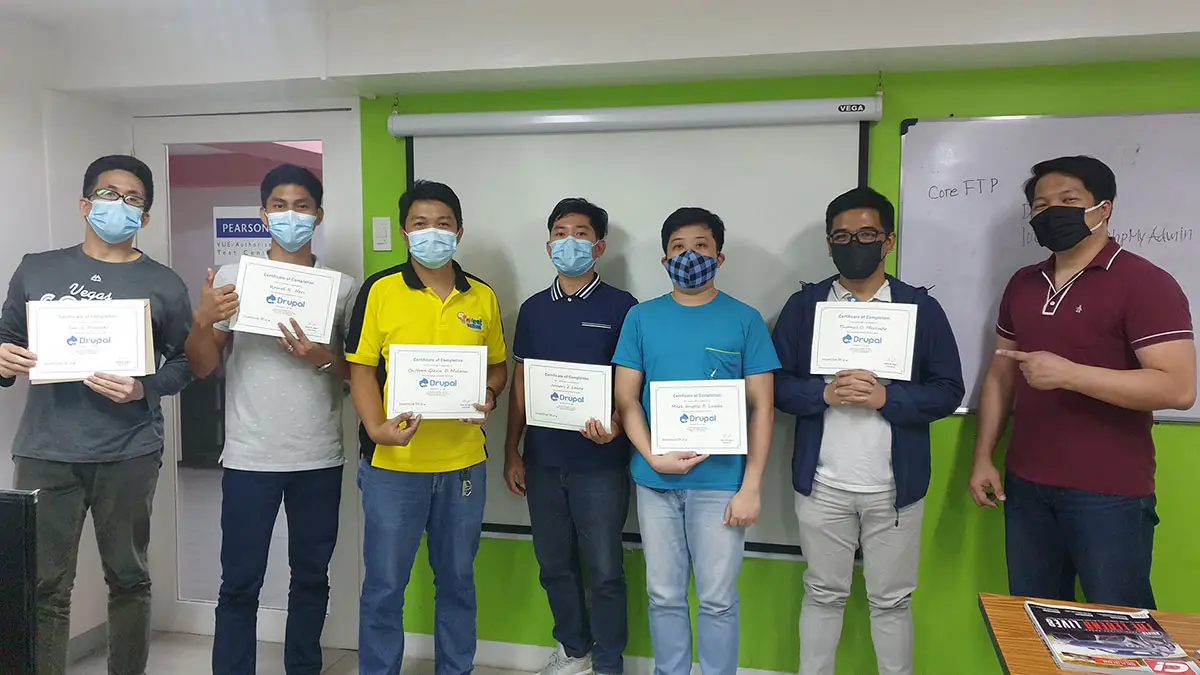
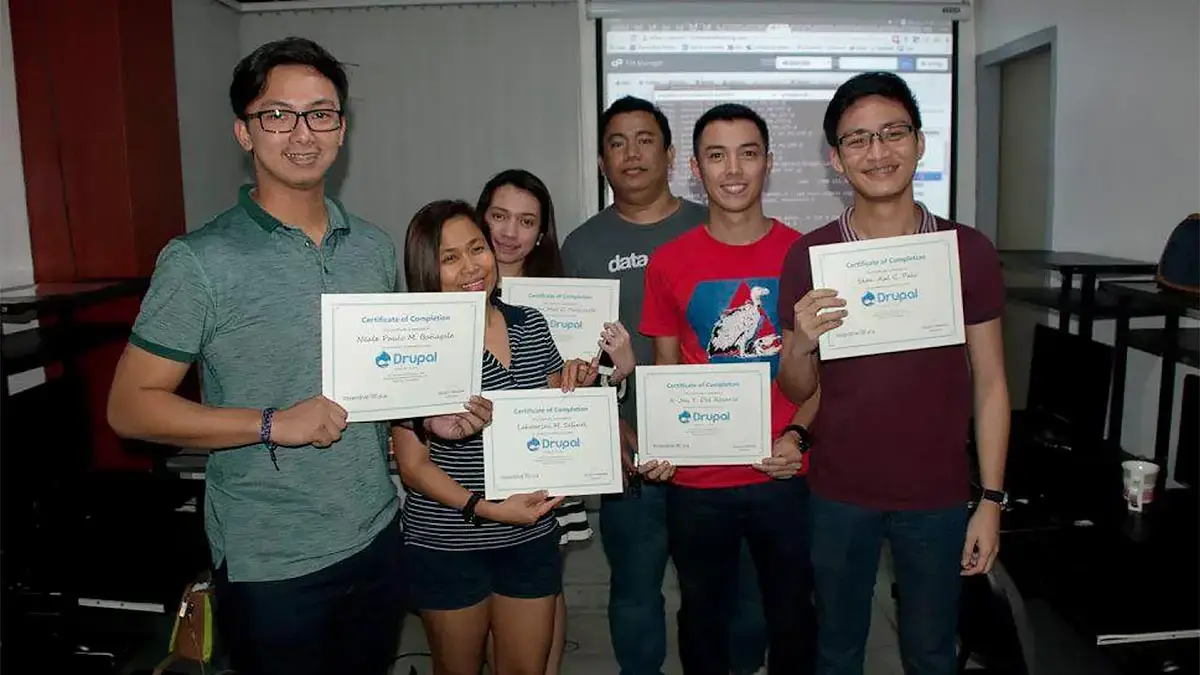
Ranked as one of the Best Schools for Web Development
- Our founder, Henry N. Ong II, is the recognized pioneer of CMS web development courses in the Philippines
- First school to offer WordPress, Joomla & Drupal Classes since 2006
- First school to offer Bootstrap since 2014
- First school to offer Laravel Class since 2014
- First school to offer Tailwind Class since 2021
- Pearson Vue Accredited Testing Partner
- PhilGEPS Accredited Center
- Globally Recognized Course Certificate
- Around 85% of government agencies and LGUs take web Development classes from us
Course Outline
A brief history of the World Wide Web
Drupal 101
- What is Drupal?
- The Origin Story
- Why Choose Drupal
- Features and Advantages
The Installation
- What is a Database?
- Where to download a local webserver application?
- Where to download the Drupal CMS Web Application?
- Prepping up for Installation
- Installing and Configuring Apache, PHP, MySQL (MAC/Windows)
- Creating a Database
- Installing Drupal CMS
Getting Acquainted with Drupal
Configuring Drupal
- Site Information
- Logo and Favicon
- Regional Settings
- Date and Time Formats
- Site Maintenance
- Using Cache to speed up performance
Managing Shortcuts
- Quickest way of adding shortcuts
- Adding shortcuts by URL
- Creating a Shortcut Set
- Assigning a Shortcut Set to a Specific User
- Managing Shortcut Permissions
Drupal Menus
- Managing the Administrative Toolbar Menu
- Using the Admin Toolbar Module for better UI|UX
- Managing Main Navigation Menu
- Using the other menus
Improving the CKEditor Experience
- Installing and Configuring additional Modules
Using the Media and Media Library
Using Pathauto for a Search engine Friendly URL
Working with Content
- Default Content Types
- Content Type Basic Settings
- Differences Between Basic Page and Article
- Managing Content
Creating a Frontpage
- Working with a Dynamic Frontpage
- Setting-up a Static Frontpage
Managing Revisions
Installing a Mega Menu Module
- Installing a Mega Menu Module
- Managing the Mega Menu
Working with Hyperlinks
- Absolute and Relative Hyperlinks
- Text Hyperlink
- Email Hyperlink
- PDF Hyperlink
- Download Hyperlink
- Image Hyperlink
- Named Anchor
Working with Multimedia Content
- Embedding Images (JPG, PNG, GIF, SVG)
- Embedding Google Elements
- Embedding and Internal and External Videos
Using Taxonomy
- Vocabulary and Term
- Creating Taxonomies
- Adding a Taxonomy to any Content Type
Image Styles
Creating Content Types
- Adding a New Content Type
- Managing Fields
- Manage Form Displays
- Manage Displays
Extending Drupal through Modules
- Installing and Uninstalling Modules
- Module Configuration
Working and Managing Blocks
- What is a block?
- Block Regions of a Theme
- Adding a Block to a Region
- Add Custom Basic Block
- Add Custom Block Type
Creating and Managing Views
- Creating Views for Blocks and Pages
- Configuring Views
- Adjust Displays
- Adjusting Views formats
Creating a Slideshow using Views
Managing User Accounts
- User, Permissions and Roles
- Adding a Role
- Assigning Permissions to a Role
- Changing User’s Roles
- Creating a User Account
Installing and Managing Themes
- Installing a Theme
- Removing Unused Themes
- Theme Configuration and Settings
Site Publishing
Tips and Best Practices!
Frequently Asked Questions
What are the prerequisites for this course?
- Basic Computer knowledge and Skills in PC or Mac.
- Knowledge in HTML, CSS, Bootstrap and JavaScript can be an advantage but not required.
What's included after completing the training?
- Certificate of course completion
- Training references (PDF)
- Exercise materials
- Some add-ons
- Free trainer consultation
- Unlimited Free Retakes
How to avail the Unlimited Free Retakes?
Unlimited Retakes = Unlimited Hours of Learning!
We understand that individuals have different learning styles and paces, that’s why we offer the opportunity to learn at your own speed. If you need more time to grasp a concept, you are welcome to come back and retake the class at no additional cost. We believe in providing students with the support they need to succeed.
To Avail: Finish the course to qualify for the unlimited refresher classes
Validity: 1 Year
Who should enroll in this Drupal CMS training?
This course is designed for those building “Enterprise-Grade” digital fortresses. It is ideal for:
- Government & Enterprise IT: Manage high-security, high-traffic portals with FedRAMP level compliance.
- Full-Stack Developers: Master Headless/Decoupled Drupal to power modern JS frameworks and mobile apps.
- Ambitious Site Builders: Use the new Experience Builder to create complex layouts without deep coding.
- Content Strategists: Leverage Workspaces for professional-grade content staging and governance.
- E-commerce Managers: Build highly customized, multi-national stores using Drupal Commerce.
What career paths are available after this training?
Mastering Drupal 11/Starshot opens doors to elite, high-security digital roles, including:
- Enterprise Architect: Designing complex digital ecosystems for global brands.
- GovTech Specialist: Managing secure, compliant public-sector portals and services.
- Headless Developer: Using Drupal to power modern React and Vue applications.
- Release Engineer: Managing enterprise-level deployment pipelines and site updates.
- E-commerce Architect: Building highly customized, multi-national retail platforms.
Enroll 4 & get extra ₱500/pax off
Retake the course at no extra cost
- Basic to Advanced Coverage
- Workstations are Provided
- Certificate of Completion
- Training Materials and References
- Free Wifi Access
- Free Unlimited Coffee
- Free Trainer Consultation
- Free Unlimited Class Retakes
AUGUST 2026
SEPTEMBER 2026
About the Registration
Feel free to register! Registering does not commit you to paying for the course immediately. Registration helps us track attendee numbers and enables us to stay in touch. Payment will only be requested once the course is confirmed to proceed.
Note: When choosing a schedule, you are limited to the available training dates posted on our website.