Class Setup
Online / Virtual
Duration
Sessions: 2 Days
Time: 9:00am – 7:00pm (20 Hrs)
Coverage
Basic to Intermediate
Unlimited Sit-ins
Finish the course and get unlimited refresher classes (Validity: 1 year)
⚠ Classes are now unavailable for registration
We are transitioning all of our previous online classes to face to face / physical classes.
Requirements
- Stable Internet Connection
- Workstation: Desktop / Laptop
- Communication Device: Headset with Microphone and Web Camera
- Operating System: Windows 10 / Mac OS 10.13 or higher
- Gmail Account
Software
- Adobe Photoshop CC 2021 or 2020
- Adobe Bridge CC 2021 or lower
Communication Platform
- Google Meet
Overview
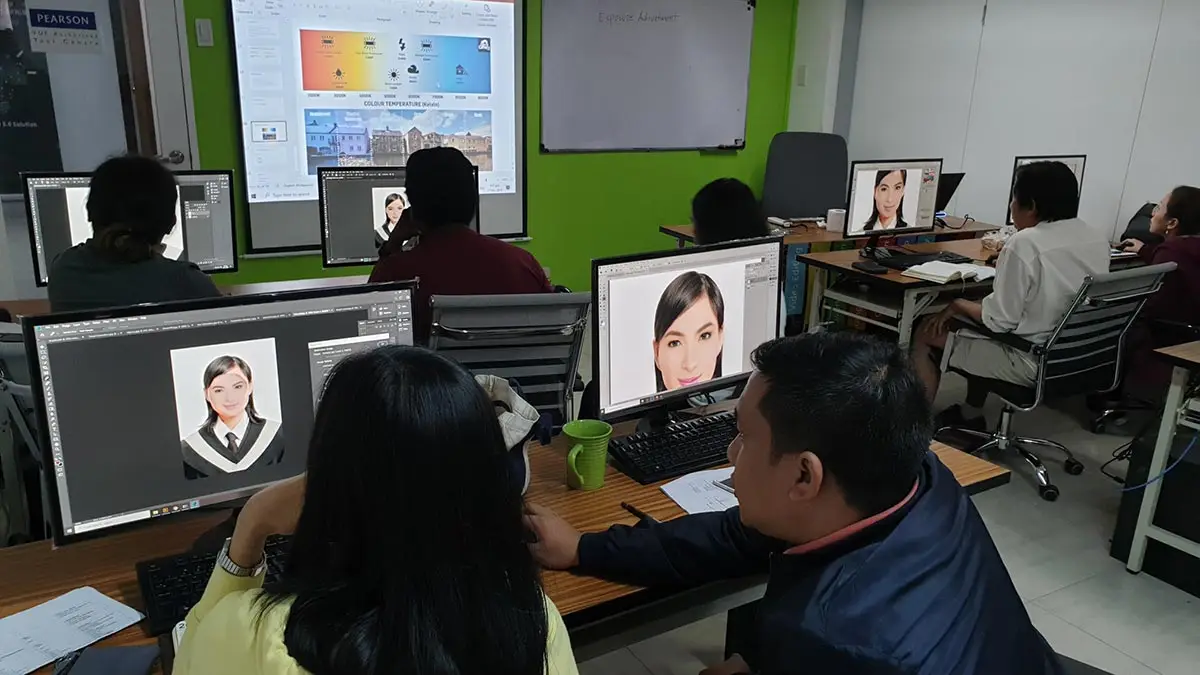
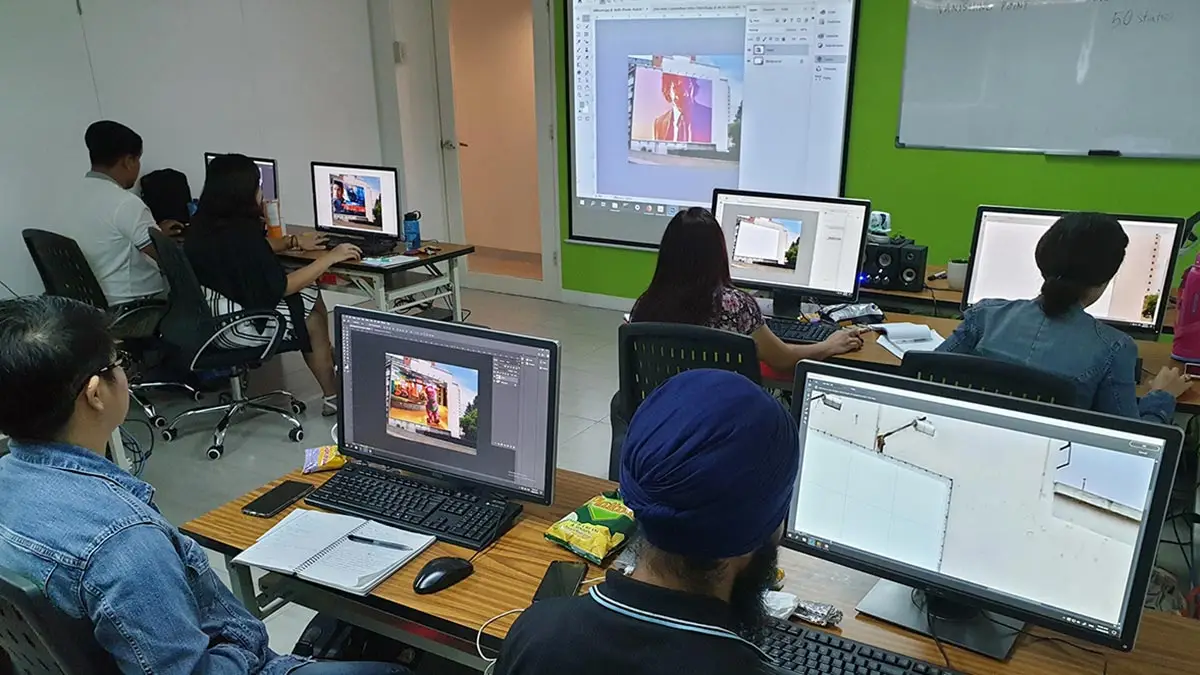
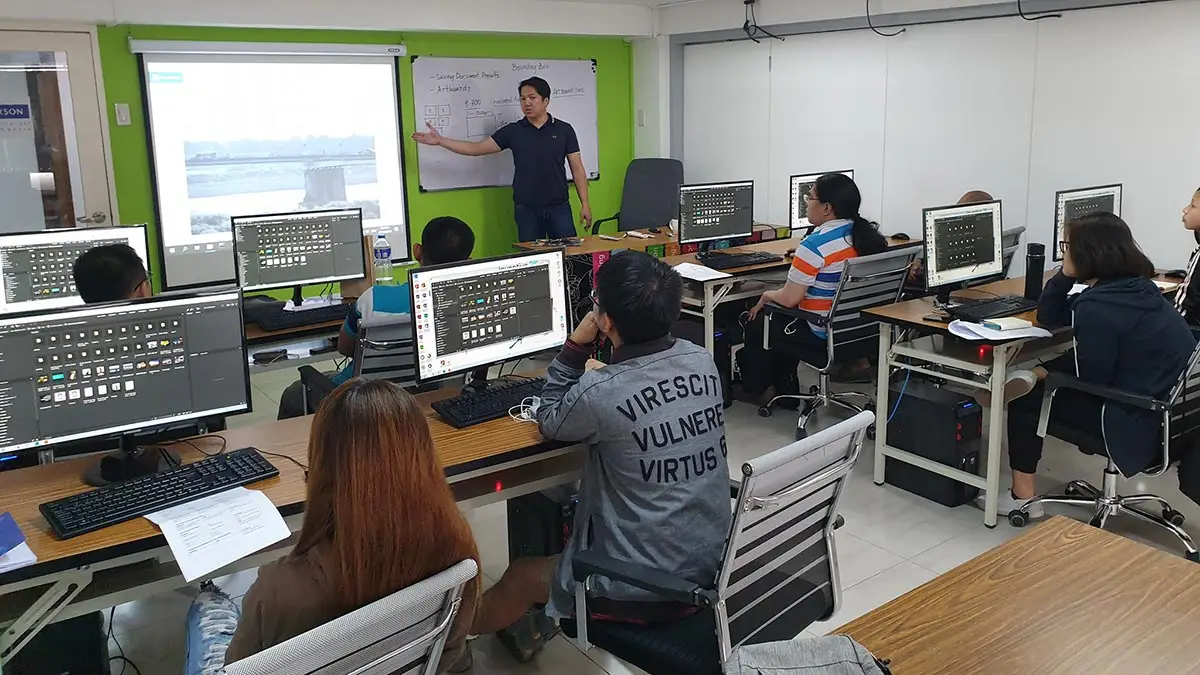
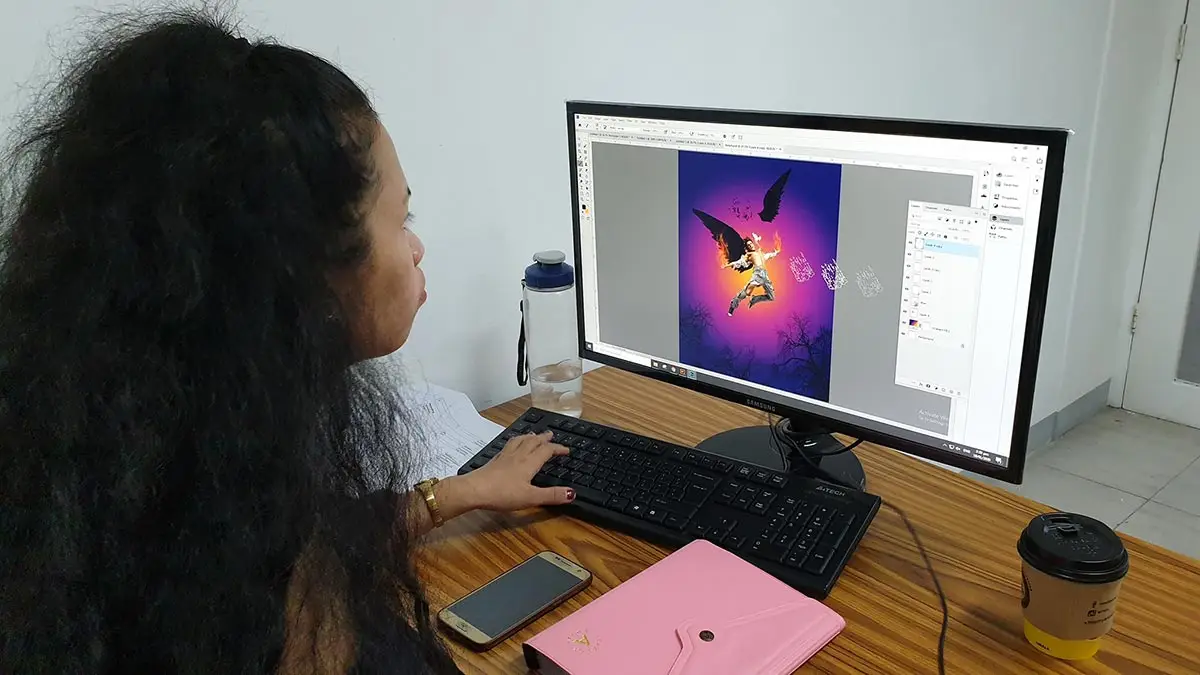
Learn the fundamentals of Adobe Photoshop! This Live Interactive Online Training offers an easy step-by-step approach designed for absolute beginners and intermediate level students to help them in their creative learning journey in becoming Graphic Design professionals.
Prerequisite
Basic Computer knowledge and Skills in PC or Mac.
Inclusions
- Certificate of Course Completion
- References Materials (PDF)
- Software Evaluation Copy
- Other Add-ons
What you'll Learn
Introduction
- What is Photoshop?
- Understanding Bitmap & Vector Graphics
- Understanding File Format Essentials
Photoshop Interface
- Learning the workspace
- Customizing the workspace
- Menus and Keyboard shortcuts
- Tools and Tool Presets
- Customizing Preferences
Creating and Saving Documents
- Document Settings for Print and Screen
- Importing files
- Saving for Print and Web
Managing Documents
- Working with Different Screen Modes
- Working and Managing Multiple Documents
Adobe Bridge
- Introduction to Adobe Bridge
- Understanding the Interface
- Using Adobe Bridge for Managing and Opening Documents
Navigation
- Panning and Zooming
- Using the Navigator Panel
Undo, Redo and History Panel
- Quick Undo and Redo
- Creating Snapshots
- Painting with History States and Snapshots
Learning Selections
- Marquee Selection Tools
- Lasso Selection Tools
- Magic Wand Tool
- Quick Selection Tool
- Object Selection Tool (New Feature)
- Saving/loading selections
- Cutting, Moving, and Duplicating Selected objects
Image Transformations
- Rotating and Flipping images
- Scale, Skew, Distorting and Rotate with Free Transform
- Image Warping
- Puppet Warp
Layers
- About Layers
- Layer Management and filtered Search
- Naming, Adding, Deleting and Duplicating Layers
- Linking and Merging Layers
- Grouping Layers
- Locking Layers
- Layer Opacity and Fill
- Layer Clipping Mask
Layer Blending Modes
- Understanding the Different Blend Modes
- Experimenting with Blending Modes
Layer Styles/FX
- Creating Drop Shadows
- Outer and Inner Shadow
- Outer and Inner Glow
- Bevel and Emboss
- Color, Gradient and Pattern Overlay
- Stroke
- Layering within Layer Styles/Layer FX (New Feature)
Digital Image Essentials
- Resize Images VS Resample Images
- Image Cropping for print and screen
- Perspective Cropping
- Straightening Unbalanced Images
Automate
- Crop and Straighten Photos
- Creating Panoramic Photos
- HDR Pro (High Dynamic Range)
Shapes Tools
- Creating Shapes
- Using the Pen Tool
- Path Selection Tool
- Manipulating Shapes
Type Essentials
- Character Typing
- Paragraph Typing
- Typing on a Path and Shapes
Filters
- Non-destructive/re-editable Filter with Smart Object
- Filter Gallery
- Blur Tools (Old Blur Tools)
- Blur Gallery (New Blur Tools)
- Image Sharpening
- Camera shake reduction
- Lighting Effects
Painting and Brushes
- Brush Tool
- Color Replacement Brush Tool
- Dodge, Burn and Sponge Tool
- Sharpen and Blur Tool
- Smudge and Color Mixer Brush Tool
Registration
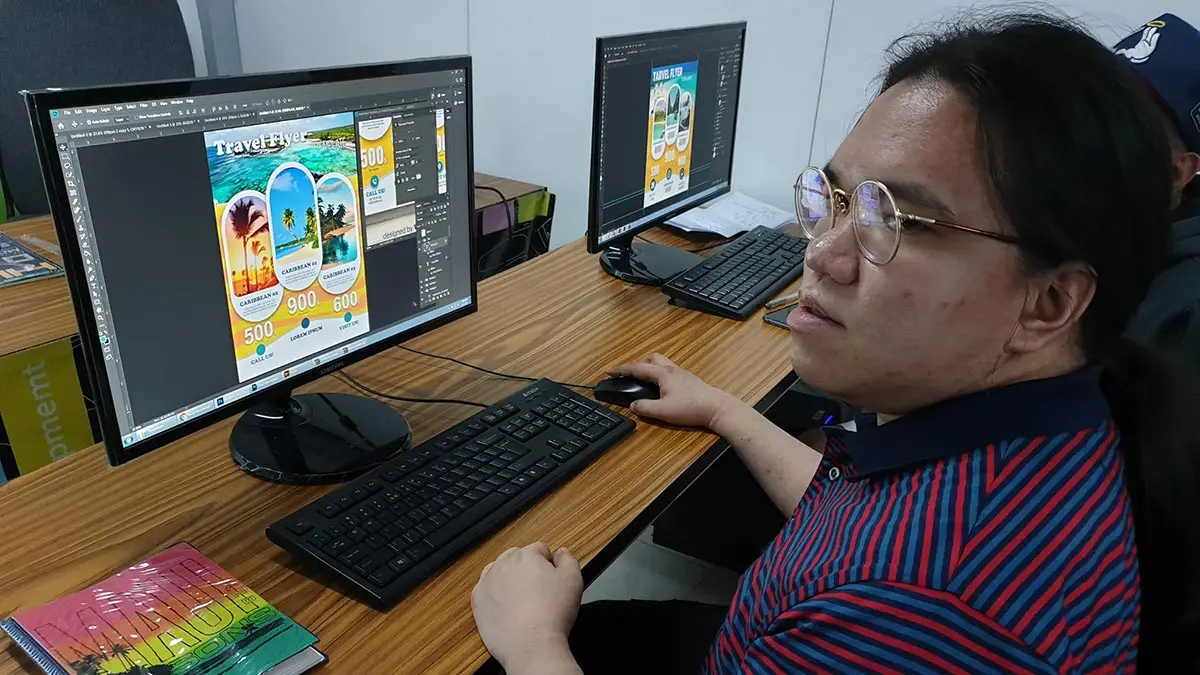
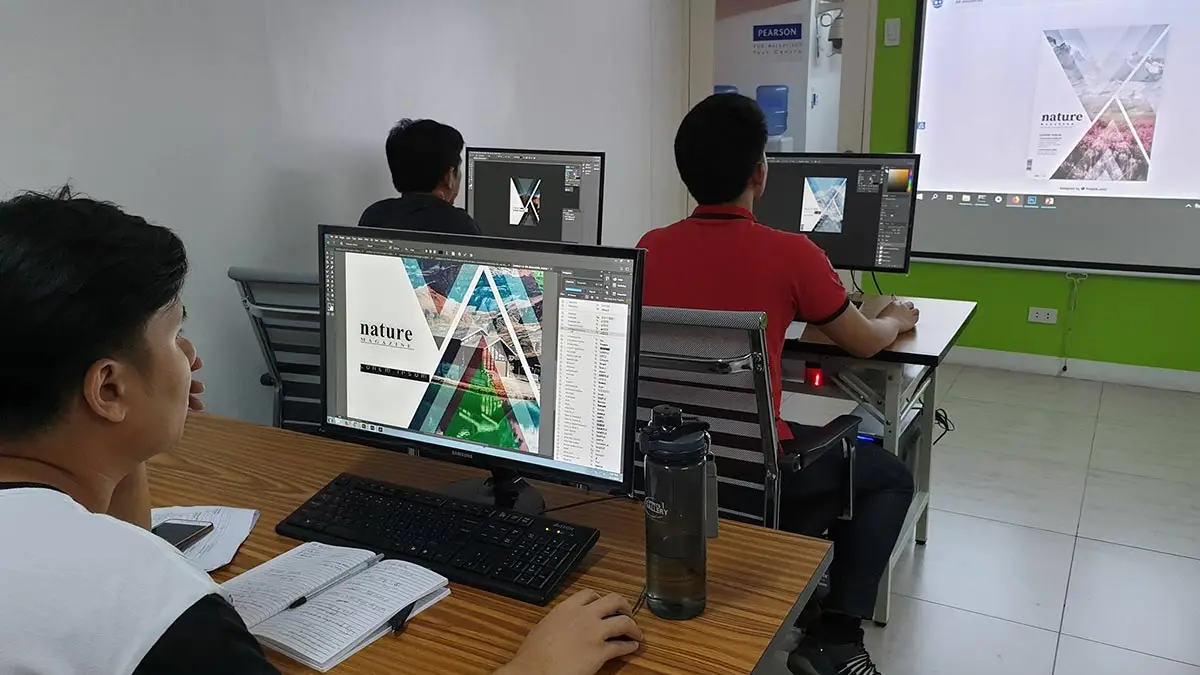
Meet your Mentor
Single Course Promo
| Adobe Photoshop CC Basics | ||
| Regular Fee | New Student Discount | Discounted Fee |
| ₱6,000 | ₱1,000 less | ₱5,000 |
| Regular Fee | Alumni Discount | Discounted Fee |
| ₱6,000 | ₱1,500 less | ₱4,500 |
Course Packages Promo
Promo Mechanics: Courses that are part of a Packaged Promo should be availed within the same month. Promo rates are subject to change without prior notice
| Adobe Photoshop Basics + Adobe Photoshop Advanced (2 Course Package) | ||
| Regular Fee | Package Discount | Discounted Fee |
| ₱12,000 | ₱3,000 less | ₱9,000 |
| Adobe Illustrator Basics + Adobe Illustrator Advanced (2 Course Package) | ||
| Regular Fee | Package Discount | Discounted Fee |
| ₱12,000 | ₱3,000 less | ₱9,000 |
| Adobe Photoshop Basics + Adobe Photoshop Advanced Adobe Illustrator Basics + Adobe Illustrator Advanced (4 Course Package) | ||
| Regular Fee | Package Discount | Discounted Fee |
| ₱24,000 | ₱6,500 less | ₱17,500 |