
Joomla CMS
Empower Your Web Presence with Joomla: Where Flexibility Meets Simplicity!

Course Overview
2011’s Best CMS Awardee. Is by far the world’s most popular and widely used CMS Web Development application in the world. Joomla is web development application made easy! It’s database driven (PHP/MySql) & helps you easily build dynamic based websites.
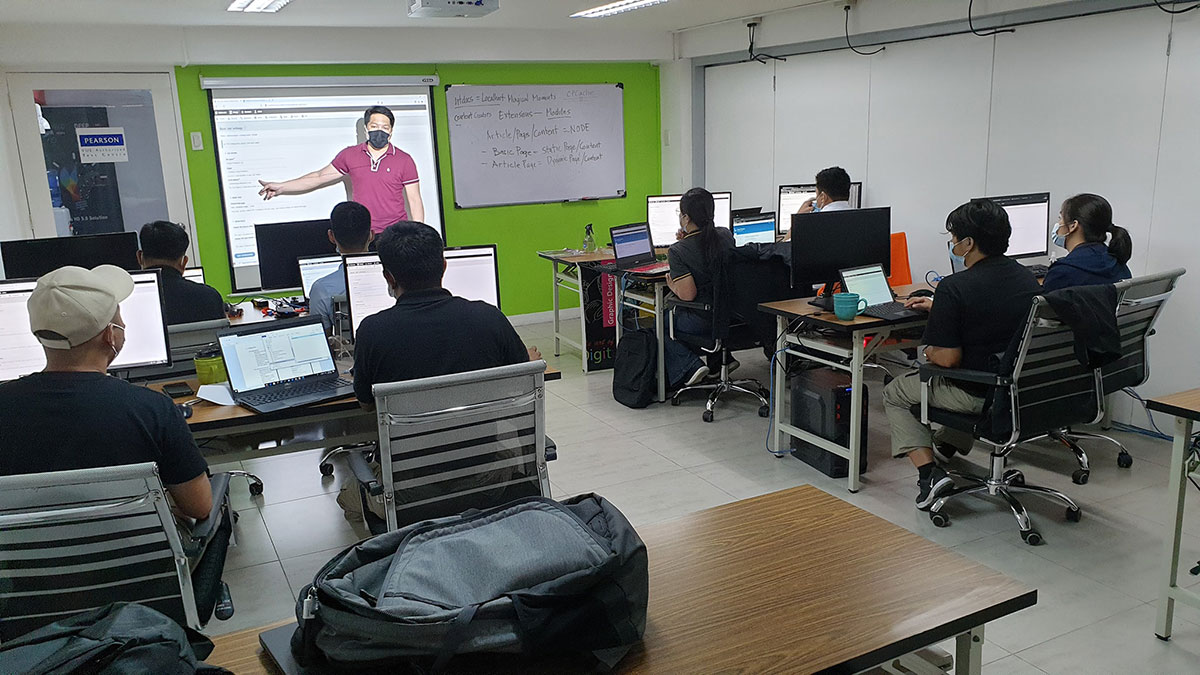
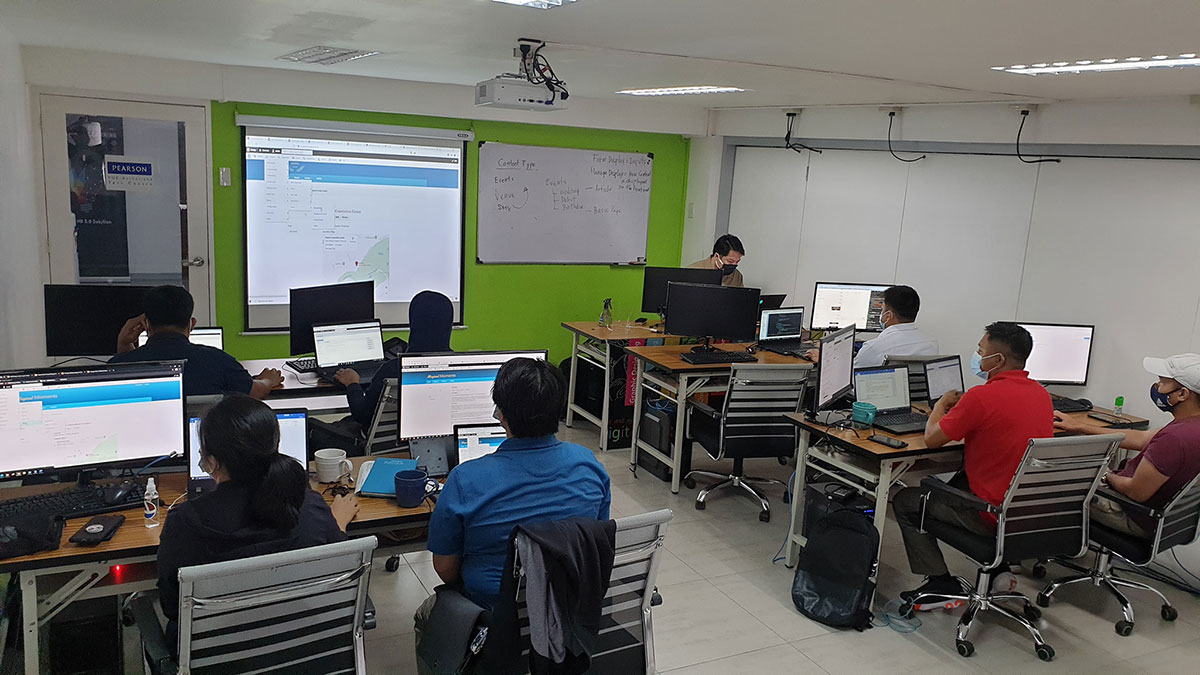
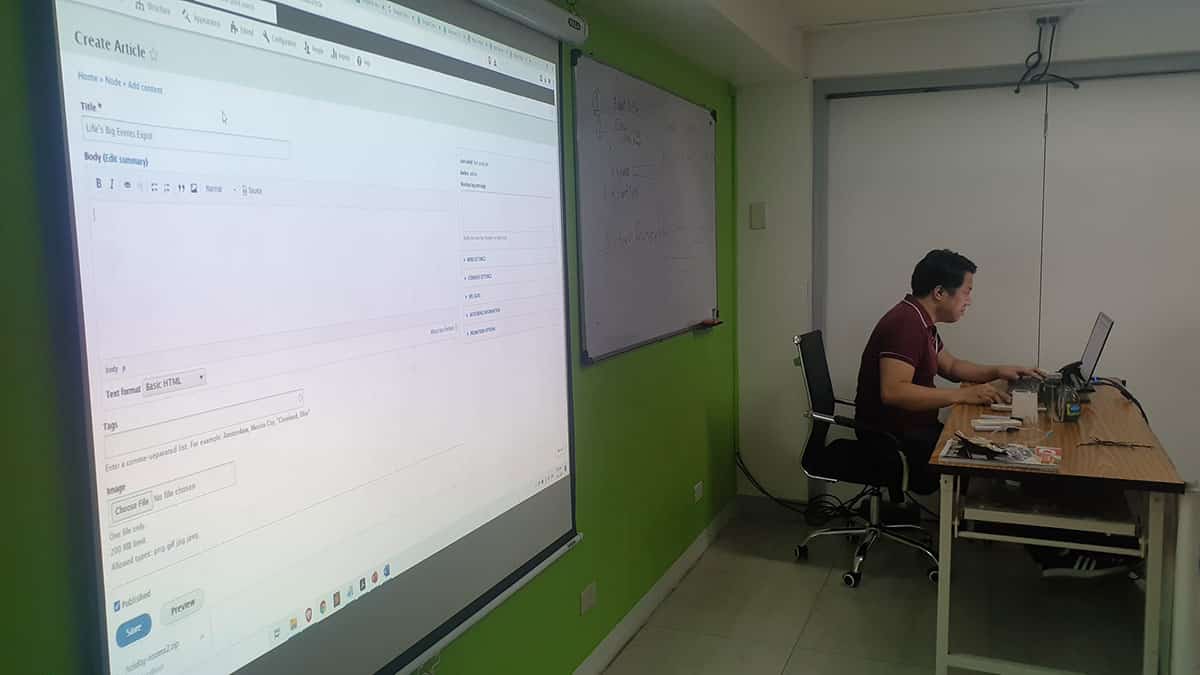
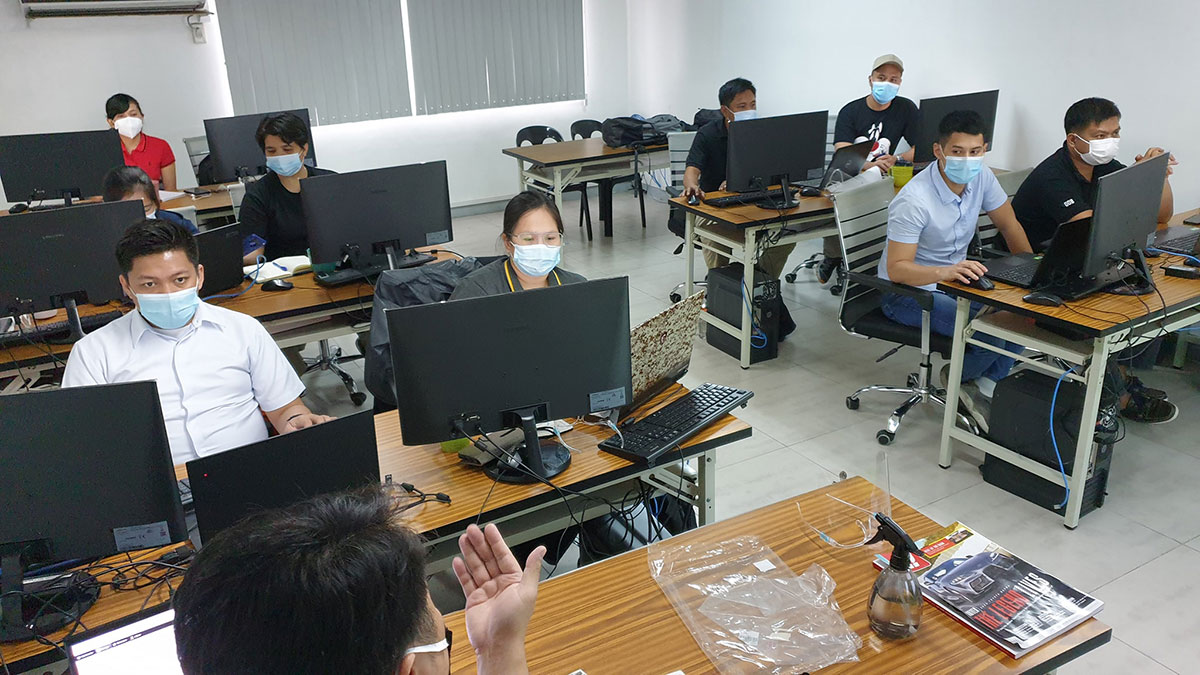
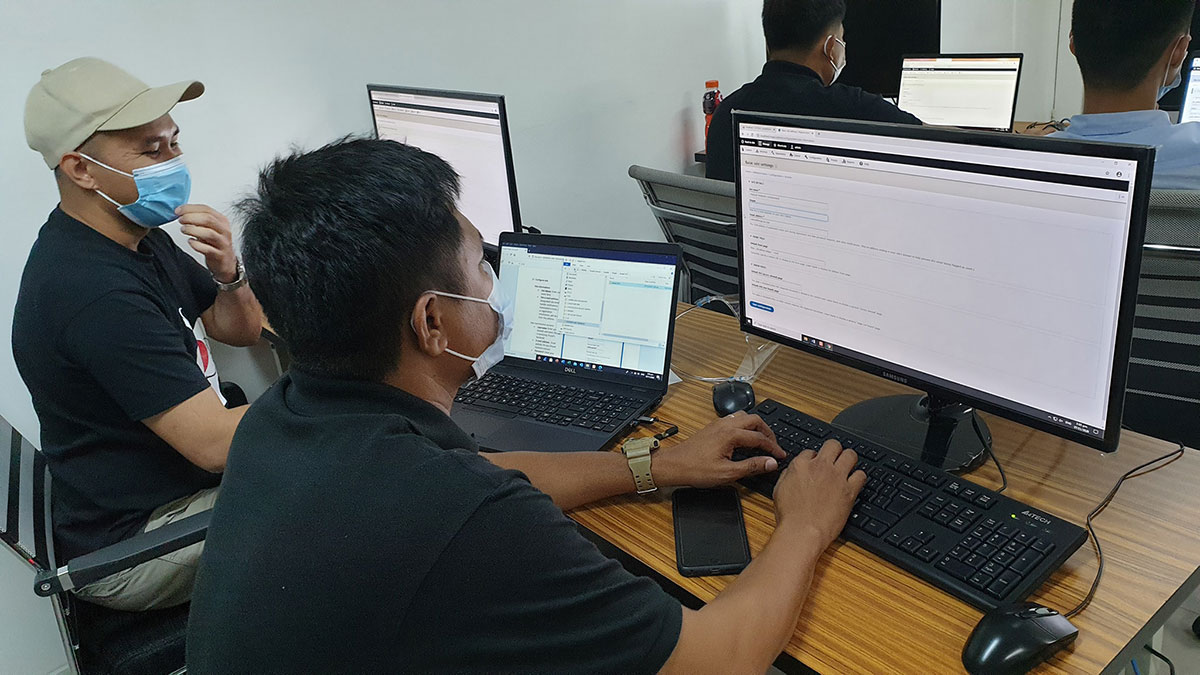
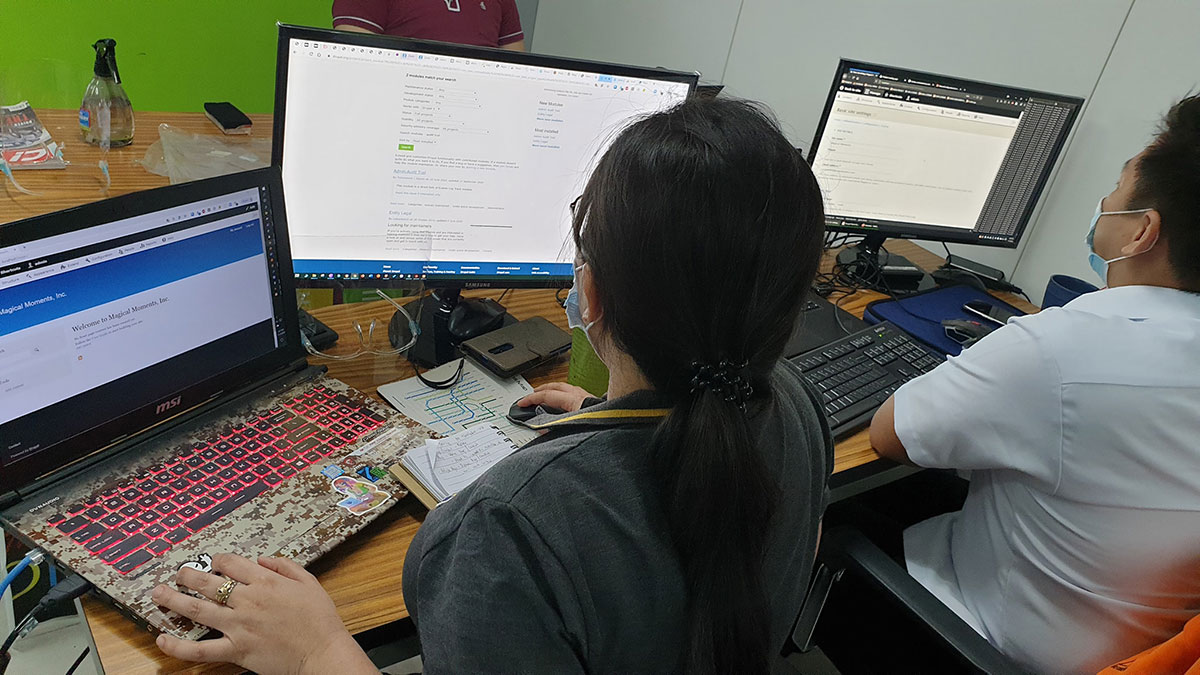
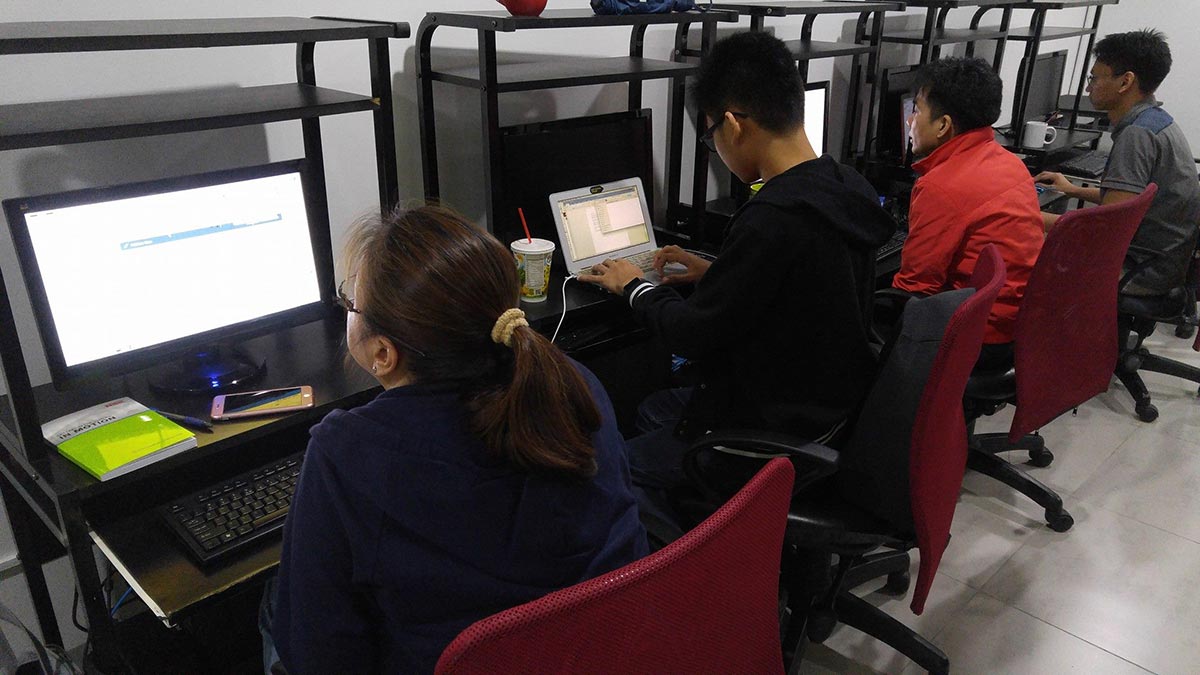
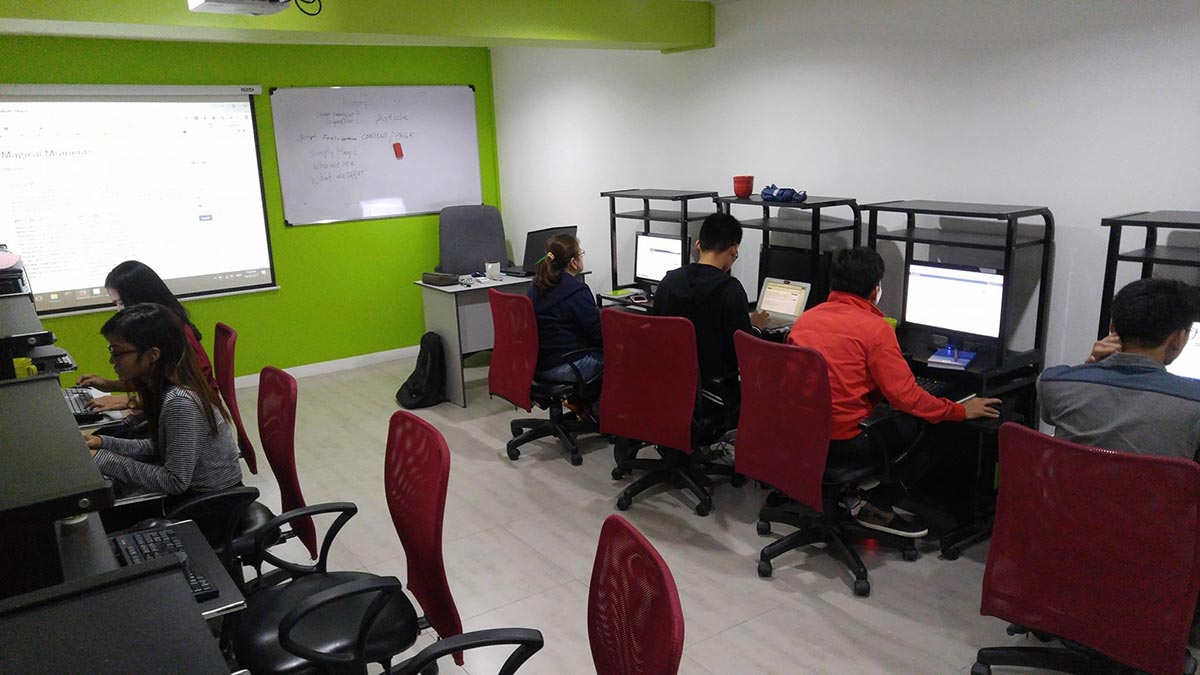

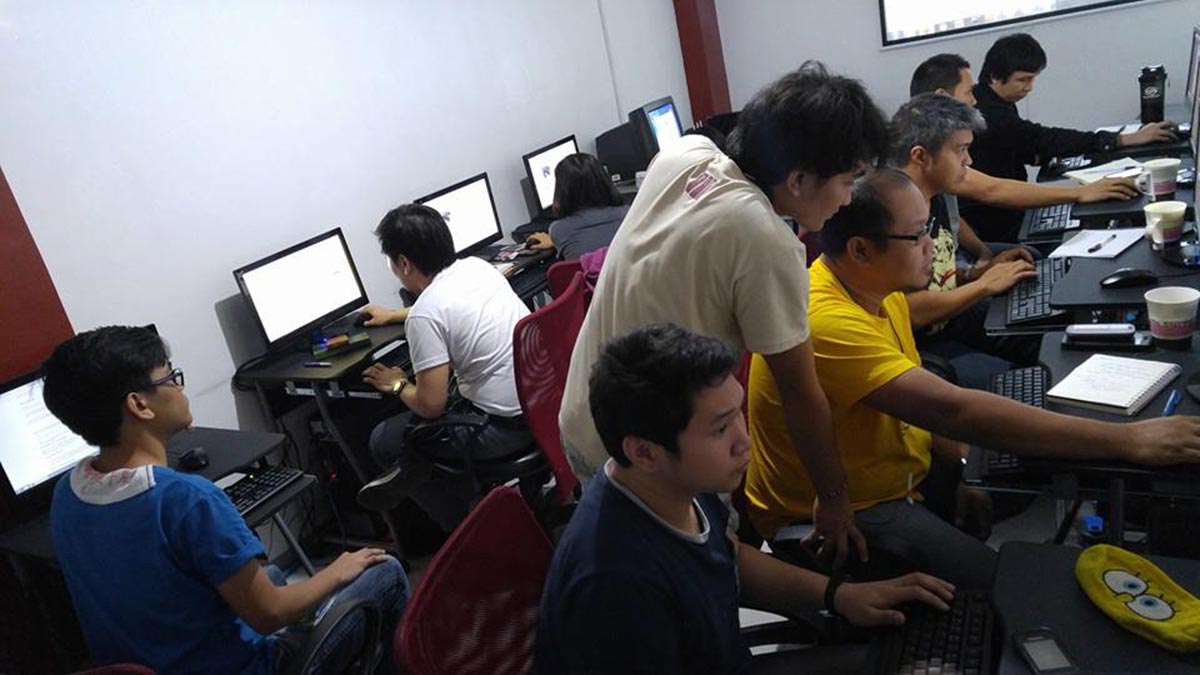

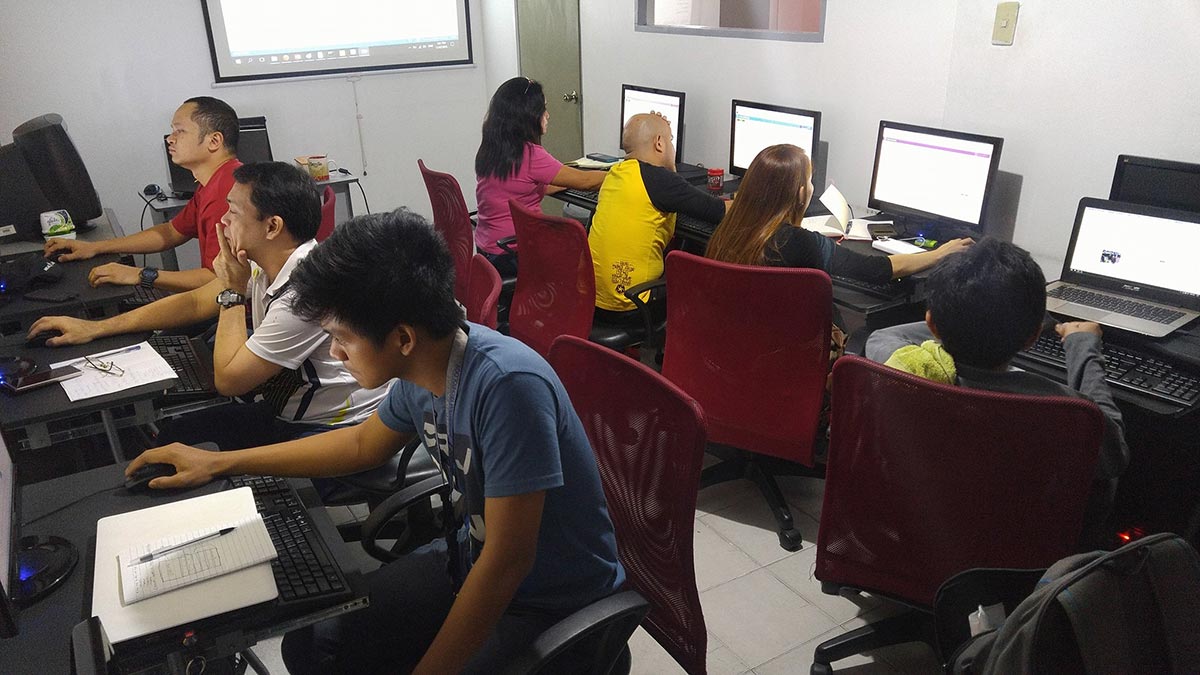

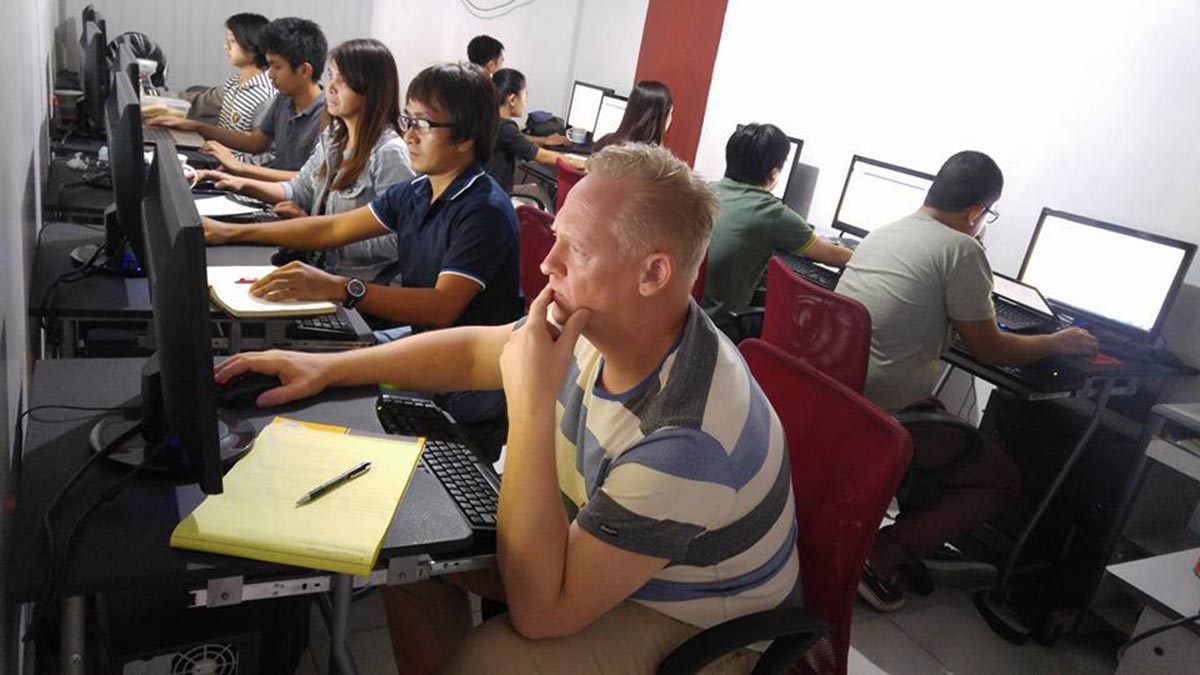

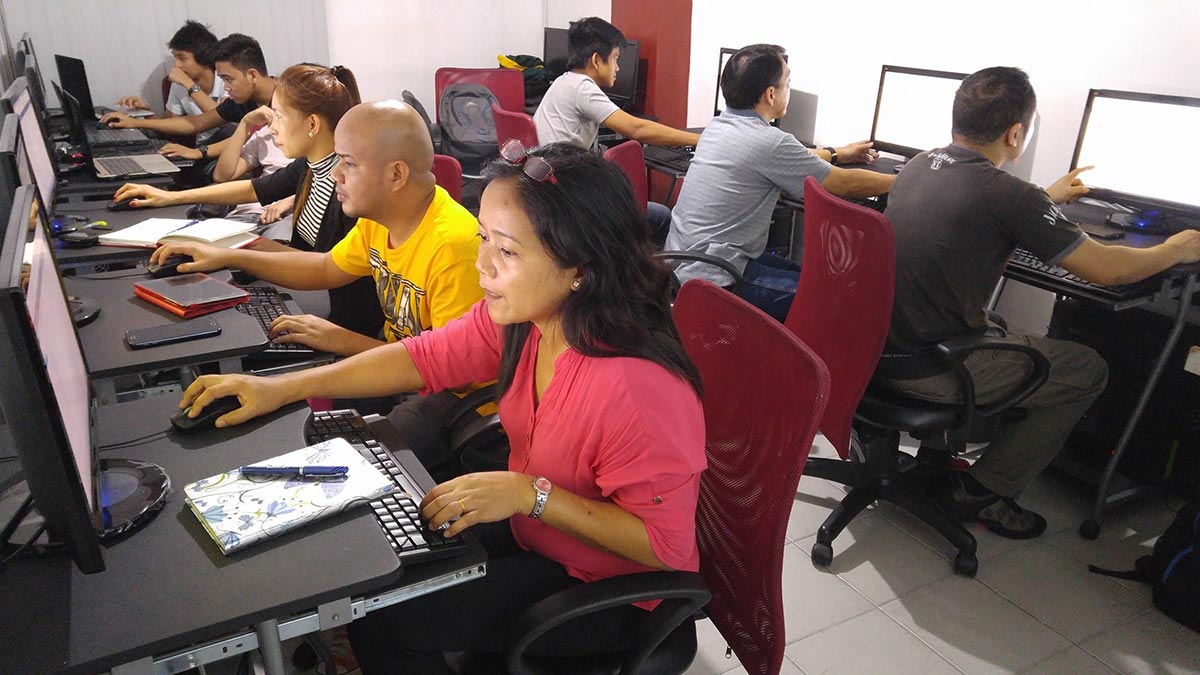
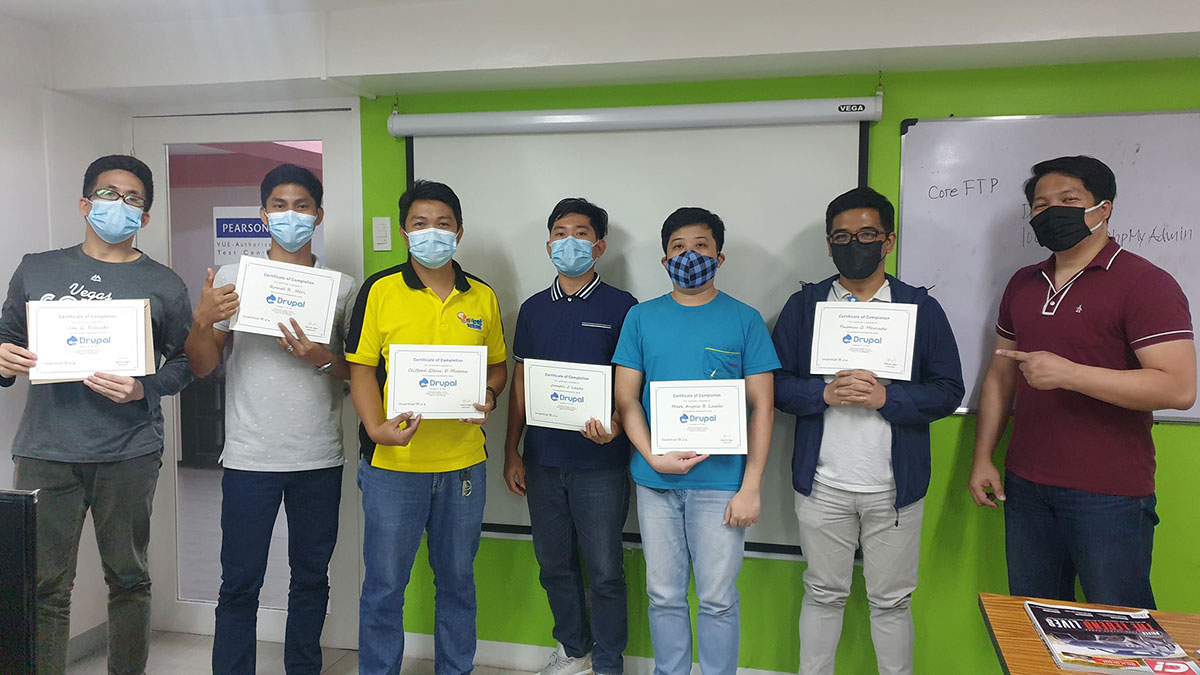
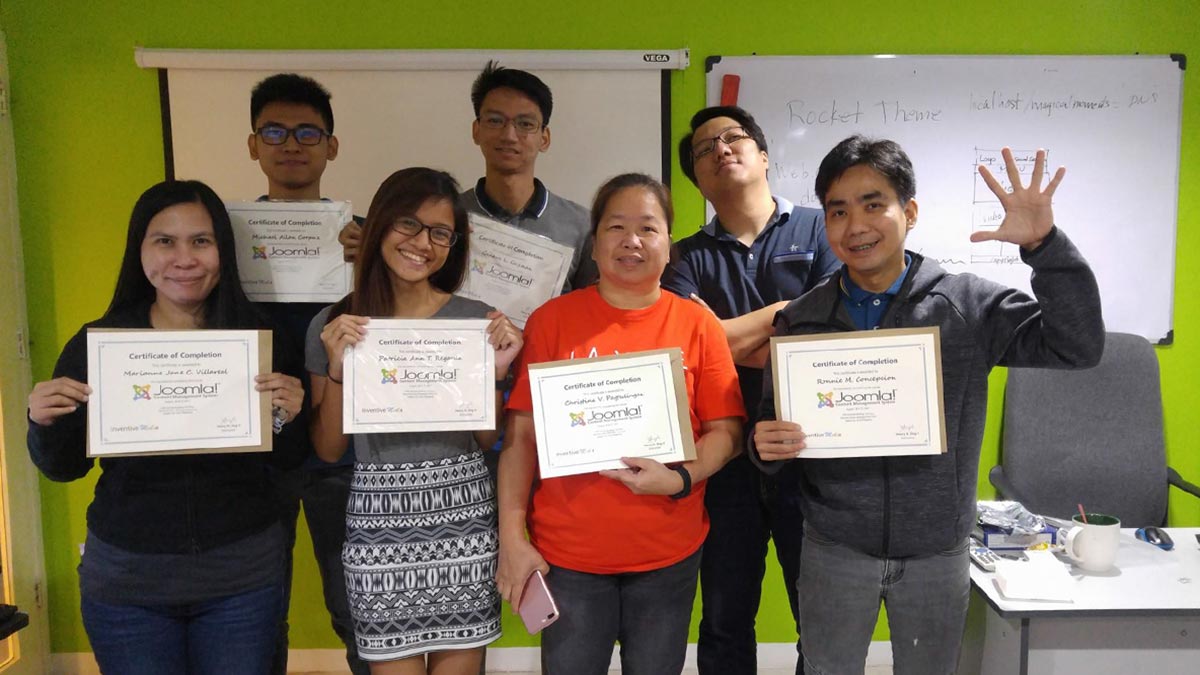

Ranked as one of the Best Schools for Web Development
- Our founder, Henry N. Ong II, is the recognized pioneer of CMS web development courses in the Philippines
- First school to offer WordPress, Joomla & Drupal Classes since 2006
- First school to offer Bootstrap since 2014
- First school to offer Laravel Class since 2014
- First school to offer Tailwind Class since 2021
- Pearson Vue Accredited Testing Partner
- PhilGEPS Accredited Center
- Globally Recognized Course Certificate
- Around 85% of government agencies and LGUs take web Development classes from us
Course Outline
Introduction to Joomla
- What is Joomla?
- What’s a CMS?
- Advantages of Using CMS
- What is a database?
Installation
- Where to Download Joomla
- Where to Download Local Web Server Application
- Installing the local database (XAMPP/WAMP/MAMP)
- Installing Joomla (Windows/Mac)
- Accessing Website’s Frontend and Backend
Understanding Joomla’s Control Panel
- Menu Bar
- Add New Articles
- Article Manager
- Front Page Manager
- Section Manager
- Category Manager
- Media Manager
- Menu Manager
- Language Manager
- User Manager
- Global Configuration
- Logged in Users
- Popular
- Recent Added Articles
- Menu Stats
Configuring Joomla after Installation
Organizing Articles through Categories
- What are Category and Categories?
- Creating a Category and Categories
- Adding Articles to Category and Categories
All about Content
- What’s a Content?
- What’s an Article?
- Adding Content/Article
- Edit, Delete and Unpublish Articles
- Promoting Article(s) to the FrontPage/Homepage
- Arranging Articles on the FrontPage
- Creating individual pages of Content
- Minimizing the display of articles through Read More and Page Break
- Deleting and Retrieving Deleted Articles
Designing and Formatting Content
- Getting to know the TinyMCE / WYSIWYG Editor
Creating Hyperlinks
- What’s a Relative Hyperlink?
- What’s an Absolute Hyperlink?
- Creating Different Hyperlink
- Text Hyperlink
- Image Hyperlink
- Email Hyperlink
- PDF Hyperlink
- Download Hyperlink
- Named Anchors
Embedding Multimedia
- Managing your Media Content with the Media Manager
- Embedding Images
- Embedding Videos
- Inserting Internal Video
- Inserting External Video
Article Configuration and Settings
- Article Global Parameters (Site-wide Parameters)
- Article Parameters (Overriding Article Global Parameters)
- Article Access Levels
- Article Publishing Parameters
- Article Metadata
Working with Menus
- Parent Menu Item and Sub-menu item
- Menu Item Details
- External Link Menu
- Menu Separator
- Search Menu
- Menu Wrapper
- Changing the Order of Menu items
- Menu item Page Title
- Changing the site’s Default Loading Page
- Deleting Menu Items
- Restoring Menu Items
- Creating additional Menu
Using Extensions
- What are Extensions?
- Installing and Uninstalling Extensions
- Working with Different Extensions?
- Modules
- Plugins
- Component
- Laguage
- Template
Managing Templates
- What is a Template?
- Joomla’s Pre-installed Templates
- Installing Templates
- Assigning different Templates to specific Pages
- Template Parameters
- Editing the Template’s Images
- Editing the Template’s CSS and HTML codes
User Management
- Adding Users
- User Permissions
Understanding the Global Configuration
Additional Tools
- Built-in Private Messaging
- Global Check-in
- What is Cache?
- Clean Joomla Cache?
- Turning-off Joomla Cache
Optimizing your content for Search Engine Indexing
- Search Engine Friendly URLs
- Adding Metadata to Articles and Global Configurations (Keywords & Description)
Site Publishing
- Looking for the right Web Host
- Backing-up and Exporting the database (localhost)
- Importing the database to your Webhost
- FTP Publishing
- Configuring the configuration.php file
- Site Backup
Frequently Asked Questions
What are the prerequisites for this course?
- Basic Computer knowledge and Skills in PC or Mac.
- Knowledge in HTML & CSS and JavaScript can be an advantage but not required.
What's included after completing the training?
- Certificate of course completion
- Training references (PDF)
- Exercise materials
- Some add-ons
- Free trainer consultation
- Unlimited Free Retakes
How to avail the Unlimited Free Retakes?
Unlimited Retakes = Unlimited Hours of Learning!
We understand that individuals have different learning styles and paces, that’s why we offer the opportunity to learn at your own speed. If you need more time to grasp a concept, you are welcome to come back and retake the class at no additional cost. We believe in providing students with the support they need to succeed.
To Avail: Finish the course to qualify for the unlimited refresher classes
Validity: 1 Year
Who should enroll in this Joomla CMS training?
This course is designed for those managing high-security, content-rich, or complex web environments. It is ideal for:
- Gov’t & Public Sector Staff: Manage secure, accessible portals for LGUs, schools, and libraries.
- IT Professionals: Master advanced Access Control Lists (ACL) and secure user management.
- Global Business Owners: Build native Multilingual Websites without relying on third-party plugins.
- Data-Heavy Site Builders: Efficiently manage directories, real estate listings, and large resource libraries.
- Advanced Web Freelancers: Scale your services by offering robust, enterprise-grade web applications.
What career paths are available after this training?
Mastering Joomla opens doors to specialized, high-security web roles, including:
- Government Web Administrator: Managing secure public portals and LGU websites.
- Enterprise Portal Manager: Building complex corporate intranets and member-only areas.
- Multilingual Web Architect: Developing global websites with native multi-language support.
- Directory Specialist: Managing high-volume data sites like job boards and real estate listings.
- CMS Security Consultant: Providing high-level maintenance and security auditing for Joomla 6.
Regular Rate
₱10,000
/pax
- Basic to Advanced Coverage
- Certificate of Completion
- Training Materials and References
- Free Trainer Consultation
- Unlimited Class Retakes within 1 Year
Get a ₱1,000 discount upon registration
Get a ₱1,500 discount upon registration
Enroll 4 students and get an extra ₱500/pax off, on top of your single course discount.
APRIL 2026
MAY 2026
About the Registration
Feel free to register! Registering does not commit you to paying for the course immediately. Registration helps us track attendee numbers and enables us to stay in touch. Payment will only be requested once the course is confirmed to proceed.
Note: When choosing a schedule, you are limited to the available training dates posted on our website.